Template details
WebPush Test
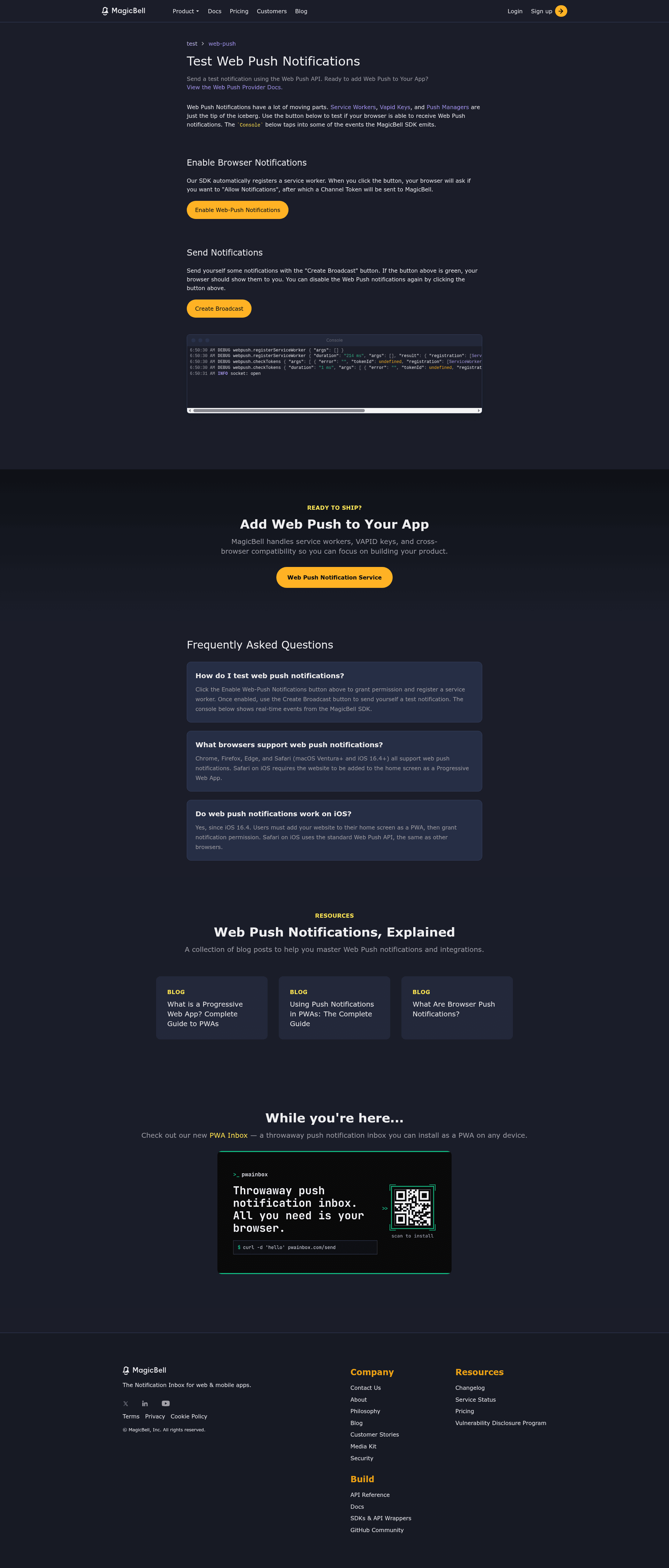
Web push notifications demo and starter template with support for iOS Safari PWA notifications.
About this template
WebPush Test is an open-source demo and starter template, built by MagicBell, that sends Web Push notifications to iOS Safari PWAs, Android, and desktop browsers from a Next.js app.
What is WebPush Test?
WebPush Test is a demo application, live at https://webpushtest.com, that showcases Web Push support for iOS 16.5 and later. It takes a user's PWA installation and notification permission on iOS, Android, or desktop, and uses the MagicBell push API to deliver a push notification to that device. The project is structured as a Next.js app with a React frontend, a service worker, and a web manifest, all available in the magicbell/webpush-test GitHub repository. It was created by the MagicBell team to help developers adopt iOS web push quickly.
Key Features
- iOS Safari PWA push support — Works with iOS 16.5+ and walks users through the required "Add to Home Screen" step to enable notifications.
- Cross-platform push — Sends Web Push on iOS, Android, and desktop browsers, with an end-user interface that adapts to each platform.
- MagicBell integration — Requires a MagicBell account and API keys (NEXT_PUBLIC_MAGICBELL_API_KEY and MAGICBELL_API_SECRET) to send notifications through MagicBell's push service.
- Service worker based — Includes a ready-to-use service worker at public/sw.js for handling push events.
- PWA manifest included — Supplies a public/manifest.json for installability as a Progressive Web App.
- Local development workflow — Provides npm scripts and recommends ngrok to expose localhost:3000 so you can test iOS push on a physical device.
- Device-specific guidance — Displays instructional copy and error messages tailored to the user's browser and OS, aimed at end users new to PWAs.
- Open source — Hosted on GitHub under the magicbell organization; the repository tracks topics like nextjs, vercel, and webpush.
Who should use WebPush Test?
Web developers who need to add push notifications to a PWA and want a minimal reference implementation for iOS Safari. Product engineers evaluating MagicBell as a push provider can use this project to see the exact setup steps and API interactions. Designers or QA testers who need to verify web push behavior on iOS devices can use the live site at webpushtest.com without writing code. Teams already using Next.js can copy the subscriber component, subscription manager, service worker, and manifest into their own app.
What can you do with WebPush Test?
- PWA developers: send a test push from webpushtest.com to an iOS device to confirm end-to-end behavior before implementing your own inbox.
- Next.js engineers: reuse the subscriber component and subscription manager to wire MagicBell push into an existing app, replacing the demo keys with your own.
- Product teams: use the live demo to show stakeholders what iOS web push looks like on a Home Screen–installed PWA.
How does WebPush Test work?
Install dependencies with npm install, create a .env file with your MagicBell API key and secret, then start the development server with npm run dev. To receive iOS push notifications locally, expose your server with ngrok http 3000, open the public URL in Safari on an iPhone running iOS 16.5+, and choose "Add to Home Screen" from the share menu before returning to the app. The app then registers a service worker, requests notification permission, and uses the MagicBell API to deliver the push.
Pricing
The WebPush Test template is free and open source. Running it requires a MagicBell account; MagicBell advertises a generous free tier for the push-notification service, with paid tiers beyond that.
FAQ
Is WebPush Test free?
Yes, the project is open source on GitHub, and you can also try the live demo at webpushtest.com. To run the code yourself, you need MagicBell credentials, and MagicBell offers a free tier for push notifications.
Do I need iOS 16.5 to test web push?
Yes, Web Push for web apps on iOS Safari requires iOS 16.5 or later. On earlier iOS versions, the notification subscription flow will not work.
Do I need to install the PWA to receive notifications?
Yes, on iOS the user must first install the site as a PWA using "Add to Home Screen", since web push notifications are only available for installed web apps on this platform.
Can I customize the notification copy?
The demo's code is a starting point; the subscriber component and subscription manager in src/ define how requests are handled, and you can change the notification content and logic to fit your own app.
What are the main files to look at?
The most relevant files are src/components/subscriber.tsx, src/services/subscriptionManager.ts, public/manifest.json, and public/sw.js. These handle UI, subscription state, app manifest, and push event handling respectively.