Template details
accent
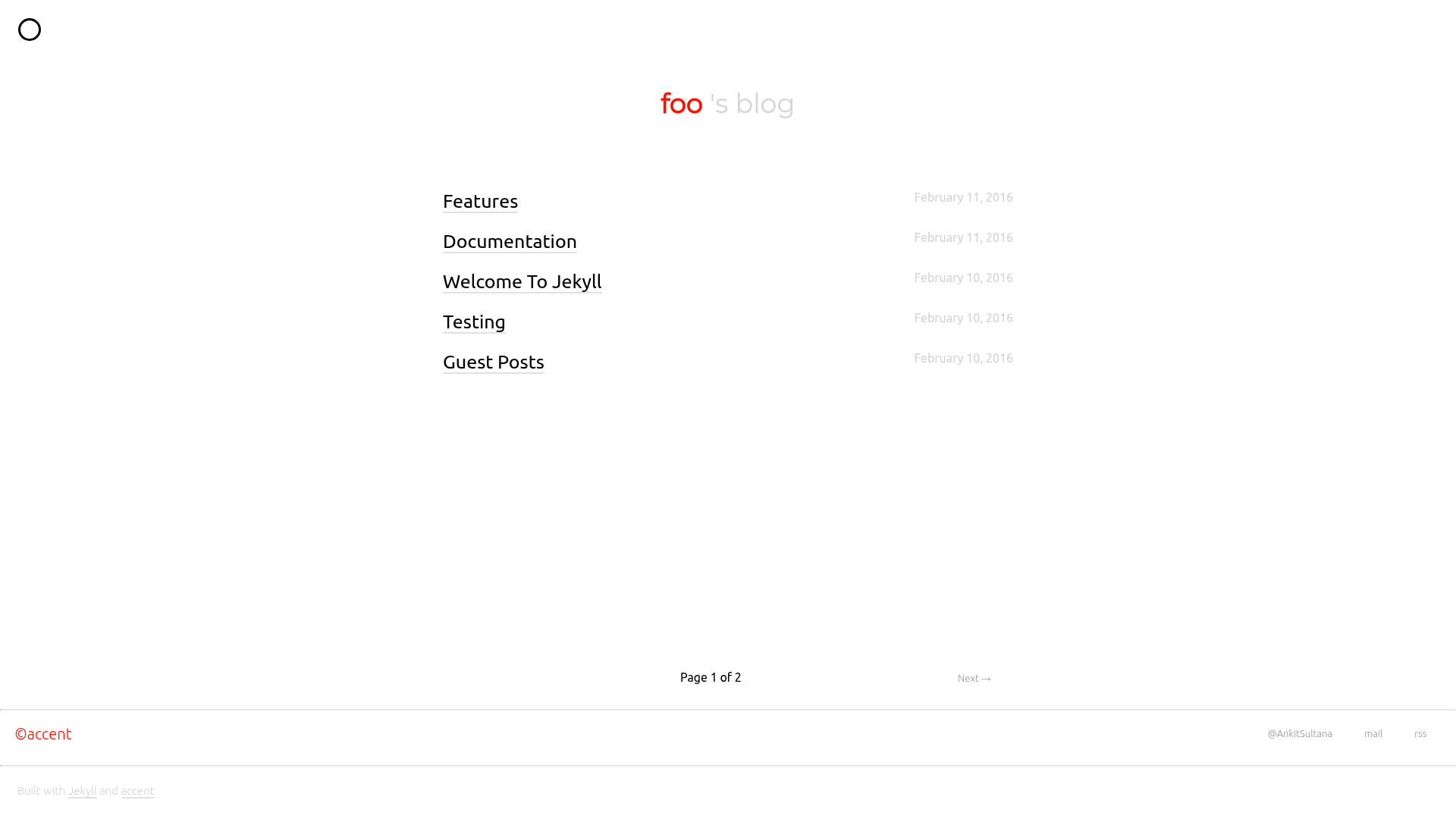
A single accent, single column Jekyll theme for minimal blogs and portfolios.
About this template
accent is a minimalist single-column Jekyll theme whose defining feature is a single user-defined accent color, designed for personal blogs and lightweight portfolios.
What is accent?
accent is a Jekyll theme built by Ankit Sultana that renders a single-column blog layout with a customizable accent color. It takes Markdown posts placed in the _posts directory and generates a static site via Jekyll, with support for syntax highlighting through Rouge, Google Analytics integration, and optional author bio sections.
Key Features
- Single accent color — Change the hex value of the
$accent-colorvariable in_sass/_style.scssto recolor links and highlights across the entire theme. - Configurable intro section — Set
intrototruein_config.ymlto reveal a short bio on the index page. - Per-post about footer — Toggle
about_footerto show or hide a short about section at the bottom of every post. - SEO description — The
descriptionvariable in_config.ymlfeeds summaries to Facebook thumbnails, Twitter cards, and Google search results. - Rouge syntax highlighting — Default Jekyll 3+ highlighter, so code blocks work without extra plugins.
- Google Analytics ready — Add a
tracking_idin_config.ymlto enable analytics. - Simple post creation — Save any
.markdownfile in_postsusingyear-month-day-name-of-the-file.markdownnaming.
Who is it for?
- Personal bloggers — Write Markdown posts in
_postsand get a clean single-column site with minimal setup. - Developers starting a portfolio — Use the built-in intro and about sections to showcase a short bio, with code snippets highlighted via Rouge.
- Jekyll users wanting a customizable theme — Fork the repo and maintain updates via the upstream strategy, or clone and run
bundle exec jekyll servelocally.
Use cases
- Minimalist blogs: Publish long-form writing with a distraction-free single column and a personalized accent color.
- Developer portfolios: Display code-heavy posts with syntax highlighting and an about section.
- Quick prototype sites: Use the theme as a starting point and adjust
_config.ymlvariables for content, analytics, and SEO without touching the build settings.
How does accent work?
After forking or cloning the repo, users edit user settings in _config.yml (only the section marked User Settings), optionally change the accent color in the Sass file, and create posts as .markdown files in _posts. Running bundle exec jekyll serve builds and serves the site locally, or users can deploy the generated static files anywhere Jekyll supports.
FAQ
Is accent free?
Yes, accent is released under the MIT license, as stated in the repository license file. It can be freely used, modified, and distributed with attribution.
How do I change the accent color?
Edit the $accent-color variable in _sass/_style.scss to any hex value. This changes the theme's accent color site-wide.
What naming convention do posts need?
Posts must be saved in _posts with the format year-month-day-name-of-the-file.markdown, for example 2025-01-01-hello-world.markdown.
Can I add Google Analytics?
Yes, set the tracking_id variable in _config.yml to your Google Analytics tracking ID. The theme will then include analytics tracking.
Does accent support syntax highlighting?
Yes, it uses Rouge, the default highlighter in Jekyll 3 and above. Code blocks are highlighted according to Jekyll's standard syntax.