Template details
Webjeda Gatok
A minimal responsive Jekyll theme for GitHub Pages with a fork-based installation.
About this template
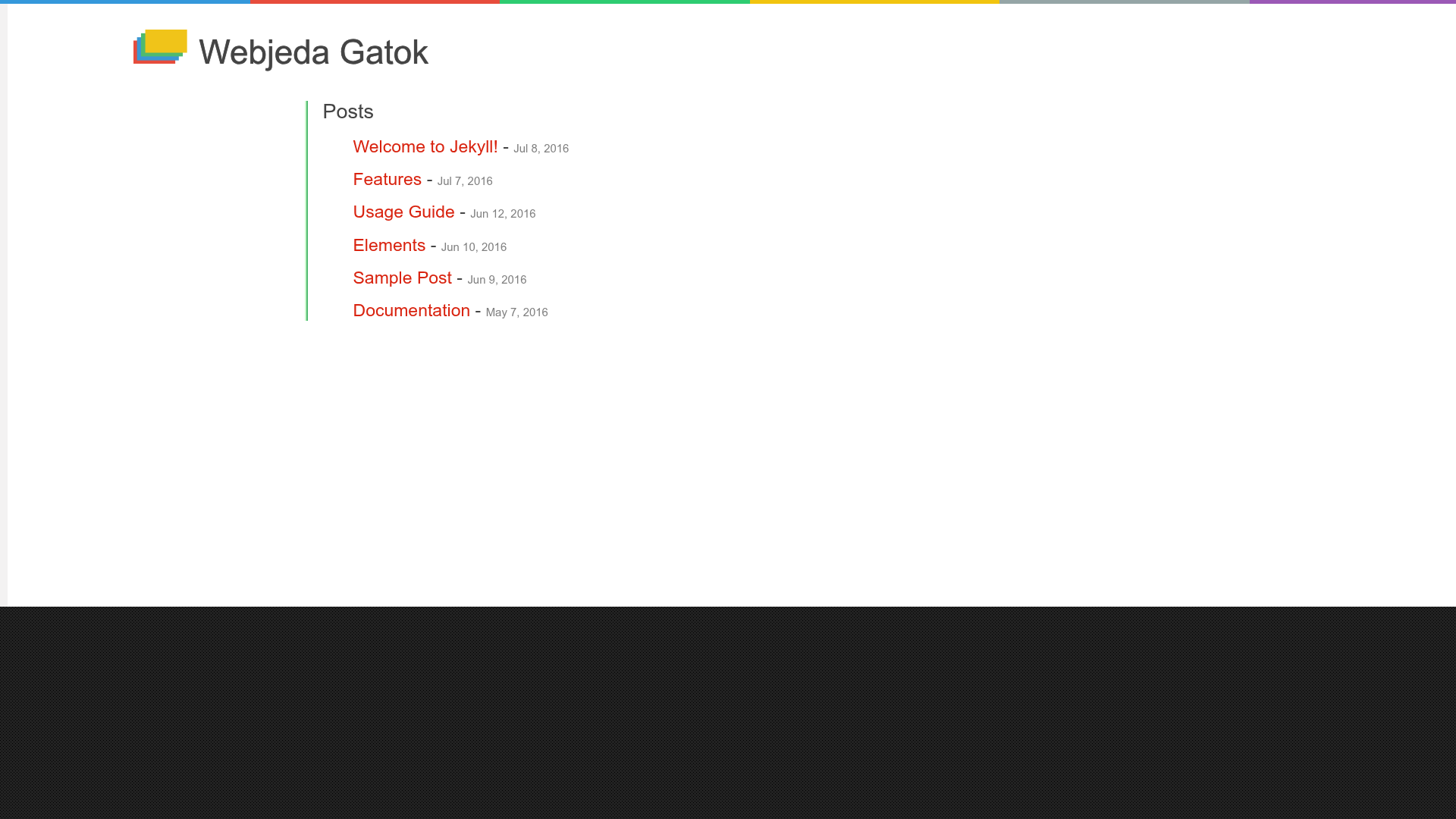
Webjeda Gatok is a minimal responsive Jekyll theme created by Webjeda for publishing static websites on GitHub Pages. It is distributed as a GitHub repository with a live demo at webjeda.com/gatok, and it is listed on the Jekyll Themes directory at jekyll-themes.com.
What is Webjeda Gatok?
Webjeda Gatok is a Jekyll theme — a template for the Jekyll static site generator — that outputs a responsive static website. You feed it Markdown content (blog posts, pages) and it generates pre-built HTML files. The theme is designed to run on GitHub Pages, as demonstrated by the installation instructions that rely on forking the repository and enabling Pages from the master branch. As of the repository metadata, it has 26 stars on GitHub.
Key Features
- Minimal design — The repository description explicitly calls Gatok a "minimal responsive jekyll theme," meaning the default layout keeps visual clutter low.
- Responsive layout — The description also states the theme is responsive, so pages adapt to small and large screens.
- GitHub Pages integration — The installation path assumes GitHub Pages: fork the repo, then set the Pages source to master.
- Free hosting path — Because it targets GitHub Pages, the resulting site can be hosted without paying for a separate web host (GitHub Pages is free for public repositories).
- Demo site — A live preview is available at http://webjeda.com/gatok so you can see the default look before installing.
- Directory listing — The theme is indexed on jekyll-themes.com, a community directory of Jekyll themes, which gives it visibility alongside other static-site templates.
Who is it for?
Webjeda Gatok is for people who want a simple, no-frills website powered by Jekyll and hosted on GitHub Pages. Bloggers can use it to publish Markdown posts. Developers can use it to set up a personal landing page or project page with minimal configuration. Because installation is fork-based, it suits users who are comfortable with GitHub but do not want to manage a separate CMS or server.
What can you do with Webjeda Gatok?
- Bloggers: write posts in Markdown, commit them to the repository, and GitHub Pages rebuilds the static site automatically.
- Personal site owners: use the minimal layout to present a short bio, links, or project summaries without the overhead of a full CMS.
- GitHub users: fork the repository to get a working Jekyll site instantly, then replace placeholders with your own content.
How does Webjeda Gatok work?
The installation steps are documented on the theme page: fork the repository, go to its settings, set "GitHub Pages source" to master, and the site goes live. After that, Jekyll — which GitHub Pages runs automatically — compiles any Markdown files you add into HTML. No local Jekyll installation is required for the basic workflow.
FAQ
How do I install Webjeda Gatok?
Fork the repository on GitHub, open its Settings, find the GitHub Pages section, and choose "master" as the source branch. Your site will be available at the standard GitHub Pages URL for that repository.
Is Webjeda Gatok responsive?
Yes. The official repository description describes the theme as "minimal responsive," and the live demo at webjeda.com/gatok displays at different screen sizes.
What do I need to run Webjeda Gatok locally?
To preview the theme on your own computer before publishing, you need Jekyll installed. The basic workflow described on the page uses GitHub Pages, which runs Jekyll for you, so a local installation is optional for contributors who only add content.
Is Webjeda Gatok free?
The theme is distributed via a public GitHub repository, so you can fork and use it without payment. Neither the page nor the demo mentions a paid license or pro tier.