Template details
Zoomkoding Gatsby Blog
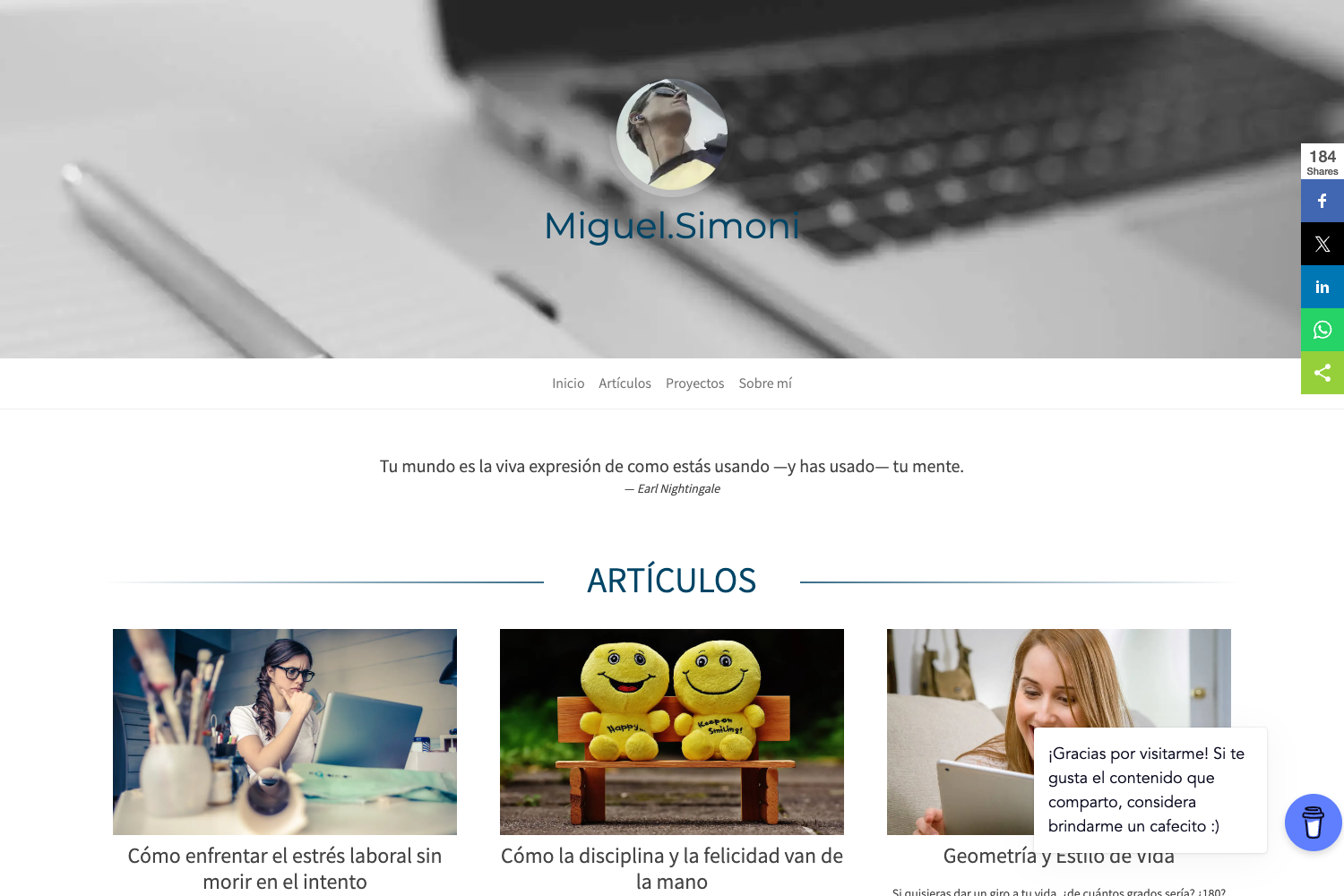
Gatsby blog template with clean UI, dark mode, search, code highlighting, auto ToC, and Utterances comments.
About this template
Zoomkoding Gatsby Blog is a free, open-source Gatsby starter that produces a full-featured developer blog with a clean, neat UI. Created by Korean developer 정진혁 (zoomkoding), the template takes markdown posts with YAML frontmatter as input and outputs a static site with search, dark mode, code highlighting, auto-generated tables of contents, and Utterances-based comments. It supports Korean and English, and ships with live demos at zoomkoding.netlify.app (English) and zoomkoding.com (Korean).
What is Zoomkoding Gatsby Blog?
Zoomkoding Gatsby Blog is a Gatsby and React-based blog starter, licensed under 0BSD, that transforms markdown content into a static blog. It includes a gatsby-meta-config.js file where you edit title, description, language, site URL, og image, author bio, social links, and comments repository; the About page and Posts page are generated automatically from the same config. The template is built for deployment on GitHub Pages or Netlify and includes a one-click Deploy to Netlify button.
Key Features
- Post search — built-in search lets readers find posts by keyword from the blog UI.
- Dark mode — a theme toggle switches the entire site between light and dark.
- Code highlighting — code blocks are highlighted out of the box, and the repository lists
code-highlightas a topic. - Auto table of contents — adding a
toccode block at the bottom of a markdown file generates a right-side ToC for that post. - Utterances comments — comment on posts via GitHub issues; configure the repo in
gatsby-meta-config.js. - Configurable meta-config — a single config file controls blog info, comments, author bio, social links, timestamps, and projects.
- SEO tools — sitemap.xml and robots.txt are generated automatically, and Google Analytics is supported.
- Emoji and memoji support — each post can define an emoji in frontmatter, and the bio thumbnail can be an animated GIF like an iPhone memoji.
Who is it for?
- Developers starting a personal blog — get a polished, full-featured blog by filling in the config and writing markdown; no design work needed.
- Gatsby users — the starter is built on Gatsby and React, so developers comfortable with that stack can extend components and styling.
- Korean and English bloggers — the template supports both languages, and the original documentation is written in Korean with an English README available.
Use cases
- Personal bloggers: deploy to Netlify with one click and publish posts with emoji, tags, categories, and auto-generated ToC.
- Technical writers: use code highlighting and a clean reading layout to publish tutorials and documentation.
- Portfolio builders: populate the About page's timestamps and projects arrays to showcase work experience and side projects.
How does it work?
The README describes a straightforward setup: deploy via the Netlify button or clone the repository, then run npm install and npm start to serve the blog locally at localhost:8000. After customizing gatsby-meta-config.js and creating posts as directories with index.md files, the static site is built and ready to publish.
FAQ
Is Zoomkoding Gatsby Blog free?
Yes, the template is released under the 0BSD license, so it is free to use, modify, and distribute without the restrictions of a traditional copyleft license.
Does it support dark mode?
Yes, dark mode support is included and can be toggled by visitors, making the blog comfortable to read in low-light environments.
How do I add comments to posts?
Comments are powered by Utterances, which stores comments in GitHub issues. Set the comments.utterances.repo field in gatsby-meta-config.js to your GitHub repository and follow the Utterances setup instructions.
Can I deploy it to GitHub Pages or Netlify?
Yes, the README includes instructions for both. Netlify deployment is done through a Deploy to Netlify button that creates a repository and deploys the site automatically; GitHub Pages setup is covered in a linked Korean guide.
What languages does the blog support?
The language field in the meta config accepts ko or en, switching the blog between Korean and English versions. The template also supports emoji in post frontmatter and custom animated thumbnails for the author bio.