Template details
Admin Dashboard
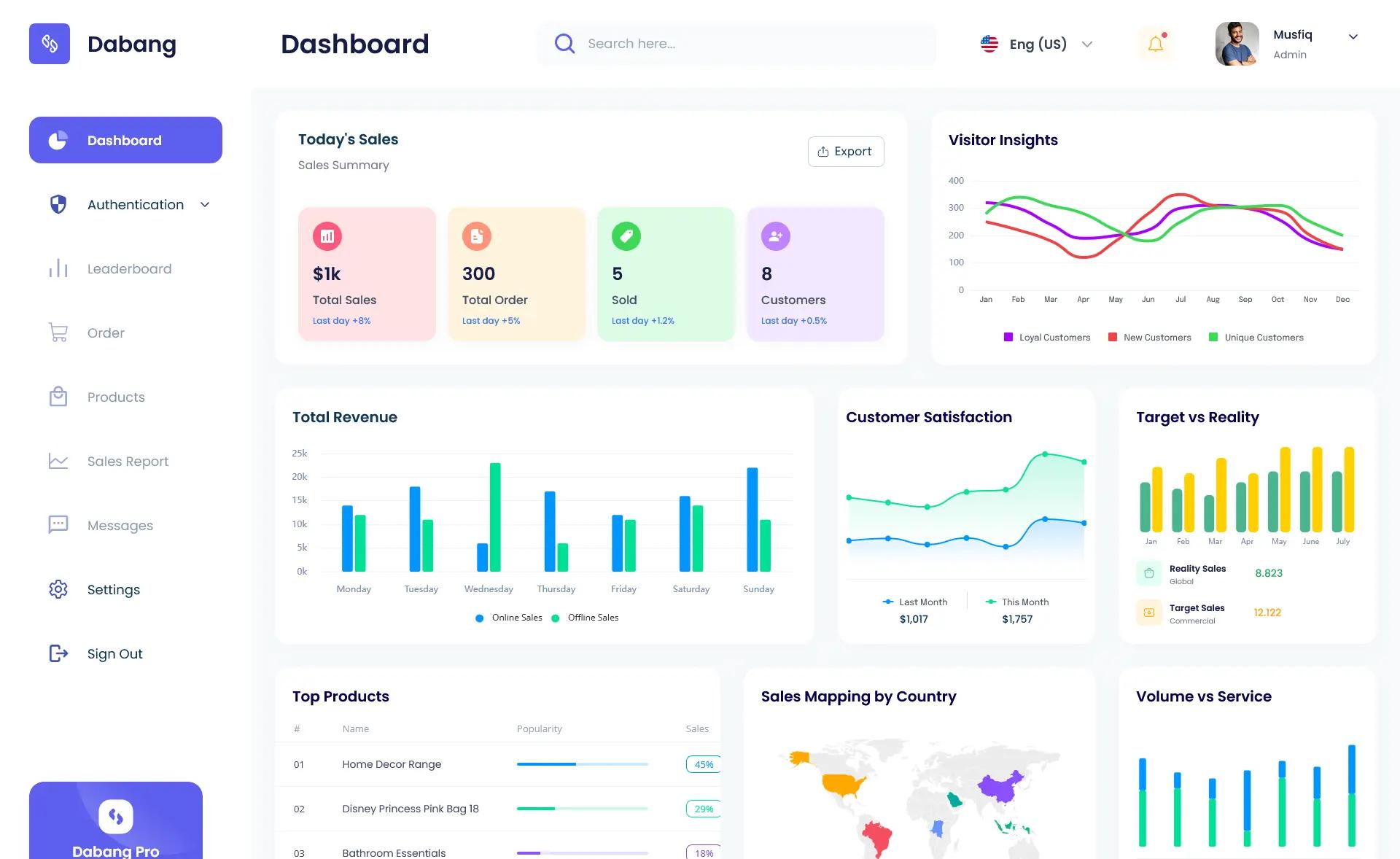
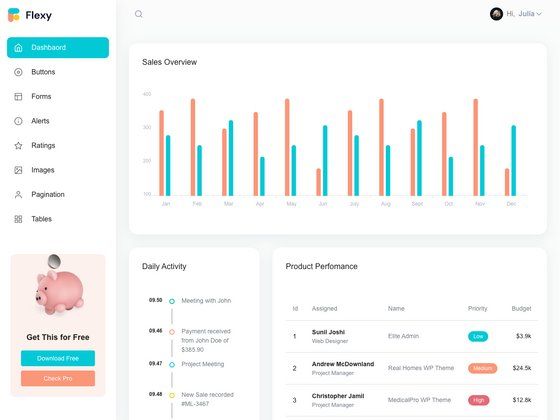
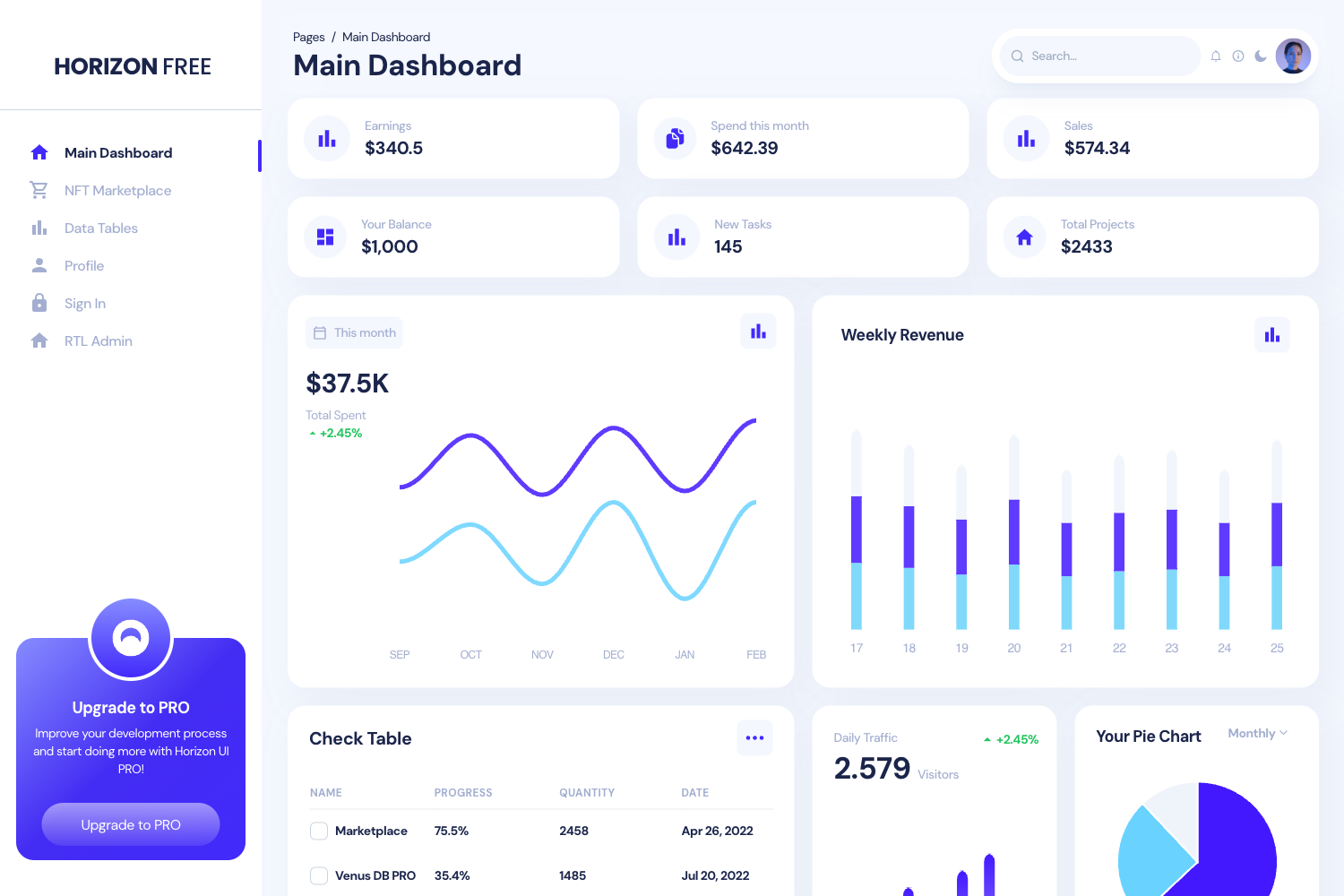
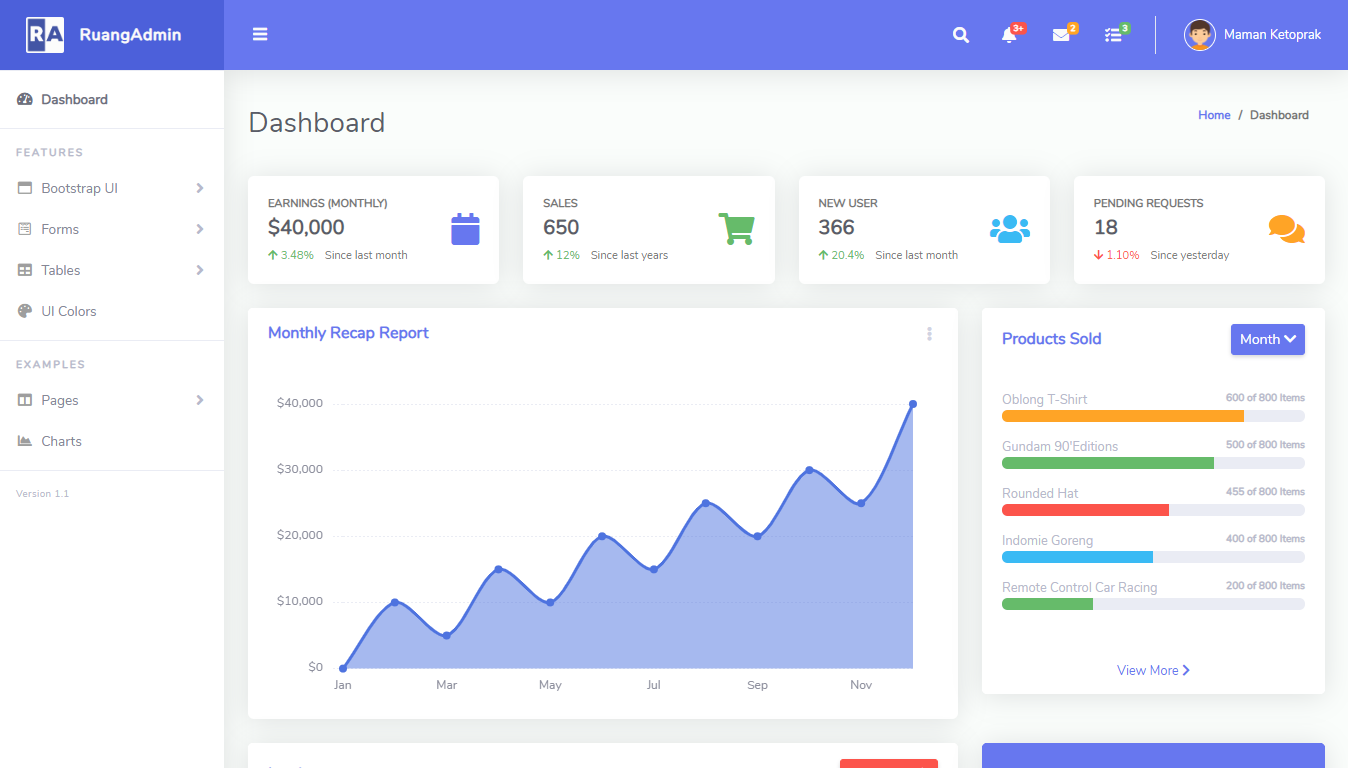
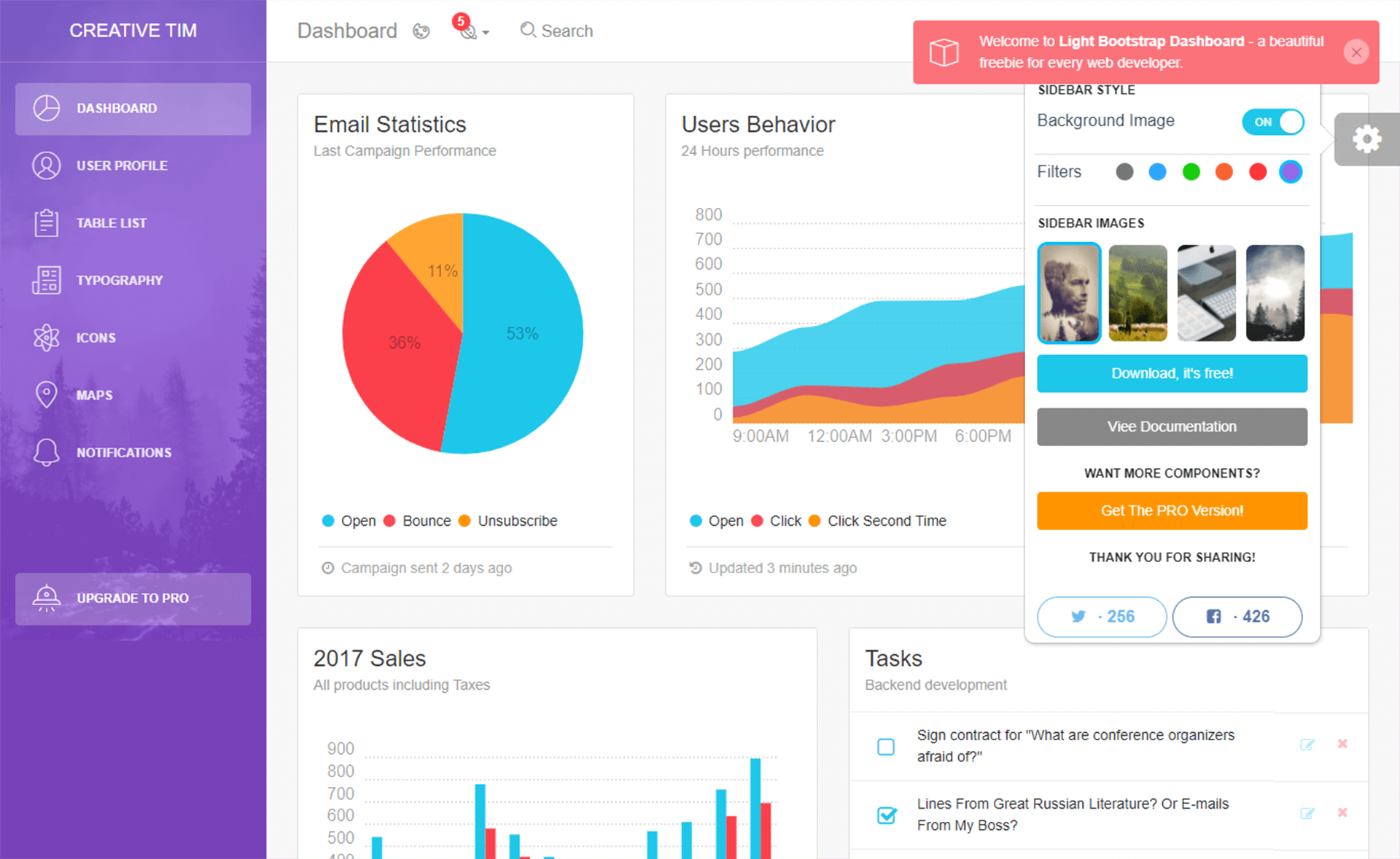
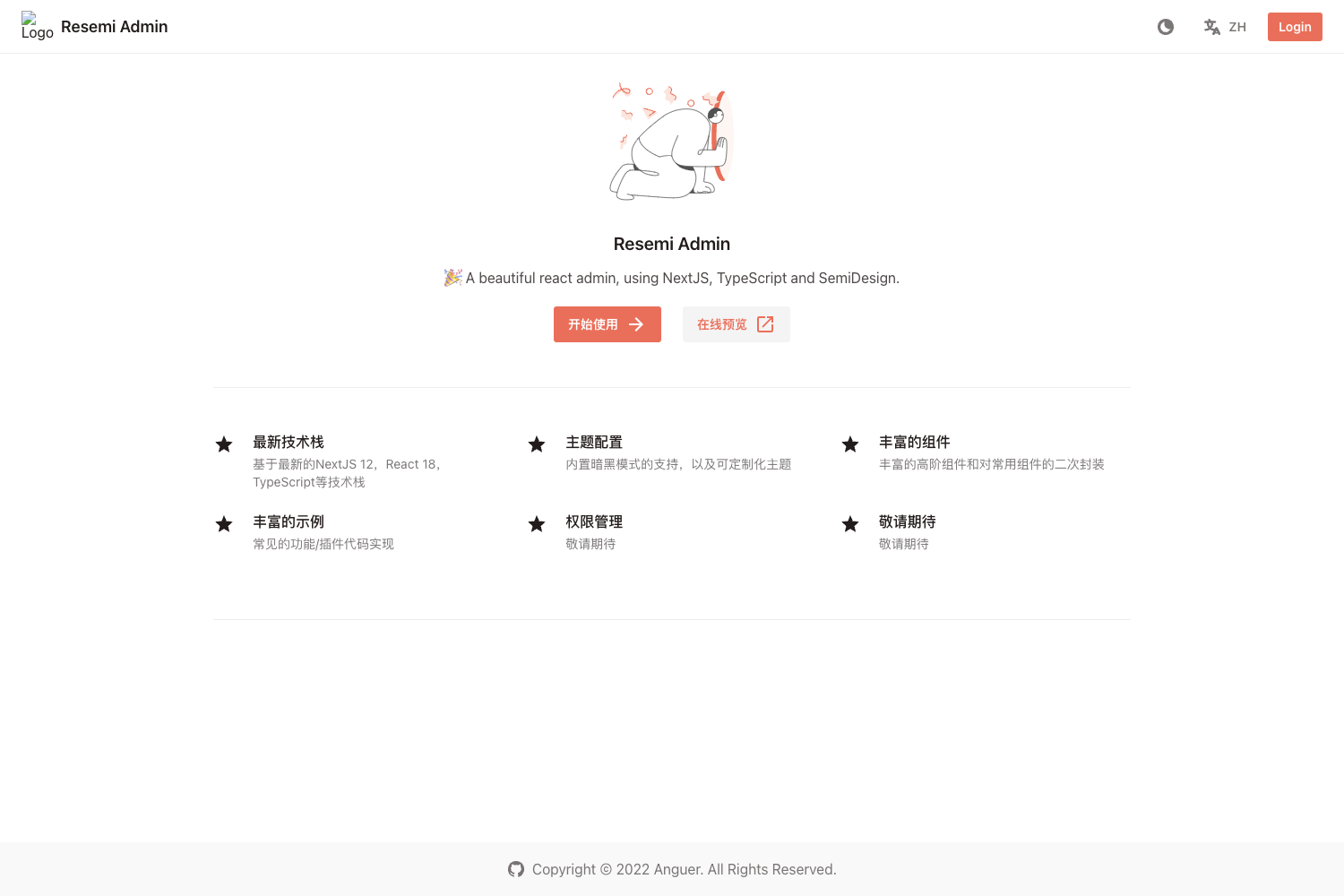
Responsive admin dashboard UI built with Next.js and Tailwind CSS, ready to explore.
About this template
Admin Dashboard is a free, open-source admin dashboard template built with Next.js and Tailwind CSS, designed to give developers a responsive admin UI that is ready to customize. The template is bootstrapped from create-next-app and uses the App Router with an app/page.js entry point, plus next/font to load the Inter typeface automatically. Its GitHub repository lists authentication, responsive design, and admin dashboard as key topics, signaling that the project includes the common building blocks for a full dashboard frontend.
What is Admin Dashboard?
Admin Dashboard is a responsive admin dashboard template built with Next.js (App Router) and Tailwind CSS. It takes the default create-next-app scaffolding and supplies an admin-style UI shell; the repository topics indicate authentication and responsive design are included. It runs on Node.js via the standard npm/yarn/pnpm dev commands and is documented for one-click deployment on Vercel.
Key Features
- Next.js App Router — Uses the modern
app/directory with a singlepage.jsfile, enabling file-based routing, layouts, and server components without extra configuration. - Tailwind CSS — Styled entirely with Tailwind utility classes, so the dashboard layout is mobile-first and responsive out of the box.
- Responsive design — The admin UI adapts to mobile, tablet, and desktop viewport widths using Tailwind's built-in breakpoint modifiers.
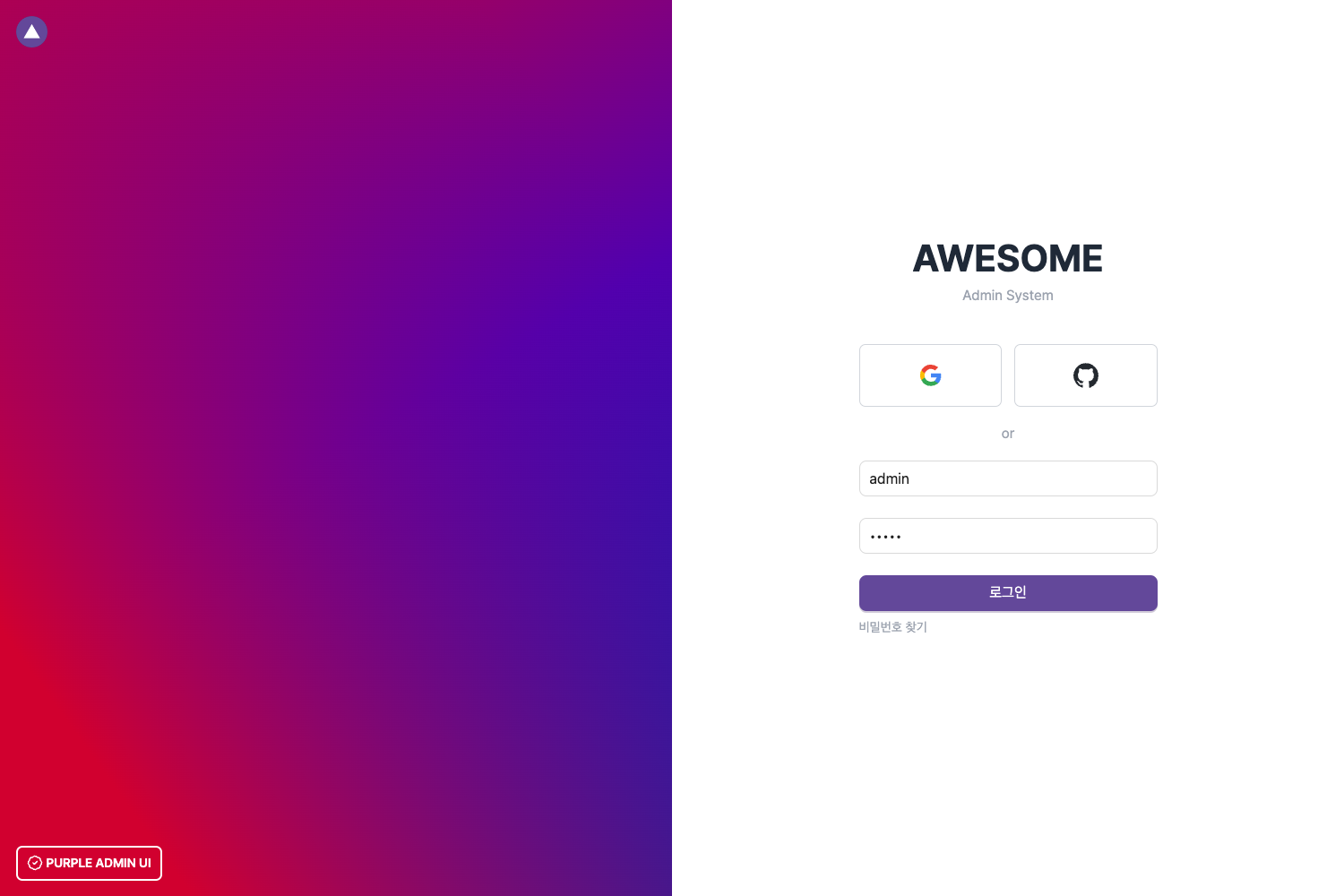
- Authentication support — The GitHub topics list authentication, implying the template includes login/sign-up pages or auth-related components.
- next/font optimization — Loads Inter, a custom Google Font, with automatic optimization and zero layout shift during page load.
- Multiple package managers — Supports npm, yarn, and pnpm; run
npm run devto start the development server, ornpm run buildfor production. - Vercel deployment — The README links to the Vercel Platform and official Next.js deployment documentation, making publishing straightforward.
Who is it for?
- Frontend developers — A clean starting point for building a custom admin panel without setting up React, Tailwind, and Next.js by hand.
- Startup teams — A responsive UI shell to quickly scaffold internal tools, analytics dashboards, or user-management interfaces.
- Next.js learners — A compact, readable codebase that demonstrates App Router conventions,
next/font, and Tailwind styling in practice.
What can you do with Admin Dashboard?
- Build a user-management interface: start from the auth-inclusive template and extend it with user tables, forms, and role controls using Tailwind's grid and spacing utilities.
- Create a data analytics dashboard: replace the default page content with charts and KPI cards, then style the layout with Tailwind's flex and grid classes.
- Prototype an internal tool: clone the repository, add API routes in the
appdirectory, and wire real data to your UI components quickly.
How does it work?
Clone the repository, install dependencies with npm install, and run npm run dev to start the development server at http://localhost:3000. Editing app/page.js updates the visible dashboard content in real time. For production, run npm run build and then deploy the output to Vercel or any Node.js host that supports Next.js.
FAQ
Is Admin Dashboard free?
Yes. The template is published on GitHub without any license or pricing information, so it is free to use, modify, and distribute. No payment or sign-up is required to access the source code.
What tech stack does Admin Dashboard use?
It is built with Next.js 13 (based on the repository topic nextjs13), React, and Tailwind CSS. It uses the App Router and the next/font module to load the Inter Google Font.
Does Admin Dashboard include authentication?
Yes. The repository topics include authentication, so the template is intended to provide authentication-related pages or flows. The exact implementation details are in the source code, which you can inspect after cloning.
How do I deploy Admin Dashboard?
The README recommends the Vercel Platform. You can connect the GitHub repository to Vercel and it will build and deploy automatically. The official Next.js deployment documentation is linked in the README for further details.
What is the main file to edit?
The primary file is app/page.js. It contains the dashboard page content and auto-updates when you save changes while the development server is running. Other components and routes can be added under the app directory.