Template details
Flexy Next Js Free Admin Template
Free Next.js admin dashboard template built with Material UI and TypeScript from WrapPixel.
About this template
Flexy Next Js Free Admin Template is a free admin dashboard template from WrapPixel, built with Next.js, Material UI (MUI), and TypeScript, that gives developers a ready-to-use frontend for building web application interfaces.
What is Flexy Next Js Free Admin Template?
Flexy is a free admin dashboard template created by WrapPixel, a template marketplace that also sells Bootstrap, React, Angular, Vue, and Nuxt versions of the same Flexy design. The template is a Next.js project you download from WrapPixel or clone from GitHub; it includes TypeScript source files, MUI component styling, and a set of pre-designed pages. It runs locally with npm commands and is ready for personal or commercial use.
Key Features
- Responsive Design — Uses MUI's responsive grid system to adapt layouts across desktops, tablets, and mobile devices.
- Material UI Components — Built entirely with MUI (Material UI), providing accessible and customizable components that follow Google's Material Design guidelines.
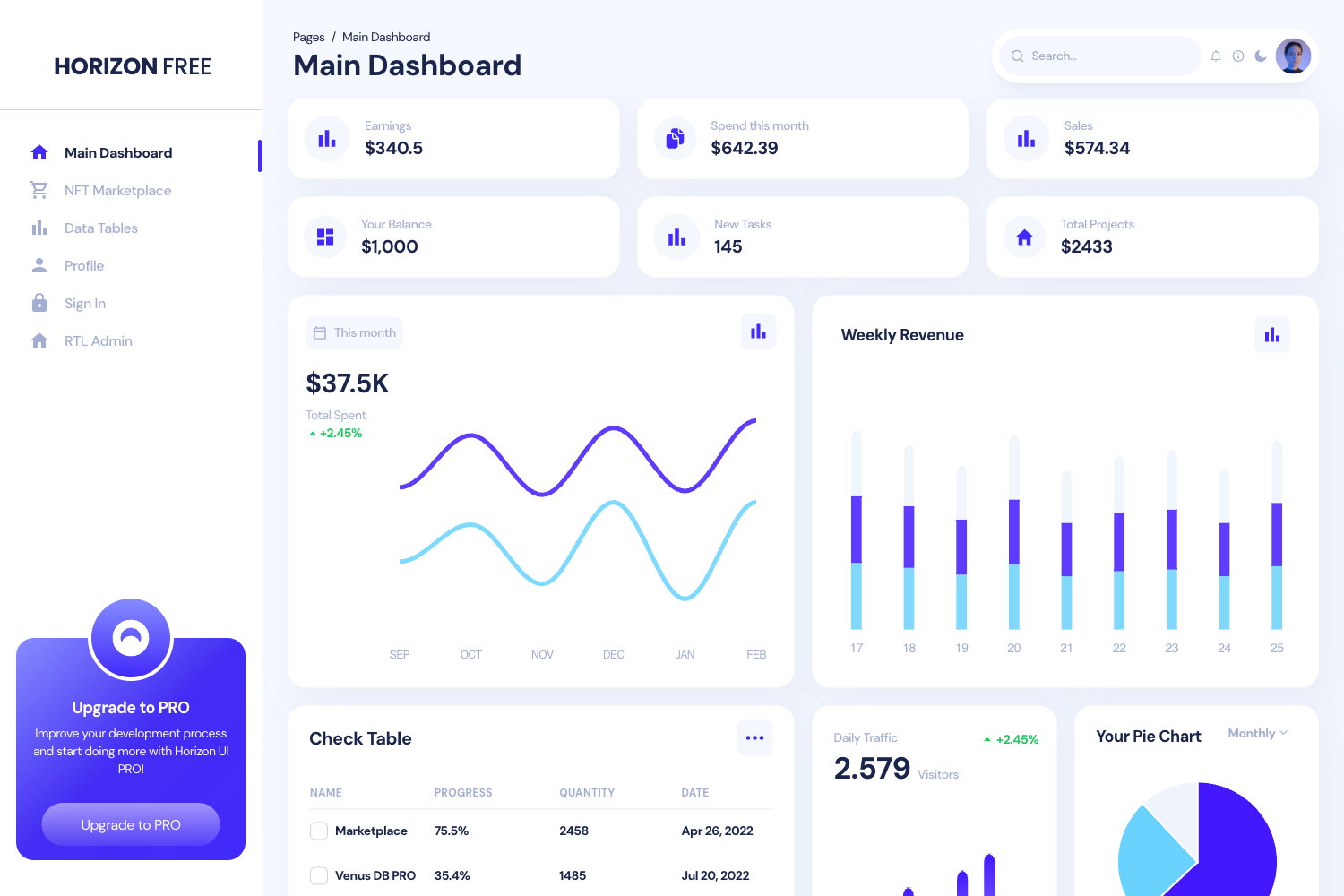
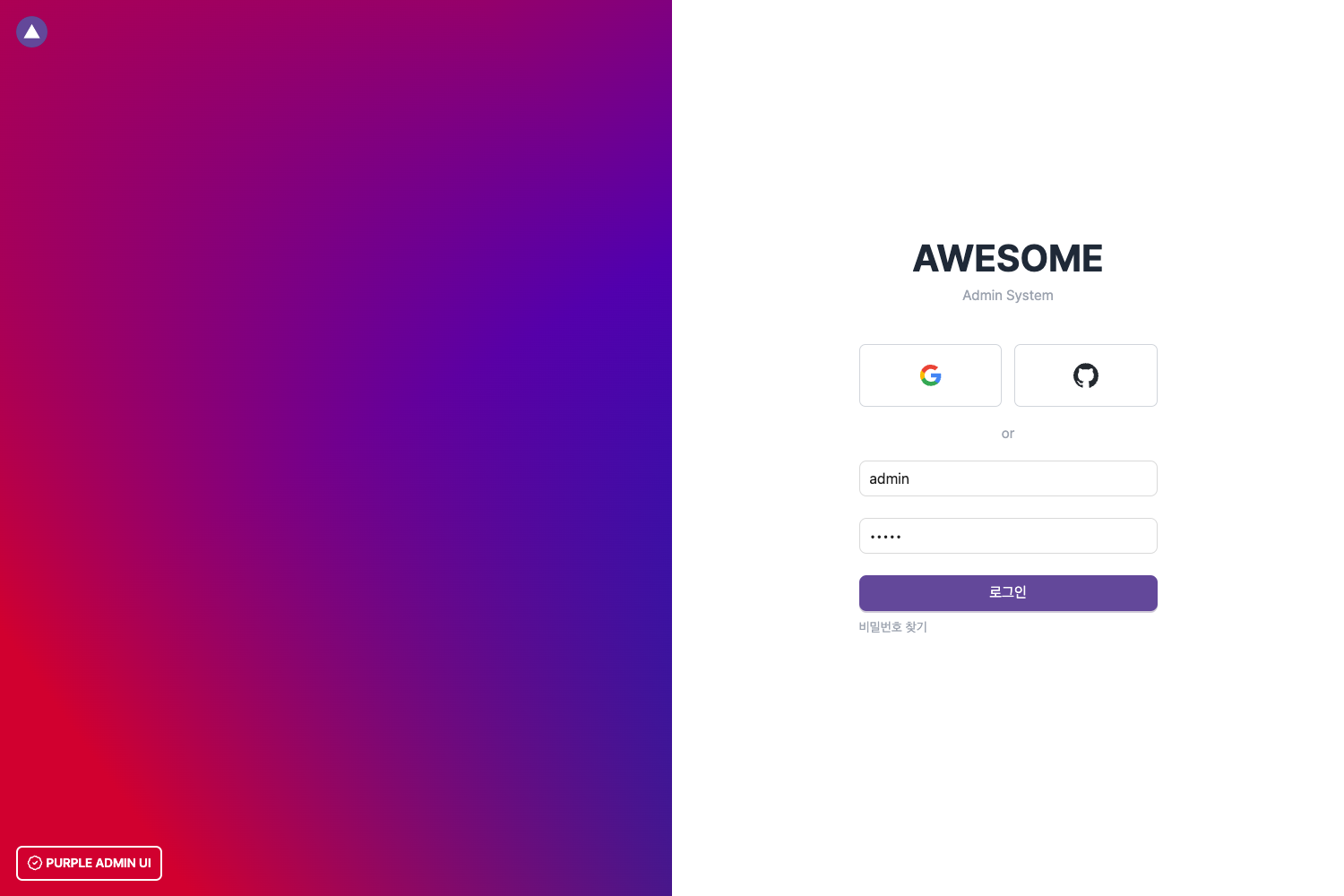
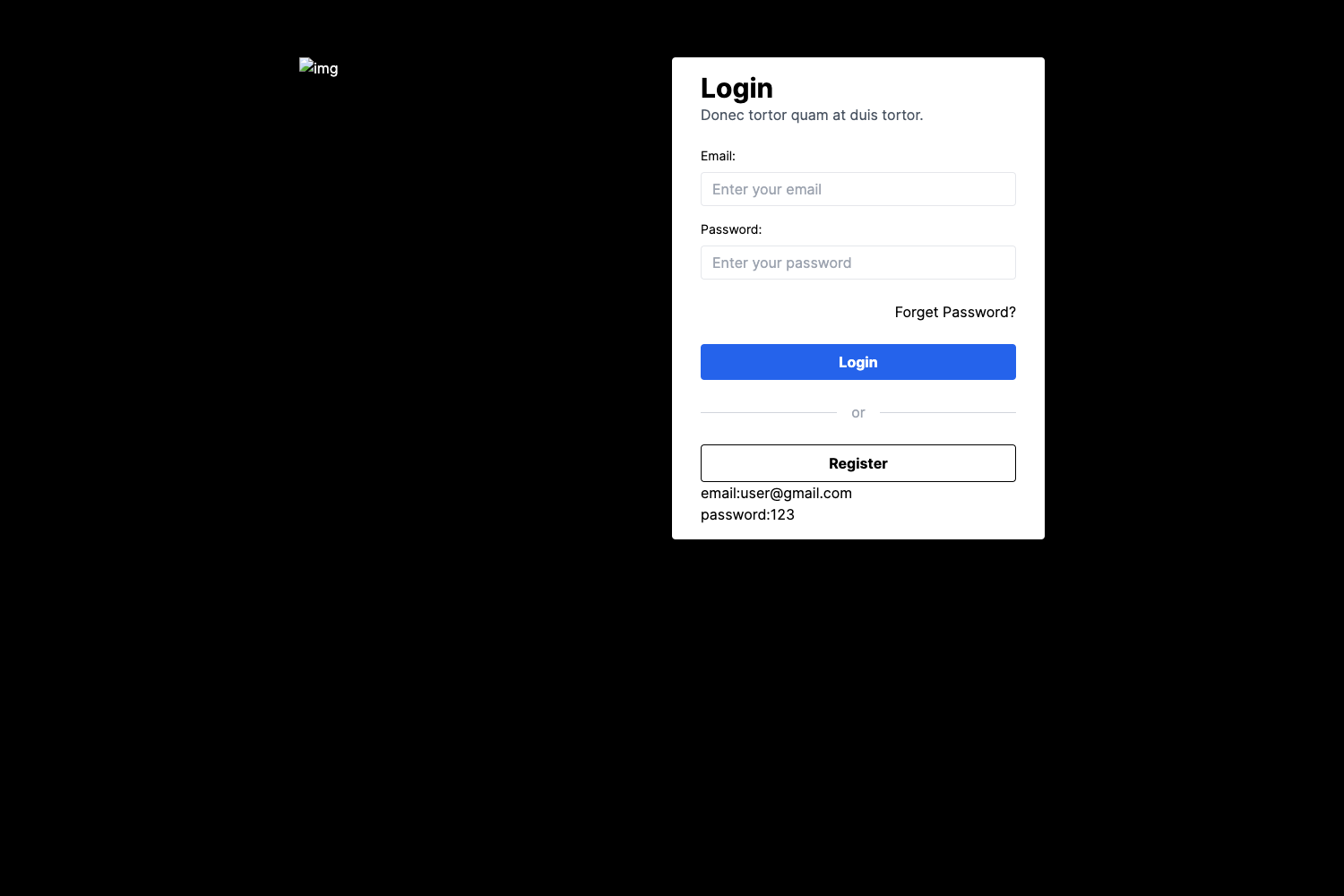
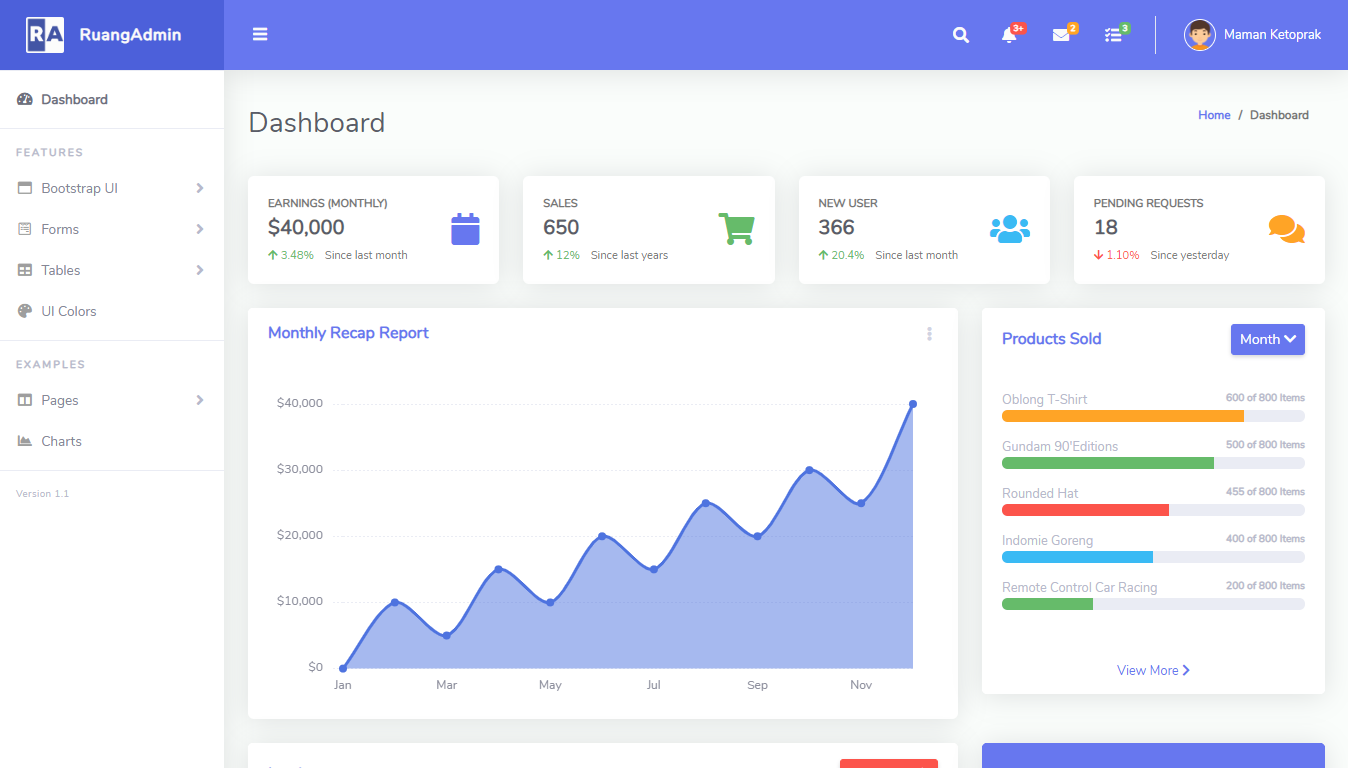
- Pre-designed Pages — Ships with dashboard, authentication screens, user profiles, and error pages so you can start without building common views from scratch.
- ApexCharts Integration — Includes interactive, customizable charts powered by ApexCharts for data visualization inside dashboard widgets.
- Optimized for Performance — Leverages Next.js dynamic imports, SSR/SSG, and image optimization to keep page loads fast.
- Developer-Friendly Structure — Uses a clean folder structure, modular codebase, and simple theme customization via MUI's theming API.
- MUI Icons — Uses Material Design icons throughout the UI for consistent, scalable elements.
Who is it for?
Flexy is aimed at developers who need a functional admin interface without building one from scratch. Frontend developers can use it as a boilerplate for client projects that require dashboards. Startups building a SaaS product can spin up an MVP admin panel quickly. Freelancers can customize the theme and pages to match a client's brand. Developers who plan to scale can compare the free version against WrapPixel's paid Pro version, which adds multiple themes, advanced widgets, and priority support.
What can you do with Flexy?
- SaaS founders: Quickly build a dashboard for your product's admin area, using the pre-designed auth screens to add login and registration flows.
- Frontend developers: Customize the MUI theme to change brand colors and fonts, then reuse the layout system across internal tools.
- Data-heavy apps: Drop ApexCharts into the dashboard pages to visualize metrics like revenue, user activity, or server status.
- Agency teams: Use the free template as the foundation for client deliverables, then upgrade to the Pro version when clients need dark mode, multi-language support, or user permission management.
How does Flexy work?
Installation follows the standard Next.js workflow. Clone the repository from GitHub at https://github.com/wrappixel/Flexy-admin-Nextjs-Free, run npm install to fetch dependencies, then run npm run dev to start a local development server. The project structure is modular, so you can edit components, pages, and theme files directly in the source.
Pricing
Flexy offers a free version that is downloadable from WrapPixel and a Pro version sold on the WrapPixel marketplace. The free version is available for personal or commercial use; the Pro version adds multiple theme options, advanced widgets, real-time notifications, and priority support. No dollar amounts are listed on this page.
FAQ
Is Flexy free?
Yes, the free version of Flexy can be downloaded and used for personal or commercial projects. A paid Pro version exists with additional features like advanced widgets, dark mode, multi-language support, and priority support.
What tech stack does Flexy use?
Flexy is built with Next.js, Material UI (MUI), and TypeScript. It also uses Emotion for CSS-in-JS styling, MUI Icons for iconography, and ApexCharts for charting.
How do I install Flexy?
Clone the repository from GitHub, run npm install to install dependencies, then run npm run dev to start the development server. The full documentation is available at the WrapPixel documentation site.
Does Flexy have a Pro version?
Yes, WrapPixel sells a Pro version with more features, including multiple theme colors, advanced widgets, real-time notifications, user roles and permissions, and priority support.