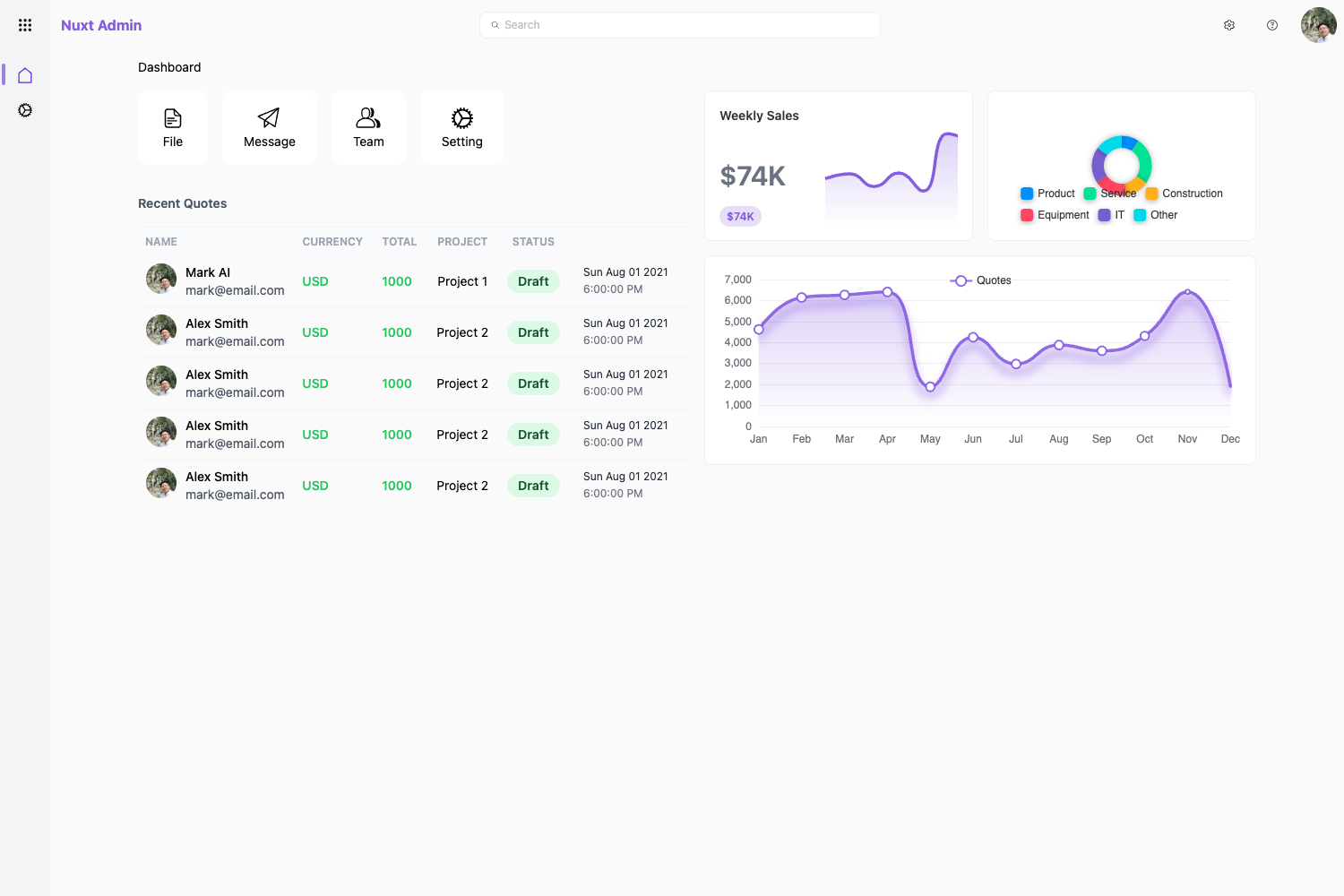
Template details
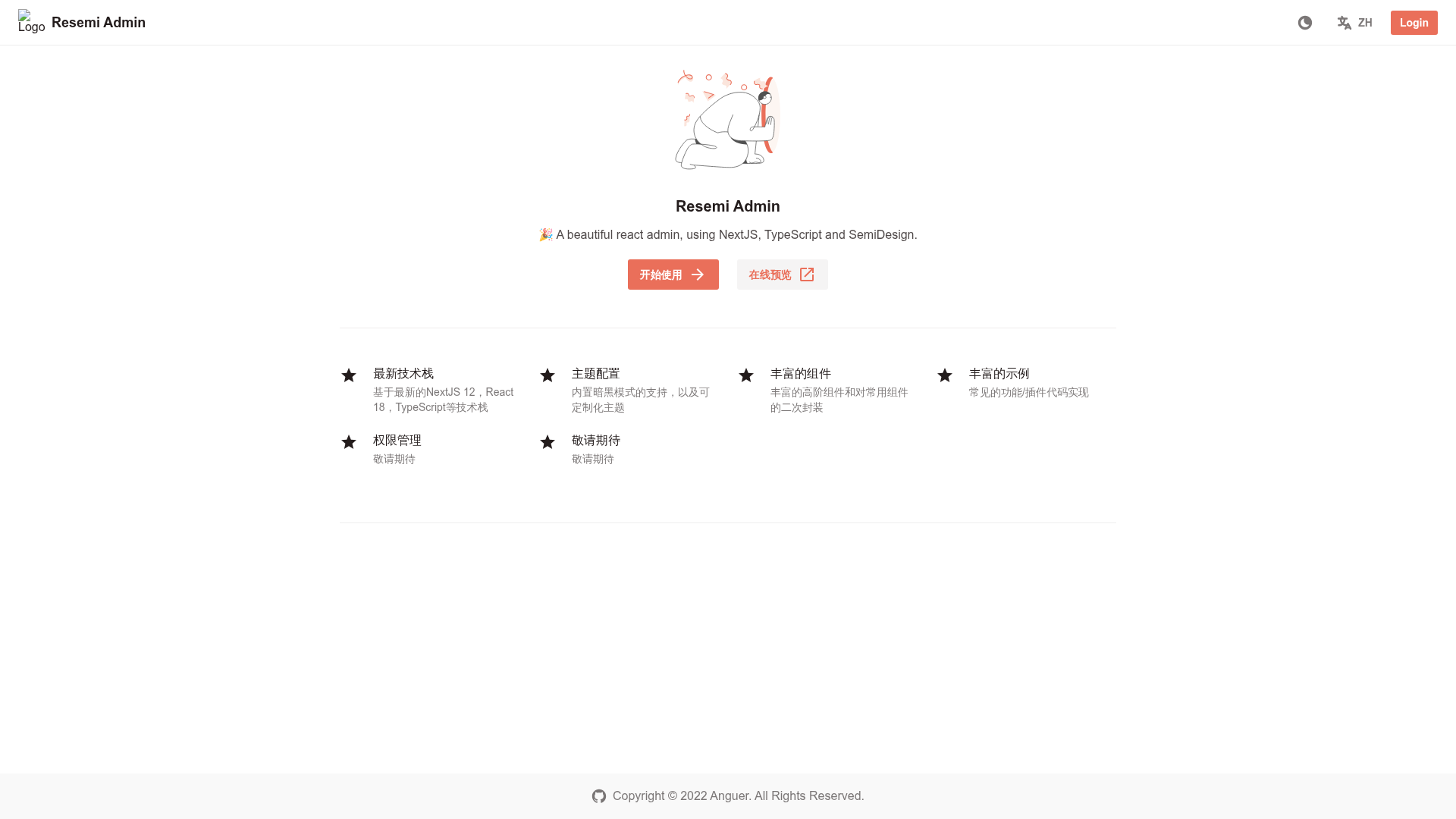
Resemi Admin
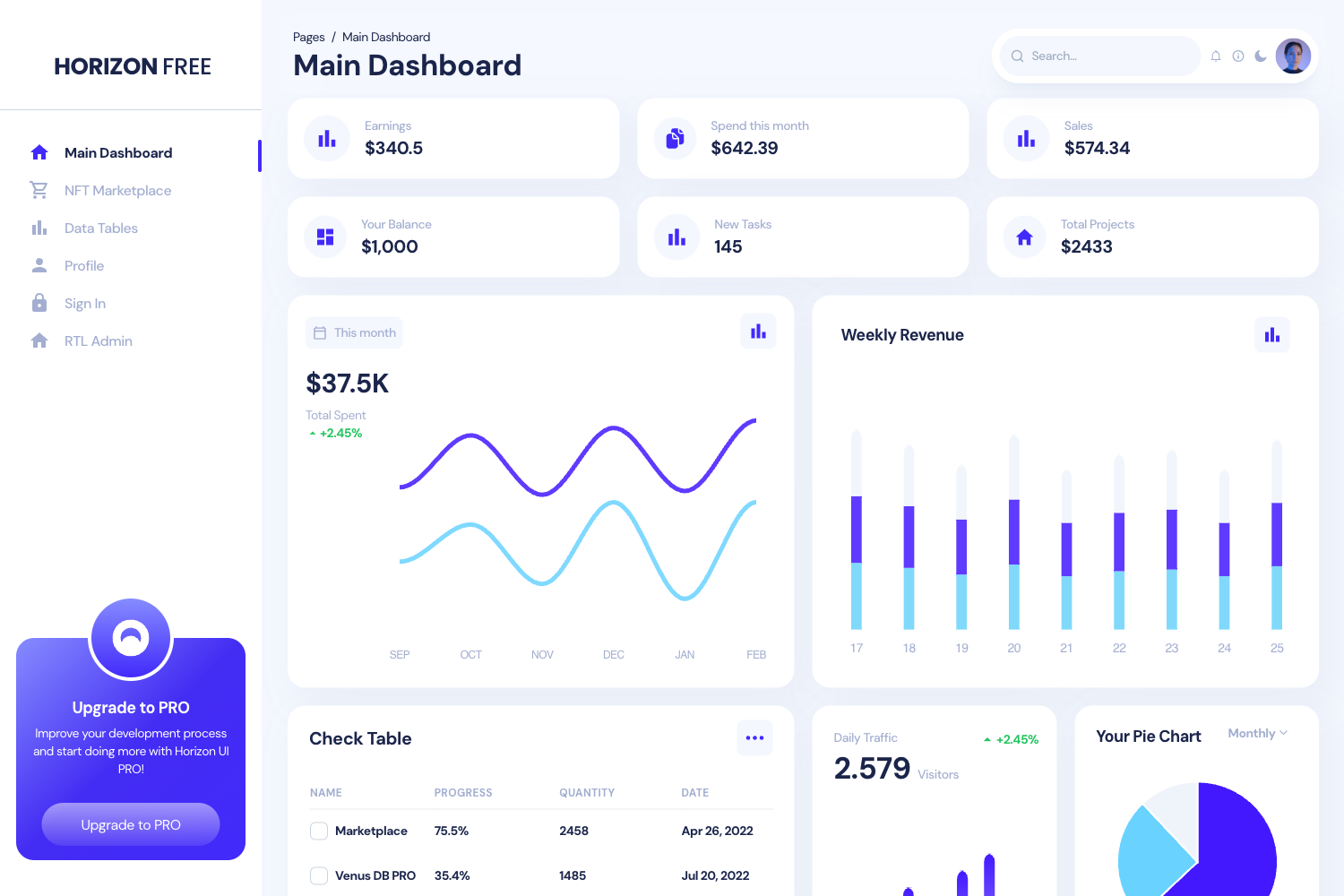
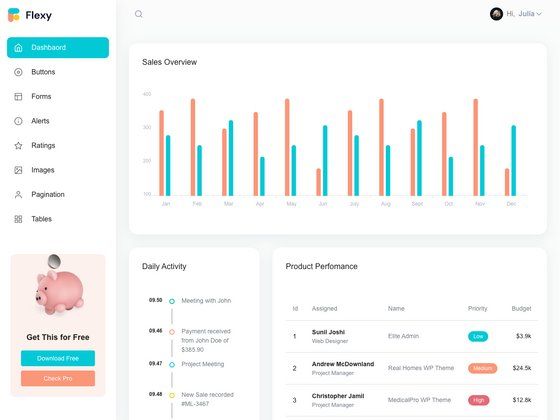
A free, open-source admin dashboard template built with Next.js, React, TypeScript, and the Semi Design UI library.
About this template
Resemi Admin is a free and open-source React admin dashboard template that combines Next.js, TypeScript, and the Semi Design UI library to provide a starting point for building middle and back-end interfaces.
What is Resemi Admin?
Resemi Admin is an open-source middle and back-end admin template built with Next.js 12, React 18, and TypeScript. It gives developers a pre-structured Next.js project that includes a UI library (Semi Design), state management (Recoil), and utility-first styling (WindiCSS), so the output is a ready-to-run dashboard foundation. The project is hosted on GitHub, distributed under the MIT license, and maintained by the resemi organization.
Key Features
- Next.js 12 framework — The template is built on Next.js 12, delivering file-based routing and React server rendering for admin pages.
- React 18 and TypeScript — Uses React 18 with full TypeScript typing throughout the codebase.
- Semi Design UI library — Integrates Semi Design, a design system and UI library from the README's preparation list, for components like buttons, forms, and data tables.
- Recoil state management — Includes Recoil, a state management library for React, for managing client-side state.
- WindiCSS utility-first styling — Uses WindiCSS as the CSS framework, allowing utility classes for custom styling alongside Semi Design components.
- Gitpod one-click launch — Provides an "Open in Gitpod" button so the project can be opened and edited in a browser-based IDE directly from the repository URL.
- Documented contribution workflow — The README outlines a pull request process and commit message conventions following the Angular conventional changelog standard (feat, fix, style, perf, refactor, and others).
- pnpm-based scripts — The usage guide covers git clone, pnpm install, pnpm dev for development, and pnpm build for production.
Who is it for?
- Front-end developers who want a pre-configured Next.js admin dashboard with TypeScript and a modern React UI library.
- Startup teams needing an internal back-office console that is free to use and customize under the MIT license.
- Open-source contributors who want to participate in a smaller React admin project with explicit guidelines for issues and pull requests.
What can you do with Resemi Admin?
- Scaffold an admin dashboard: Clone the repository, install dependencies with pnpm install, and start the dev server to see the template in action.
- Customize the UI: Use Semi Design components and WindiCSS utility classes to build custom admin pages, forms, and data views.
- Deploy as a static or server-rendered app: Use pnpm build to generate a production-ready Next.js build for deployment.
How does Resemi Admin work?
The template follows the standard Next.js project workflow. After cloning the repo, you install packages with pnpm, launch the development server with pnpm dev, and produce a production bundle with pnpm build. It also offers a Gitpod integration, letting you open the project online without a local setup.
Pricing
Resemi Admin is free and open-source. The project is distributed under the MIT license, so no license fee is required for personal or commercial use.
FAQ
Is Resemi Admin free?
Yes, Resemi Admin is a free and open-source project released under the MIT license. You can use, modify, and distribute it for personal or commercial purposes without paying a license fee.
What tech stack does Resemi Admin use?
Resemi Admin uses Next.js 12, React 18, TypeScript, Recoil for state management, WindiCSS for utility-first styling, and the Semi Design UI library. It recommends pnpm as the package manager for installation and builds.
How do I get started with Resemi Admin?
Clone the repository with git clone, install dependencies with pnpm install, then run pnpm dev to launch the development server. A production build can be generated with pnpm build, and Gitpod can be used for an online development environment.