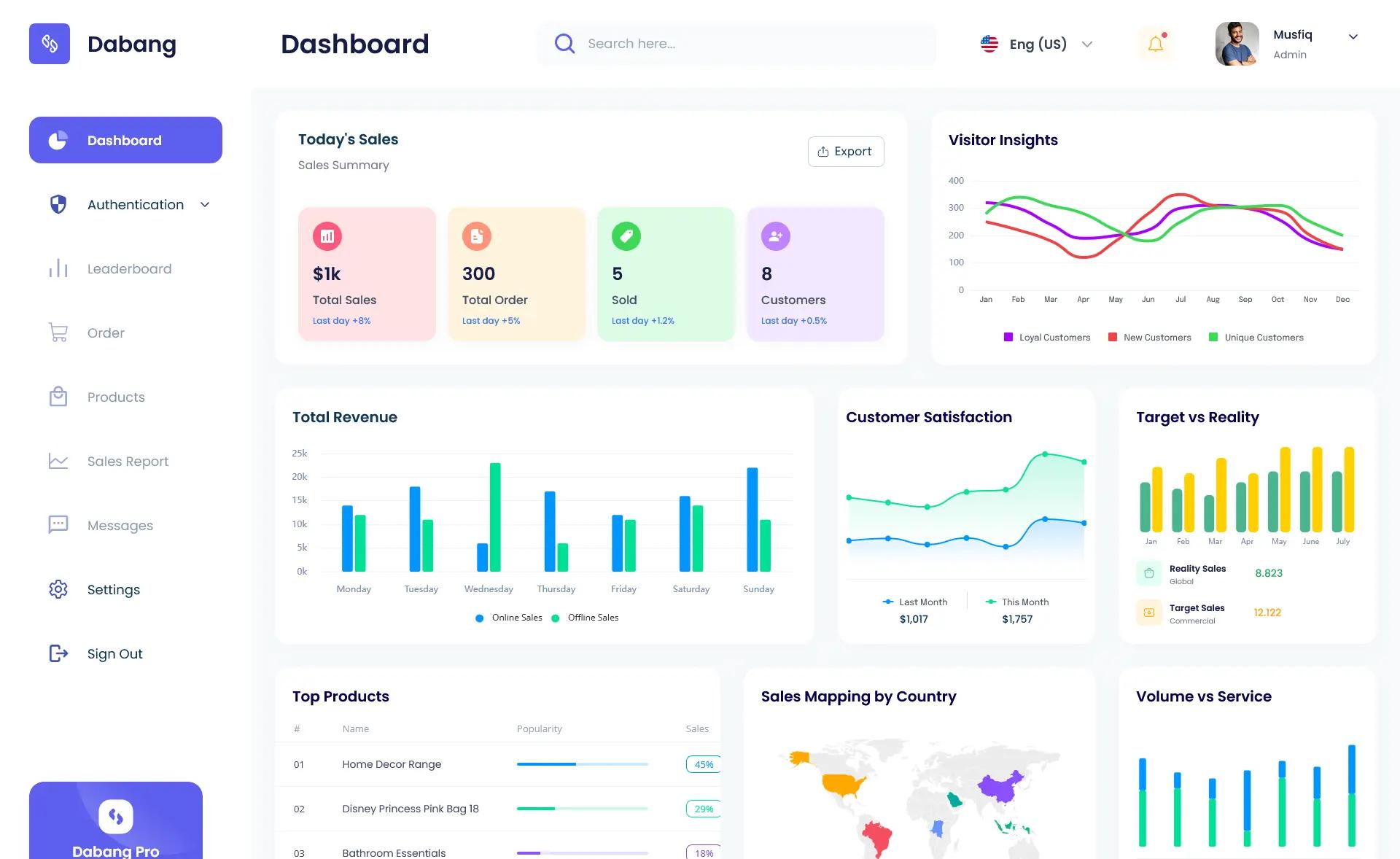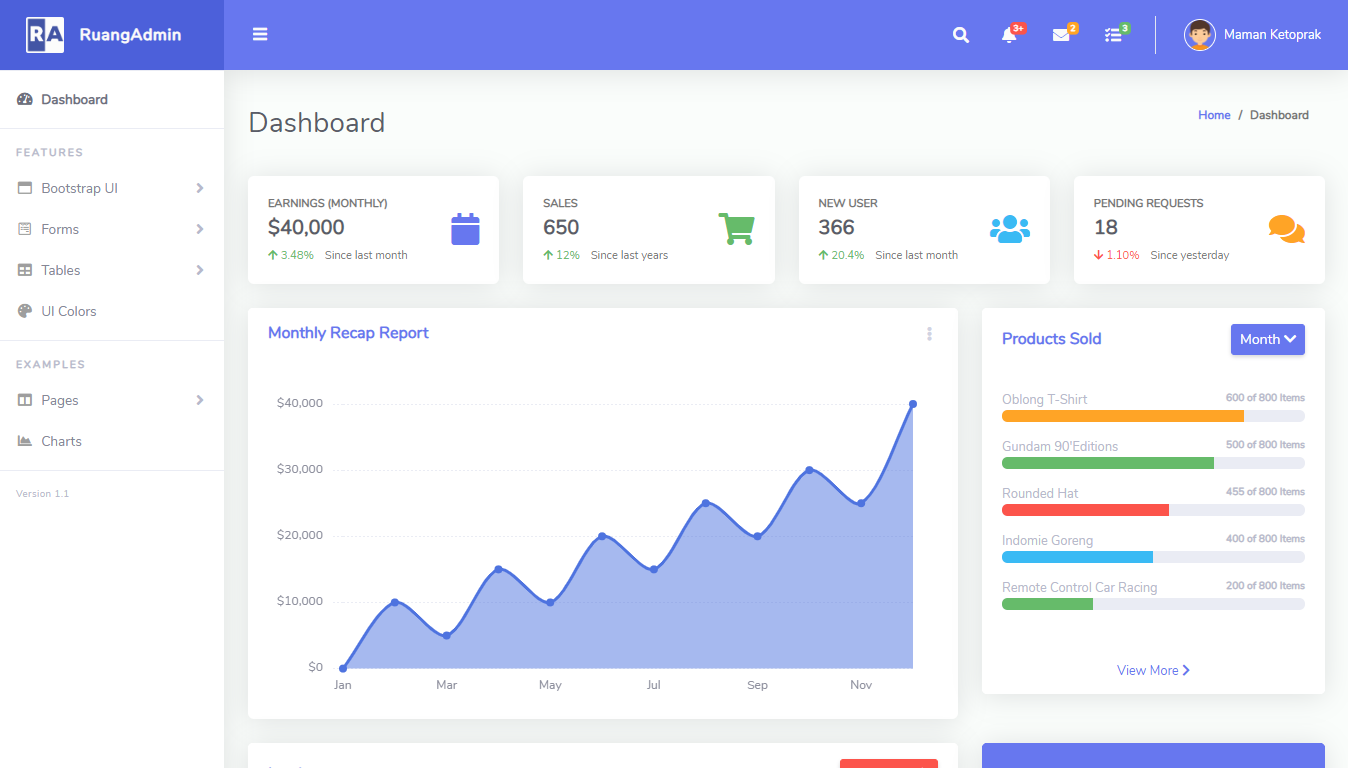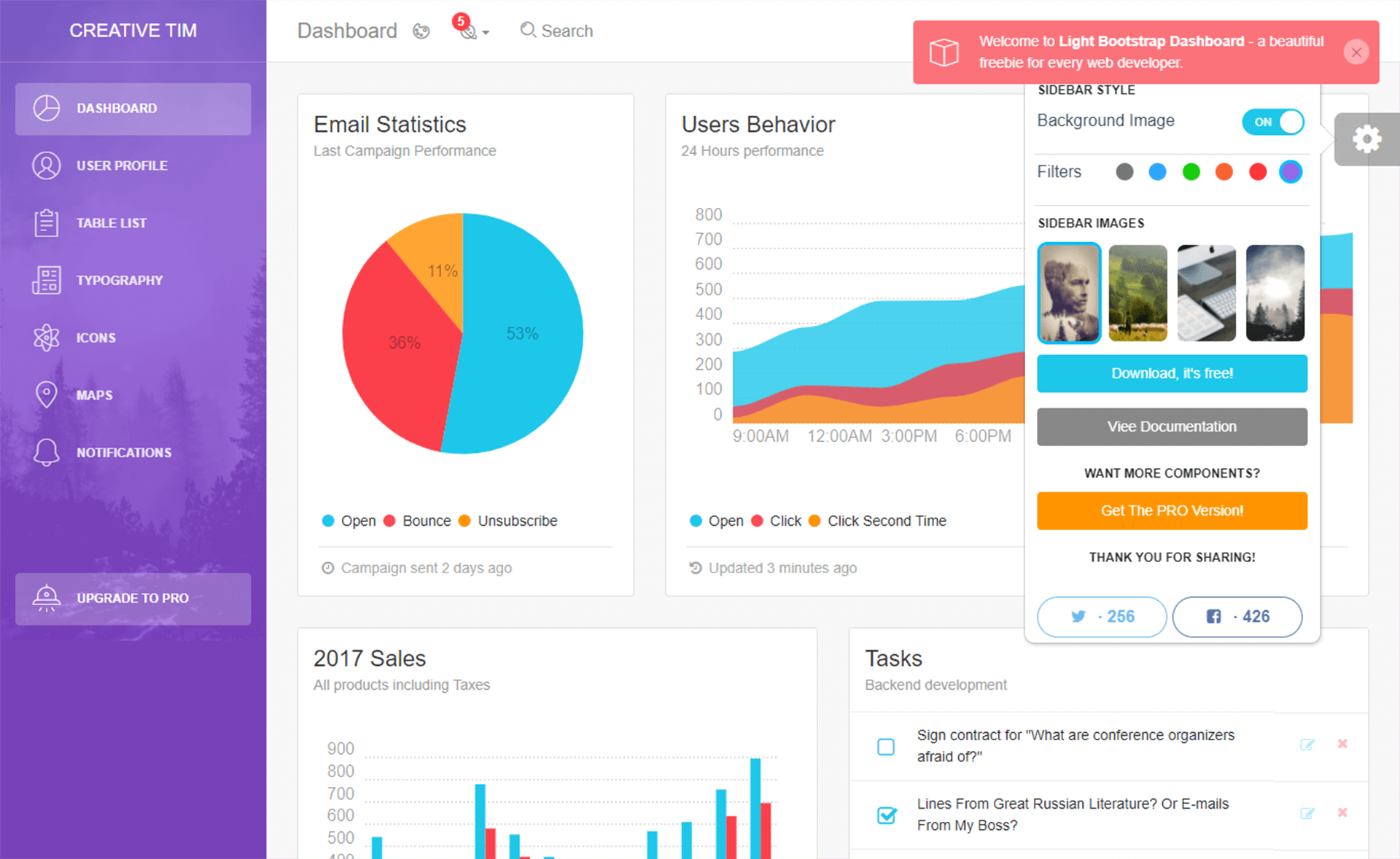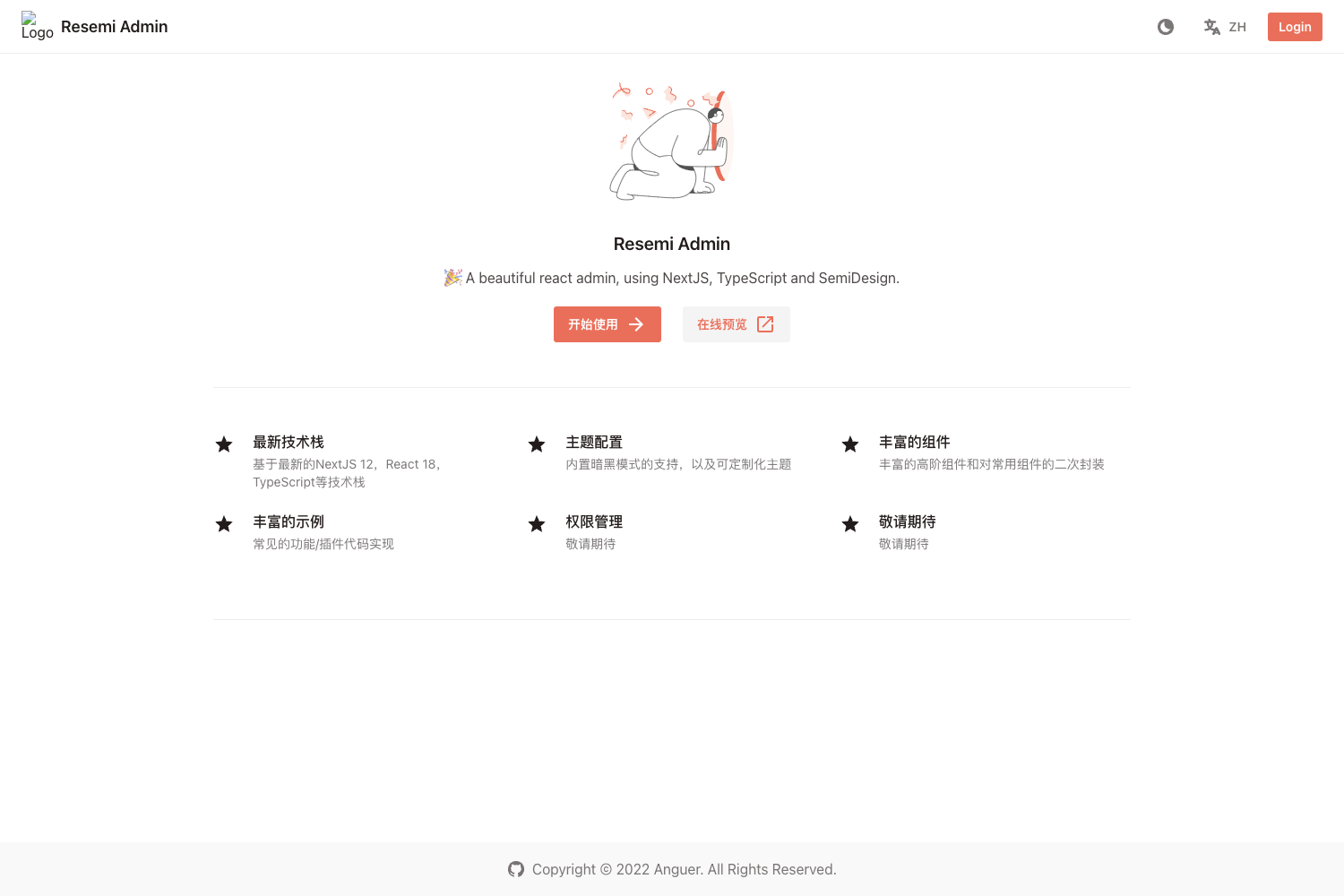
Template details
Purple Admin UI
Next.js + Tailwind + Ant Design admin dashboard template for building back-office pages.
About this template
Purple Admin UI is an open-source admin dashboard template from purpleio that combines Next.js, Tailwind CSS, and Ant Design to help developers build back-office pages quickly.
What is Purple Admin UI?
Purple Admin UI is a Next.js + Tailwind + Ant Design based admin template for building back-office and dashboard pages. It takes simple environment configuration (OAuth keys, API endpoint, secret) and produces a functioning admin UI with a dashboard, product CRUD pages, search forms, and tables. The template runs on Next.js and is optimized for one-click deployment to Vercel. It was created by purpleio, with the GitHub README authored by subicura.
Key Features
- Next.js framework — Built on Next.js with all pages except authentication statically generated; uses next/font for web font optimization.
- Tailwind CSS + Ant Design — Styling is utility-first via Tailwind, while Ant Design contributes ready-made admin components such as Form, Table, and Modal.
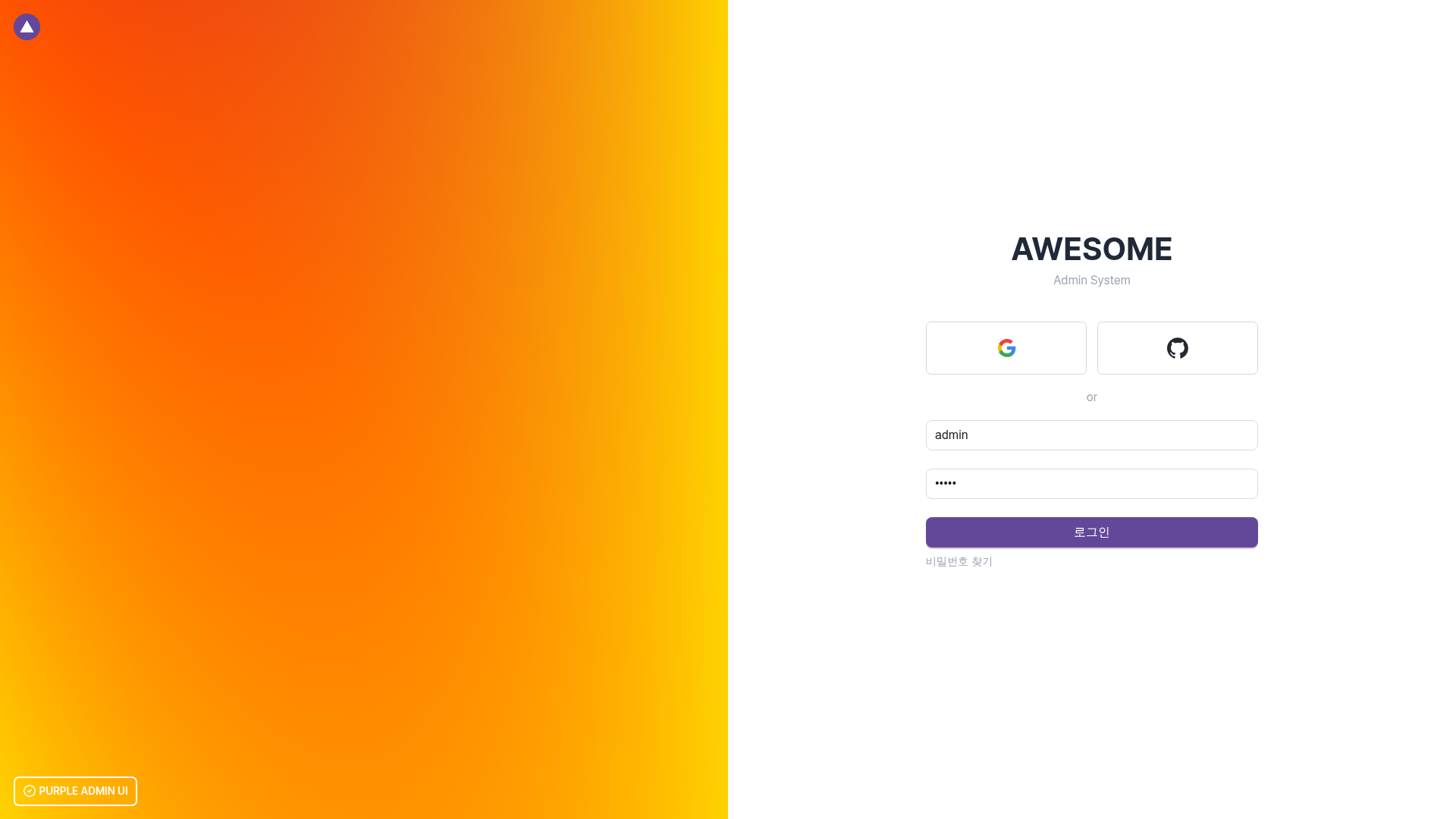
- Auth.js (NextAuth) login — Supports Google OAuth, GitHub OAuth, and ID/password login; demo credentials are admin/admin.
- One-click Vercel deployment — The "Deploy with Vercel" button clones the repository, asks for NEXTAUTH_SECRET, and publishes a testable instance.
- Sample API server with mock data — Includes dashboard statistics and product CRUD API routes (e.g., src/pages/api/sample/dashboard.ts) with corresponding typed API client functions.
- Custom admin components — Offers DefaultTable, DefaultModal, FormSearch, FormSection, FormGroup, and FieldInline to standardize forms and lists.
- Bundled developer libraries — SWR for data reading, ky for POST/PUT requests, Quill for WYSIWYG editing, CodeMirror for code editing, Day.js for dates, React CountUp for stats, Framer Motion for animations, and Lucide for icons.
- Code quality tooling — TypeScript, Prettier, and ESLint are preconfigured, with Pretendard as the default UI font.
Who is it for?
- Backend programmers — who find admin design tedious and want a complete UI with sample CRUD and a mock API server; they can focus on business logic instead of styling.
- Next.js/React teams — who need a starter that already bundles commonly used libraries such as SWR, ky, Ant Design, and Tailwind so they can avoid setup overhead.
- Product teams building back-office tools — who require a dashboard with statistics, search, listing, and input forms and want a consistent component library.
What can you do with Purple Admin UI?
- Dashboard developers: Add a statistics overview by following the sample in src/pages/api/sample/dashboard.ts and src/client/sample/dashboard.ts, displaying data with SWR and React CountUp.
- Operations teams: Set up product management pages (list, search, create, edit) using the provided product-form, product-list, and product-search components.
- Prototypers: Use the Deploy with Vercel button to stand up a live OAuth and CRUD demo without configuring a server, then customize the code.
How does Purple Admin UI work?
The template keeps business logic in backend APIs and serves all pages as static HTML except authentication. The front-end calls APIs via typed client functions that use SWR for reads and ky for writes. To start locally, copy .env.example to .env, fill in NEXTAUTH_URL, NEXTAUTH_SECRET, and OAuth keys, then run one of the create-next-app commands with the GitHub example URL. The directory structure is organized into src/client for API calls, src/components/page for page-specific components, and src/components/shared for common components.
Pros and cons
- Pros: One-click Vercel deployment; OAuth and password login included; static pages except auth offer fast loads; sample mock API and TypeScript clients are provided; the project uses a clear directory structure.
- Cons: The repository is explicitly marked as work in progress; Internet Explorer is not supported; the README is mainly in Korean, so English documentation is limited.
FAQ
Is Purple Admin UI free?
The project is a public GitHub repository from purpleio, and the page lists no pricing or purchase information. You can clone, deploy, and modify the source without any advertised cost.
How do I log into the demo?
Visit https://admin-ui.purple.io/login and sign in with admin/admin as the ID/password, or use Google or GitHub OAuth. The demo endpoint is linked from the project's README.
Does Purple Admin UI support Internet Explorer?
No. The README explicitly states "IE 미지원" (IE not supported), so the template targets modern browsers.
How can I deploy Purple Admin UI?
Use the "Deploy with Vercel" button in the README; it clones the repo and asks you to set NEXTAUTH_SECRET. Alternatively, run yarn or pnpm create next-app with the GitHub example URL and configure the .env file.
What authentication methods are available?
Auth.js (NextAuth) powers authentication. The template supports Google OAuth, GitHub OAuth, and classic ID/password login, with the admin/admin account set as the default password login.