Template details
Light Bootstrap Dashboard
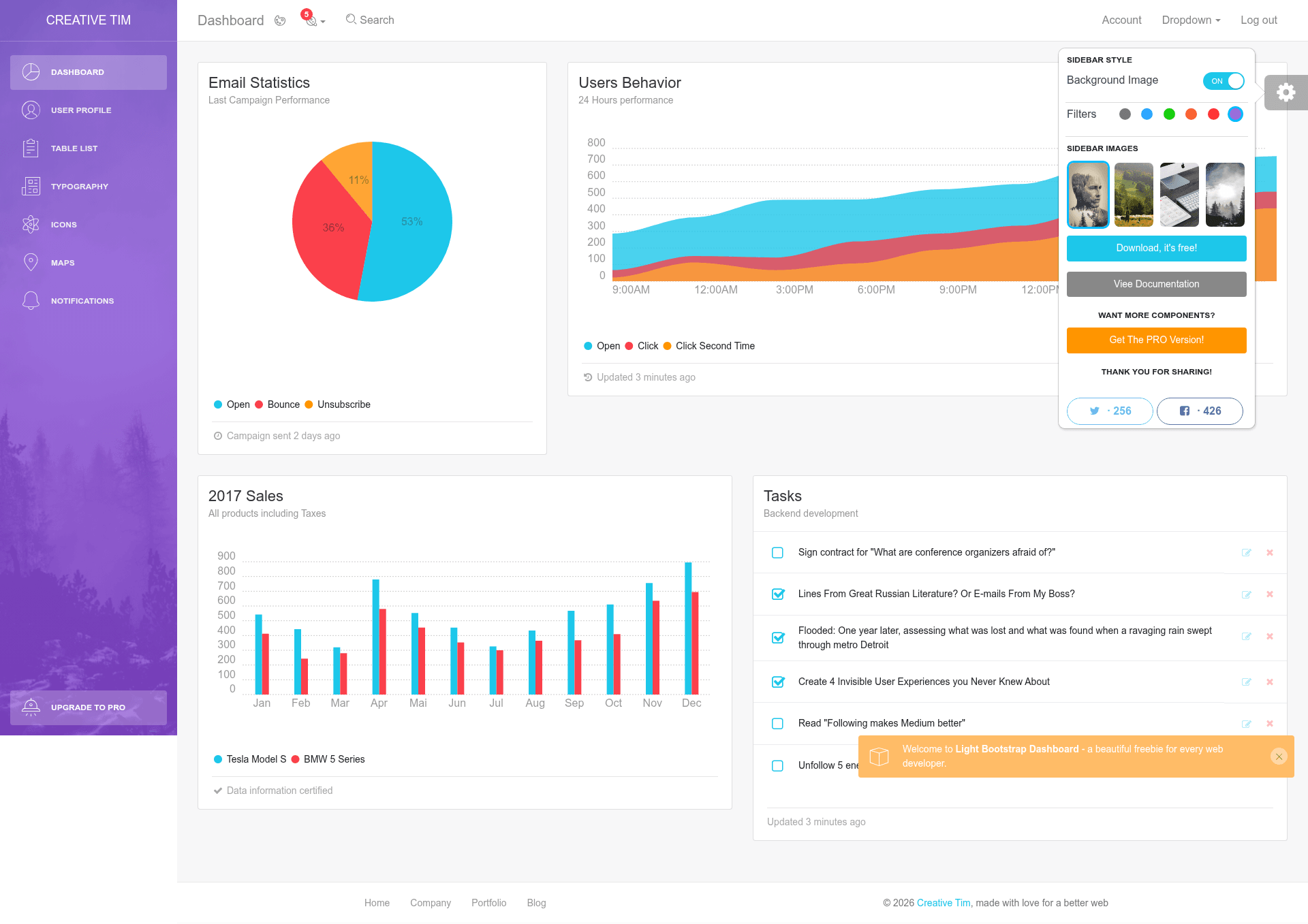
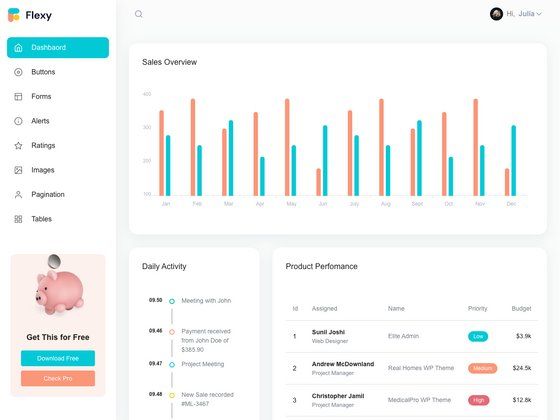
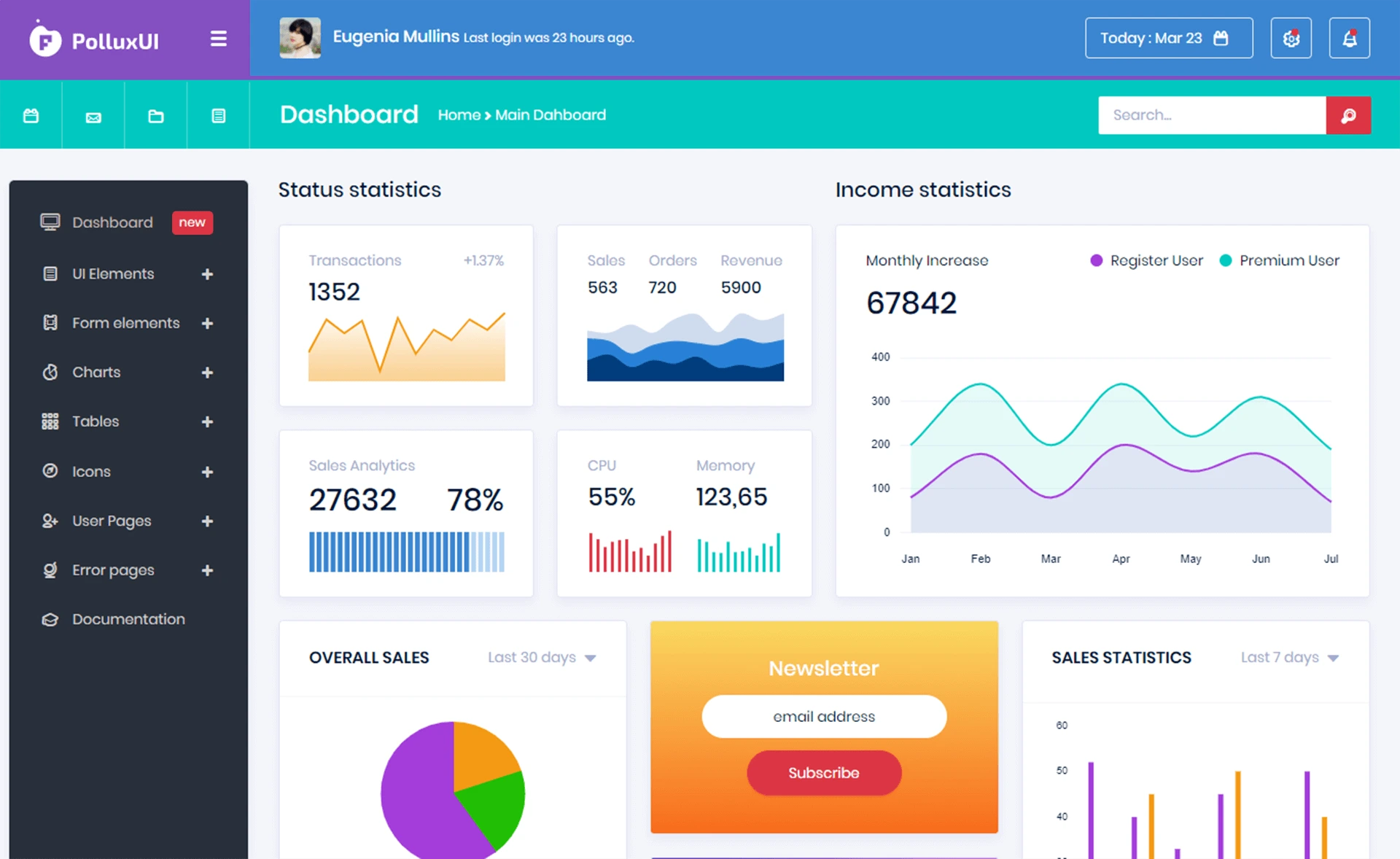
Free Bootstrap 4 HTML5 admin dashboard template with charts, Google Maps, notifications, and sidebar color changer.
About this template
Light Bootstrap Dashboard is a free Bootstrap 4 HTML5 admin dashboard template created by Creative Tim and listed on ThemeWagon, used to build web app backends, CRM, CMS, and control panel interfaces. The template is fully responsive and ships with version 1, a package containing 9 HTML files, CSS and SASS sources, JavaScript files, font icons, documentation, and plugin libraries.
What is Light Bootstrap Dashboard?
Light Bootstrap Dashboard is a free HTML5 admin dashboard template built on the Bootstrap 4 framework (v4.0.0-beta). It provides the front-end layout and UI components for an administrative backend — including dashboards, table lists, profile pages, Google Maps integrations, and notification panels — that you can download and adapt to your own application. The template is distributed by ThemeWagon and originally authored by Creative Tim, with a live preview available through the ThemeWagon GitHub Pages link.
Key Features
- Bootstrap v4.0.0-beta base — The layout, grid, forms, and components are styled with Bootstrap 4, the beta release of the framework at the time of creation.
- Fully responsive design — The template adapts to mobile, tablet, and desktop browsers, as confirmed by its compatibility with Chrome, Edge, Firefox, Opera, Safari, and mobile browsers.
- Chartist.js charts — Includes line, bar, pie, and multiple-bar chart examples powered by the Chartist.js library.
- Google Maps integration — A map page that embeds Google Maps within the dashboard layout.
- Bootstrap Notify plugin — Ready-made notification and alert components using the Bootstrap Notify library.
- Nucleo Icons set — Includes 100 Nucleo icons for buttons, menu items, and dashboard widgets.
- Sidebar color and style changer — Users can switch the sidebar background color directly from the interface.
- Sticky sidebar navigation — The sidebar remains fixed while the content area scrolls.
What is included in the package?
The download package contains all demo images, 9 HTML files, CSS and SASS files, JavaScript source files, font icons, documentation, and library/plugin files. The main sections you can edit are the dashboard overview, profile page, table list, and map view, all structured for straightforward customization.
Who is it for?
- Web developers — who need a starting point for building a custom admin panel or backend UI and want to modify HTML, SASS, and JavaScript directly.
- Startups and small teams — that need a clean, free, responsive dashboard for a CRM, CMS, or control panel without paying for a commercial template.
- Freelancers — who build admin interfaces for clients and want a documented template they can reuse under a free license.
What can you do with Light Bootstrap Dashboard?
- Backend admin interfaces: Build the control panel for a web application, using the charts, table list, and notification components to present data.
- CMS and CRM panels: Customize the profile page and drop-down menus to manage users, orders, or records.
- Analytics dashboards: Use the included line, bar, pie, and multiple-bar charts to display metrics.
Pricing
Light Bootstrap Dashboard is free to download from ThemeWagon. The license permits use in commercial projects and includes lifetime free updates, according to the information on the download page.
Pros and cons
- Pros: free and open source; suitable for commercial projects; includes documentation; uses popular Bootstrap 4 and Chartist.js; sidebar color changer and sticky navigation built in.
- Cons: built on Bootstrap 4 beta (v4.0.0-beta), not the final 4.x or Bootstrap 5; last updated several years ago, so it may lack recent Bootstrap features and security patches.
Alternatives
- AdminKit — a free Bootstrap 5 UI kits template with a similar purpose.
- DeskApp — another free responsive Bootstrap 4 admin dashboard template.
- SIQTheme — a free Bootstrap 4 HTML5 admin dashboard template.
FAQ
Is Light Bootstrap Dashboard free?
Yes, the template is free to download from ThemeWagon. The download page states it is open source, can be used in commercial projects, and comes with lifetime free updates.
What frameworks does the template use?
It is built with Bootstrap 4 (v4.0.0-beta), Chartist.js for charts, Bootstrap Notify for notifications, and the Nucleo Icons icon set.
Does the template work on mobile devices?
Yes, the template is fully responsive and the product metadata lists compatibility with mobile browsers, along with Chrome, Edge, Firefox, Opera, and Safari.