Template details
Tokyo Free White Typescript React Admin Dashboard
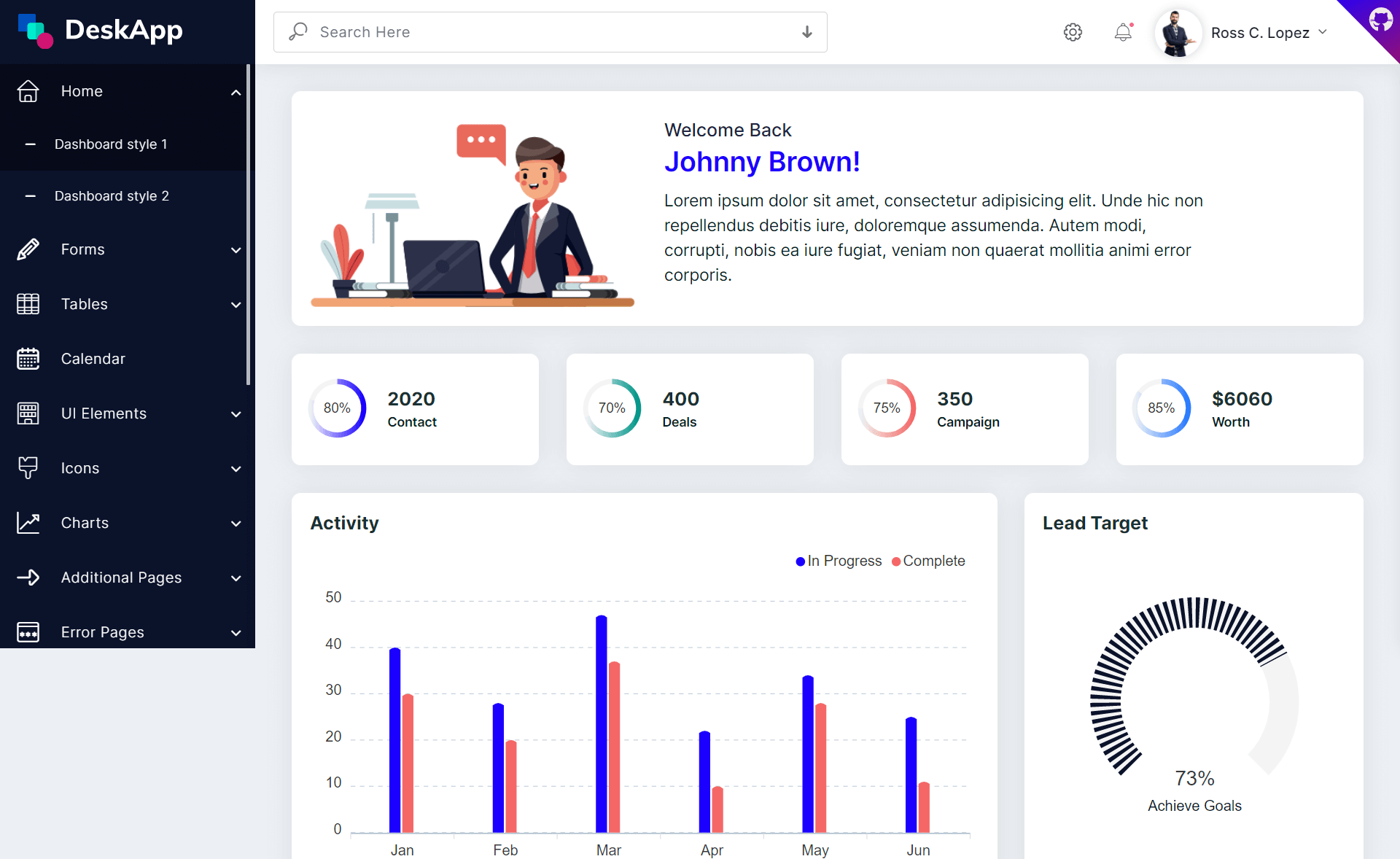
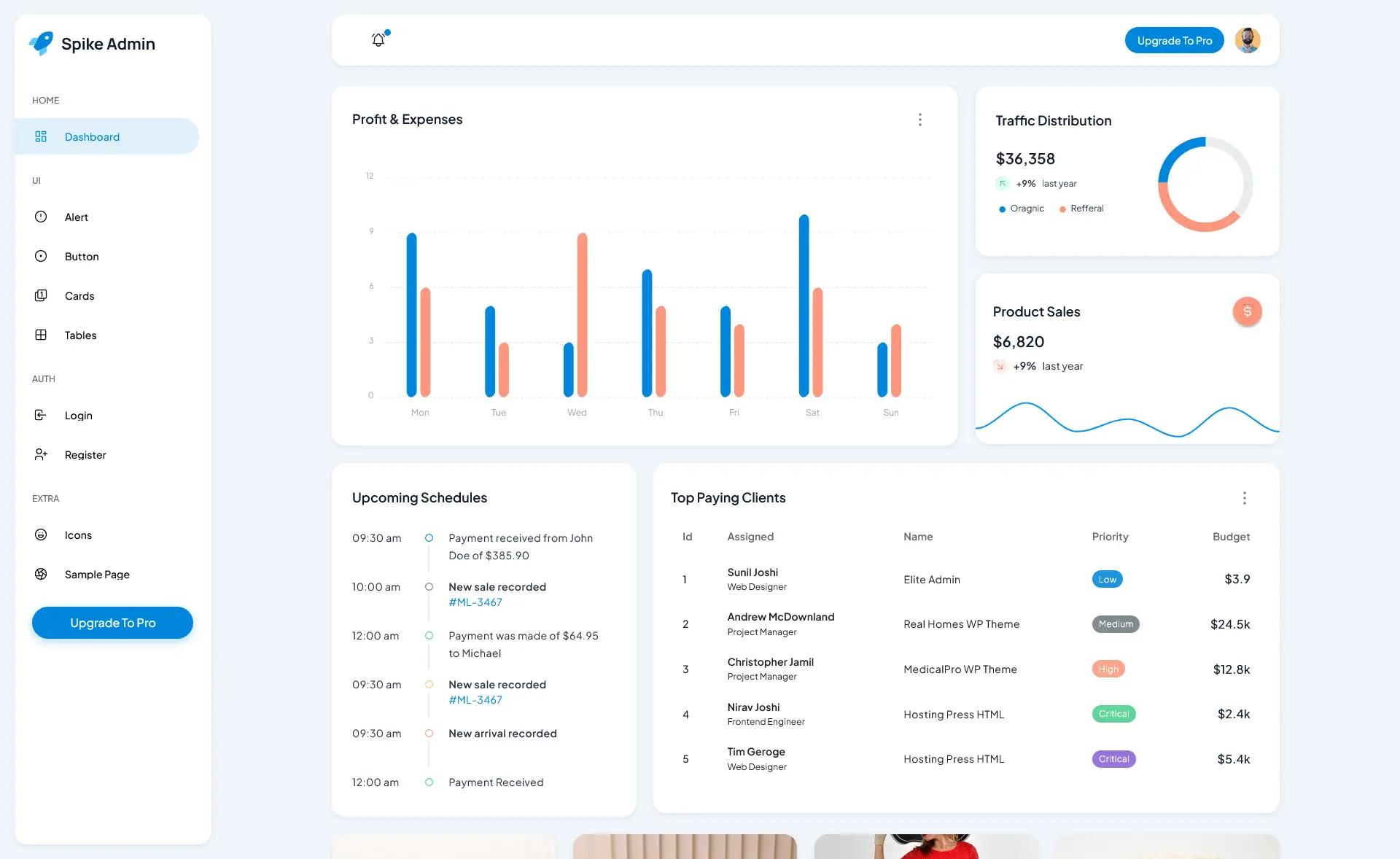
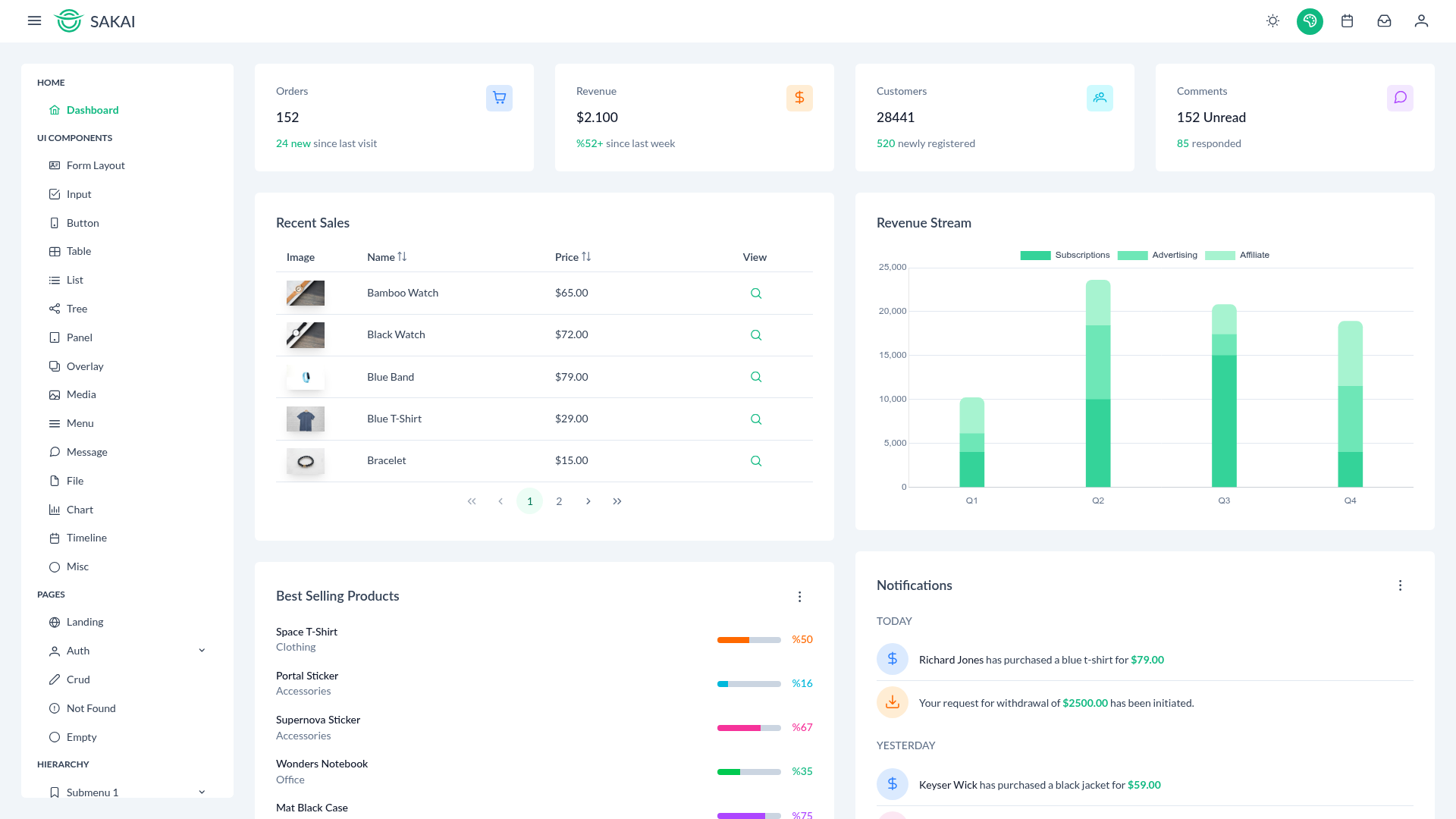
Free React TypeScript admin dashboard template built with Material-UI and styled-components, featuring a clean light design.
About this template
Tokyo Free White Typescript React Admin Dashboard is a free and open-source admin dashboard template built for React and TypeScript, using Material-UI to deliver a set of pre-built pages and components for building admin interfaces.
What is Tokyo Free White Typescript React Admin Dashboard?
Tokyo Free White Typescript React Admin Dashboard is a free admin dashboard template by BloomUI that provides a complete starting point for React and TypeScript projects. It is bootstrapped from Facebook's create-react-app, so it runs as a standard React single-page application. The template outputs a fully styled dashboard with multiple page examples and customizable components, and it is published under the MIT license with version 2.0.0.
Key Features
- Material-UI components — Built on Material-UI (MUI v5), with all NPM dependencies kept up to date, giving access to the full MUI component ecosystem.
- styled-components styling — Uses styled-components instead of SCSS stylesheets for a modern, component-scoped CSS approach.
- Single-file theming — Edit one variables file to change the entire color scheme and visual style of the dashboard.
- Pre-built page examples — Includes page templates for common admin user flows, so you can start development without creating layouts from scratch.
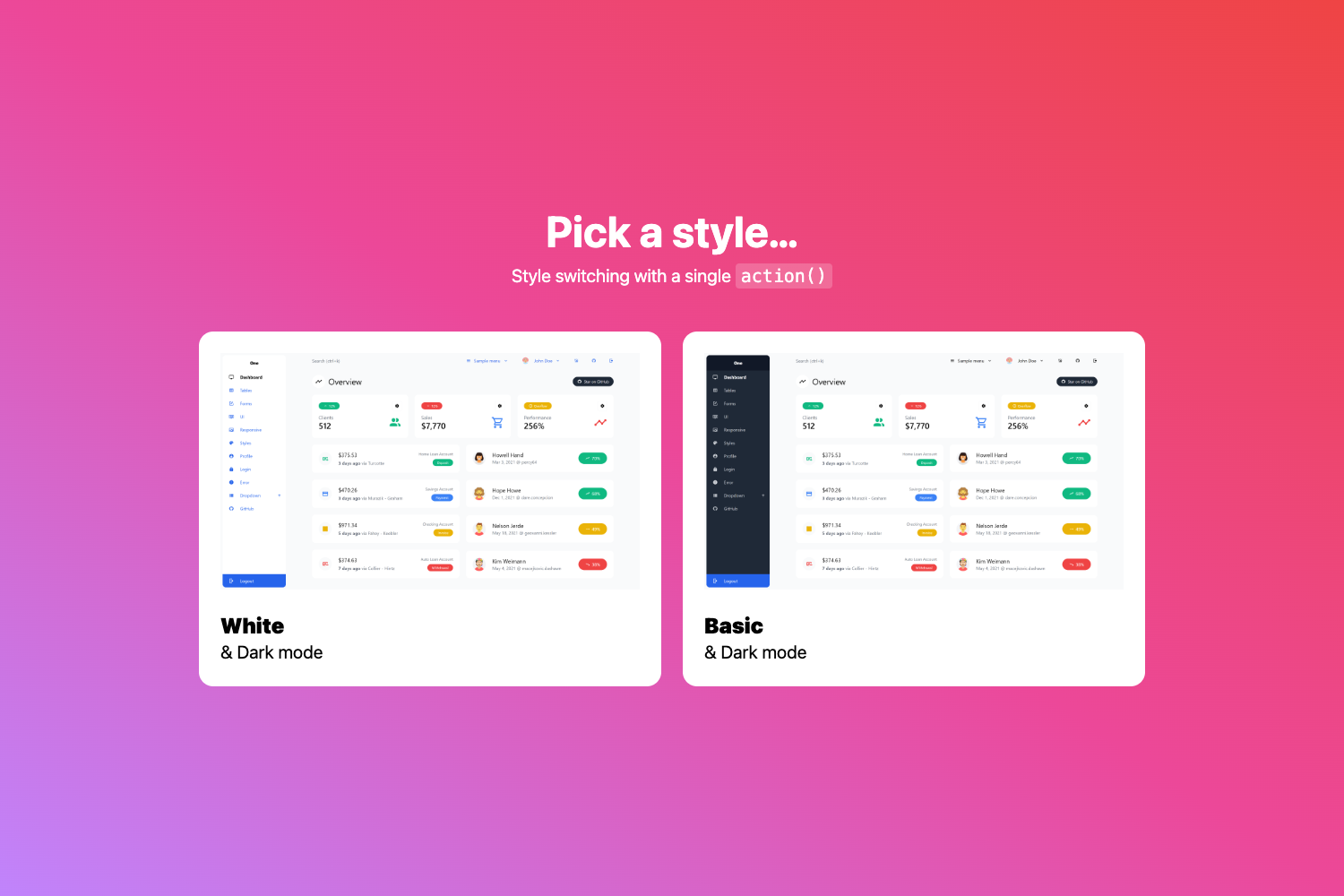
- Clean light design — The classic white and light color scheme keeps the interface simple and readable.
- Easy integration — With light modifications, the dashboard can be added to existing React projects to refresh their look.
- Free and open source — The template is licensed under MIT, and this version is free to use in personal and commercial projects.
Who is it for?
- React developers — who want a ready-made Material-UI admin layout with TypeScript support so they can skip the setup phase and focus on business logic.
- Startup teams — who need a clean, free dashboard for internal tools, back-office systems, or product prototypes.
- Existing project maintainers — who want to modernize a legacy React app by integrating Material-UI components and a consistent design system.
What can you do with it?
- Launch an admin panel: Assemble a complete admin interface using the included page examples, then customize colors through the theme variables file.
- Prototype a management console: Quickly stand up a clickable UI for stakeholders using the built-in Material-UI-based layouts.
- Integrate into an existing app: Bring the Tokyo dashboard's components and styling into a current React project with minimal code changes.
How does it work?
The template uses the standard create-react-app workflow. After cloning the repository, run npm install inside the project folder, then start the development server with npm run start. A browser window opens at http://localhost:3000 with a live preview of the dashboard.
FAQ
Is Tokyo Free White Typescript React Admin Dashboard free?
Yes, this version is free and open source under the MIT license. A paid PRO version is also available on BloomUI.com with additional features such as translations, more complex user flows, and Redux examples.
Does this dashboard use SCSS?
No, it does not use SCSS stylesheets. Styling is handled with styled-components, which keeps styles co-located with the components and allows for easier theming.
How do I customize the color scheme?
You can change the entire style and color scheme by editing a single variables file. There is no need to modify individual component files.
What pages are included?
The template includes a few page examples that cover the most common admin user flows, giving you a solid foundation for building out your own pages.
How can I get technical support?
Support tickets can be opened by emailing support@bloomui.freshdesk.com.