Template details
Admin3
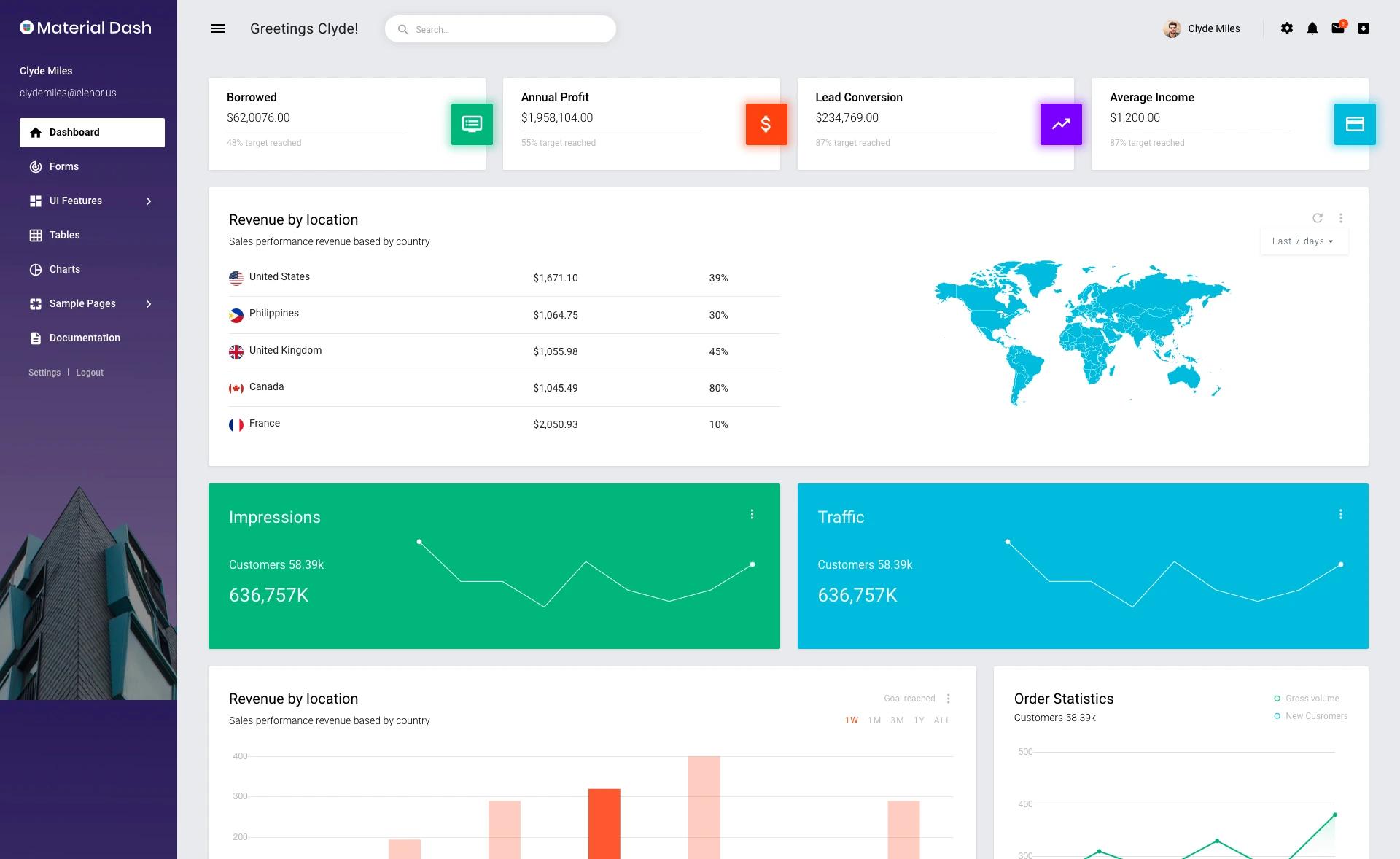
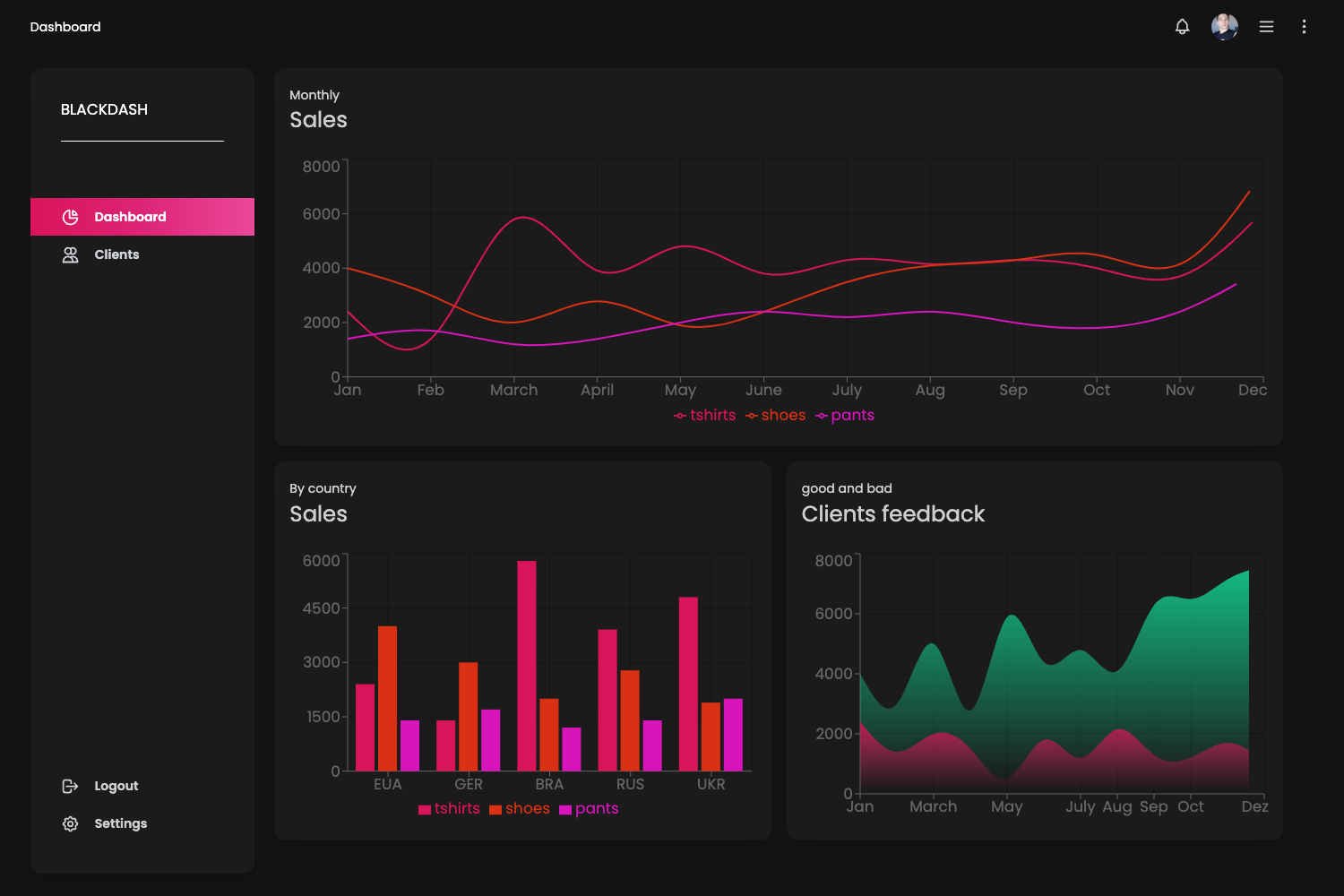
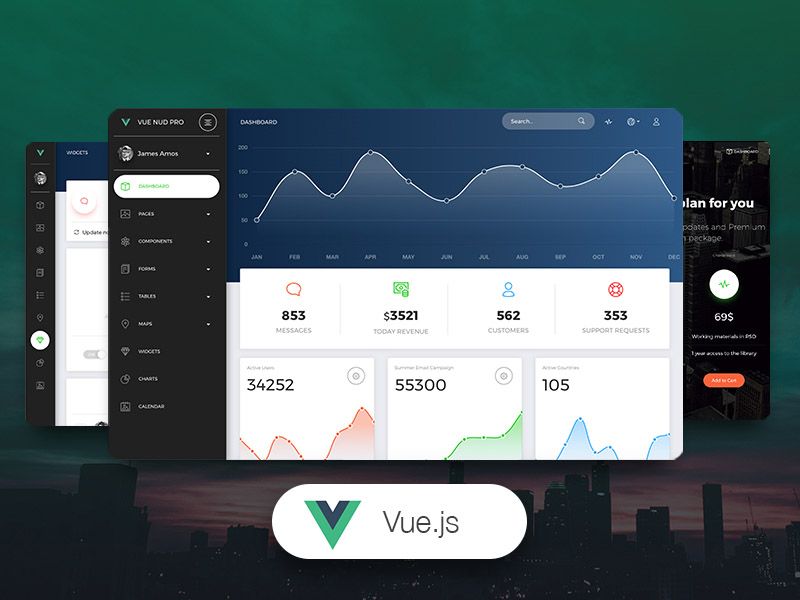
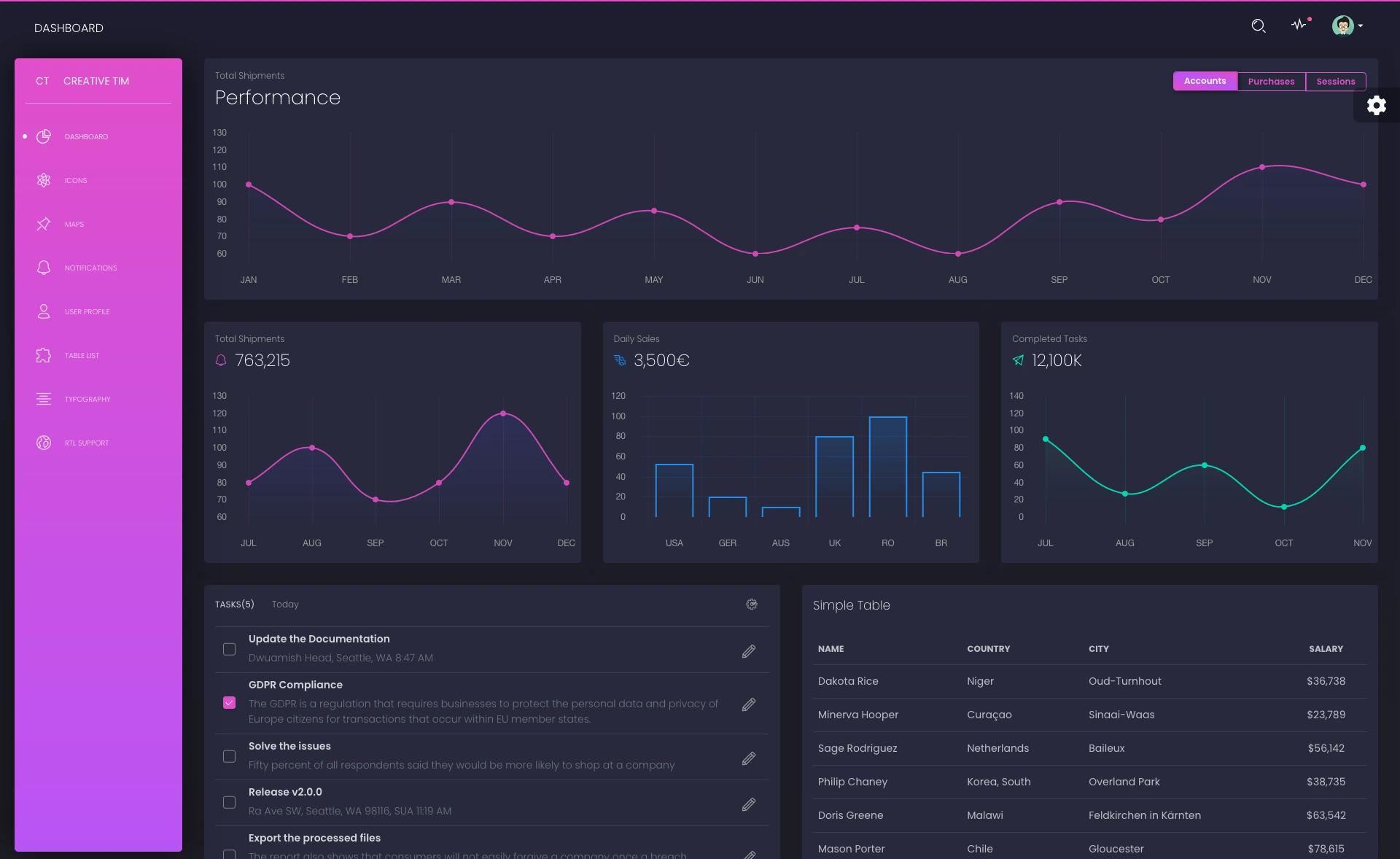
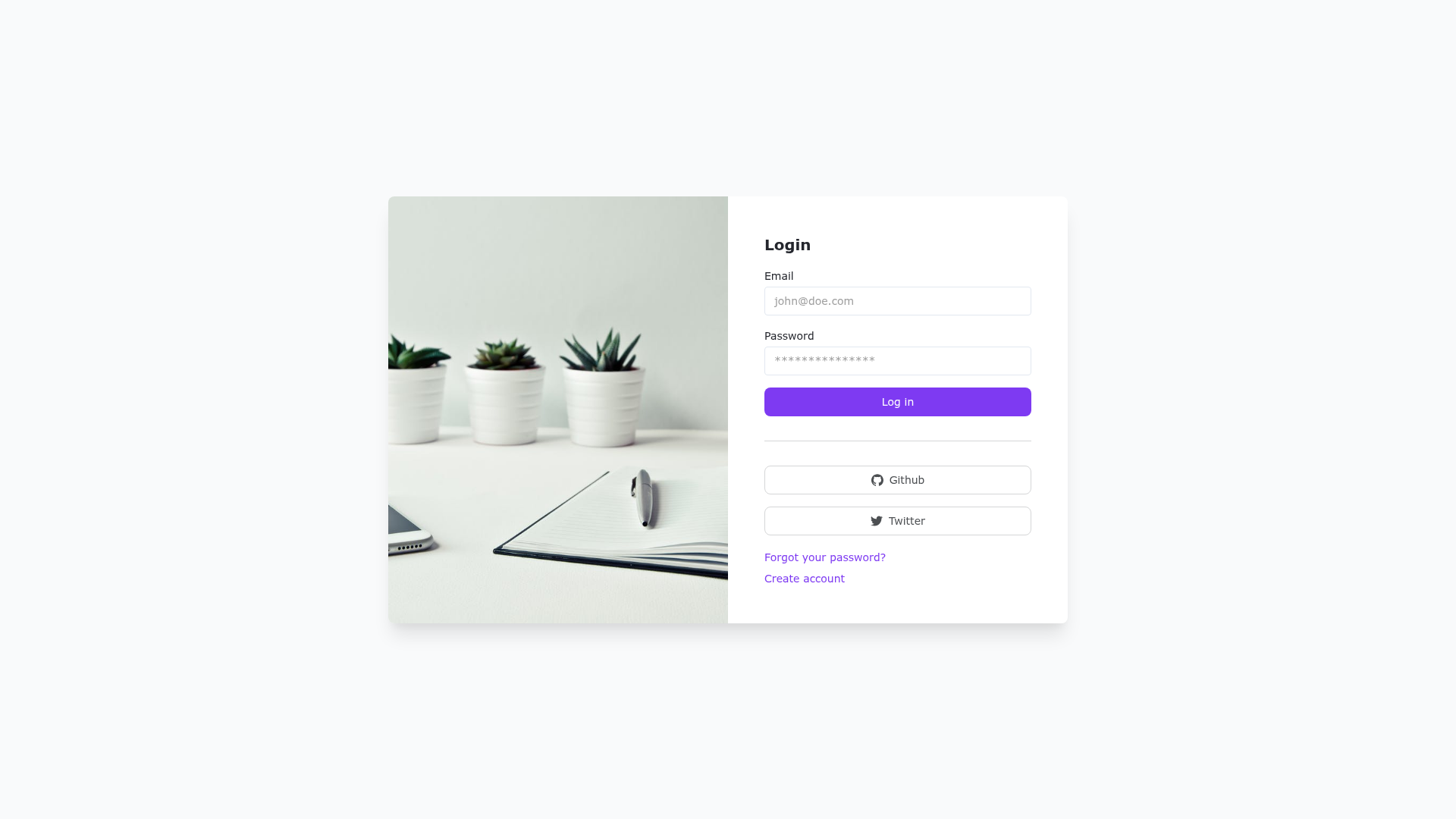
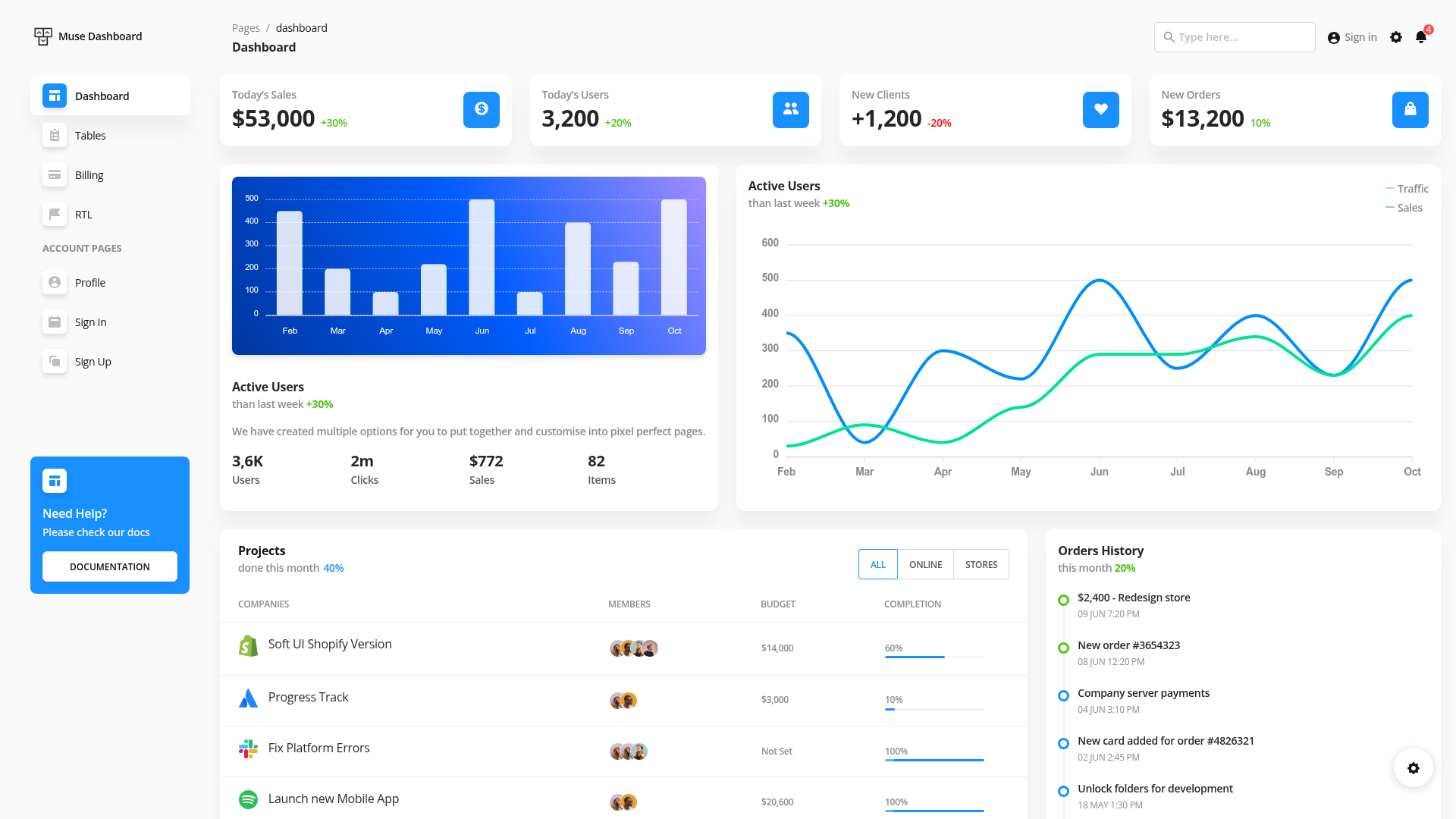
A Nuxt 3 admin dashboard template using TypeScript, Vue 3, Pinia, Element-Plus, PrimeVue, and UnoCSS.
About this template
Admin3 is an open-source admin dashboard template built on Nuxt 3 that scaffolds a back-office interface with Vue 3, TypeScript, Pinia, and two UI component libraries.
What is Admin3?
Admin3 is a Nuxt 3 admin dashboard template that provides a complete project scaffold for building back-office applications. It takes Vue 3 and TypeScript as its foundation, uses Pinia for state management, and ships with both Element-Plus and PrimeVue as UI libraries. Developed by vampirefan and hosted on GitHub, the project is version 2.1.2 with a live demo and documentation deployed on Netlify.
Key Features
- Nuxt 3 framework — Built on Nuxt 3 with Vue 3, requiring Node.js version greater than 18.18 to run.
- TypeScript support — Written in TypeScript with a pragmatic "embrace any" approach, according to the README.
- Pinia state management — Includes Pinia for managing application state across the dashboard.
- Two UI libraries — Offers both Element-Plus and PrimeVue component sets, giving developers flexibility in interface design.
- UnoCSS with Tailwind preset — Uses UnoCSS integration for utility-first styling, configured with the Tailwind preset and Iconify icon collections (Carbon, EP, Logos, Twemoji).
- VueUse composables — Integrates VueUse for reusable functional components and composables.
- ESLint without Prettier — Uses the @antfu/eslint-config for linting, so no separate Prettier configuration is needed.
- czg interactive commits — Uses czg as a Commitizen-compatible tool for interactive commit messages.
Who is it for?
- Vue and Nuxt developers — Build a new admin panel or dashboard quickly by cloning the repository, installing dependencies with Yarn, and running the dev server.
- Front-end teams needing dual UI frameworks — Leverage both Element-Plus and PrimeVue in a single project, which is useful for evaluating or migrating between component libraries.
- Developers learning modern tooling — Study a working setup that combines Nuxt 3, Pinia, TypeScript, UnoCSS, and ESLint conventions.
What can you do with Admin3?
- Admin dashboard starters: Scaffold a back-office interface with pre-configured state management, UI components, and utility styling.
- Bilingual template projects: Use the included Chinese and English READMEs to guide non-English-speaking team members.
- Icon and styling exploration: Experiment with the Iconify integration and UnoCSS preset to switch icon sets and utility classes.
How do you get started with Admin3?
Clone the repository, run yarn install to install dependencies, and then yarn dev to start the development server. The README documents these three steps as the full setup process.
FAQ
Is Admin3 free?
Yes, Admin3 is an open-source project available on GitHub. The repository is publicly accessible, though the README does not specify a license, so check the repository for licensing details.
What is Admin3?
Admin3 is an admin dashboard template built on Nuxt 3 with Vue 3, TypeScript, Pinia, Element-Plus, PrimeVue, and UnoCSS. It provides a starting point for building back-office web applications.
Which UI frameworks does Admin3 use?
Admin3 uses two UI libraries: Element-Plus and PrimeVue. It also uses UnoCSS with the Tailwind preset for styling and Iconify for icons.
What Node.js version is required?
The README states that Node.js must be greater than version 18.18 to run Admin3.
How do I run Admin3 locally?
First clone the repository, then run yarn install to install dependencies, and finally yarn dev to start the development server.