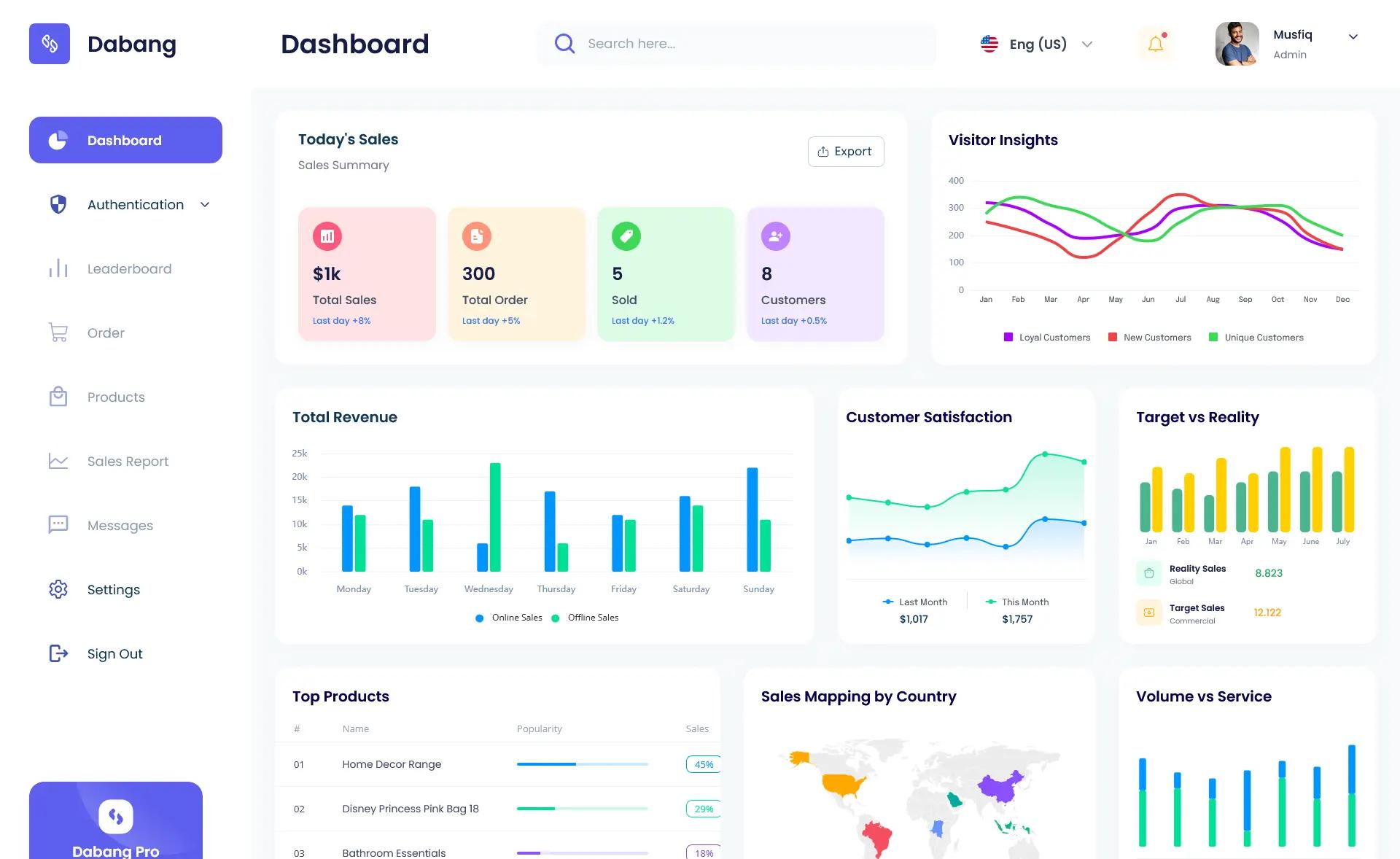
Template details
React Tailwind Ecommerce Admin Dashboard
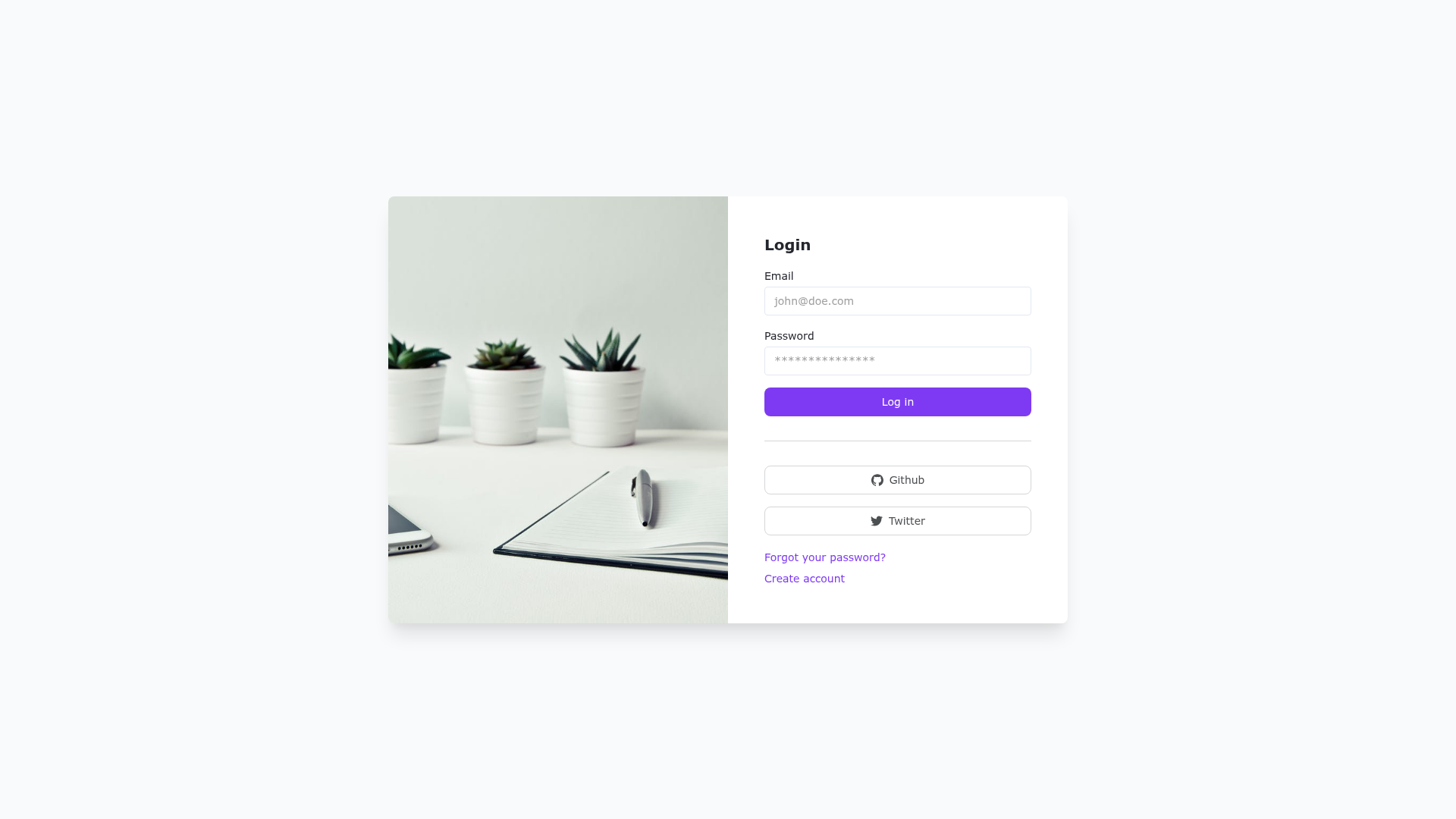
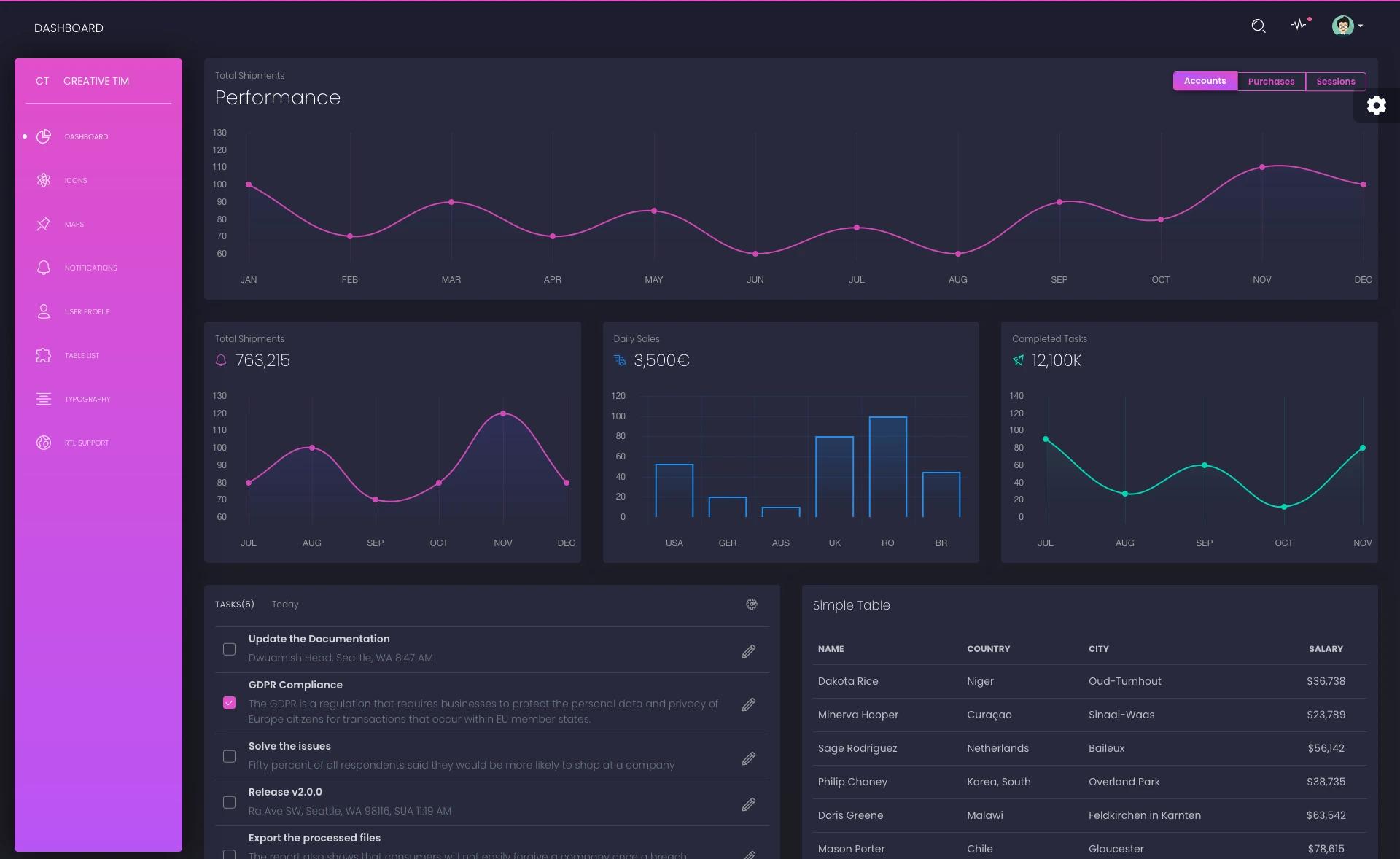
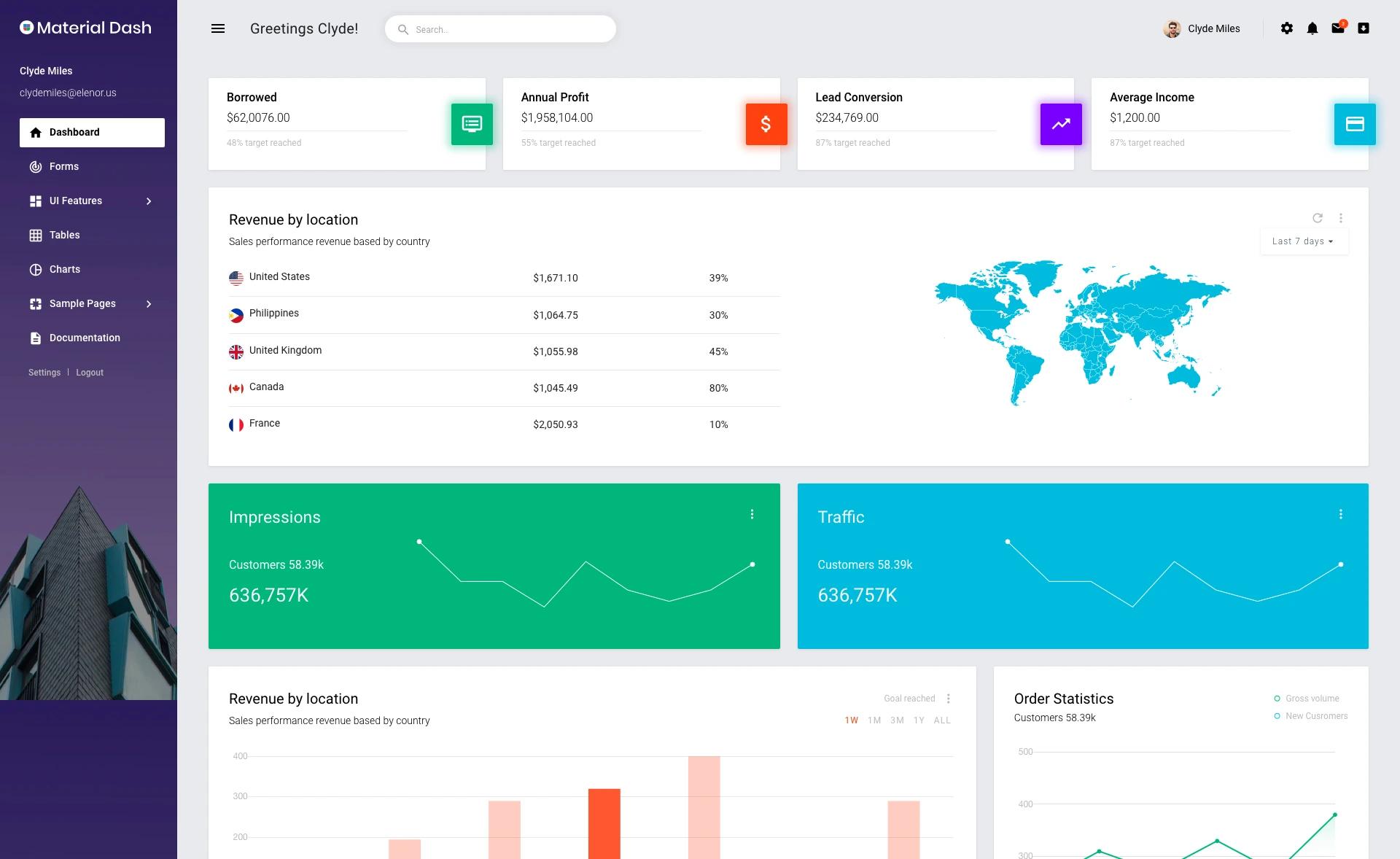
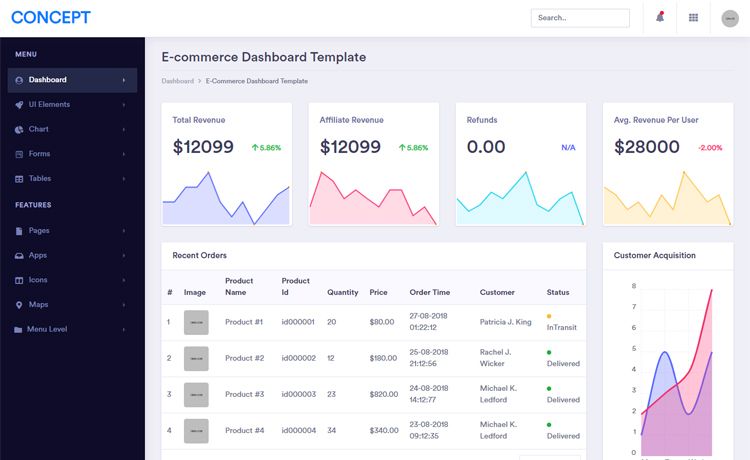
E-Commerce Admin Dashboard Complete Template with React / TailwindCSS & Windmill UI. Based on Windmill Admin UI Template.
About this template
React Tailwind Ecommerce Admin Dashboard is a React and Tailwind CSS admin template built on the Windmill Admin UI design system, designed to bootstrap e-commerce back-office interfaces.
What is React Tailwind Ecommerce Admin Dashboard?
React Tailwind Ecommerce Admin Dashboard is a front-end template for building e-commerce administration panels. It combines React for component-based UI with Tailwind CSS for utility-first styling, and is based on the Windmill Admin UI Template. The project is bootstrapped with Create React App, so it ships with the standard CRA toolchain: a development server, test runner, production build script, and optional eject. Output is a static web app compiled to a build folder with minified, hash-named assets ready for deployment.
Key Features
- React component model — UI is built from reusable React components, letting you compose pages from small, testable pieces.
- Tailwind CSS styling — Styling is applied with Tailwind's utility classes directly in markup, avoiding separate CSS files for common layout tasks.
- Windmill Admin UI foundation — The template inherits the Windmill Admin UI design language, giving a consistent set of dashboard components and color tokens.
- Create React App toolchain —
npm startlaunches a development server with live reload;npm testruns the test runner in watch mode. - Production build script —
npm run buildproduces an optimized bundle in the build directory with minified JavaScript and content-hashed filenames. - Eject option —
npm run ejectcopies all configuration and dependencies (webpack, Babel, ESLint) into the project for full control, though it is a one-way operation.
Who is it for?
E-commerce developers who need a starting point for a store admin panel. Product managers or founders who want to prototype an order-management or inventory dashboard. Frontend teams that prefer utility-first CSS with Tailwind and want a prebuilt layout rather than starting from a blank canvas.
What can you do with it?
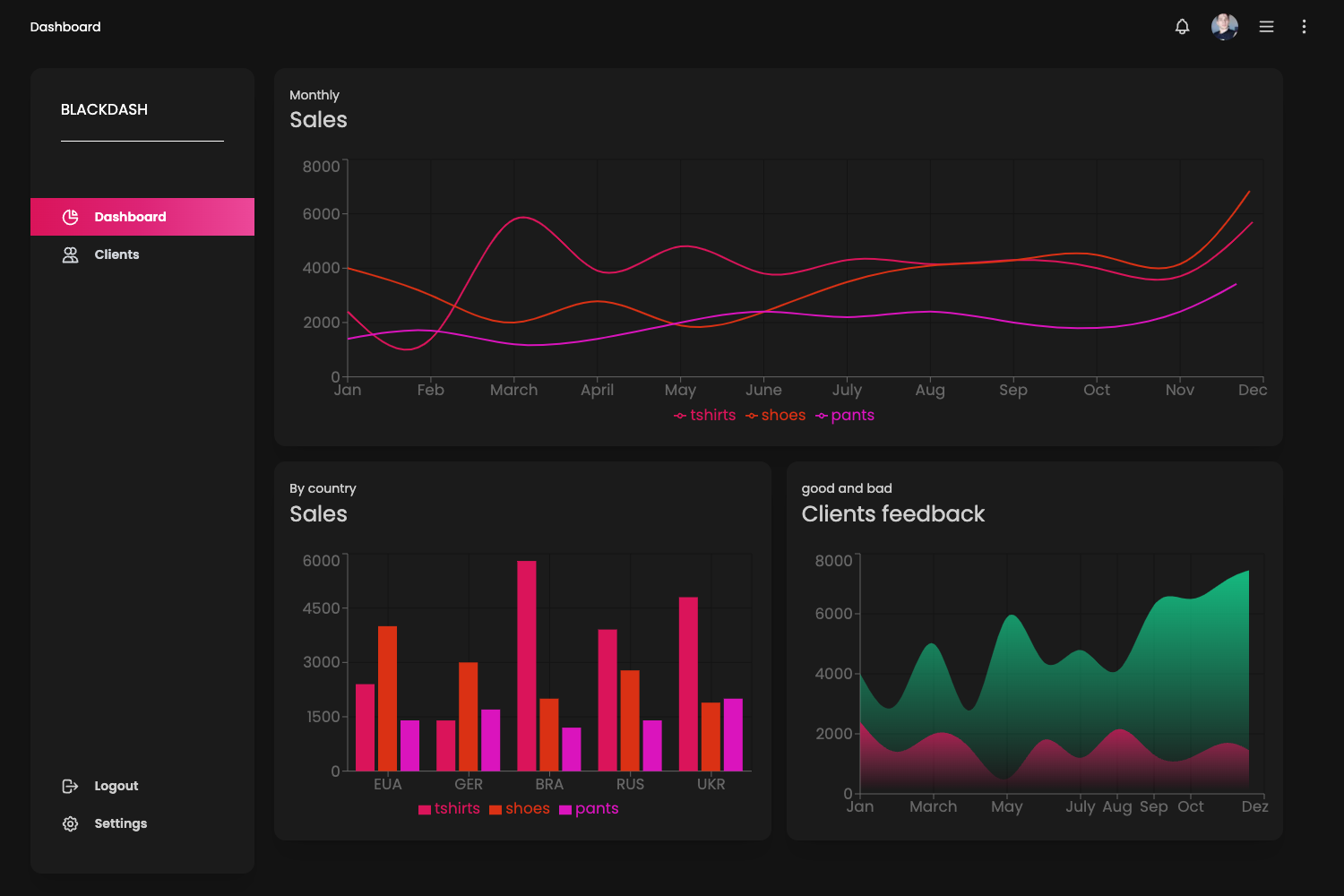
- Admin dashboard developers: Customize the Windmill-based layout into screens for product listing, order management, customer profiles, and sales analytics.
- Store owners: Use the template to spin up an internal backend UI for your online shop without hiring a designer for the basic chrome.
- React learners: Study how a Create React App project organizes routes, components, and Tailwind styling in a real admin dashboard context.
How does the template work?
After placing the project in a directory, run npm install once, then npm start to launch the development server at http://localhost:3000. Editing source files reloads the page automatically. When ready, npm run build generates the production bundle in the build folder, and npm test runs the Jest test runner in interactive watch mode. The eject command is available for full configuration access but cannot be undone.