Newsletter
Join the Community
Subscribe to our newsletter for the latest news and updates

Open-source Slack chatbot built on Vercel's AI SDK, with policy-gated tools for weather, web search, and bash.
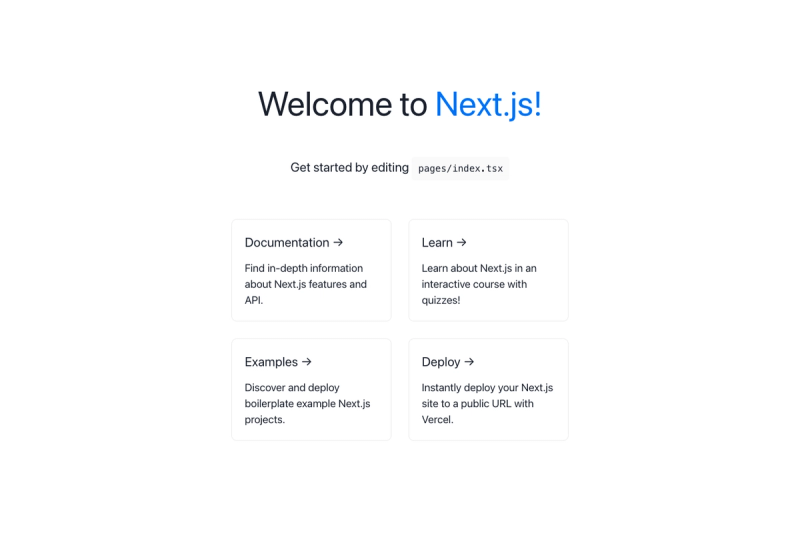
Next.js + Chakra-UI + TypeScript starter with testing, linting, and Git workflow automation.
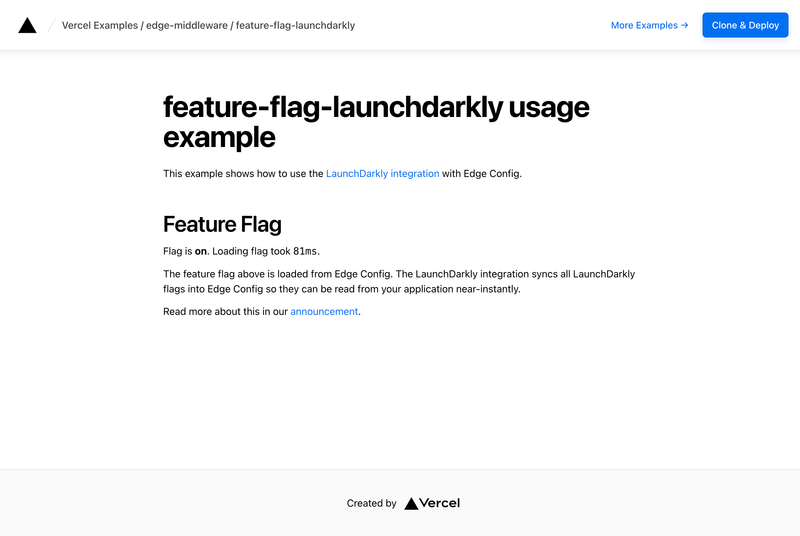
Learn how to set up the LaunchDarkly integration to read flags from Edge Config
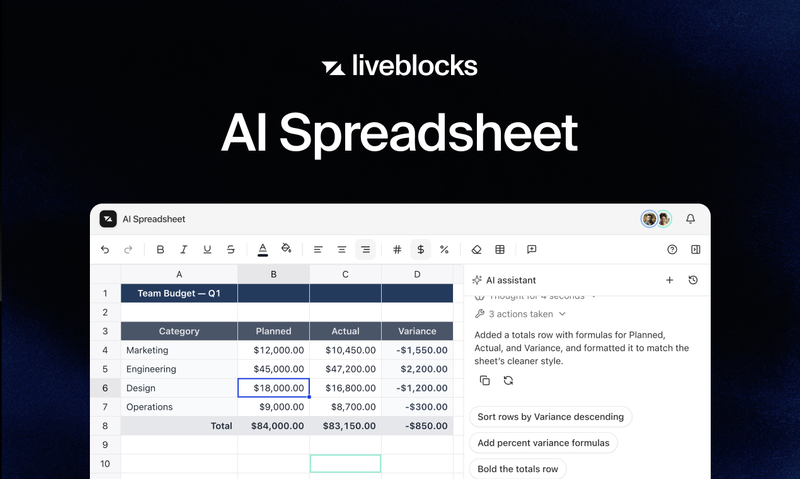
A collaborative AI spreadsheet powered by Liveblocks.
A minimal Remix site example that deploys to Vercel with zero configuration, including CLI-based setup and local dev server.
The AI SDK Slackbot is an open-source TypeScript template for building an AI-powered Slack assistant that uses Vercel's AI SDK to support any LLM provider and gates every tool call with Open Policy Agent policies. It is maintained by nicoalbanese on GitHub, licensed under MIT, and designed for one-click deployment on Vercel.
The AI SDK Slackbot turns a Slack app into a conversational AI agent. It takes Slack messages — either direct messages or app mentions — as input, processes them through an LLM via Vercel's AI SDK, and produces threaded replies that can include tool results such as weather data, web search summaries, or sandboxed bash command output. The bot runs on Node.js 18+ and is built for deployment on Vercel, though it can be hosted anywhere capable of running a Node.js serverless function.
MODEL_PROVIDER and OLLAMA_MODEL environment variables.policies/decision.rego; policies compile to WASM (policy.wasm) so the deployed bot runs them without needing the opa binary.bash-tool + just-bash.lib/generate-response.ts; existing tools can be removed the same way, and the AI SDK's tool system handles the rest.SLACK_BOT_TOKEN, SLACK_SIGNING_SECRET, OPENAI_API_KEY, EXA_API_KEY).The bot listens to Slack events (app_mention, assistant_thread_started, message:im) at the /api/events endpoint. When a message arrives, it constructs a conversation with the AI SDK, which decides whether to call a tool; before a tool runs, OPA policy checks the input, and the tool result plus the model's text reply are sent back to the Slack thread. Deployment requires creating a Slack app with specific bot token scopes (app_mentions:read, assistant:write, chat:write, channels:history, im:history, im:read, im:write) and enabling event subscriptions with the production URL.
No. The Open Policy Agent policies only gate tool calls — the action a tool is allowed to take. The model's free-text answer is not constrained, so the bot could answer from training knowledge even if a search was limited to a domain. The page suggests output-side validation for hard guarantees, and the reply footer shows which tool ran.
Yes. Set MODEL_PROVIDER=ollama and install Ollama (e.g. brew install ollama), then pull a model like llama3.1 or qwen2.5 and set OLLAMA_MODEL. No OPENAI_API_KEY is needed on this path, but the model must be reachable — a deployed Vercel function cannot reach localhost:11434, so Ollama is best for local development.
The prerequisites state that you need a Slack workspace with admin privileges to create the Slack app and configure scopes, plus a server or hosting platform such as Vercel for deployment.
SLACK_BOT_TOKEN, SLACK_SIGNING_SECRET, OPENAI_API_KEY, and EXA_API_KEY are required; optional settings include MODEL_PROVIDER, OLLAMA_MODEL, OPENAI_MODEL, and POLICY_MODE.