Template details
Remix
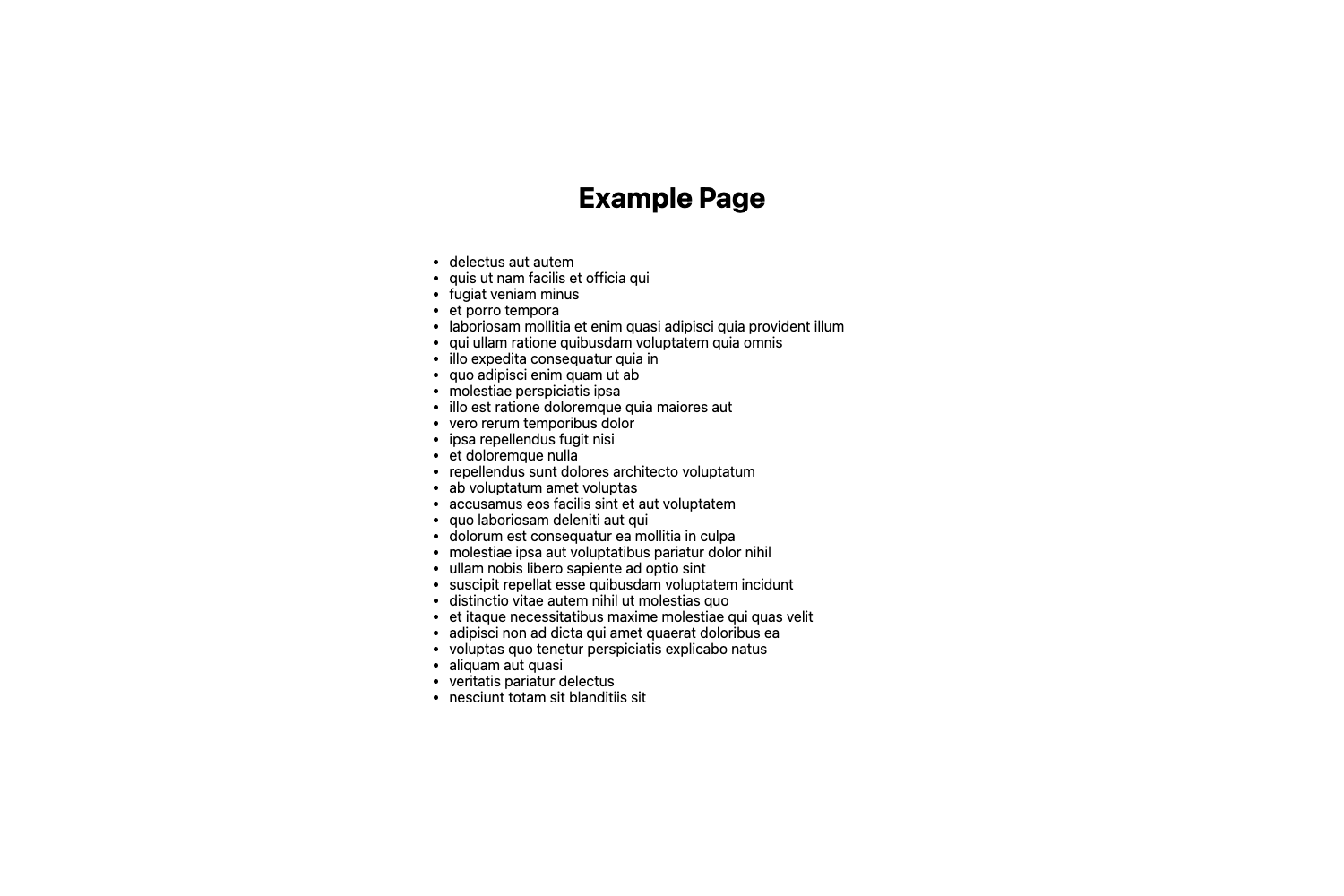
A minimal Remix site example that deploys to Vercel with zero configuration, including CLI-based setup and local dev server.
About this template
Remix is a boilerplate example for deploying a Remix application to Vercel with zero configuration.
What is the Remix template?
The Remix template is a minimal Remix site example created by Vercel, part of Vercel's examples repository. It takes a standard Remix application structure and pre-configures it for deployment on Vercel, so you can go from code to live site without additional setup. The template is scaffolded using the command npx create-remix@latest --template vercel/vercel/examples/remix, which generates a local project ready for development and deployment.
Key Features
Zero-configuration deployment — Deploy to Vercel with no extra configuration using the Deploy with Vercel button or the Vercel CLI.
Live example — Preview the template in action at https://remix-run-template.vercel.app before deploying your own version.
Local development server — Run npm install and npm run dev to start a development server on http://localhost:5173 with hot reload.
CLI project creation — Scaffold the project with create-remix using the --template flag, making setup a one-command process.
Part of Vercel's example collection — The template lives in the Vercel examples repository, which includes many other framework boilerplates and curated solutions.
Who is this template for?
Developers new to Remix — Get a working Remix app quickly and see how it deploys to Vercel without needing to configure a server.
Vercel users — Deploy a Remix application using familiar Vercel workflows, either through the dashboard or the CLI.
Teams prototyping — Use the example as a foundation to build larger Remix applications while keeping the deployment setup minimal.
What can you do with this template?
Launch a Remix app — Use the Deploy with Vercel button to create a production deployment instantly.
Customize the starter — Modify the Remix routes and components to build your own application while preserving the deployment configuration.
Learn Vercel deployment — Serve as a reference for how Remix is structured for Vercel, including both button-based and CLI deployment.
How does the template work?
Create a new project with the create-remix CLI, develop locally with npm run dev, and deploy to Vercel through the Deploy with Vercel button or by running vercel after installing the Vercel CLI. No additional configuration is required at any stage.
FAQ
How do I deploy this Remix template to Vercel?
Use the Deploy with Vercel button from the repository page, or install the Vercel CLI with npm i -g vercel and run vercel in the project directory.
What port does the development server use?
The Remix development server runs on http://localhost:5173 after executing npm run dev.
Does this template require any configuration?
No. It is designed for zero-configuration deployment to Vercel. Just create the project, develop locally, and deploy.
What does this template include?
It includes a basic Remix application structure with the necessary Vercel configuration for deployment. It is a brief example rather than a full-featured starter.