Template details
Admin Dashboard Template
Free open-source admin dashboard starter template built with Tailwind CSS, available as a single HTML file from Tailwind Toolbox.
About this template
Admin Dashboard Template is an open-source, single-file admin dashboard starter built on Tailwind CSS, published by Tailwind Toolbox and licensed under MIT.
What is Admin Dashboard Template?
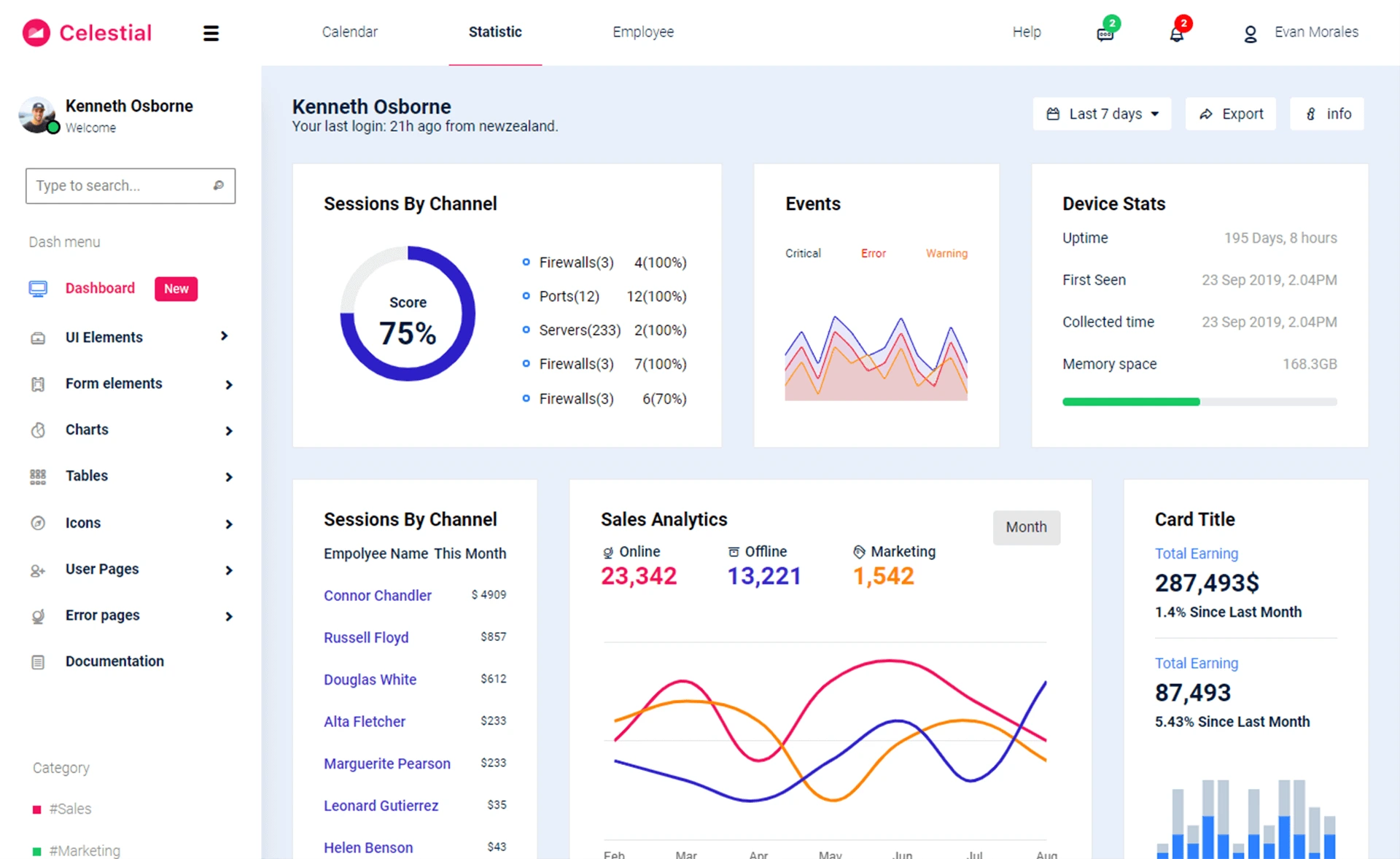
Admin Dashboard Template is a free, open-source starter template for creating administrative user interfaces with Tailwind CSS. It is distributed as one HTML file that loads Tailwind CSS from a CDN, so it requires no build step. The template is maintained by Tailwind Toolbox, created by Amrit Nagi, and hosted on GitHub where it has 359 stars.
What makes Admin Dashboard Template stand out?
- Zero build setup — The template is a single HTML file using a full CDN-hosted Tailwind CSS file, so you can open it directly in a browser and start editing.
- MIT license — Code is released under the MIT license, allowing free personal and commercial use without attribution.
- Multiple start options — You can download the latest release as a ZIP, clone the repository with git, or fork it on GitHub.
- Starter customization guidance — Tailwind Toolbox publishes a setup guide specifically for tweaking the template, aimed at getting the full benefit of Tailwind CSS's configuration system.
- GitHub stars and topics — The repository is categorized with tags such as admin-dashboard, admin-template, html, open-source, starter-template, tailwind-css, and template.
Who should use Admin Dashboard Template?
- Front-end developers building a custom admin dashboard who want a clean Tailwind CSS base to style over.
- Tailwind CSS beginners looking for a practical example of utility classes arranged into a dashboard layout.
- Freelancers who need a quick starting point for client projects and want to avoid configuring a front-end toolchain from scratch.
What can you do with Admin Dashboard Template?
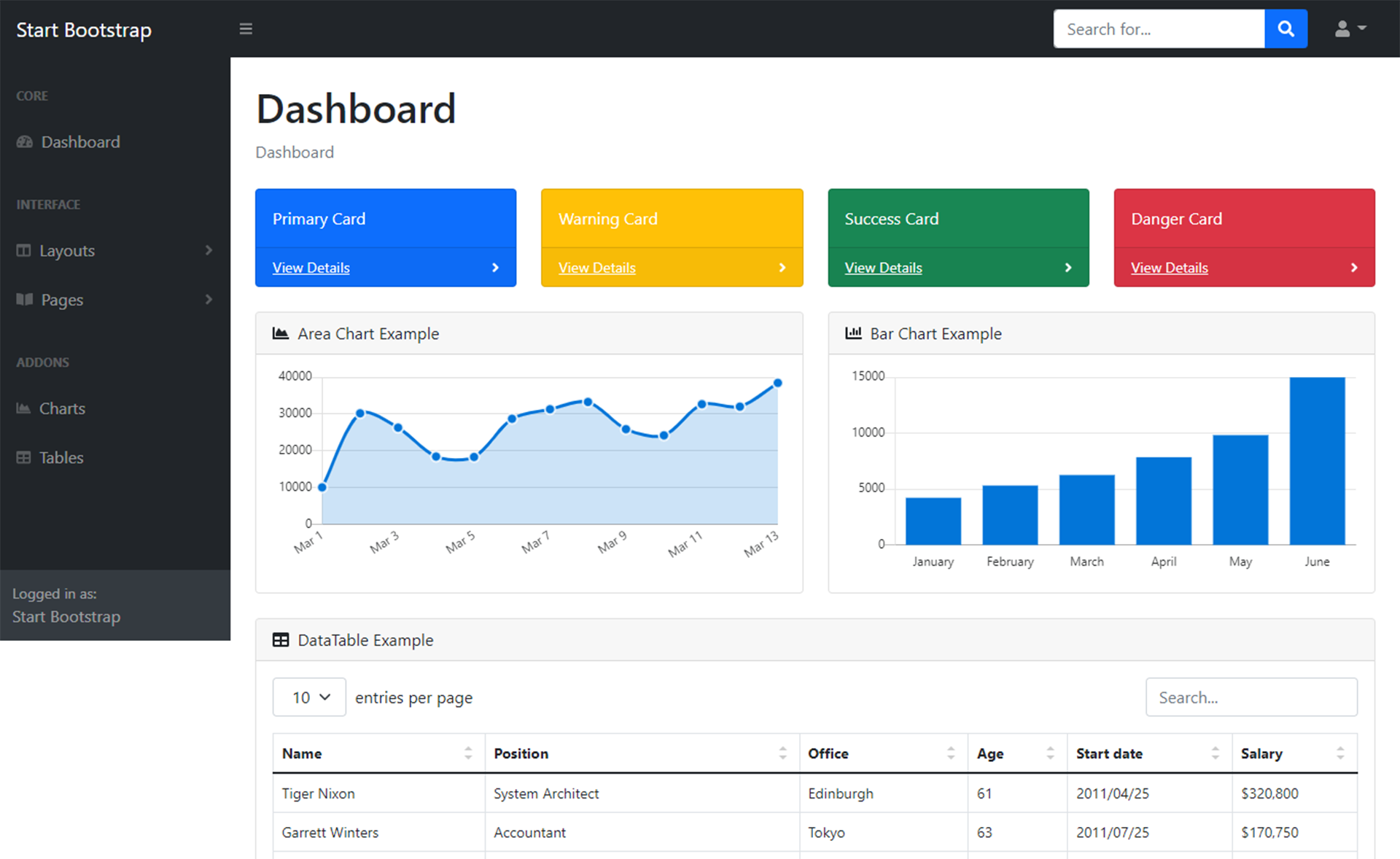
- Prototype an admin interface: Download the HTML file and immediately see a Tailwind-based dashboard structure that you can modify with CSS classes.
- Learn to configure Tailwind: Follow the Tailwind Toolbox setup guide to move from the CDN version to a locally installed Tailwind CSS with a custom config file.
- Kick off a GitHub project: Fork the repository to begin version-controlled development of a full admin application.
How does Admin Dashboard Template work?
Start by downloading the release ZIP, cloning the GitHub repository, or forking it. The template is just an HTML file that pulls Tailwind CSS from a CDN, so opening it in any modern browser renders the dashboard. To customize it, edit the HTML and CSS classes directly, or use the setup guide to install Tailwind locally for more advanced theming.
FAQ
Is Admin Dashboard Template free?
Yes, it is open source and released under the MIT license, meaning you can use it for free in personal and commercial projects, and modify or distribute it.
Do I need Node.js or a build tool?
No. The template runs entirely in the browser because it loads Tailwind CSS from a CDN. You can edit the HTML file in any text editor and refresh to see changes.
How do I customize the template?
You can edit the HTML and Tailwind utility classes directly. For deeper customization, follow the setup guide at Tailwind Toolbox to install Tailwind CSS with a configuration file.
Can I use this template in a commercial product?
Yes, the MIT license permits commercial use. You are not required to pay royalties or include the original copyright, though preserving the license text is standard practice.