Template details
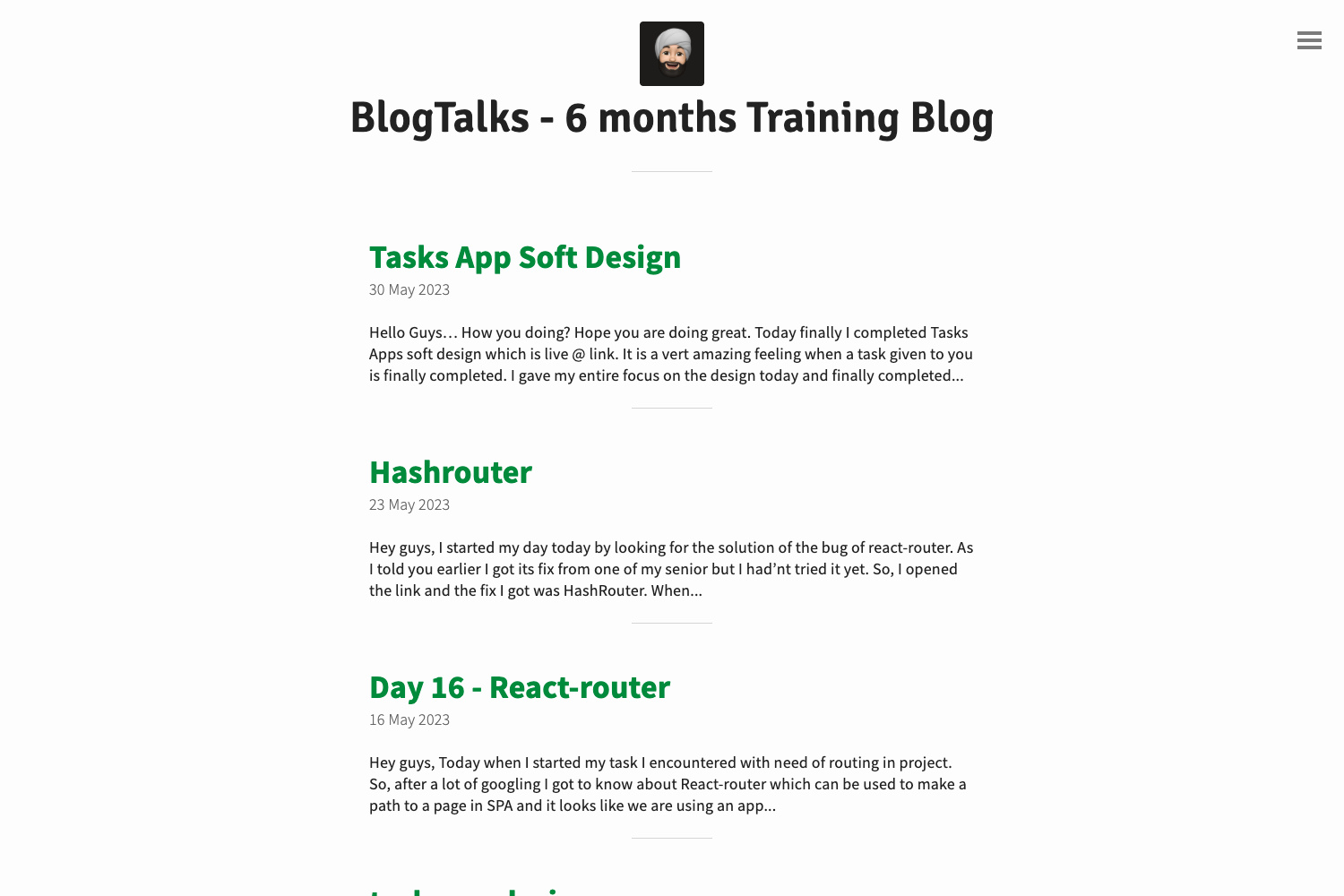
AJ Blog - Jekyll Theme
A simple and elegant Jekyll blog theme with image galleries, carousels, and pagination.
About this template
AJ Blog is a Jekyll theme for personal blogs that provides an elegant design with image galleries, carousels, and pagination out of the box.
What is AJ Blog - Jekyll Theme?
AJ Blog is a simple, open-source Jekyll theme designed for blogging. It takes standard Jekyll content — posts written in Markdown with front matter, plus configuration in _config.yml — and renders a blog with a clean, elegant layout. The theme is maintained on GitHub by arihant-001 and released under the MIT License, so it can be freely used and modified for personal or commercial projects.
Key Features
- Elegant Design — A clean, minimal visual style suited for text-focused blog content.
- Image Gallery — Add a responsive gallery grid by writing an HTML
divwith the classgalleryand adata-columnsattribute (e.g., 3) to control the number of columns per row. - Image Carousels — Display slideshows by using the same gallery component with
data-columnsset to 1, which stacks images into a carousel. - Pagination — Built-in support for splitting blog post lists across multiple pages, enabled through the theme's configuration.
- Easy GitHub Pages setup — The repository is set up to deploy directly on GitHub Pages; editing
_config.ymlfor name, email, and baseurl is the main step. - Docker-based development — A Docker image and commands are included to run Jekyll in a container, avoiding Ruby/Jekyll installation issues.
Who is it for?
- Bloggers — who want a simple, elegant Jekyll theme and are comfortable forking a GitHub repo and editing Markdown files.
- Developers — who need a lightweight blog theme that can be customized with HTML/CSS and deployed to GitHub Pages.
- Hacktoberfest contributors — since the repo is tagged
hacktoberfest, it welcomes pull requests for improvements.
What can you do with it?
- Publish posts — Write posts in Markdown, add front matter (title, date, etc.), and Jekyll generates static pages.
- Showcase images — Use gallery and carousel snippets to embed visual collections within posts or pages.
- Deploy quickly — Fork the repository, update
_config.yml, and host it on GitHub Pages for free.
How does it work?
- Fork the repository.
- Edit
_config.ymlwith your name, email, and baseurl. - Add posts in Markdown with front matter.
- Run Jekyll locally or push to GitHub Pages.
Pricing
Free and open source under the MIT License, so it can be used for any project without licensing fees.
FAQ
Is AJ Blog free?
Yes, the theme is open source under the MIT License, meaning you can use, modify, and distribute it freely for personal or commercial projects.
How do I set up AJ Blog on GitHub Pages?
Fork the repository, edit _config.yml with your details and baseurl, then enable GitHub Pages in the repository settings. The theme will build and serve your blog automatically.
Does AJ Blog support image galleries?
Yes, it includes an image gallery component that you can use by adding an HTML div with the class gallery and setting a data-columns attribute to define the number of columns.