Template details
Hydrotion
Turns a Notion database or data source into a cache-first public blog with Next.js, Cloudflare Workers, and Docker support.
About this template
Hydrotion (formerly NotionPaper) is a Next.js App Router template that turns a Notion database or data source into a cache-first public blog without requiring an external database.
What is Hydrotion?
Hydrotion is an open-source starter by dreambulare that reads published posts from a Notion data source — either a Notion database ID or URL — and renders them as a public blog. It takes a Notion integration token (NOTION_TOKEN) and either NOTION_DATABASE_ID or NOTION_DATA_SOURCE_ID as input, then outputs a styled blog with post pages, a homepage, topic layouts, and a table of contents. It runs on Next.js 14 with the App Router and can be deployed locally, as a Docker container, or to Cloudflare Workers via OpenNext.
What makes Hydrotion stand out?
- Cache-first rendering — Notion API responses are cached to avoid slow per-request rendering; cache providers include filesystem, memory, and cloudflare, with filesystem as default.
- Media proxying — Notion-hosted file URLs expire, so Hydrotion proxies them through /api/media/... and stores downloaded bytes in a configurable media store (filesystem, memory, or cloudflare).
- Authenticated revalidation — an authenticated /api/revalidate endpoint accepts a bearer token (HYDROTION_REFRESH_SECRET) to refresh all shared caches or a single post cache via a tag such as hydrotion:post:page-id.
- Rich Notion rendering — renders covers, rich text, lists, tables, media, embedded YouTube videos, and an article table of contents from Notion blocks.
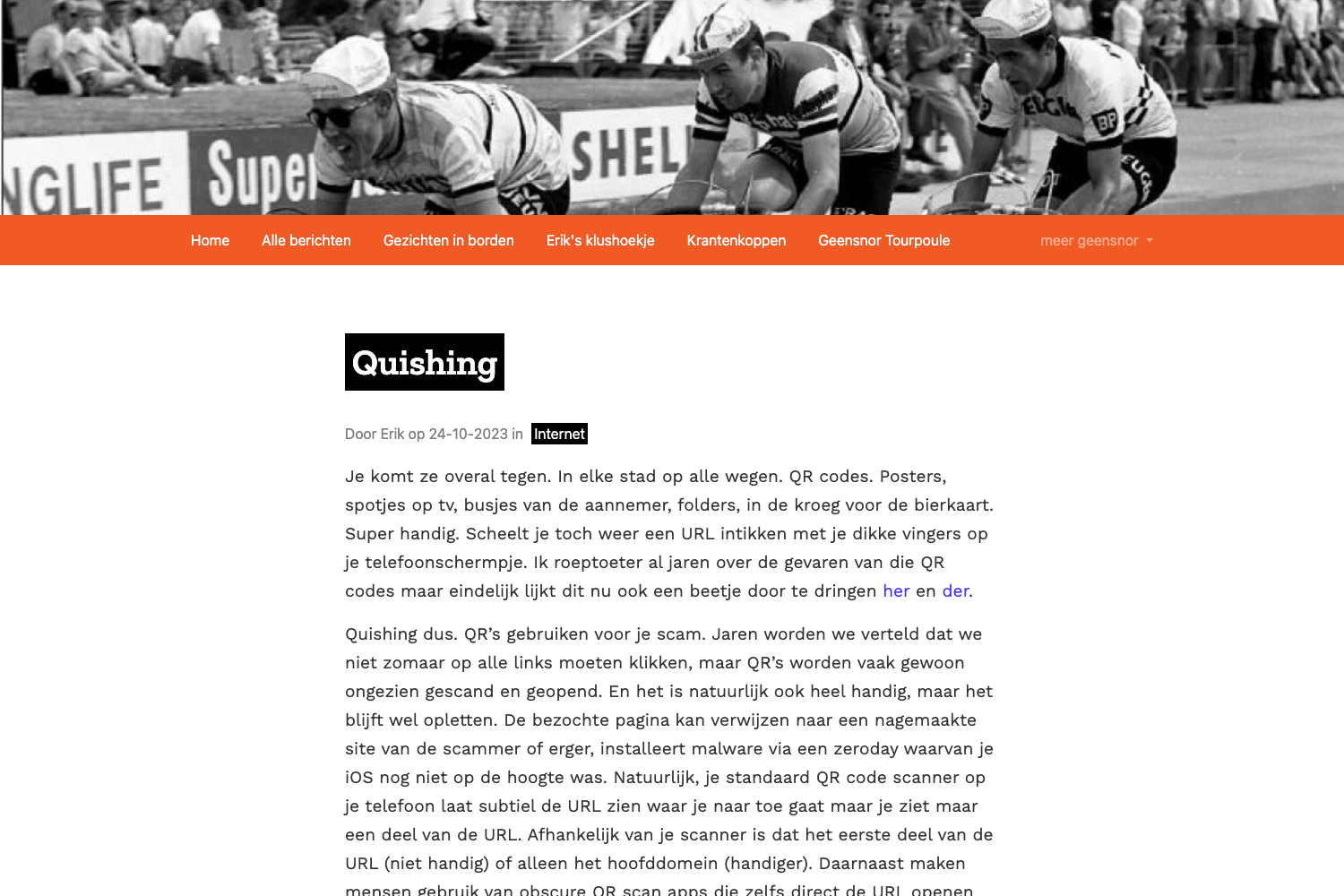
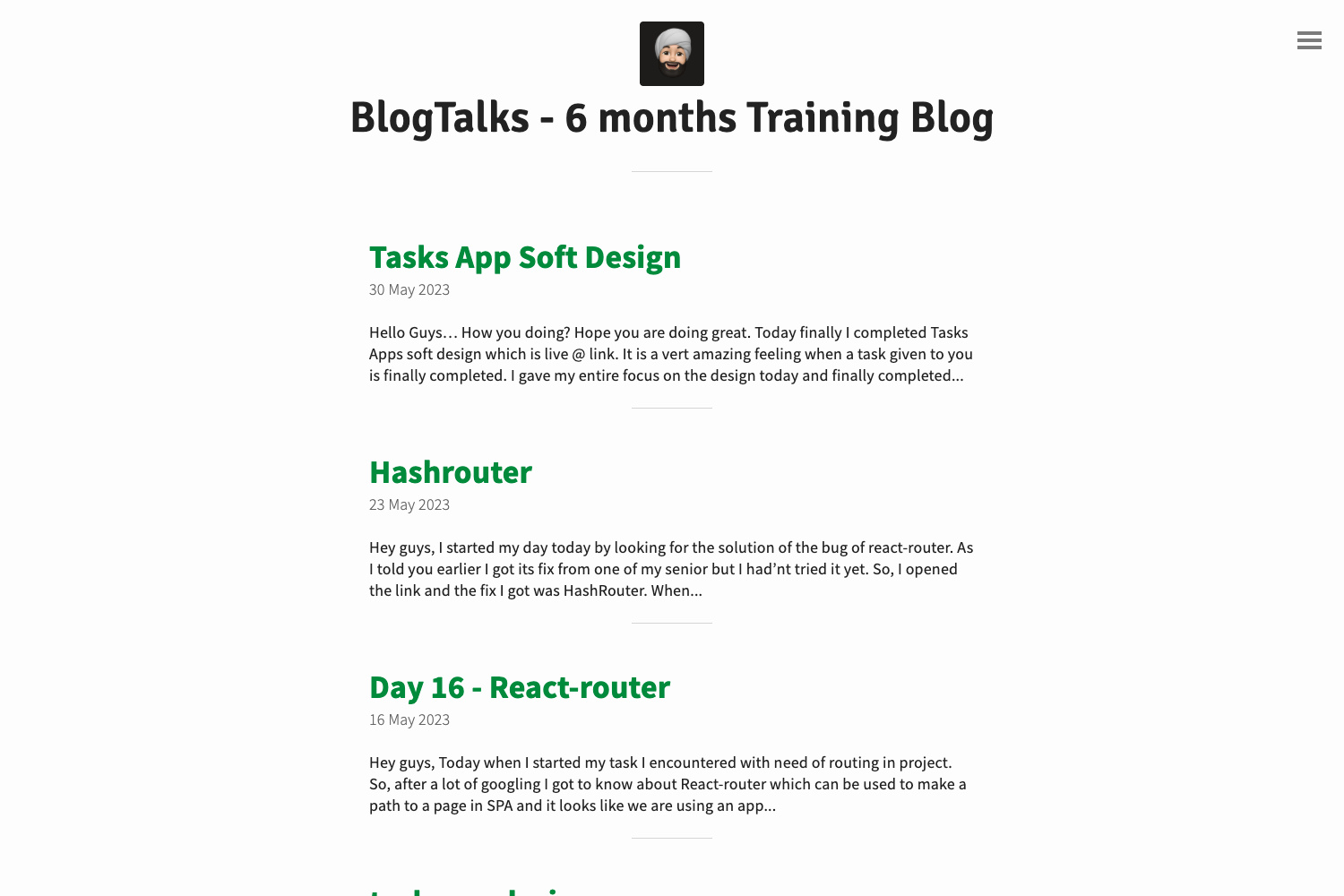
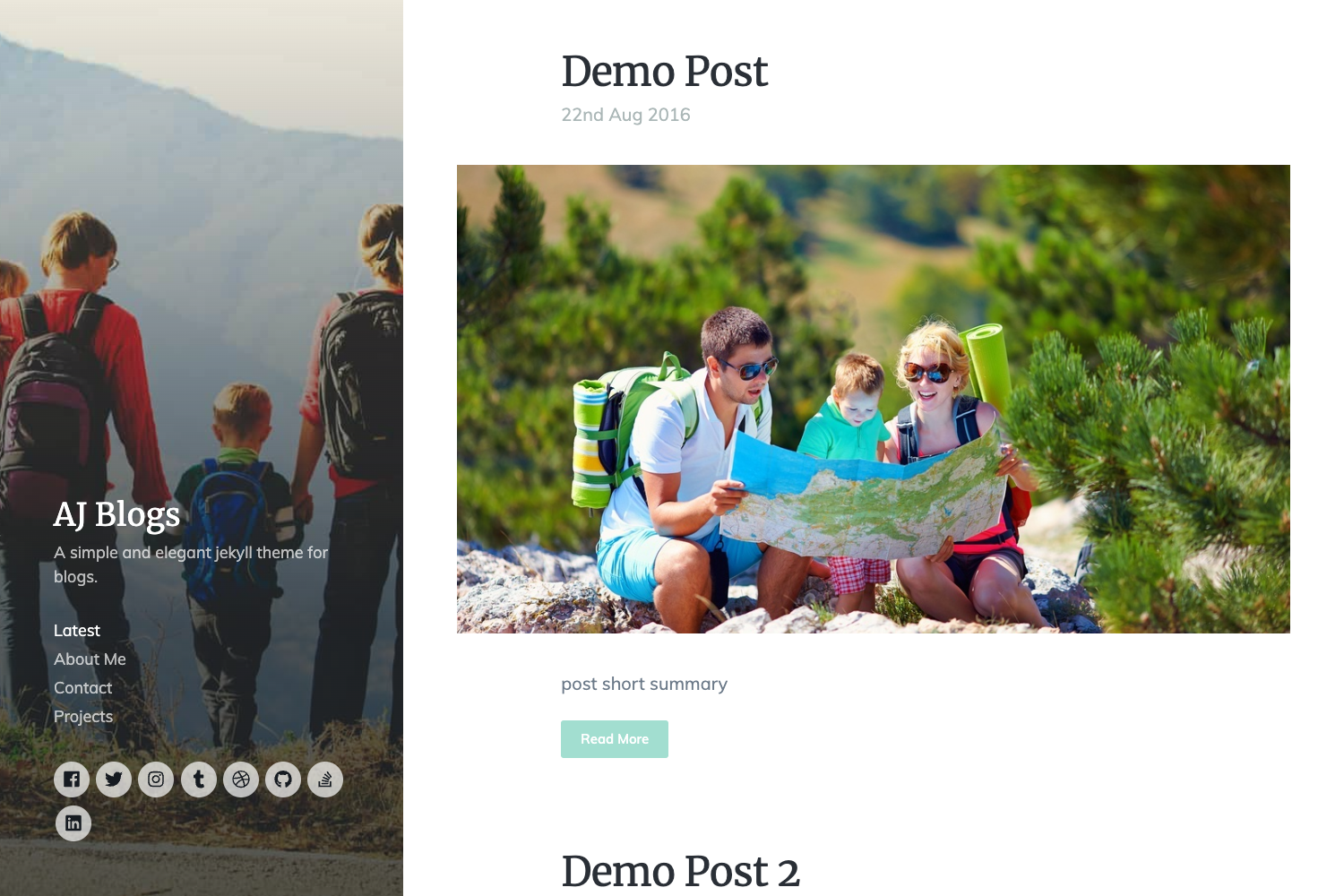
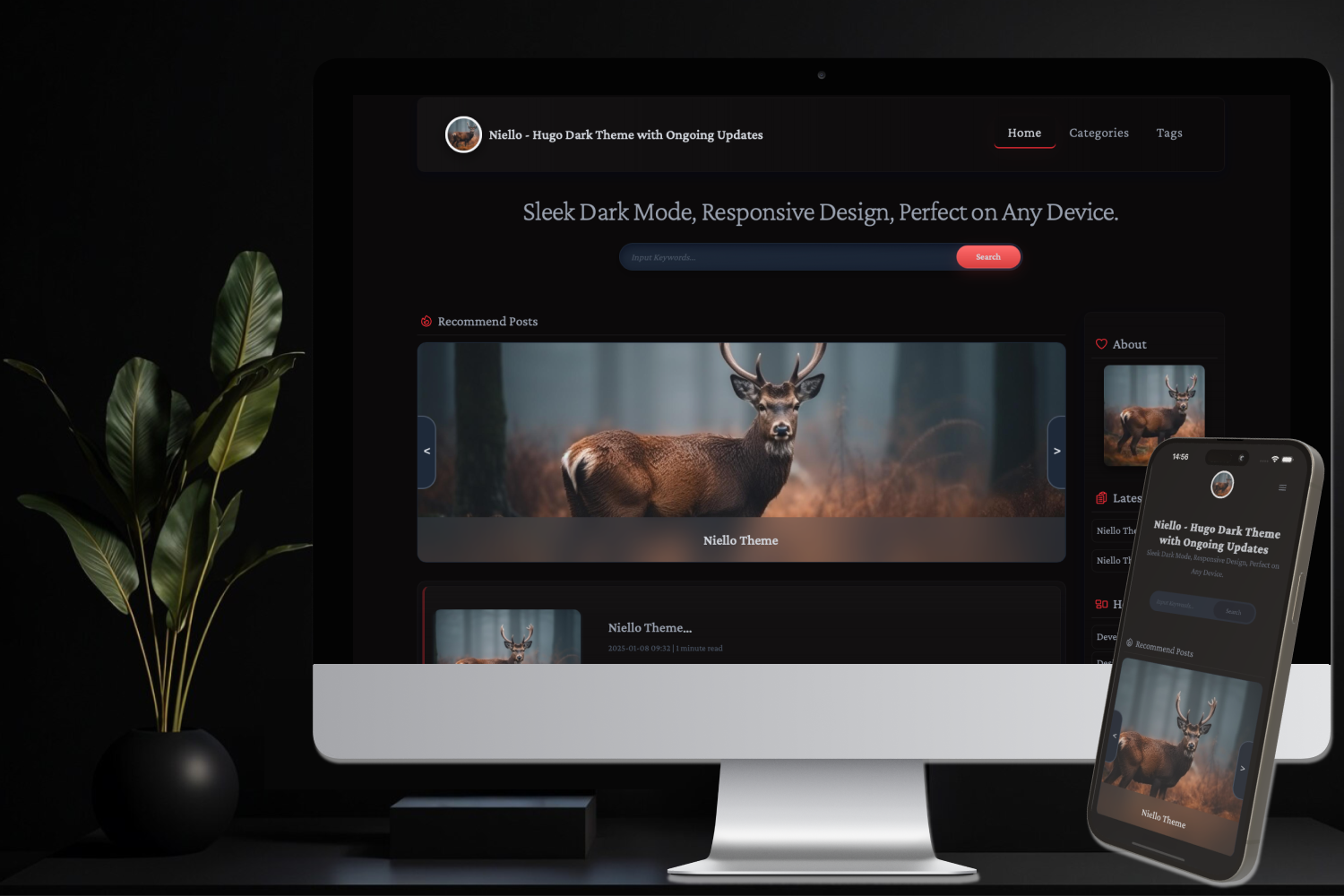
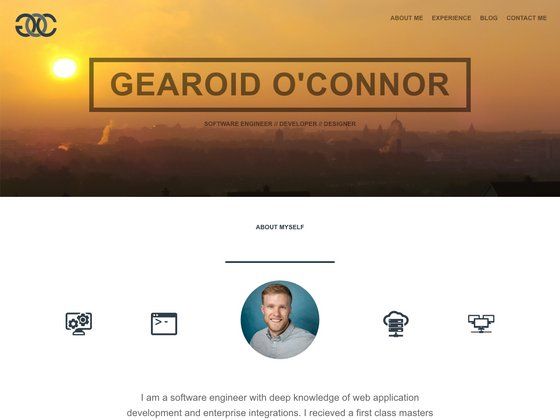
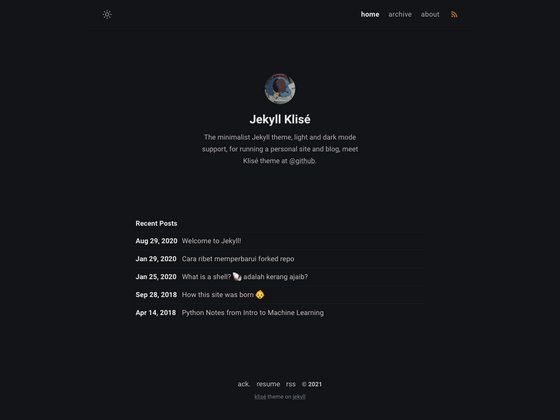
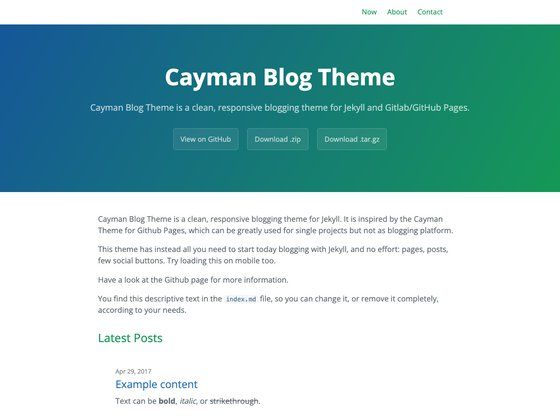
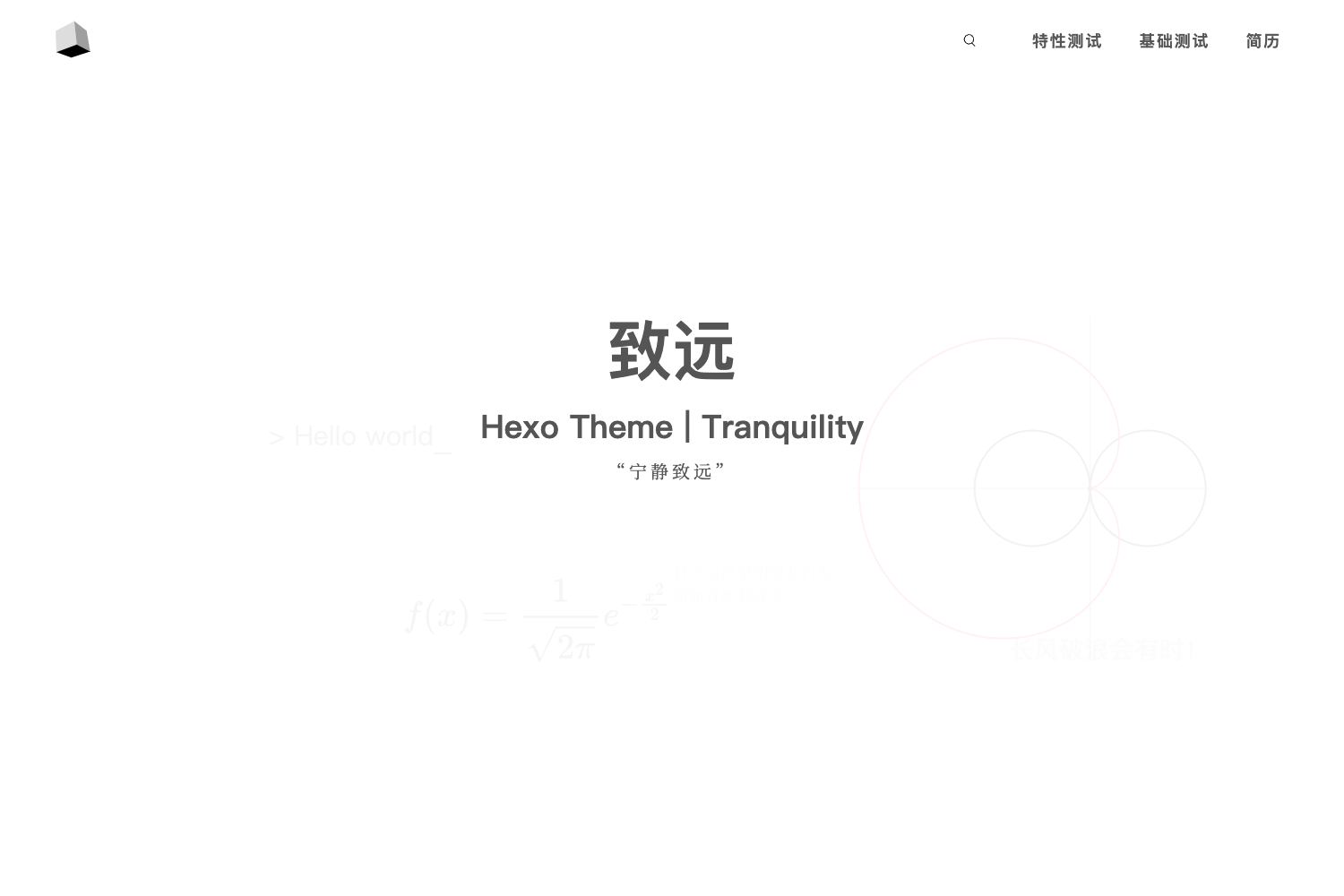
- Component-level themes — built-in default and minimal themes replace site chrome, home layout, topic layout, and post layout; custom themes are created by copying src/themes/minimal and registering in src/themes/registry.ts.
- Cloudflare Workers deployment — @opennextjs/cloudflare converts the Next.js app into a Worker with static assets; committed wrangler.jsonc enables nodejs_compat, static assets, and secret validation.
- Docker and GHCR — the production Dockerfile builds Next.js in standalone mode and runs server.js on port 3000; GitHub Actions publishes to ghcr.io/dreambulare/hydrotion with tags latest, main, sha-commit, and git tags.
Who is Hydrotion for?
- Notion-first bloggers — writers who keep their content in Notion and want a public blog without exporting or migrating; they set up a database with Name as title and Publish as checkbox, plus optional Original Create Time, Tags, and Topic properties.
- Self-hosting developers — anyone who wants to run their blog on a VPS with Docker; the image supports mounted volumes (.hydrotion-cache and .hydrotion-media) for durable cache and media storage.
- Cloudflare edge deployers — developers who prefer Workers over a server and want a database-free setup; the default cloudflare cache and media providers work without R2 but reset with the isolate, making them suitable for simple personal blogs.
- Frontend developers extending themes — developers who want to build custom blog layouts by copying the minimal theme, editing src/themes/my-theme/index.tsx, and using the typed data and date helpers in src/themes/types.ts and src/themes/shared.ts.
What can you do with Hydrotion?
- Personal bloggers: write a post in Notion, tick the Publish checkbox, and see the post appear on the public blog with covers, rich text, and optional tags and topic selection.
- Self-hosted publishers: run the Docker container with an env file and an Nginx or Caddy reverse proxy, mounting local volumes so proxied media does not disappear.
- Edge adopters: deploy with pnpm deploy:cloudflare or pnpm deploy:cloudflare:keep-vars and set NOTION_TOKEN and HYDROTION_REFRESH_SECRET as Cloudflare secrets.
- Integration testers: use the local dev workflow (pnpm dev, pnpm harness, pnpm test, pnpm lint, pnpm build) to validate changes before publishing.
How does Hydrotion work?
Copy .env.example to .env.local, set NOTION_TOKEN and either NOTION_DATABASE_ID or NOTION_DATA_SOURCE_ID, then run pnpm install and pnpm dev (the dev server listens on port 3100). On each request Hydrotion checks its cache first; cache misses call the Notion API, and file assets are downloaded and served through /api/media/... . When content changes, send an authenticated POST to /api/revalidate with an all key set to true for all caches or a specific post tag.
FAQ
Does Hydrotion require an external database?
No. Hydrotion works without any external database by using cache providers (filesystem, memory, or cloudflare) and media providers. For a durable self-hosted setup, mount .hydrotion-cache and .hydrotion-media directories; for durable Cloudflare performance, extend the providers to use R2.
What Notion configuration is needed?
You need a Notion integration token and a database (or data source) with Name as the title property and Publish as a checkbox. Optional properties are Original Create Time (date), Tags (multi-select), and Topic (select).
How do I revalidate content after editing Notion?
Send a POST request to /api/revalidate with an Authorization: Bearer header using your HYDROTION_REFRESH_SECRET. The body can be an object with all set to true to refresh every cache, or an object with a tag key like hydrotion:post:page-id (replacing page-id) to refresh one post.
Can I deploy to Cloudflare without R2?
Yes. The default cloudflare cache and media providers fall back to runtime memory in this project, which is acceptable for simple personal sites. For higher traffic or durable media, add R2 and implement Cloudflare-backed cache and media stores.
What port does Hydrotion use?
The local development server runs on port 3100, while the production Docker container starts server.js on port 3000. You can override the public base URL with HYDROTION_SITE_URL.