Template details
Cayman Blog Theme
A Jekyll blog theme for GitHub Pages based on Cayman, adding posts, RSS feeds, and SEO tags.
About this template
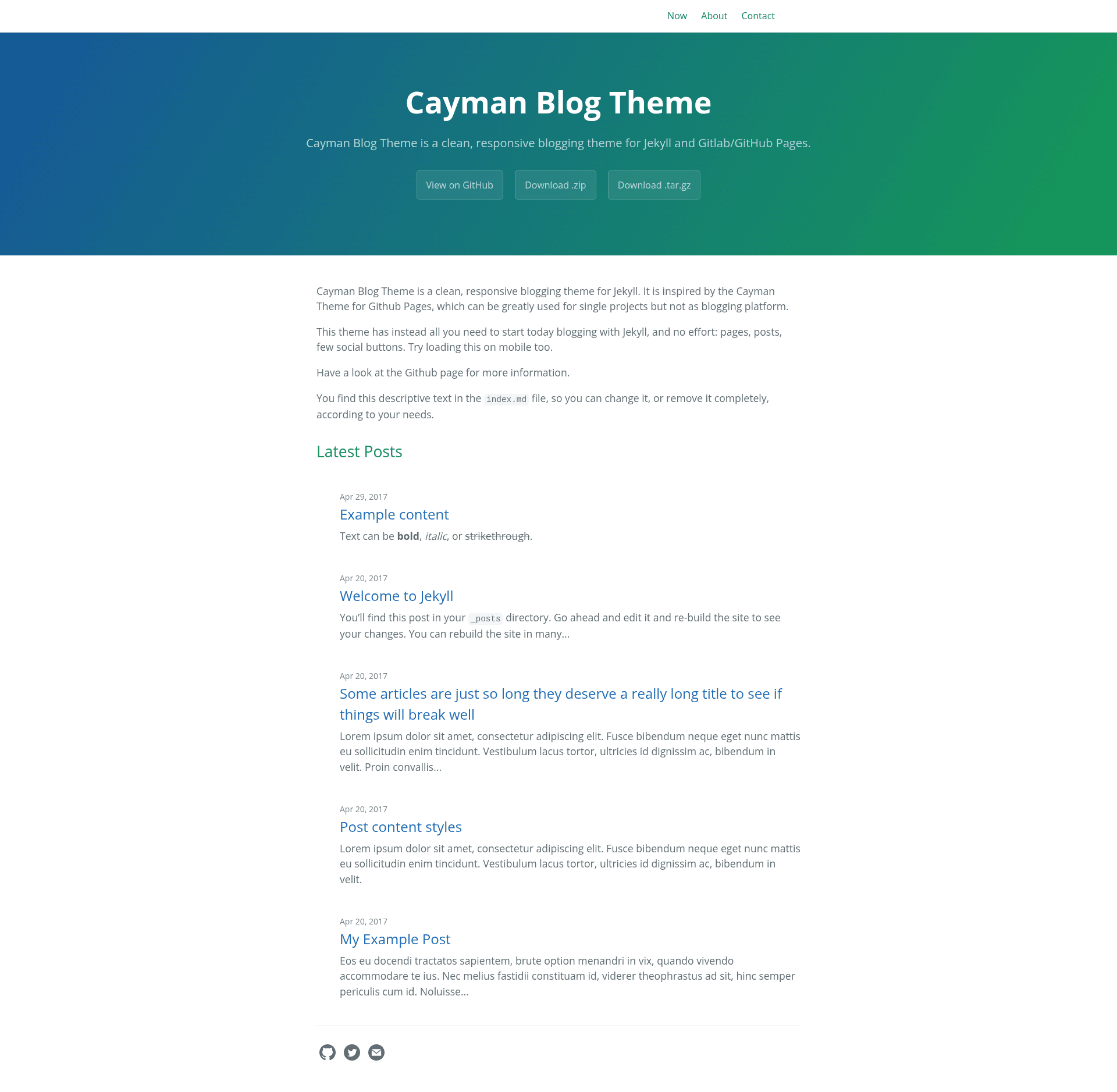
Cayman Blog Theme is a Jekyll blog theme for GitHub Pages that builds on the Cayman theme and adds blogging features like an RSS feed, SEO tags, and a posts layout.
What is Cayman Blog Theme?
Cayman Blog Theme is an open-source Jekyll theme distributed as the Ruby gem jekyll-theme-cayman-blog. It takes a Jekyll site's content — pages, posts written in Markdown, and a _config.yml — and builds a static blog styled after GitHub Pages' Cayman theme. The theme was created by lorepirri and is hosted on GitHub at lorepirri/cayman-blog, where it has received 129 stars. It is designed to be simple out of the box while allowing users to opt into more complexity.
Key Features
- Based on Cayman theme — inherits the same gradient header and clean typography as the original Cayman theme, which GitHub Pages officially supports.
- Blogging support — adds a Jekyll blog structure (a
_postsfolder) and page layouts on top of Cayman, turning a project site into a personal or project blog. - RSS feed integration — enables RSS via the
jekyll-feedplugin, which also adds an RSS button to the footer; the plugin must be added to the Gemfile and_config.yml. - SEO tags — includes lightweight social metatags from
jekyll-social-metatags, with instructions to swap in the more powerfuljekyll-seo-tagplugin. - Configurable site variables — respects
title,description,show_downloads, andgoogle_analyticsfrom_config.ymlto control the header and analytics integration. - Sass theming — users can override variables like
$section-headings-coloror add custom CSS by creating/assets/css/style.scssthat imports the theme. - Layout override — the default layout can be copied from the repository into
_layouts/default.htmland edited directly. - Two installation paths — install as a Ruby gem for self-hosted Jekyll 3.3+ sites, or fork the repository for new projects; GitHub Pages hosting requires converting the gem-based theme to a regular theme.
Who is it for?
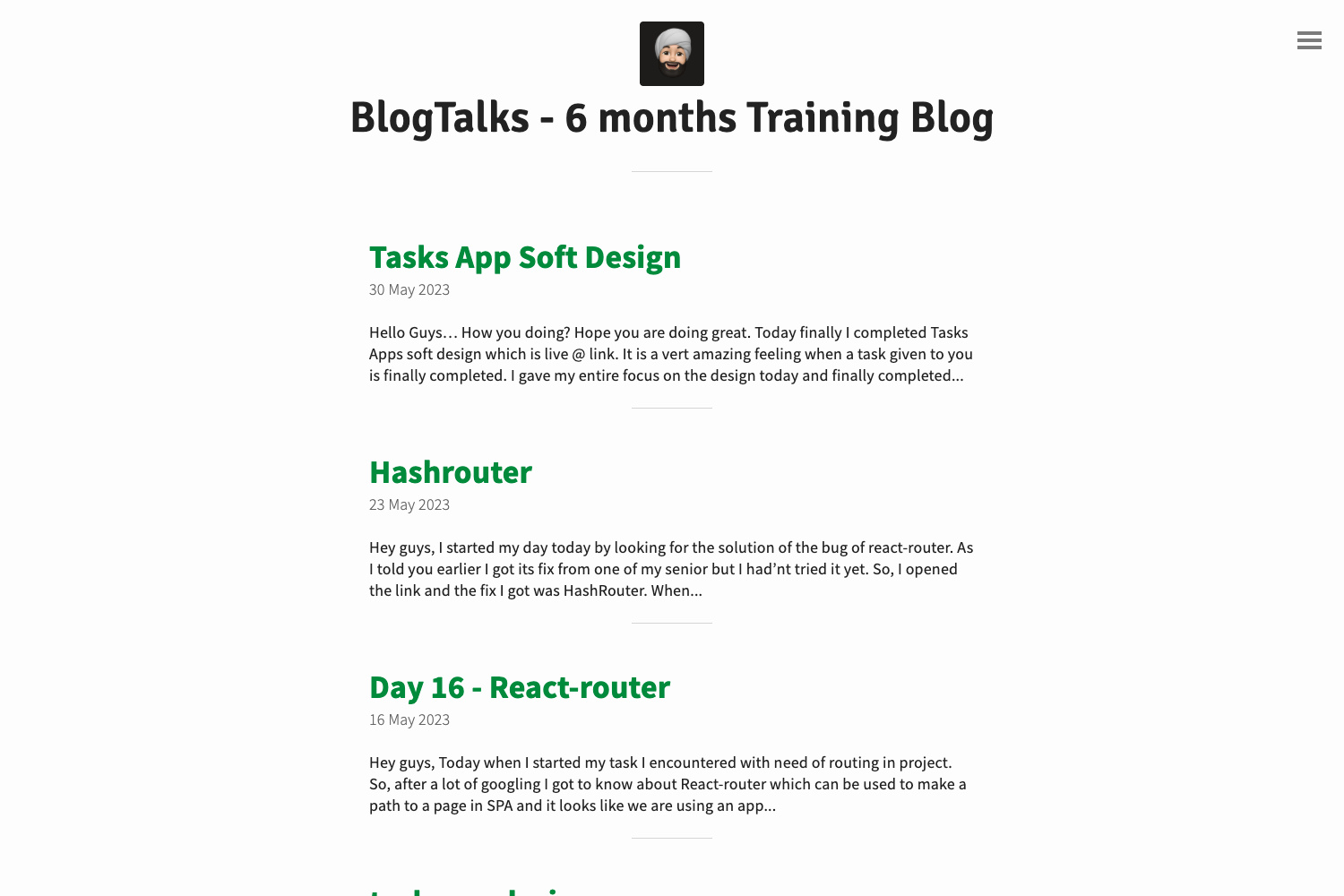
- GitHub Pages bloggers who want a minimal blog without configuring a heavy theme; they get a posts index, about and contact placeholders, and a clean reading layout.
- Cayman theme users who already like Cayman's project-page look but need blog features like dated post archives and an RSS button.
- Jekyll beginners who want a prebuilt theme that works with zero configuration — adding the gem and setting
theme: jekyll-theme-cayman-blogis enough to start.
Use Cases
- Personal blogs: publish Markdown posts in
_postsand have them appear on the homepage automatically with the Cayman visual style. - Project documentation sites: use the blog layout to announce releases and keep a changelog, while still showing a repo download button if
show_downloadsis enabled. - Portfolio blogs: combine an about page, contact page, and now page (all included as placeholders) to build a simple personal site.
How do you install Cayman Blog Theme?
Self-hosting with Jekyll 3.3+ uses three steps: add gem "jekyll-theme-cayman-blog" to the Gemfile, set theme: jekyll-theme-cayman-blog in _config.yml, and run script/bootstrap to install dependencies. For GitHub Pages, the theme is not in the officially supported list, so users must install the gem locally, copy its files into the site, and leave the theme key empty, or fork the repository and delete the sample screenshots and posts.
Pricing
Cayman Blog Theme is free and open source. The gem is published on RubyGems and the full source is available on GitHub, so there is no cost to download, use, or customize it.
Alternatives
- Cayman — the original theme this is based on, but without blog-specific layouts or RSS support.
- Minima — Jekyll's default theme and one of the themes officially supported by GitHub Pages, with a built-in blog structure.
FAQ
Is Cayman Blog Theme free?
Yes, it is free and open source. Both the Ruby gem and the GitHub repository are publicly available, and there are no paid tiers or licensing fees mentioned in the documentation.
Does Cayman Blog Theme work on GitHub Pages?
Yes, it is 100% compatible with GitHub Pages, but with an extra step: GitHub Pages does not officially support this gem-based theme, so you need to convert the gem-based theme to a regular theme or fork the repository to use it directly.
How do I add an RSS feed?
Add the jekyll-feed gem to your Gemfile and plugins: [jekyll-feed] to your _config.yml (use gems key for Jekyll older than 3.5.0). This makes an RSS feed available and shows a feed button in the footer.
Can I customize the colors?
Yes. Create /assets/css/style.scss with a front matter block, set Sass variables like $section-headings-color before the @import line, then add any custom CSS or Sass after the import.
What sample pages come with the theme?
The repository includes index.md, about.md, contact.md, and now.md as placeholder pages. Installing the gem overwrites the first three but leaves now.md in the fork installation method only.