Template details
Amazon IVS Broadcast Web Demo
Open-source Next.js demo that publishes browser camera and mic to an Amazon IVS channel via the IVS Web Broadcast SDK.
About this template
The Amazon IVS Broadcast Web Demo is an open-source Next.js sample application from AWS that streams camera and microphone video from a desktop browser to an Amazon IVS channel using the Amazon IVS Web Broadcast SDK.
What is the Amazon IVS Broadcast Web Demo?
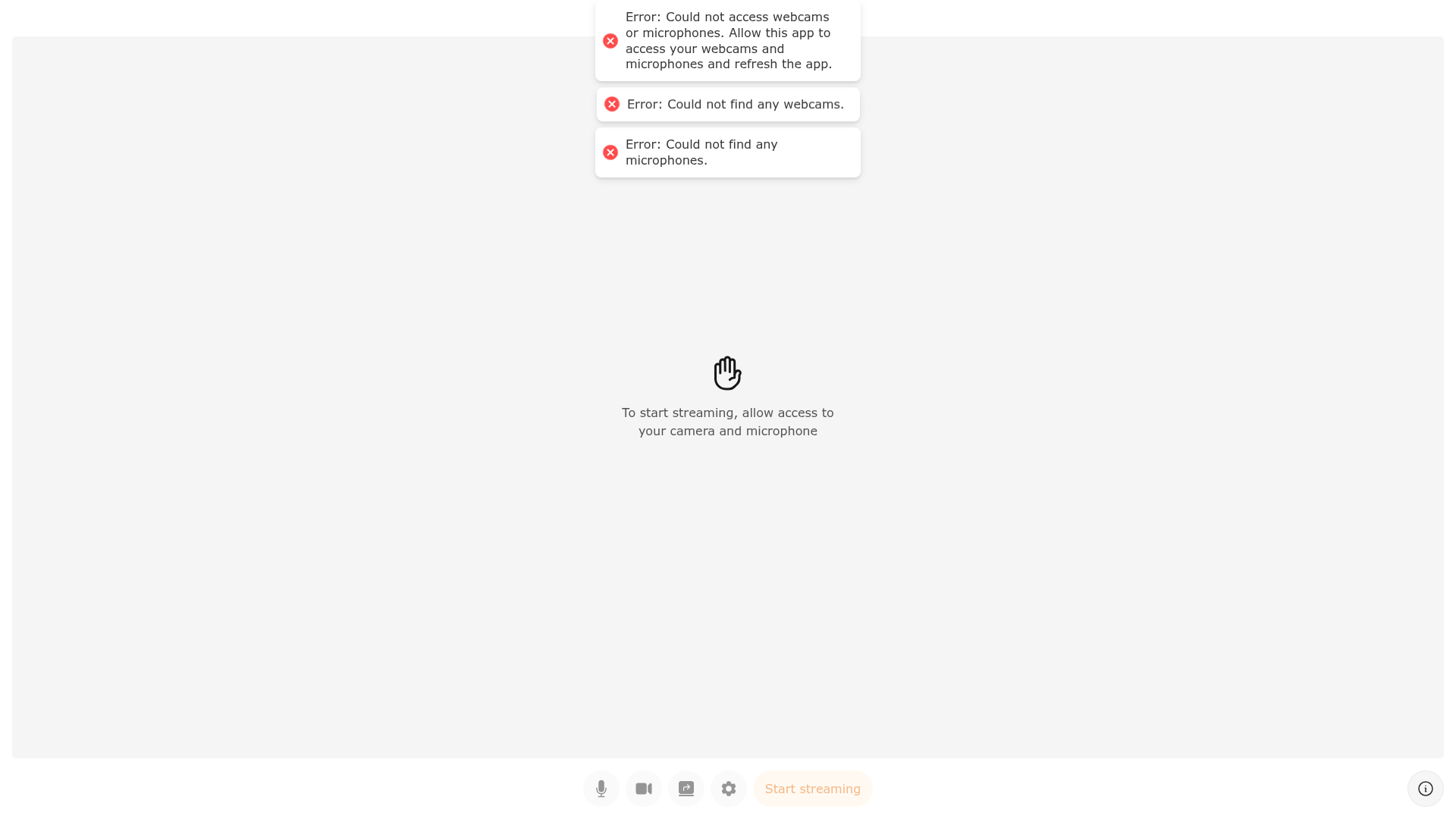
It is an educational web application that demonstrates building a browser-based live streaming tool with the Amazon IVS Web Broadcast SDK. You enter your IVS channel's ingest endpoint and stream key on the settings screen, then publish video captured by the browser directly to that channel. The project is published by AWS as a sample under the MIT-0 license, runs locally on NodeJS with the Yarn package manager, and is explicitly labeled as demonstration code rather than production software. A hosted version is available at stream.ivs.rocks for quick testing.
What makes it stand out?
- Amazon IVS Web Broadcast SDK — the app wires browser capture into IVS publishing, so video goes from the local camera and microphone to an IVS channel without a desktop encoder.
- Next.js front end — the repository is described by AWS as a Next.js application, started with
yarn run devafteryarn install. - Tailwind CSS theming — UI colors are defined in
tailwind.config.js, so rebranding means editing one config file. - Editable layout templates — broadcast layouts live in
utils/BroadcastLayoutTemplates.jsand support math expressions inside template strings usingCANVAS_WIDTH,CANVAS_HEIGHT,LAYER_WIDTH, andLAYER_HEIGHT. - Settings screen for channel credentials — the ingest endpoint and stream key are supplied at runtime in the UI instead of being hard-coded.
- MIT-0 license — the code is free to fork and adapt, including for commercial derivative work.
- Desktop-only support — only the latest desktop Chrome and Firefox are tested and supported.
Who should use the Amazon IVS Broadcast Web Demo?
- Web developers evaluating IVS: test end-to-end browser publishing to a channel before committing to an SDK integration.
- Product teams prototyping creator tools: use the layout template system as a starting point for multi-layer scenes.
- AWS learners: study a working reference for how the Web Broadcast SDK is initialized and configured.
What can you do with the Amazon IVS Broadcast Web Demo?
- Stream from a browser: add your IVS ingest endpoint and stream key, then broadcast your webcam and microphone to a live channel.
- Prototype a custom scene layout: fork the repo and edit
utils/BroadcastLayoutTemplates.jsto build your own canvas compositions. - Match your brand: change the palette in
tailwind.config.jsto recolor the whole interface.
How does the Amazon IVS Broadcast Web Demo work?
- Install NodeJS and Yarn, plus an IVS channel with its ingest endpoint and stream key.
- Run
yarn install, thenyarn run devto start the app locally. - Open the settings screen, paste the ingest endpoint and stream key, and start publishing.
FAQ
Is the Amazon IVS Broadcast Web Demo free?
Yes. The code is released under the MIT-0 License, so you can fork, modify, and redistribute it at no cost. Note that the Amazon IVS service itself is a paid AWS product, so streaming to a channel incurs standard IVS charges.
Can I use this demo in production?
No. The README states the project is intended for education purposes only and not for production usage. It is a reference implementation for learning the Web Broadcast SDK, not a hardened streaming product with the operational safeguards a live service would need.
Which browsers are supported?
Only the latest desktop versions of Chrome and Firefox are officially tested and supported. Mobile browsers and smartphones may work but are not supported, so plan a separate mobile capture path if you need one.
What do I need to run it locally?
NodeJS, the Yarn package manager, and your IVS channel details, meaning the ingest endpoint and stream key found in the IVS console. Then run yarn install followed by yarn run dev to launch the app.
How do I customize the broadcast layout?
Edit utils/BroadcastLayoutTemplates.js to change existing layouts or add new ones. The template strings accept math expressions using CANVAS_WIDTH, CANVAS_HEIGHT, LAYER_WIDTH, and LAYER_HEIGHT, which lets you position and size layers relative to the output canvas.