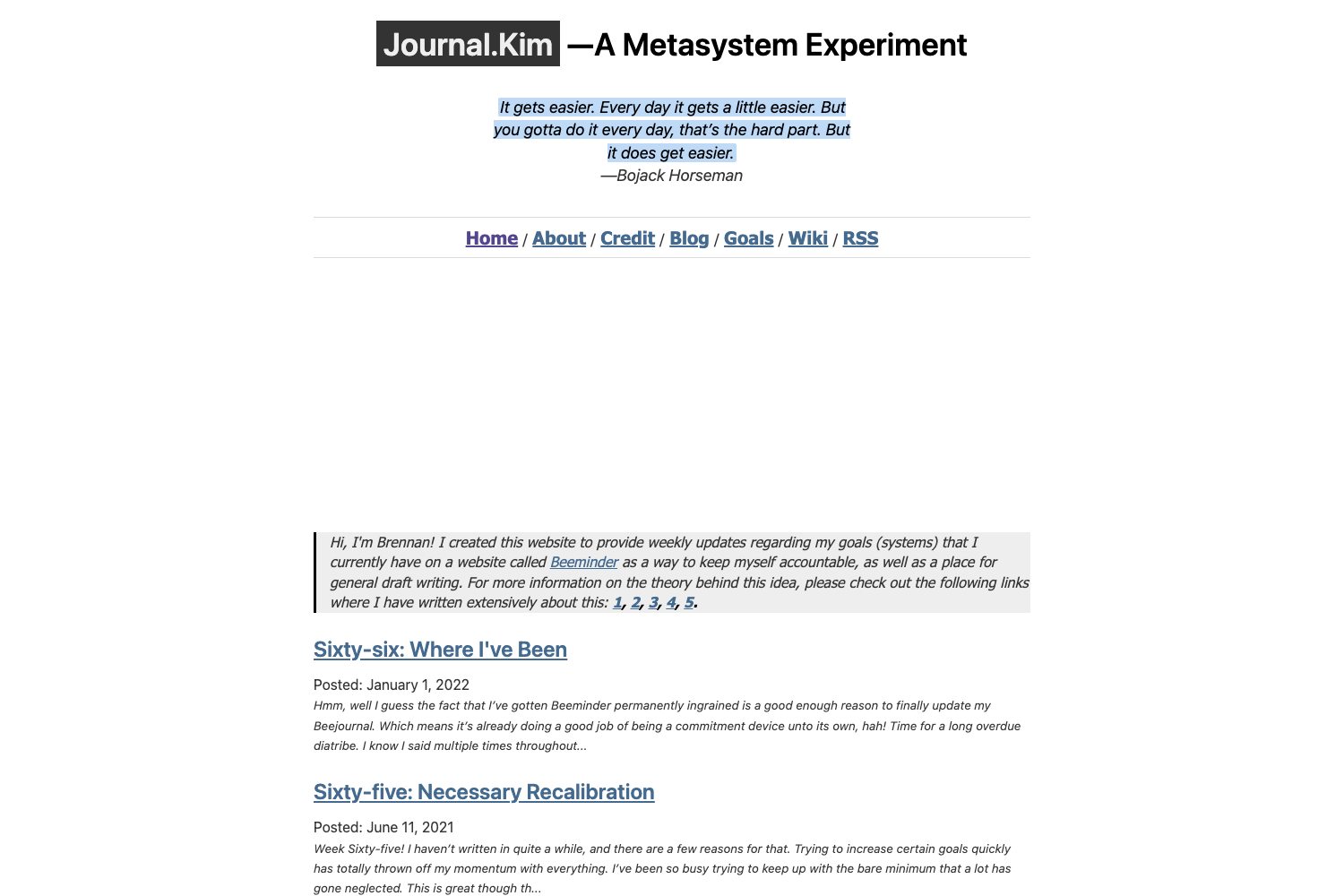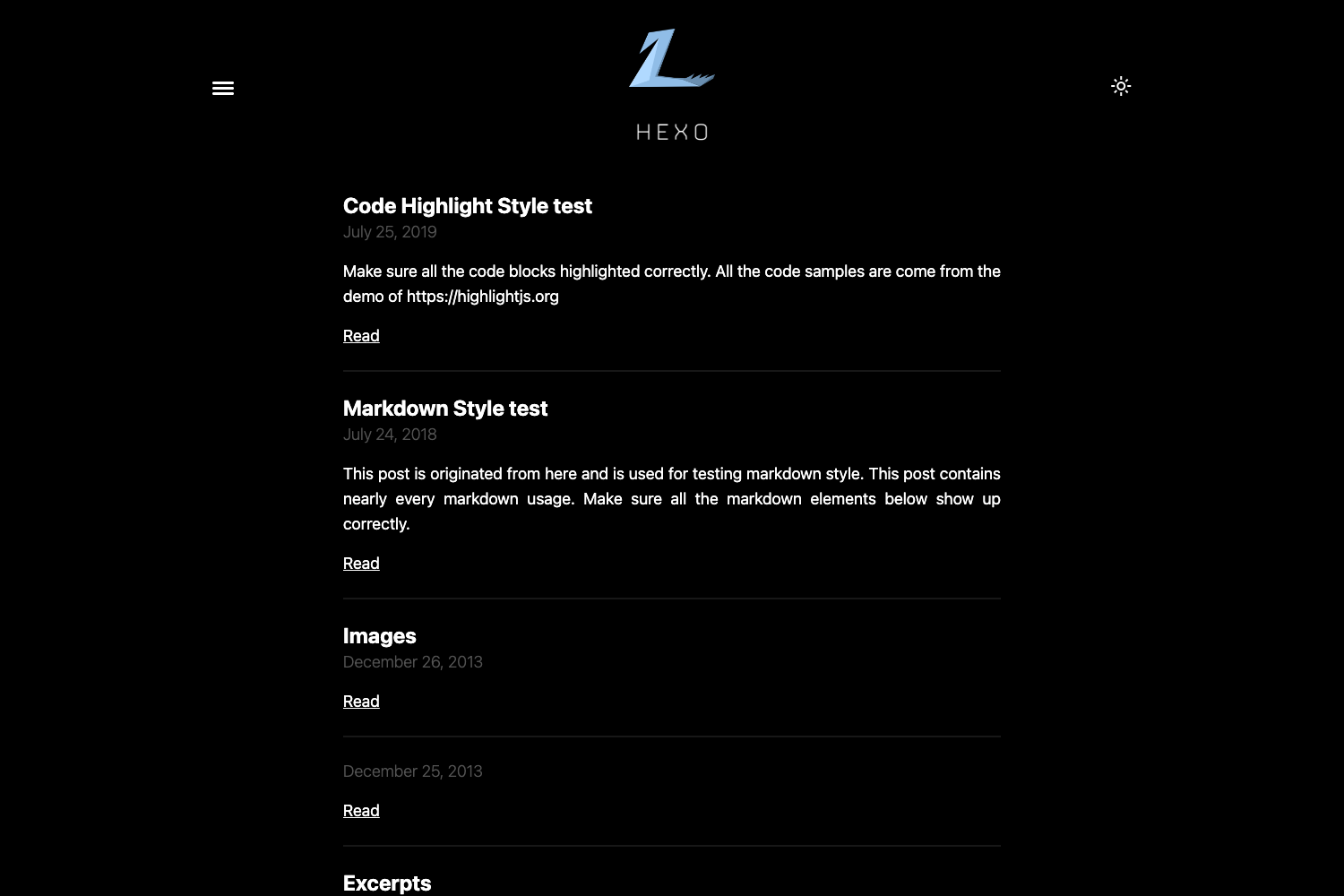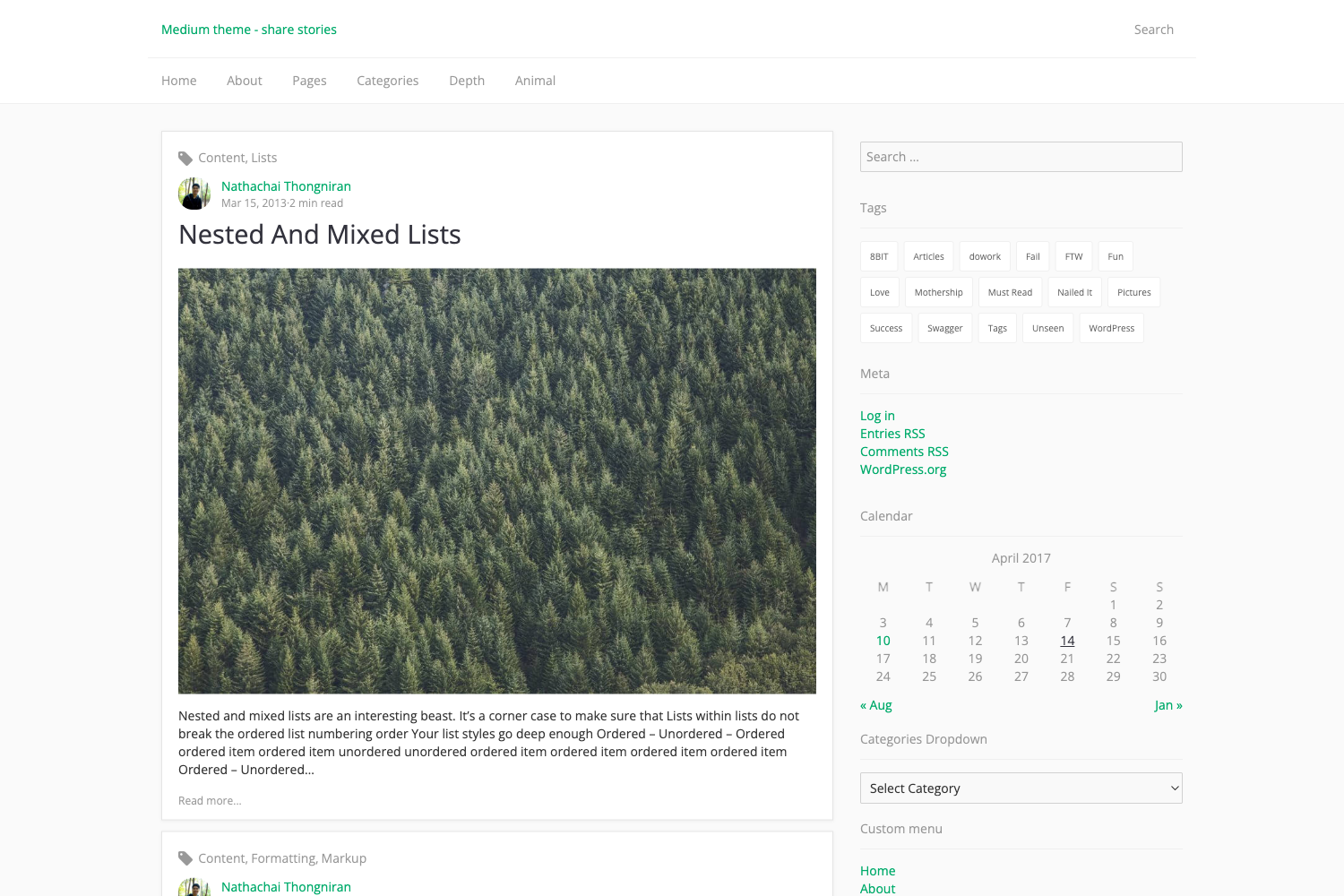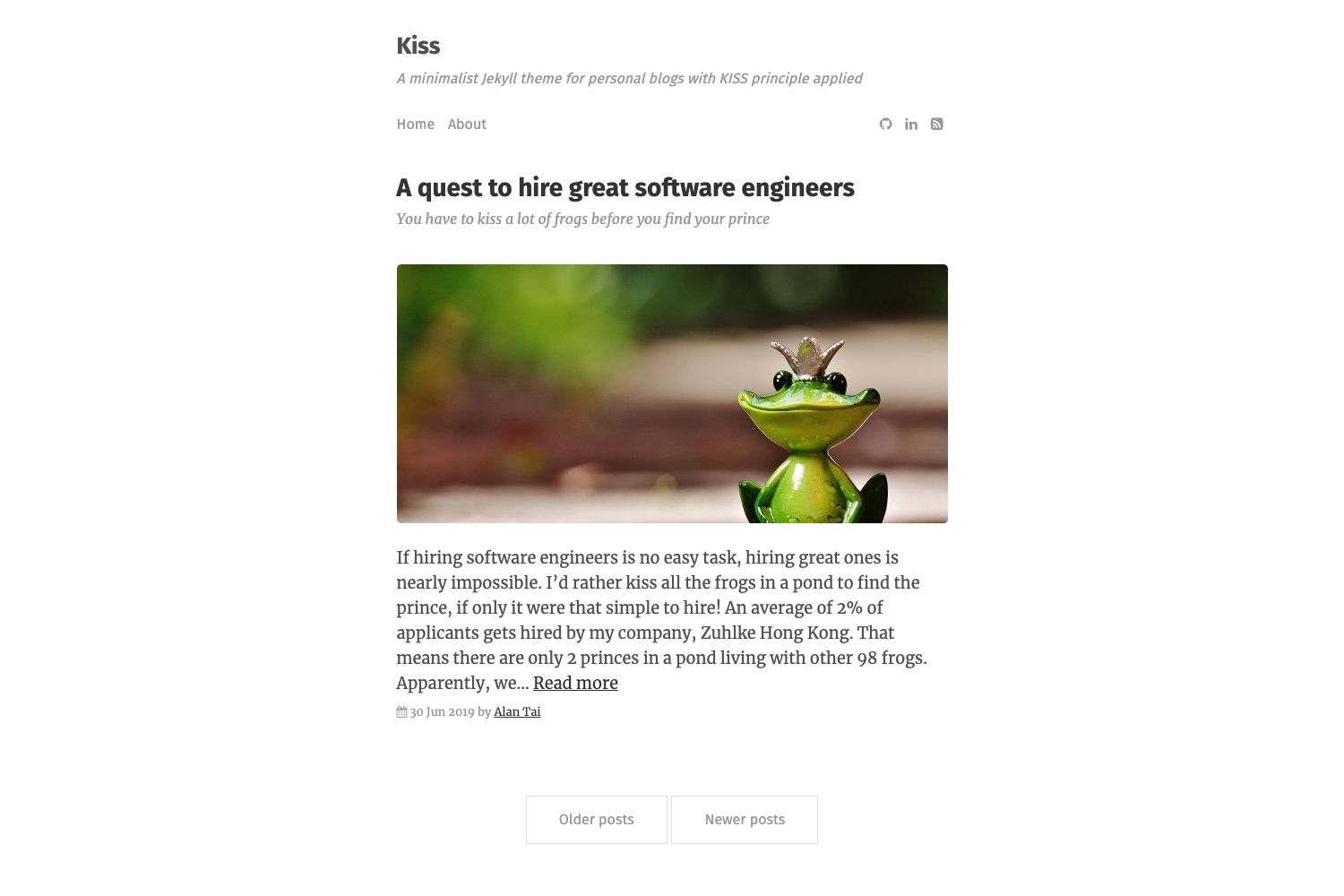
Template details
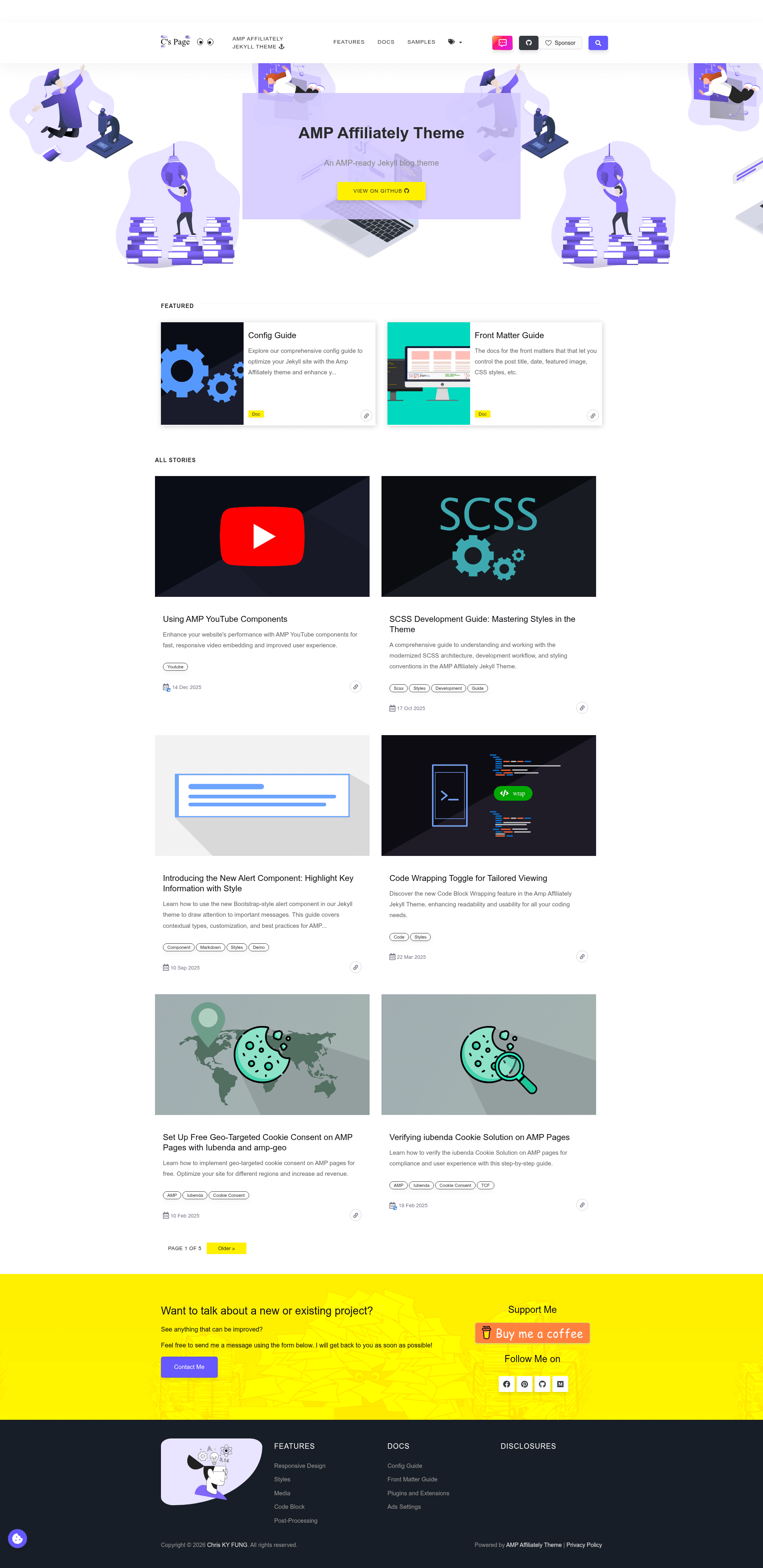
AMP Affiliately Jekyll Theme
An AMP-Ready Jekyll Blog Theme
About this template
AMP Affiliately Jekyll Theme is an AMP-ready Jekyll blog theme that outputs Google AMP-valid static HTML for fast-loading blogs and websites.
What is AMP Affiliately Jekyll Theme?
AMP Affiliately Jekyll Theme is an open-source Jekyll blog theme created by Chris KY Fung, built specifically for Google's Accelerated Mobile Pages (AMP) standard. It takes regular Jekyll Markdown posts and layout front matter as input and outputs a static site of AMP-compliant HTML pages. The theme installs either by cloning the repository or by setting it as a remote theme via remote_theme in _config.yml. Deployment to GitHub Pages uses a GitHub Actions workflow because the theme bundles Jekyll plugins not on the GitHub Pages whitelist.
Key Features
- AMP-ready output — every page is built as AMP HTML and can be validated by appending
#development=1to any URL; the Gulpvalidatetask checks the generated_sitefor AMP compliance in CI. - Jekyll + SCSS tech stack — built on Jekyll with the modern Sass module system (
@use), and thenpm run buildscript compiles and minifies SCSS, runs Jekyll, and minifies HTML in one pass. - Media includes — the
picture.htmlinclude emits an<amp-img>wrapped in a<figure>tag with optional caption, and automatically serves WebP images. - YouTube embeds with SEO schema — the
youtube.htmlinclude supports single videos and playlists, takestitle,description,upload_date, andthumb_qualityparameters, and generatesVideoObjectschema markup. - Monetization and analytics integrations — supports Google Analytics 4, Google Tag Manager, Google AdSense, Google Custom Search Engine, Buy Me a Coffee, and a configurable GitHub Sponsors button in the top navigation.
- Engagement widgets — Disqus comments run inside an
<amp-iframe>with configurable height (amp_disqus_height), and a Table of Contents block adds anchor links to H2, H3, and H4 headings. - Sidebar and layout options — left/right sidebar placement, featured and recent post widgets, GitHub metadata widget, blog pagination, and category/tag archive pages are all enabled through simple front matter or
_config.ymlsettings. - Cookie consent and geo-targeting — consent management via
amp-consentandamp-geo, with iubenda integration for GDPR-style compliance.
Who is it for?
- Jekyll bloggers who want their posts to be AMP-valid without writing AMP tags by hand.
- GitHub Pages users who need an automated Action workflow that builds Jekyll, runs AMP Optimizer, and deploys the result.
- Affiliate and ad-supported publishers who want to place AdSense, Disqus, and Buy Me a Coffee widgets directly into the theme's sidebar and post layouts.
- SEO-conscious content teams who can use the built-in
VideoObjectschema and AMP-fast pages to improve search visibility.
What can you do with it?
- Bloggers: write Markdown posts in the
_postsdirectory and get AMP pages with featured images, responsive layout, and pagination. - Video-focused sites: embed YouTube videos and playlists with GA4 video tracking by enabling
amp: youtube: truein front matter. - Compliance-focused site owners: enable iubenda-powered cookie consent that combines
amp-consentandamp-geoto show geo-targeted consent prompts. - Developers: extend the theme by adding external AMP component scripts to
head.htmland using the documented custom includes for images, videos, and callouts.
How does it work?
The theme uses Jekyll's normal build process: you add posts to _posts, configure _config.yml, and run npm install (which also runs bundle install) followed by npm run build. The build compiles SCSS, generates the site with JEKYLL_ENV=production, and runs AMP Optimizer and HTML minification via Gulp. For local development, npm run serve starts a Jekyll server with live reload. To validate AMP, append #development=1 to a page URL and open the browser DevTools console.
Pricing
The theme is free and open-source under the MIT License, with no paid tiers or premium features listed.
FAQ
Is AMP Affiliately Jekyll Theme free?
Yes, the theme is released under the MIT License, so you can use, modify, and redistribute it freely, including for commercial projects.
Can I deploy it to GitHub Pages?
Yes, but you must use the included GitHub Actions workflow in /.github/workflows/jekyll-build.yml. The theme includes Jekyll plugins that are not on the GitHub Pages plugin whitelist, so the standard Pages build will not work.
How do I enable syntax highlighting?
Add css: syntax: true to a post's front matter. The theme excludes syntax highlighting CSS by default to stay within AMP's 75,000-byte CSS limit per page.
What image formats are supported?
The picture.html include automatically serves images in WebP format and wraps them with <figure> and optional <figcaption> elements for standard HTML figure markup.