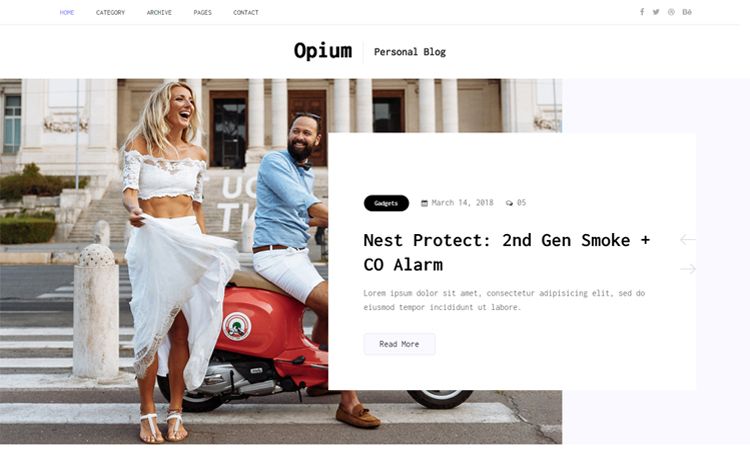
Template details
Kiss
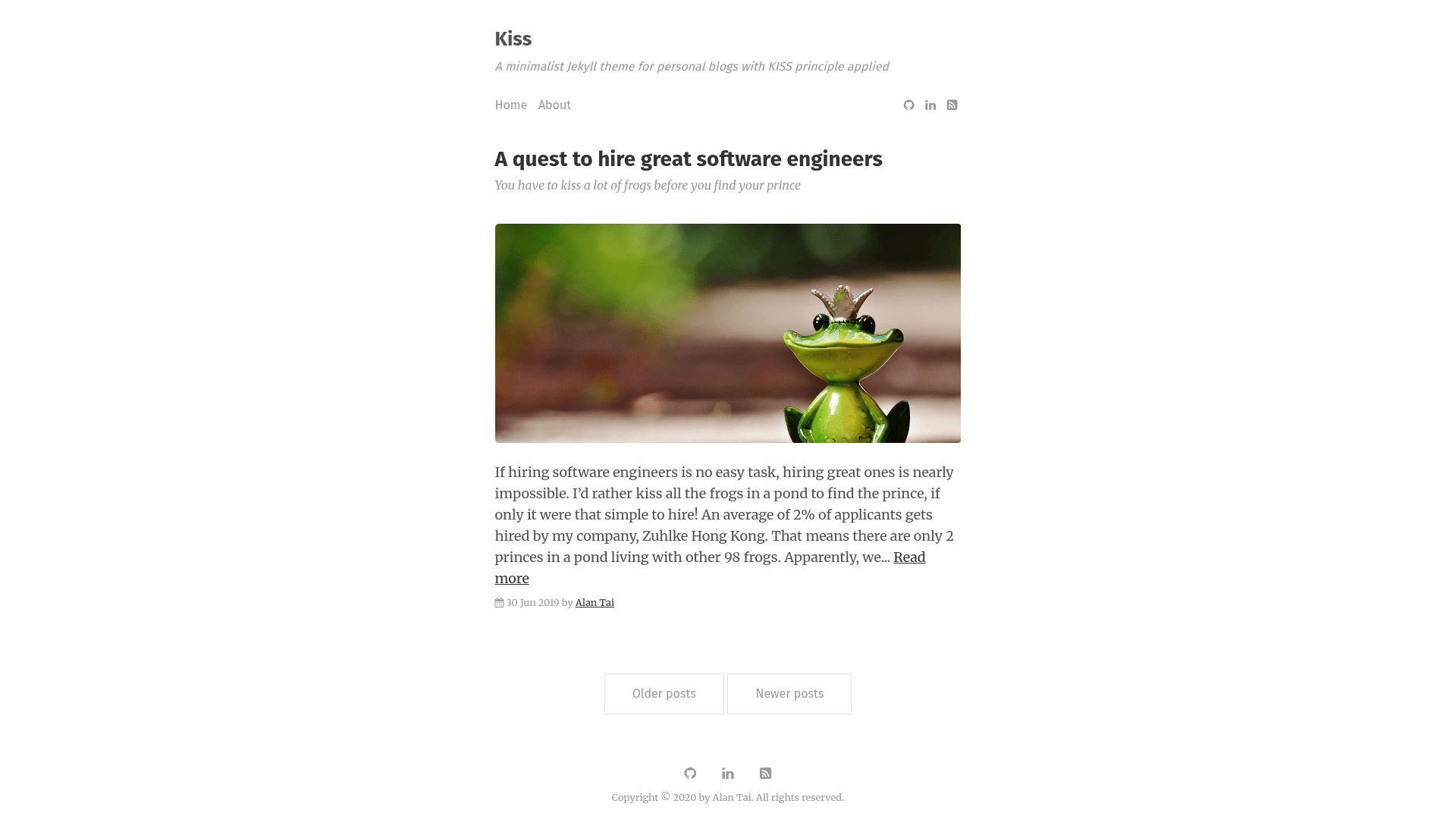
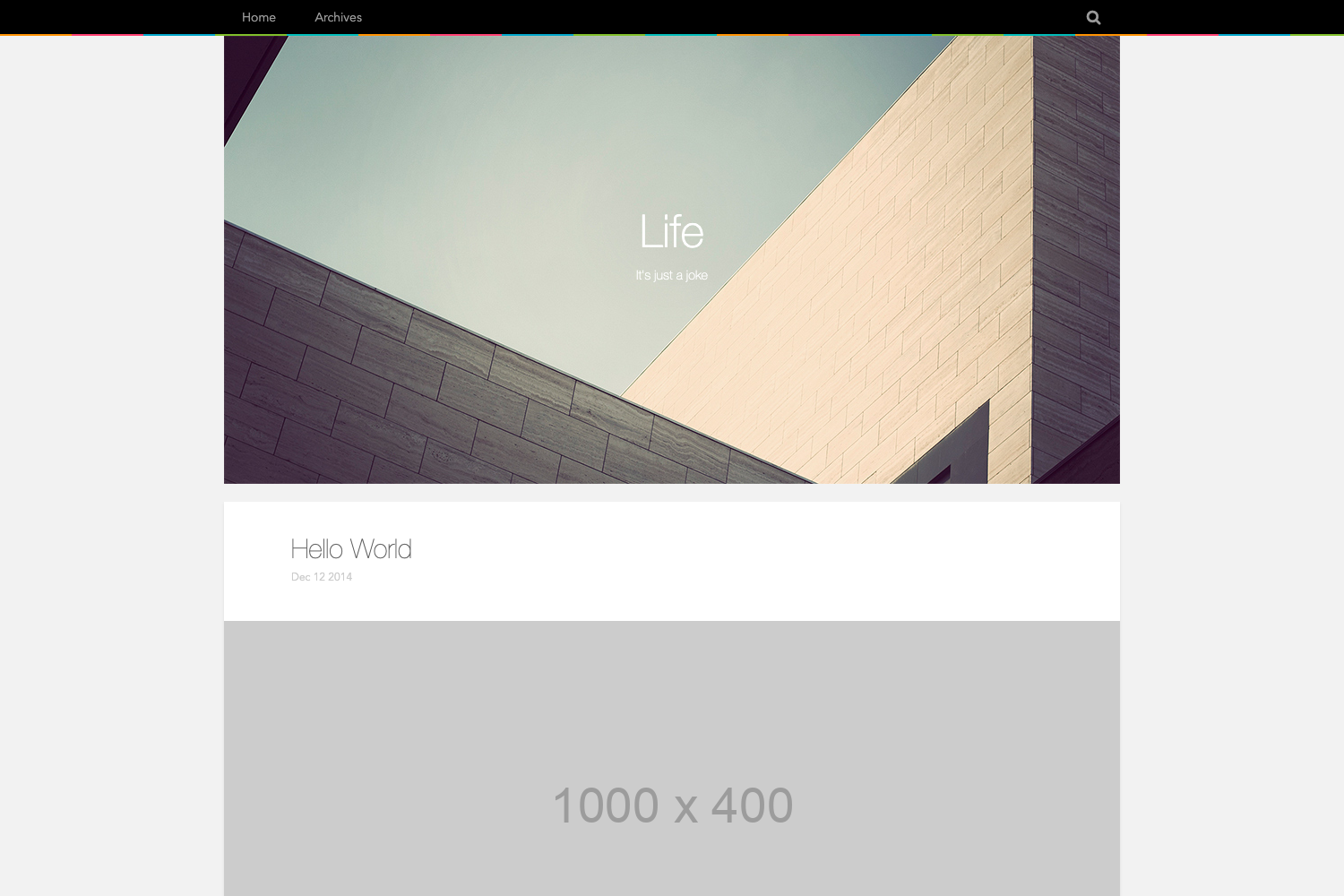
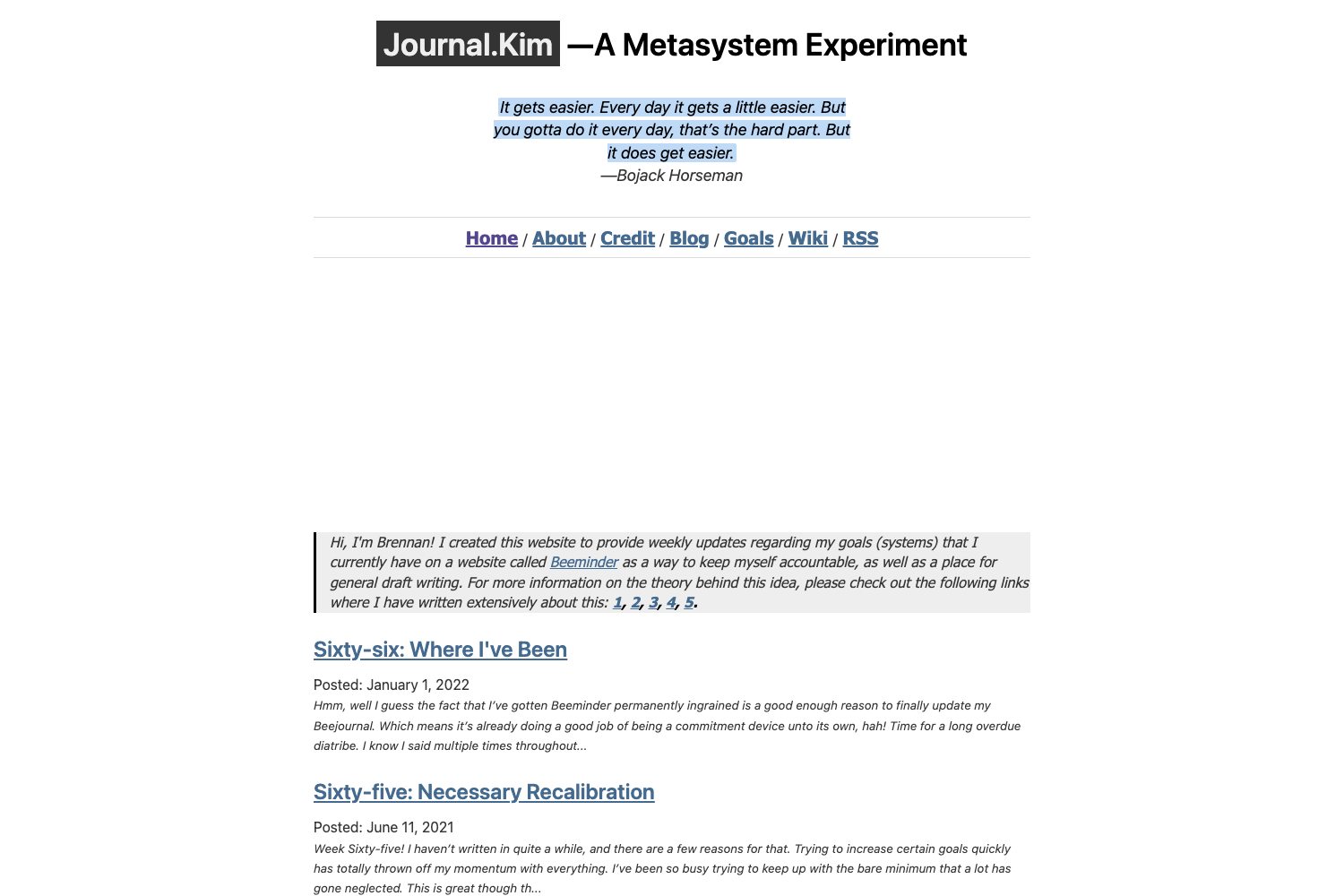
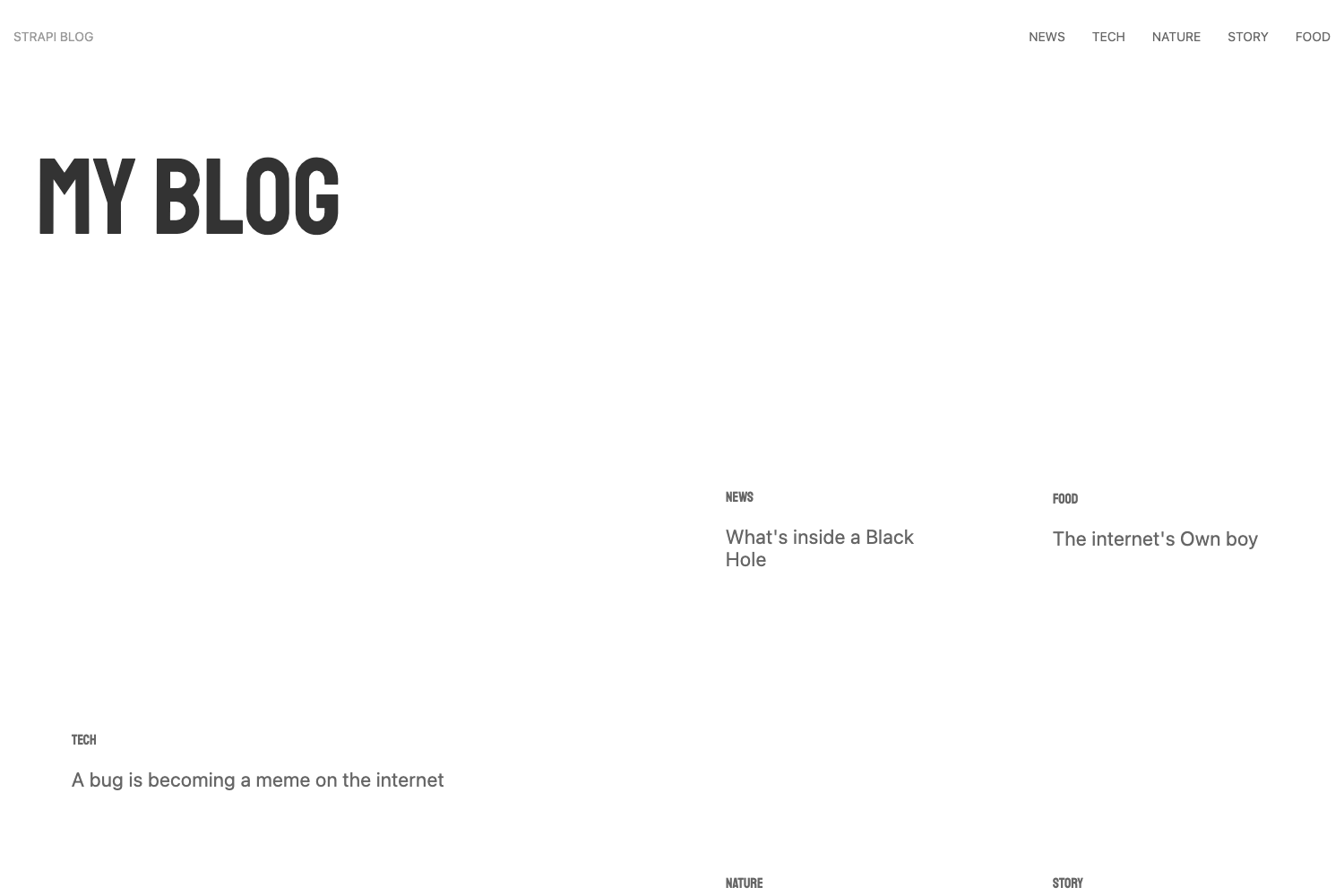
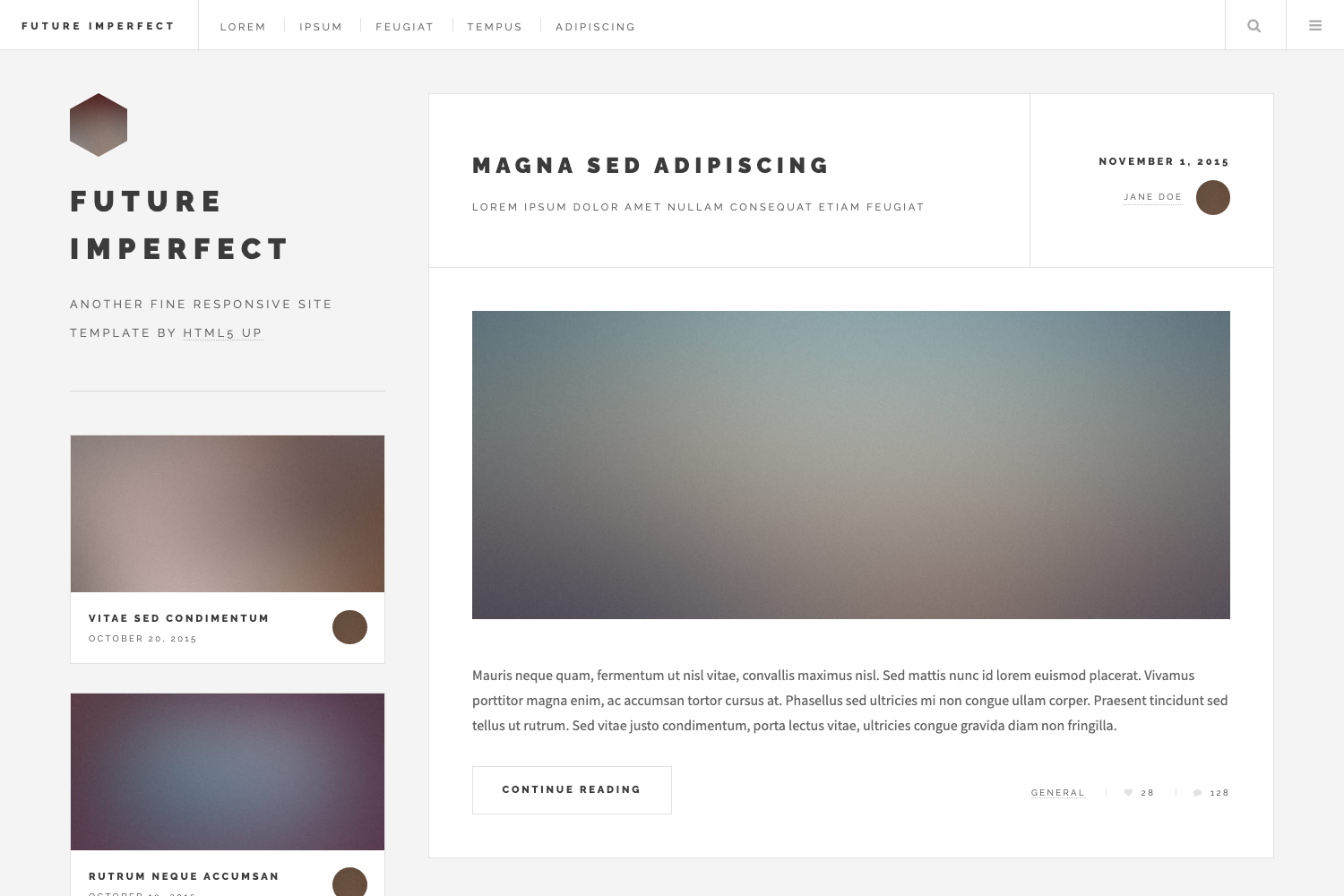
A minimalist Jekyll theme for personal blogs, applying the KISS principle and compatible with GitHub Pages.
About this template
Kiss is a minimalist Jekyll theme for personal blogs that applies the KISS principle, and it is designed to run on GitHub Pages.
What is Kiss?
Kiss is a minimalist Jekyll theme for personal blogs, created by GitHub user ayltai. It takes Jekyll site files — pages, posts, data files, and configuration — and renders a clean, lightweight blog with a home page, optional RSS feed, pagination, and a footer with social icons. The theme runs on Jekyll and is fully compatible with GitHub Pages, including support for gem-based remote themes. It is published on GitHub and released under the MIT License.
Key Features
- GitHub Pages compatibility — works natively with GitHub Pages and can be installed as a remote theme by setting
remote_theme: ayltai/kissin yourGemfile. - Google Analytics integration — add your tracking ID in
_data/settings.ymlunder thegoogle.analyticskey and visitor analytics appear automatically on every page. - Disqus comments — enable post comments by setting your Disqus shortname in
_data/settings.yml; comments appear at the end of each post. - SEO built in — the theme includes search engine optimization markup out of the box.
- Font Awesome icons — social links and menu icons use Font Awesome, with a configurable
socialarray in settings. - Code syntax highlighting — ships with a
syntax.cssstylesheet for highlighting code blocks. - RSS feed support — create a
feed.xmlfile using thefeedlayout to generate an RSS 2.0 feed. - Overridable files — layouts, includes,
main.css,syntax.css, and404.htmlcan be overridden in your own Jekyll site.
Who is it for?
Kiss is aimed at developers and writers who want a no-frills personal blog without configuration overhead. It suits:
- Personal bloggers — publish posts in
_postsand configure the menu, author, and social links in_data/settings.yml. - GitHub Pages users — deploy a blog for free by adding the remote theme reference to a repository.
- Jekyll beginners — get a working themed site with a small file structure (a dozen files) and clear documentation.
What can you do with Kiss?
- Start a blog quickly — copy
_data/settings.ymland_config.yml, create anindex.htmlwith thehomelayout, and write your first post in_posts. - Set up custom navigation — define menu items with names and URLs in
settings.yml, including pages like an About page stored inpages/. - Connect analytics and comments — paste your Google Analytics tracking ID and Disqus shortname in
settings.ymlto enable both integrations. - Generate an RSS feed — add a
feed.xmlfile with thefeedlayout to syndicate posts as RSS 2.0.
How does Kiss work?
Kiss works as a standard Jekyll theme. After adding remote_theme: ayltai/kiss to your Gemfile, you copy _data/settings.yml and adjust site variables such as title, description, and author. Then create index.html with the home layout, optionally feed.xml with the feed layout, and write posts in _posts. The theme applies layouts and includes from its _layouts and _includes directories, all of which you can override.
Pricing
Kiss is free and open-source under the MIT License, so you can use and modify it without cost.
FAQ
Is Kiss free?
Yes, Kiss is released under the MIT License, meaning it is free to use, modify, and distribute for personal and commercial projects.
How do I install Kiss?
To use Kiss, add remote_theme: ayltai/kiss to your Gemfile and copy _data/settings.yml into your Jekyll project. Then create index.html with the home layout and publish posts in the _posts folder.
Does Kiss support comments?
Yes, Kiss supports post comments through Disqus. Set your Disqus shortname in _data/settings.yml under the disqus section, and comments will appear on posts.
Can I use Kiss with GitHub Pages?
Yes, Kiss is fully compatible with GitHub Pages and supports Jekyll's remote theme feature, so you can use it by referencing ayltai/kiss as the remote theme in your site configuration.