Template details
Journalbar
A personal Jekyll blog for self-quantification and personal improvement, syncing with Beeminder goal tracking.
About this template
Journalbar is a Jekyll-powered personal blog for self-quantification, built to publish weekly progress reports on goals tracked in Beeminder.
What is Journalbar?
Journalbar is a static blog template created by Brennan Brown for publishing weekly updates on personal goals tracked through Beeminder. It takes Beeminder goal data and reflective written summaries as input, and produces a cleanly styled, static Jekyll site that can be hosted on Netlify or any Jekyll-compatible host. The project runs on Jekyll 4.3.4 with modern dependencies and is distributed as an open-source GitHub repository.
Key Features
- Jekyll 4.3.4 — The template is built on the latest Jekyll static site generator with security improvements and modern dependency management.
- Beeminder integration — The site is structured around weekly reports that reference progress on Beeminder goals, making it a meta-accountability tool.
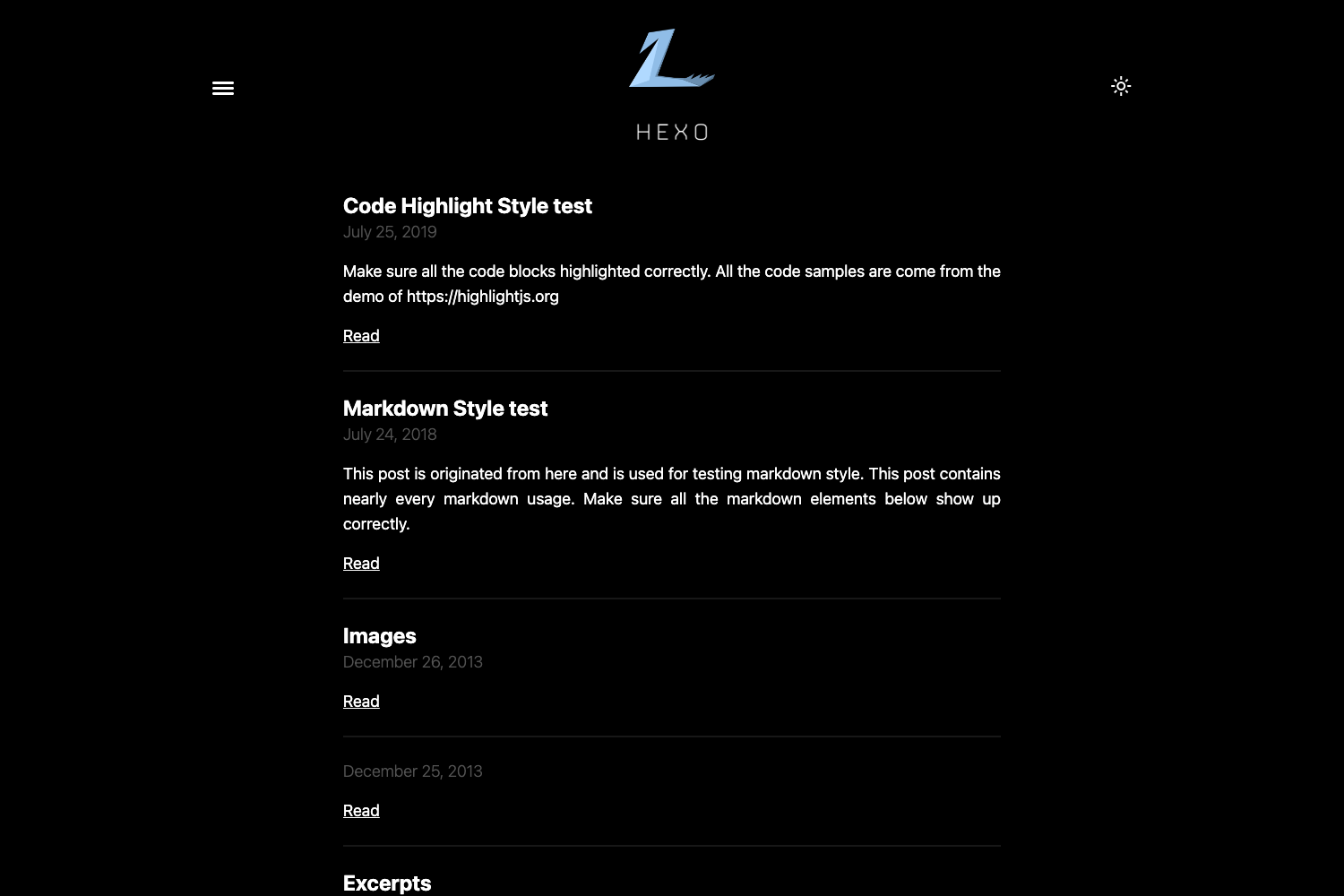
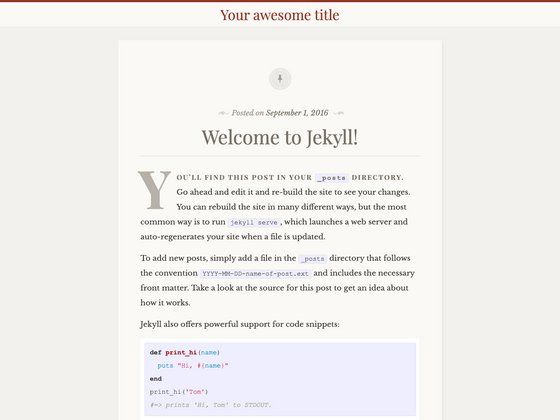
- Watery theme base — The visual design extends the open-source Watery Jekyll theme, combined with CSS styles from Writ.css.
- Live reload development — Running
bundle exec jekyll serve --livereloadrefreshes the browser automatically on each source change. - Simple installation — Setup follows the standard Jekyll flow: clone the repository, run
bundle install, then start the local server withbundle exec jekyll serve. - Static hosting ready — The site can be deployed to Netlify or GitHub Pages without a database or backend.
Who is it for?
- Beeminder users — People who want to combine Beeminder's automated goal tracking with a human-written public narrative of their progress.
- Self-quantifiers — Individuals who enjoy tracking every aspect of their lives (the author documented a year-long experiment) and need a simple, flexible blog to present findings.
- Jekyll beginners — Developers looking for a minimal, readable starter blog to learn Jekyll's post, layout, and configuration system.
What can you do with Journalbar?
- Publish weekly accountability reports — Write a post each week summarizing how your Beeminder goals are trending, what went well, and what to adjust.
- Document long-term experiments — Use the blog to record a multi-month self-tracking study, complete with data references and personal reflections.
- Customize and extend the theme — Because it's a standard Jekyll project, you can add new layouts, CSS tweaks, or plugins without fighting a complex framework.
How does Journalbar work?
To set up Journalbar, install the prerequisites (Ruby 2.7.0 or higher, RubyGems, GCC and Make), then run gem install jekyll bundler, clone the repository, run bundle install, and start a local server with bundle exec jekyll serve. Once running, browse to http://localhost:4000 to see the site; use the --livereload flag to auto-refresh during development.
FAQ
Is Journalbar free to use?
Yes, Journalbar is open-source and available for free on GitHub. The repository can be cloned and used for any personal website; the author also accepts donations via Ko-fi and GitHub Sponsors.
Do I need a Beeminder account to use Journalbar?
No, a Beeminder account isn't required to run the blog, but the template is designed around sharing Beeminder goal progress. If you don't use Beeminder, you can still use it as a regular Jekyll blog.
What are the system requirements for Journalbar?
Jekyll requires Ruby version 2.7.0 or higher (3.0+ recommended), RubyGems, and GCC and Make. The site itself runs on any static hosting platform such as Netlify or GitHub Pages.