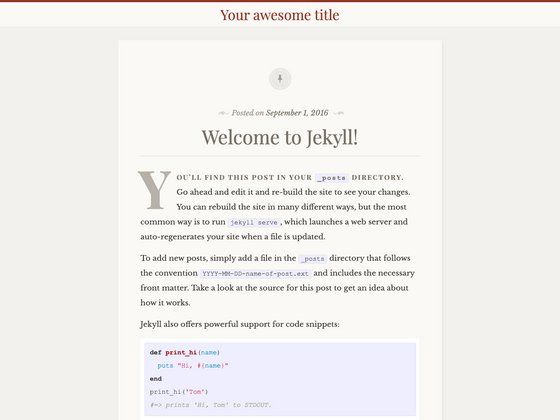
Template details
Future Imperfect
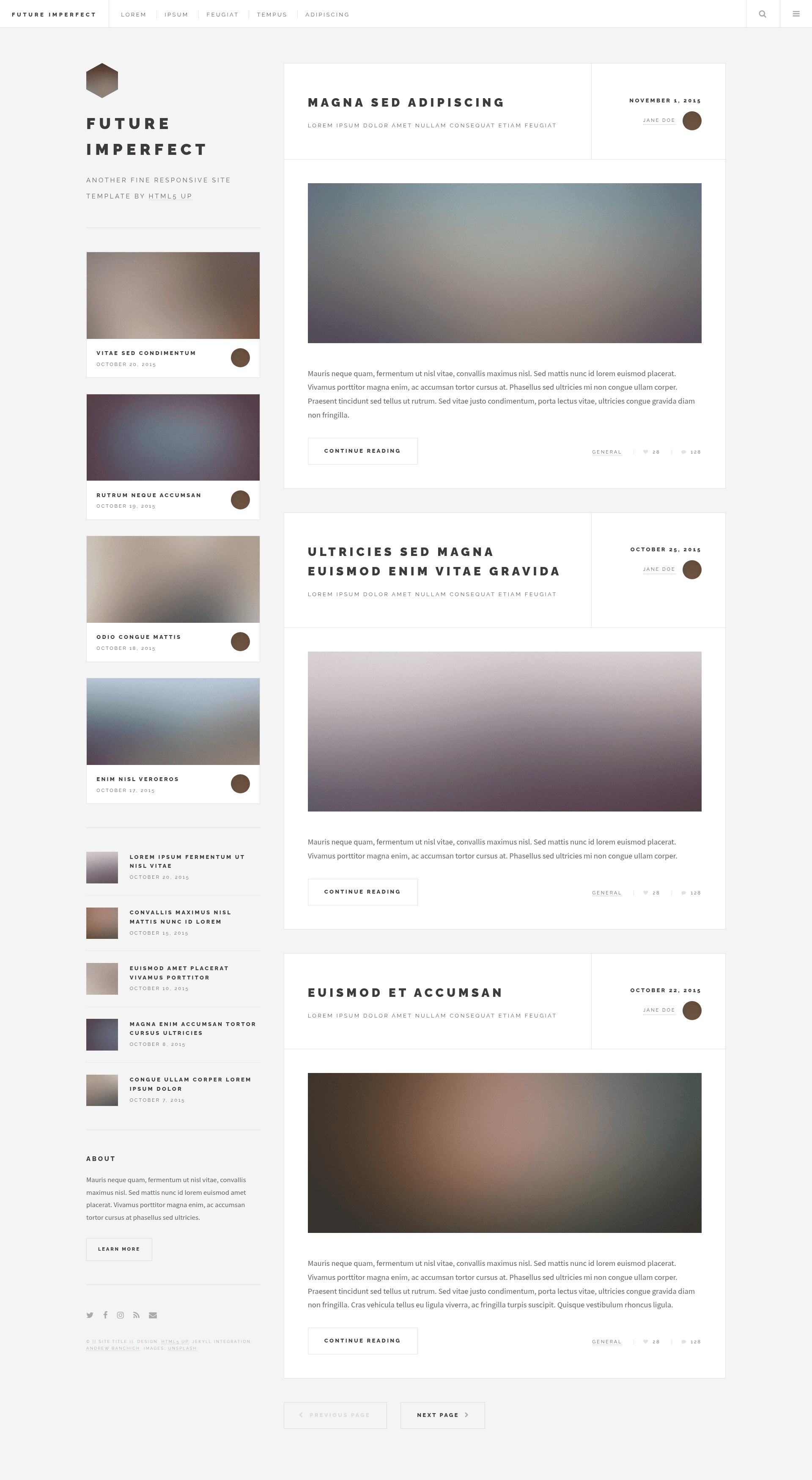
A Jekyll port of the HTML5 UP 'Future Imperfect' blog theme with a clean, responsive flexbox layout.
About this template
Future Imperfect is a Jekyll port of the HTML5 UP blog theme of the same name, turning the original static HTML template into a fully Jekyll-powered blog with posts, pages, and a toggleable search box. The theme is maintained by Andrew Banchich, hosted on GitLab as the primary repository, with a GitHub mirror for convenience. It is distributed free of charge under the Creative Commons Attribution 3.0 (CCA 3.0) license, the same license used by the original HTML5 UP design.
What is Future Imperfect?
Future Imperfect is a blog-style Jekyll theme that accepts Markdown content via Jekyll's standard front matter and outputs a multi-page static site. The layout uses flexbox extensively, which the original author noted is feasible because modern browsers support it. It includes a toggleable search box, a large header image area, and a responsive grid for displaying posts. The theme supports the standard Jekyll workflow: posts go in the _posts folder, pages use front matter, and configuration is handled in _config.yml.
Key Features
- Toggleable search box — A search feature that can be shown or hidden, added to the original HTML5 UP template for user convenience.
- Flexbox-based layout — The original template relies on flexbox for its responsive, expansive grid, working in modern browsers.
- SCSS styling — The theme is built with SCSS (Sass), making it easy to customize variables and partials.
- Font Awesome icons — Social and UI icons are provided via Font Awesome.
- Markdown support — Write posts and pages in Markdown; Jekyll converts them to static HTML.
- Free CCA 3.0 license — Use it for personal and commercial projects without a license fee, as stated in the HTML5 UP credits.
- GitLab/GitHub Pages ready — Fork the repository and edit
_config.yml; for GitHub Pages, create agh-pagesbranch.
Who is it for?
- Jekyll bloggers — Launch a personal blog with a clean, content-focused layout and minimal setup: fork, edit config, and write Markdown posts.
- Developers migrating HTML5 UP templates — Use this port as a working example of how to adapt an HTML5 UP design into Jekyll's structure.
What can you do with Future Imperfect?
- Start a blog — Write Markdown posts in
_postsand have them rendered into the flexbox-based layout. - Deploy to GitHub Pages — Fork the repository, add a
gh-pagesbranch, and edit_config.ymlto publish the site live. - Customize the design — Modify SCSS partials and swap Font Awesome icons to match your brand without touching HTML.
How does Future Imperfect work?
The README explains a straightforward workflow. For GitLab, you simply fork the repository and start editing _config.yml. For GitHub, you fork the repository, create a branch named gh-pages, then edit _config.yml. The site is then rebuilt by Jekyll whenever you push changes.
Pros and cons
- Free and open source — Released under CCA 3.0, so it can be used in personal and commercial projects.
- Active maintenance via GitLab issues — Bugs and feature requests are handled through the GitLab repository or via email.
- Work in progress — The title includes "(WIP)", indicating the theme may still have rough edges or incomplete features.
- Demo images not included — The credited Unsplash images are not part of the repository, so you must supply your own.
Pricing
Future Imperfect is free to use under the Creative Commons Attribution 3.0 license. No pricing tiers or paid plans are mentioned.
FAQ
Is Future Imperfect free to use?
Yes, Future Imperfect is free for personal and commercial use under the CCA 3.0 license, as stated in the original HTML5 UP credits. The Jekyll port carries the same licensing.
How do I deploy Future Imperfect to GitHub Pages?
Fork the repository on GitHub, create a branch named gh-pages, and start editing the _config.yml file. Jekyll will build the site from that branch automatically.
Does Future Imperfect include the demo images?
No. The demo images from Unsplash are used in the preview only and are not included in the repository, per the HTML5 UP credits.
Can I customize the theme?
Yes. The theme uses SCSS, so you can modify variables and partials. Icons come from Font Awesome, and standard Jekyll front matter controls posts and pages.
Where can I report issues?
Issue reporting happens on the GitLab repository, or via email to the maintainer's incoming GitLab address. The GitHub repository is simply a mirror.