Template details
Antnext
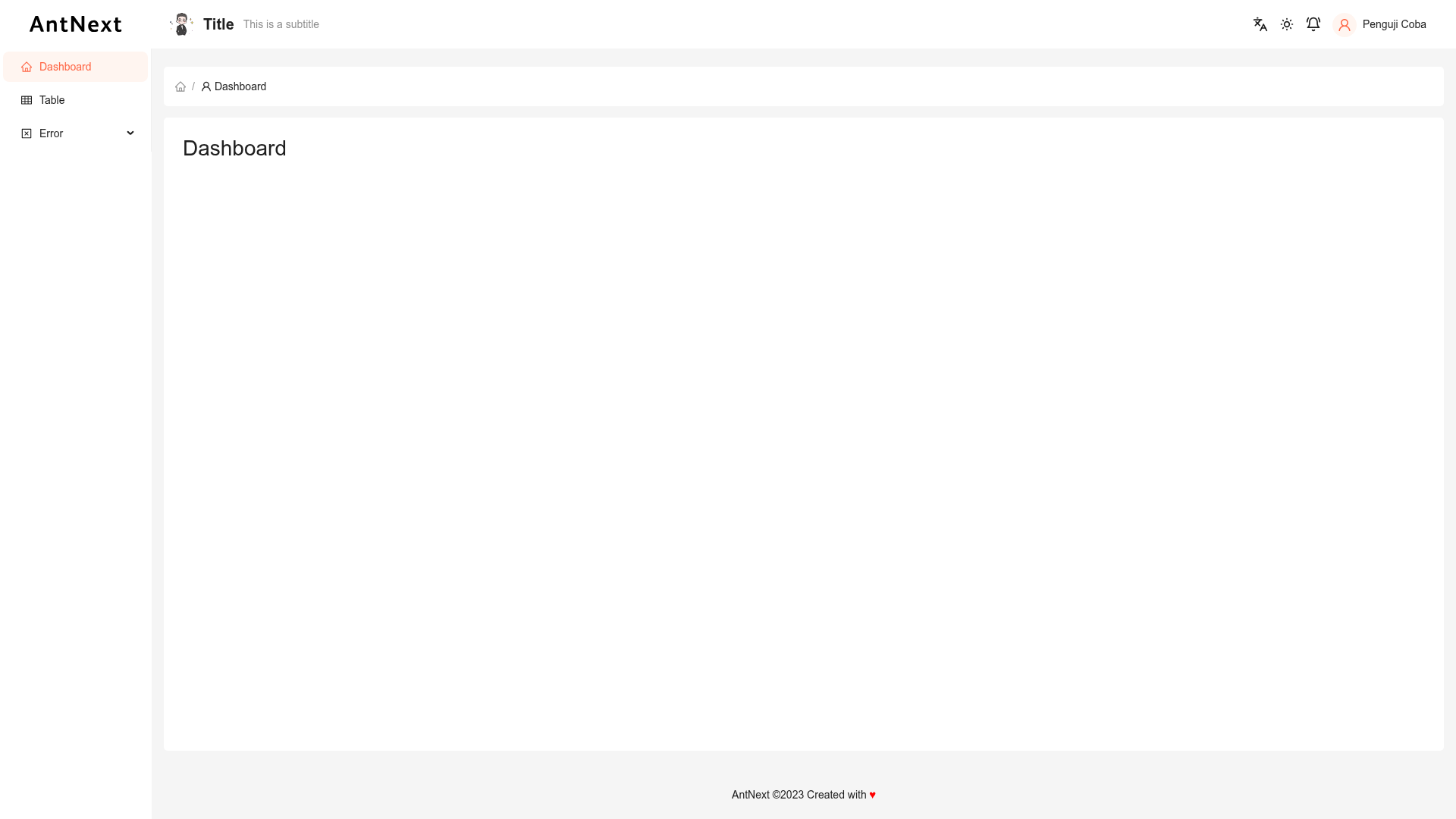
Boilerplate integrating Ant Design 5 with Next.js and styled-components, with i18n and dark/light mode support.
About this template
Antnext is a Next.js boilerplate that pairs the Ant Design 5 component library with styled-components (Emotion) for CSS handling, adding internationalization (i18n) and dark/light mode theming out of the box.
What is Antnext?
Antnext is a project starter scaffold created with create-next-app that integrates Ant Design 5 (antd) into a Next.js application using the App Router and TypeScript. It takes a fresh Next.js project and layers on the antd component set, Styled Components (Emotion) for styled CSS, and a theme system that supports both dark and light modes. The output is a ready-to-extend codebase with a single configuration point for switching between the two themes.
Key Features
- Ant Design 5 integration — the full antd component library (v5) is wired into a Next.js project, giving access to tables, forms, modals, and other React UI components without manual setup.
- Styled Components via Emotion — CSS-in-JS styling is provided by Styled Components running on Emotion, so each component can define its own styled markup alongside the antd defaults.
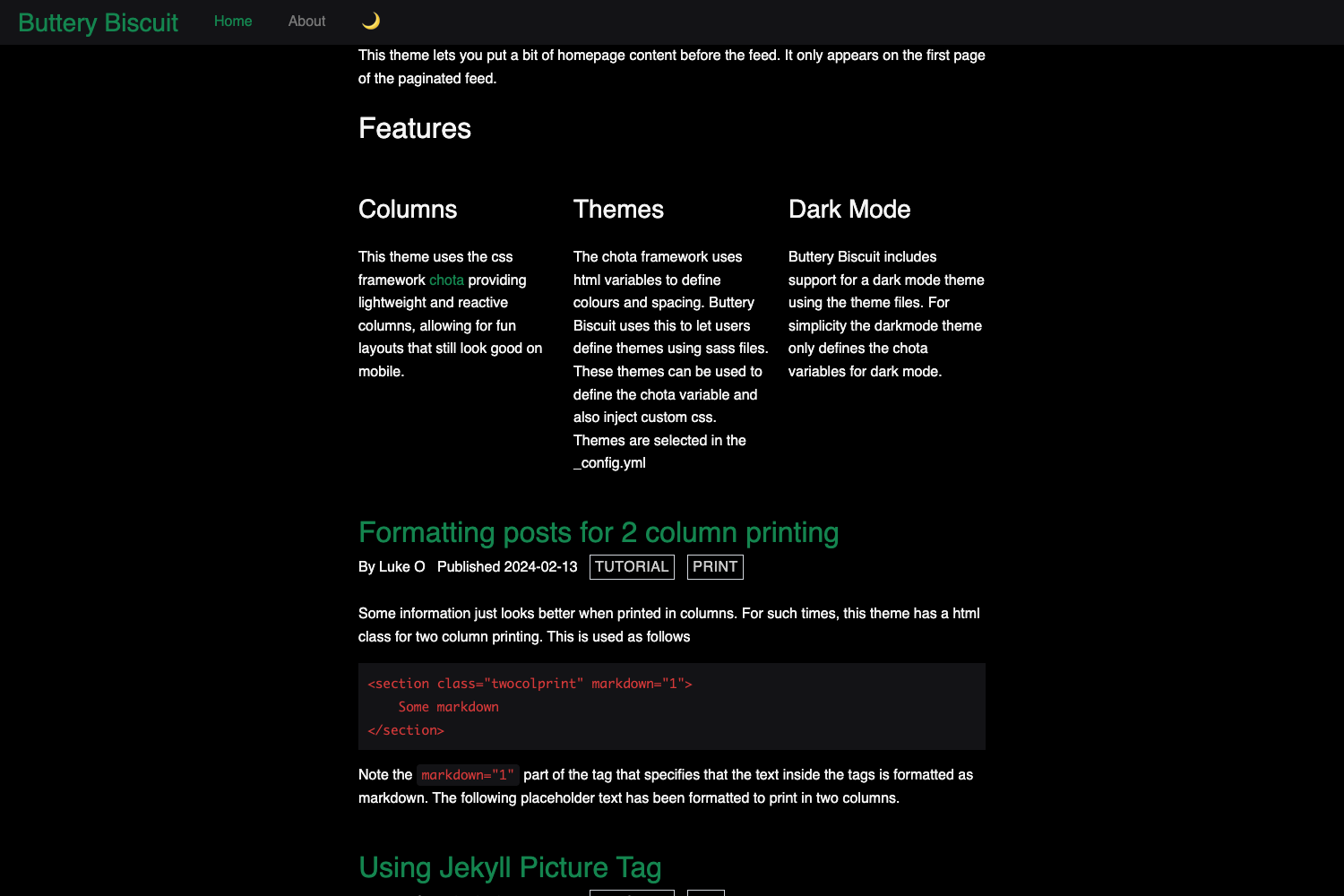
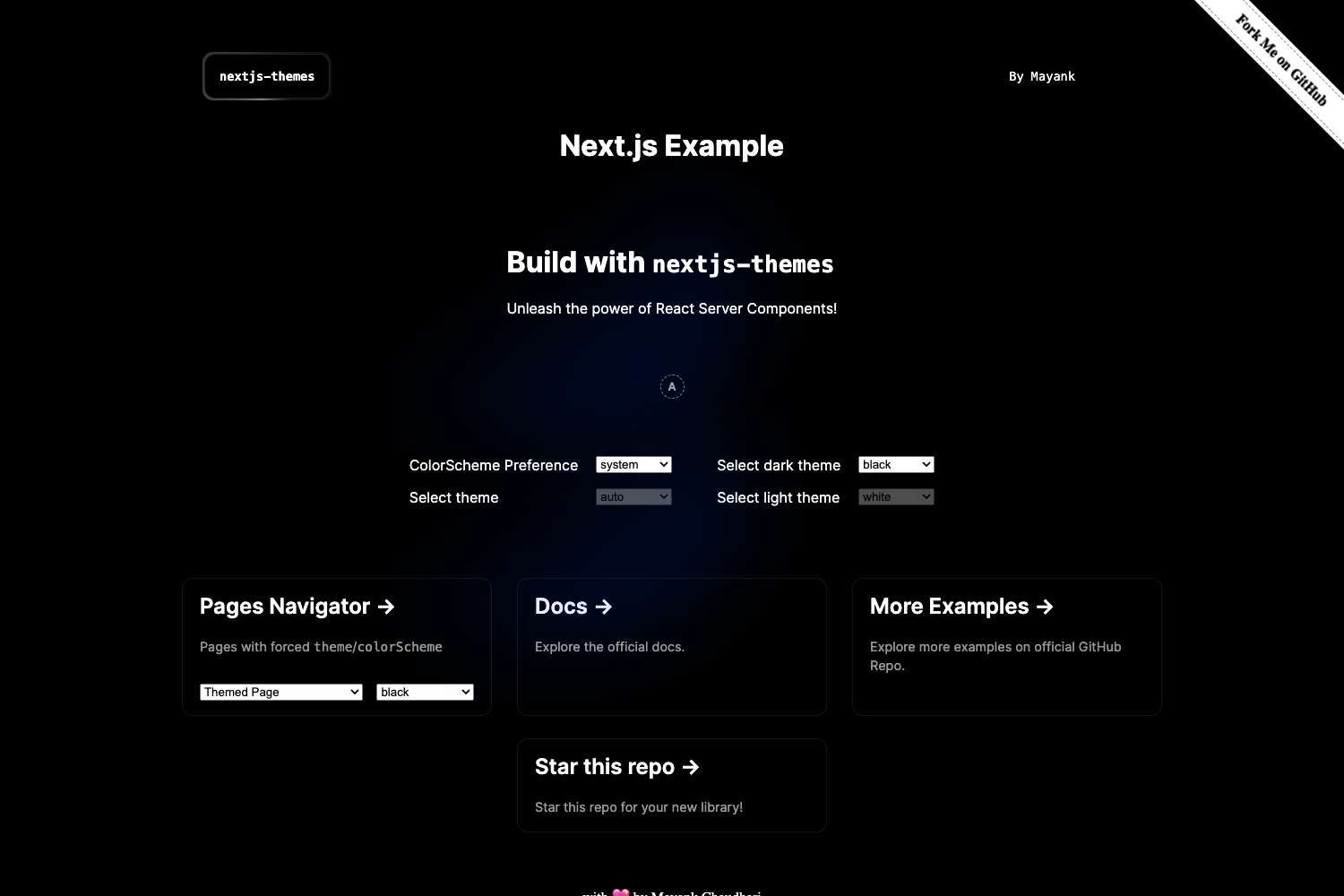
- Dark / light mode — the boilerplate includes a theme mode switch that changes the entire app between dark and light themes, with a documented configuration for changing theme variables.
- Internationalization (i18n) — a built-in i18n layer is included, making it straightforward to add locale files and switch the UI language.
- TypeScript — the project is written in TypeScript, so all components and configuration files ship with type definitions for safer refactoring.
- Next.js App Router — the template uses the app directory (
app/page.tsx), with file-based routing and server-side rendering capabilities from Next.js. - next/font optimization — the default Inter font is loaded through
next/font, which auto-optimizes font loading and reduces layout shift. - One-command dev setup —
npm run devstarts the development server on localhost:3000 with hot reloading when page files are edited.
Who is it for?
Antnext is aimed at front-end developers who want to skip the repetitive wiring of Ant Design into a Next.js project and start building immediately. It suits React consultants setting up internal dashboards, product teams prototyping admin panels, and developers who need a multi-language React app with a toggleable dark theme.
What can you do with Antnext?
- Dashboard builders: assemble tables, forms, and charts (via antd data-entry components) inside the app directory pages while the i18n layer keeps labels in multiple languages.
- Multi-language product sites: add locale files for each language and switch the UI with the built-in i18n configuration.
- Theme-conscious apps: implement a dark/light mode switch using the theme variable exposed by the Styled Components theme provider.
How does Antnext work?
Clone the repository, install dependencies with npm install, then run npm run dev to start the development server at http://localhost:3000. Editing app/page.tsx updates the page instantly in the browser. For a production build, use the standard Next.js npm run build and deploy the result to the Vercel Platform or any Node.js host that supports Next.js.