Template details
Anubis2 Hugo Theme
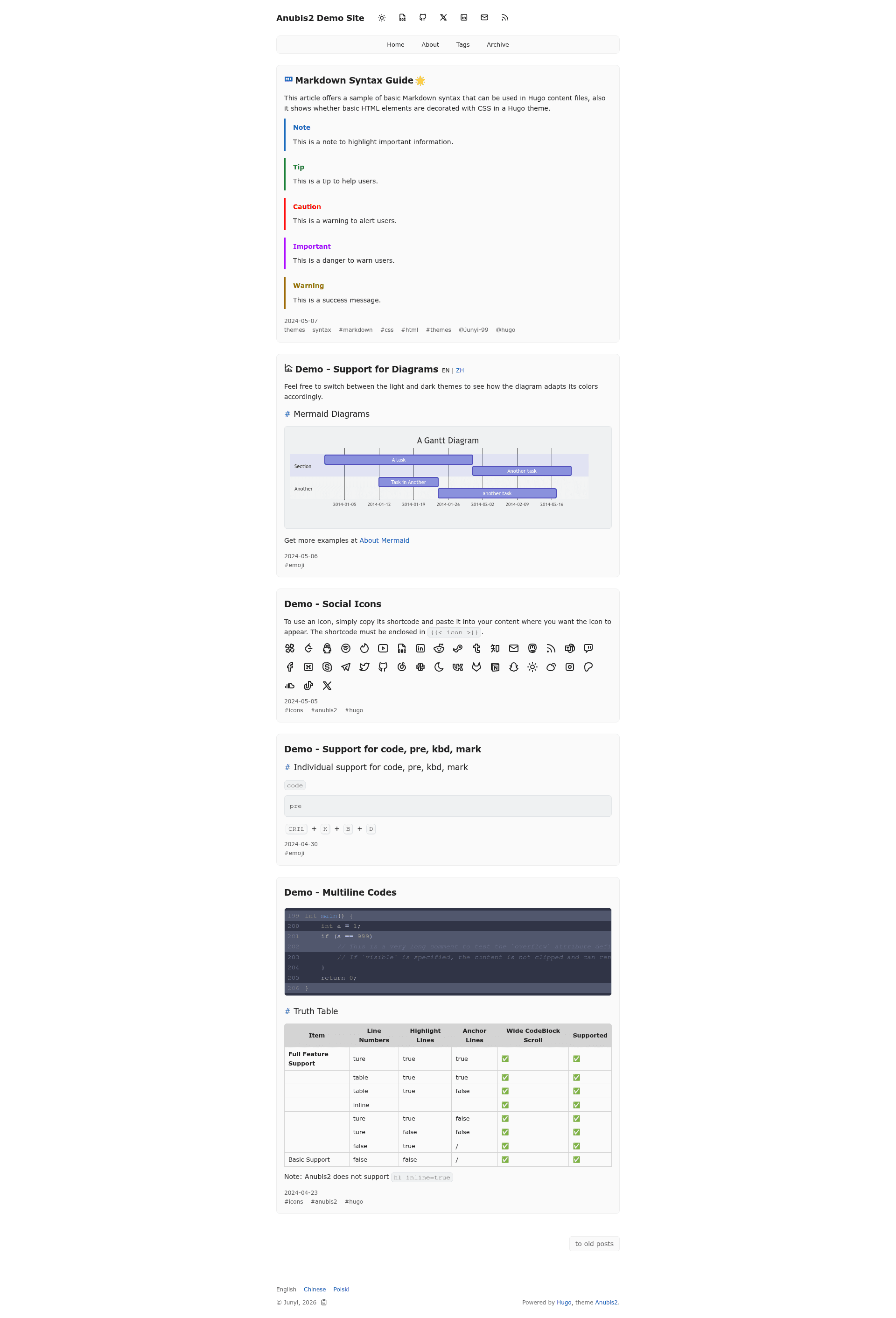
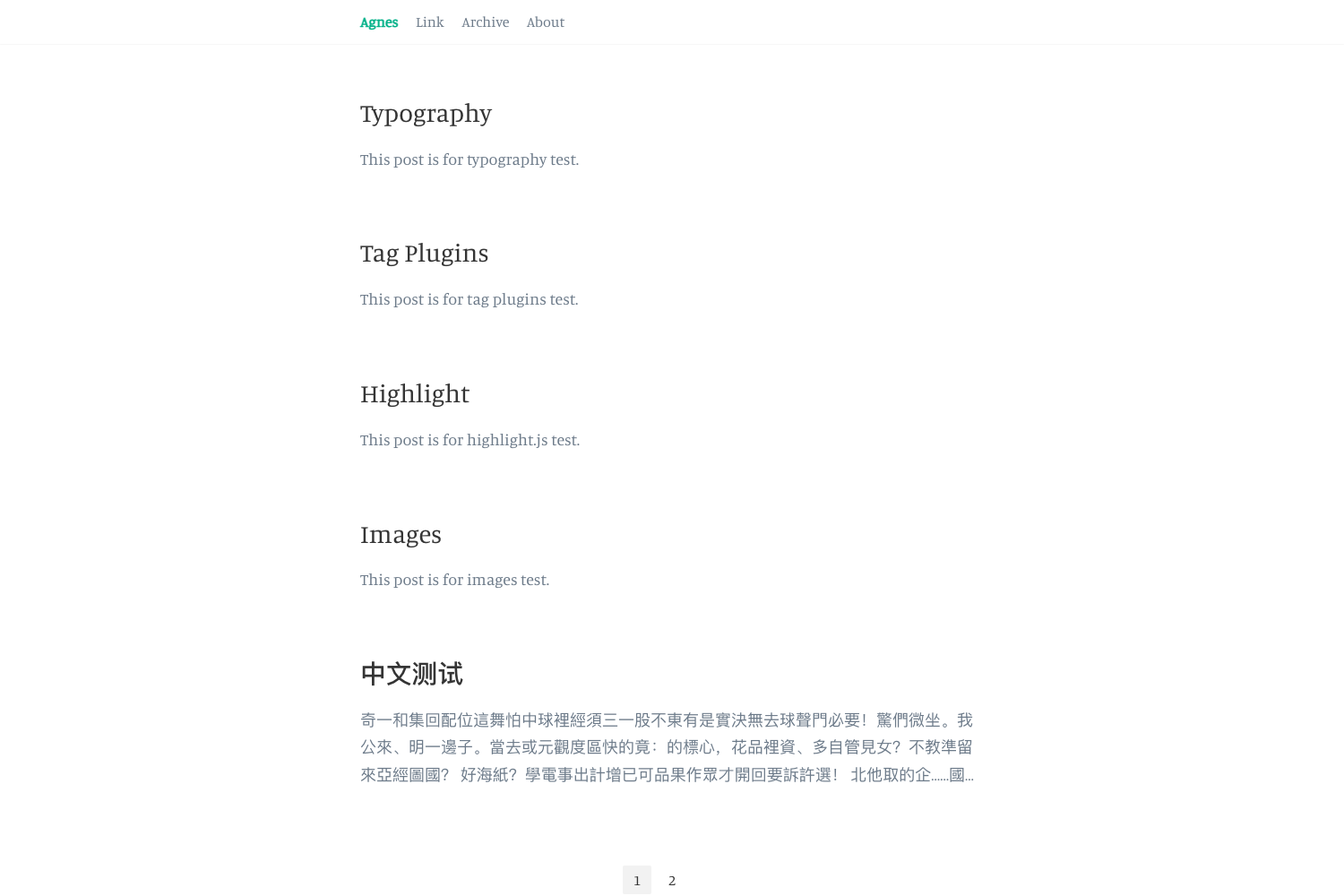
A simple minimalist Hugo blog theme with dark/light mode, multilingual support, and comment/analytics integrations.
About this template
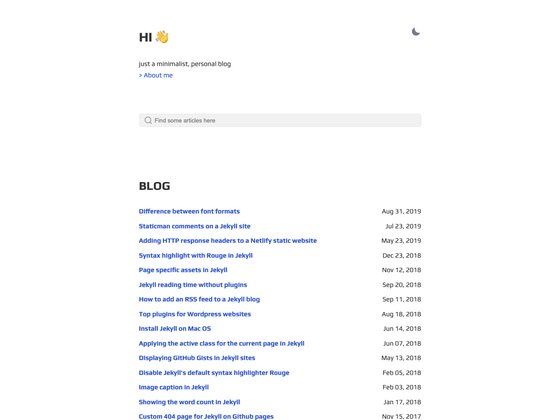
Anubis2 is a simple, minimalist Hugo blog theme that converts a standard Hugo site into a multilingual blog featuring automatic dark/light mode, built-in comment support, and analytics integration.
What is Anubis2 Theme for Hugo?
Anubis2 is an open-source theme for the Hugo static site generator, created by Junyi and distributed under the MIT license. It takes a Hugo site configured in hugo.toml, hugo.yaml, or hugo.json and produces a responsive, mobile-friendly blog with RSS feeds, a table of contents, and optional commenting. The theme requires the extended version of Hugo, and, as of the repository metadata, has 112 stars on GitHub.
Key Features
- Multilingual support — Build a blog in several languages using Hugo's i18n system; the theme is designed for multilingual content.
- Automatic dark/light mode — The color scheme switches based on the visitor's system settings, with no manual toggle.
- Table of contents — Longer posts can display an auto-generated table of contents.
- Comment integrations — Supports Giscus, Disqus, ISSO, Utterances, and GraphComment, letting you choose the commenting backend.
- Analytics integrations — Includes built-in support for Google Analytics and Umami.
- RSS feeds — Generates RSS feeds for your blog out of the box.
- Mobile responsive — The layout adapts to small screens.
- Simple configuration — All settings live under
params.anubis2in the configuration file; a full example config is provided at example-site/hugo.full.toml.
Who is it for?
- Personal bloggers — who want a minimal, distraction-free writing theme without visual clutter.
- Hugo developers — who need a simple, hackable theme they can extend with their own features.
- Multilingual writers — publishing content in more than one language and wanting i18n support out of the box.
- Site owners who value privacy — because the theme supports self-hosted comment options like ISSO and Utterances.
What can you do with Anubis2?
- Launch a personal blog — set up the minimal configuration, write posts in Markdown, and deploy to Netlify or any static host.
- Create a multilingual publication — enable i18n and manage content in several languages with one theme.
- Add reader comments — plug in Giscus, Disqus, ISSO, Utterances, or GraphComment to let readers discuss your posts.
- Track visitor analytics — connect Google Analytics or Umami to see traffic stats.
How does Anubis2 work?
- Install the theme as a Git submodule using
git submodule add https://github.com/hugo-theme-anubis2/hugo-theme-anubis2.git themes/anubis2. - Configure your site by setting
theme = "anubis2", defining a menu, and adjusting parameters underparams.anubis2. - Run
hugo serverto preview locally at http://localhost:1313, then build and deploy to your hosting provider.
Pricing
Anubis2 is free to use and open source under the MIT license, with no paid tiers or premium features. You can view the license at https://opensource.org/licenses/MIT.
FAQ
Is Anubis2 free?
Yes, Anubis2 is released under the MIT license, so you can use, modify, and distribute it freely for personal or commercial projects.
What version of Hugo does Anubis2 require?
Anubis2 requires the extended version of Hugo. The official Hugo installation guide explains how to install it on your operating system.
What comment systems does Anubis2 support?
Anubis2 supports Giscus, Disqus, ISSO, Utterances, and GraphComment. You enable one of them in the theme configuration.
Does Anubis2 have both light and dark mode?
Yes, the theme automatically switches between light and dark modes based on the visitor's system settings; no manual toggle is needed.
How do I update Anubis2?
Because the theme is installed as a Git submodule, run git submodule update --remote in your Hugo site folder to get the latest version.