Template details
Hexo Theme Agnes
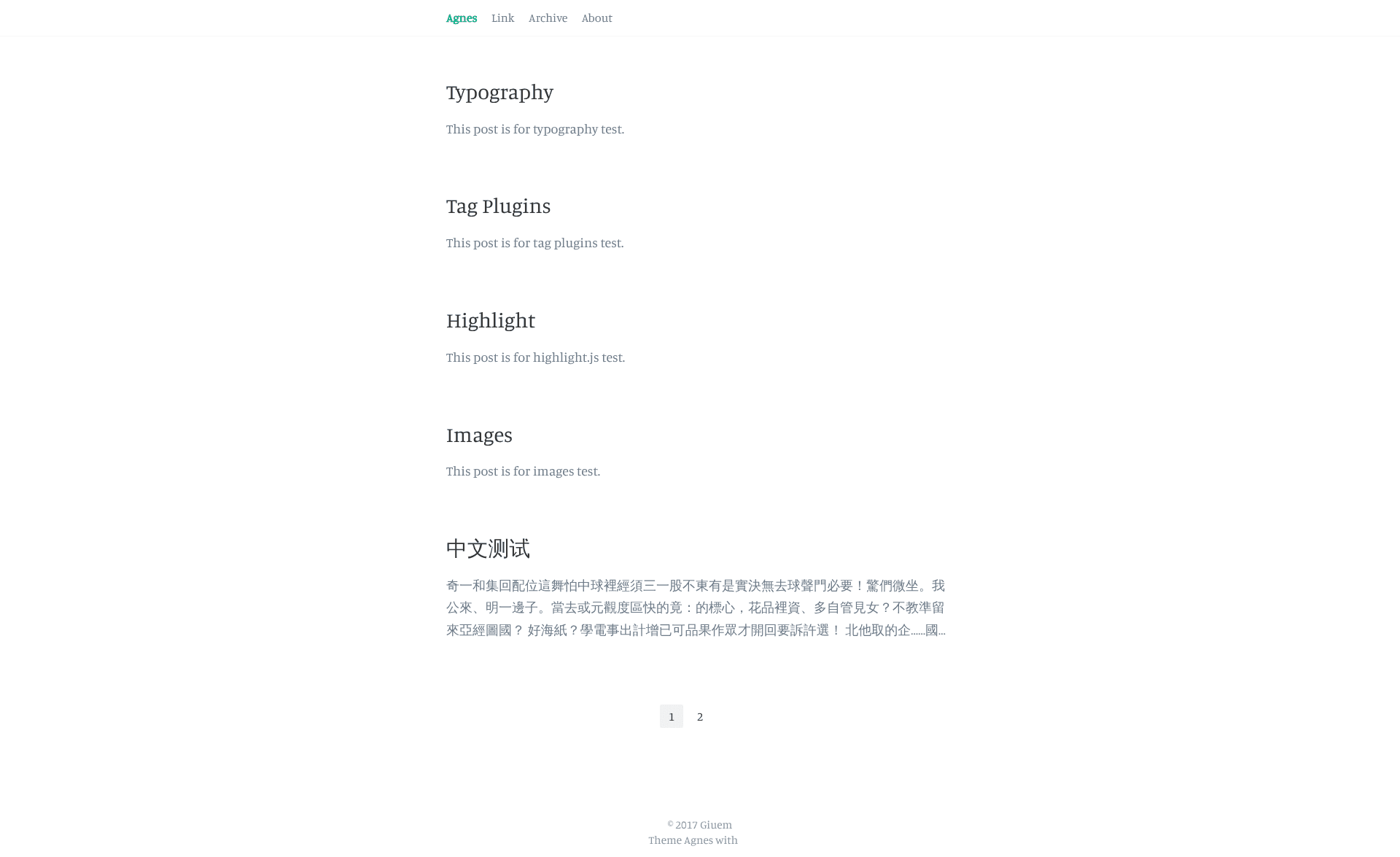
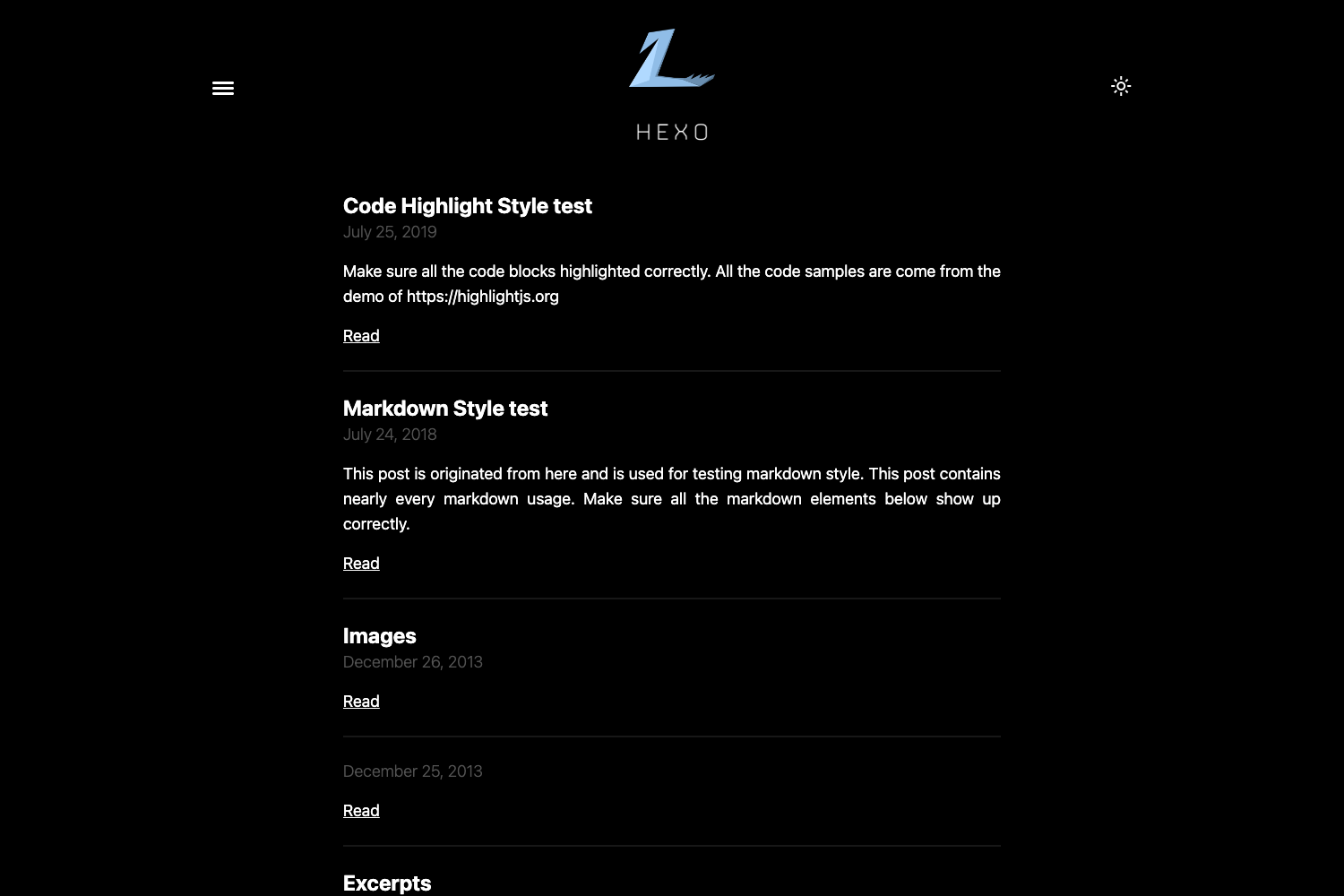
A minimal Hexo theme with configurable navigation, footer, Disqus comments, and a link page.
About this template
Hexo Theme Agnes is a minimal theme for the Hexo static site generator that converts Markdown posts into a fast, blog-style website with configurable navigation, a footer start year, and an optional link page. Built by giuem and available on GitHub, it is designed for users who want a bare-bones blogging setup without extra visual clutter.
What is Hexo Theme Agnes?
Hexo Theme Agnes is a minimal, open-source theme specifically built for Hexo, the Node.js-based static site generator. It takes standard Hexo Markdown content as input and produces a static HTML site with a header navigation, an archive page, a configurable footer, and support for Disqus comments. The theme is installed by cloning the GitHub repository into the themes/agnes directory and switching the active theme in Hexo's _config.yml; all further customization happens in the theme's own _config.yml file.
Key Features
- Minimal design — a simple, content-focused layout with no JavaScript framework or CSS framework, relying on Stylus for styling and plain HTML output.
- Configurable header navigation — define custom nav links (such as Link, Archive, About) directly in the theme
_config.ymlunder theheadersection. - Footer start year — set a
sincevalue in the config to display the starting year in the footer, useful for copyright lines. - Disqus comments — enable comments by adding a Disqus shortname in the
commentsection of the theme config. - Link page support — create a page with
layout: linkin the front matter and asource/_data/link.ymldata file to display grouped external links. - Favicon and RSS — set a custom favicon path and RSS feed filename through the
headconfiguration block. - Title separator — configure a custom separator (e.g.,
|) between the page title and site title.
Who is it for?
- Bloggers using Hexo — people who want a clean, minimal theme that displays their Markdown posts without heavy JavaScript.
- Developers building a personal site — users comfortable editing YAML config files who need straightforward navigation and an About page.
- Link-page enthusiasts — anyone who wants to share grouped bookmarks or friend links using Hexo's data file mechanism.
What can you do with Hexo Theme Agnes?
- Set up a personal blog quickly — clone the theme, point it to your Hexo site, and publish Markdown posts with a working archive and header nav.
- Add a curated links page — create a
linklayout page and populatesource/_data/link.ymlto show grouped external links (e.g., social profiles or resources). - Enable Disqus discussions — add your Disqus shortname to the config so each post has a comment section without building a custom commenting system.
- Customize site metadata — change the favicon, RSS feed path, title separator, and navigation links through a single YAML file.
How does Hexo Theme Agnes work?
- Clone the repository into
themes/agnesand change thethemevalue in your Hexo_config.ymlfrom the default toagnes. - Edit
themes/agnes/_config.ymlto set header nav links, footer start year, Disqus shortname, favicon, and RSS path. - For a link page, add a Markdown file with
layout: linkin its front matter, then createsource/_data/link.ymlfollowing the example format. - Generate the site with the standard Hexo
hexo generatecommand to produce static HTML.
FAQ
Is Hexo Theme Agnes free?
The repository is open source on GitHub and the theme can be cloned and used without payment. The page does not mention any commercial license, so it is treated as free for personal and project use.
What do I need to install this theme?
You need a working Hexo installation (Node.js-based) and Git. The installation instructions consist of cloning the repo into the themes folder and editing two YAML configuration files.
Does the theme support comments?
Yes, it supports Disqus. Add your Disqus shortname to the comment.disqus field in the theme's _config.yml, and comment sections will appear on posts.
Can I change the navigation links?
Yes. The header section of the theme config accepts a list of link labels and URLs, so you can add or remove items like Archive or About without editing template files.
Is there a live preview?
A preview is available at https://giuem.github.io/hexo-theme-agnes/ (the project's demo site).