Template details
Gesko
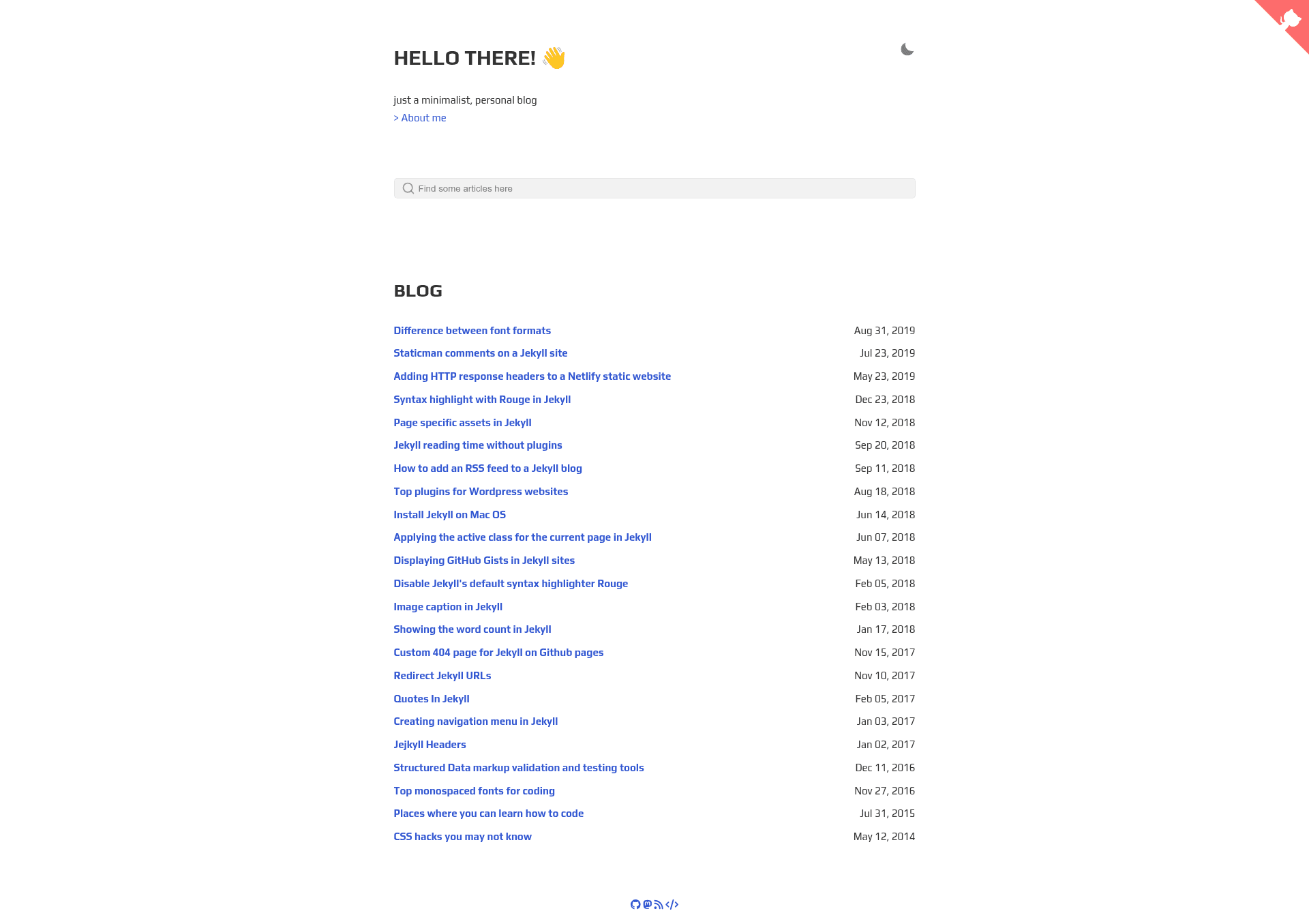
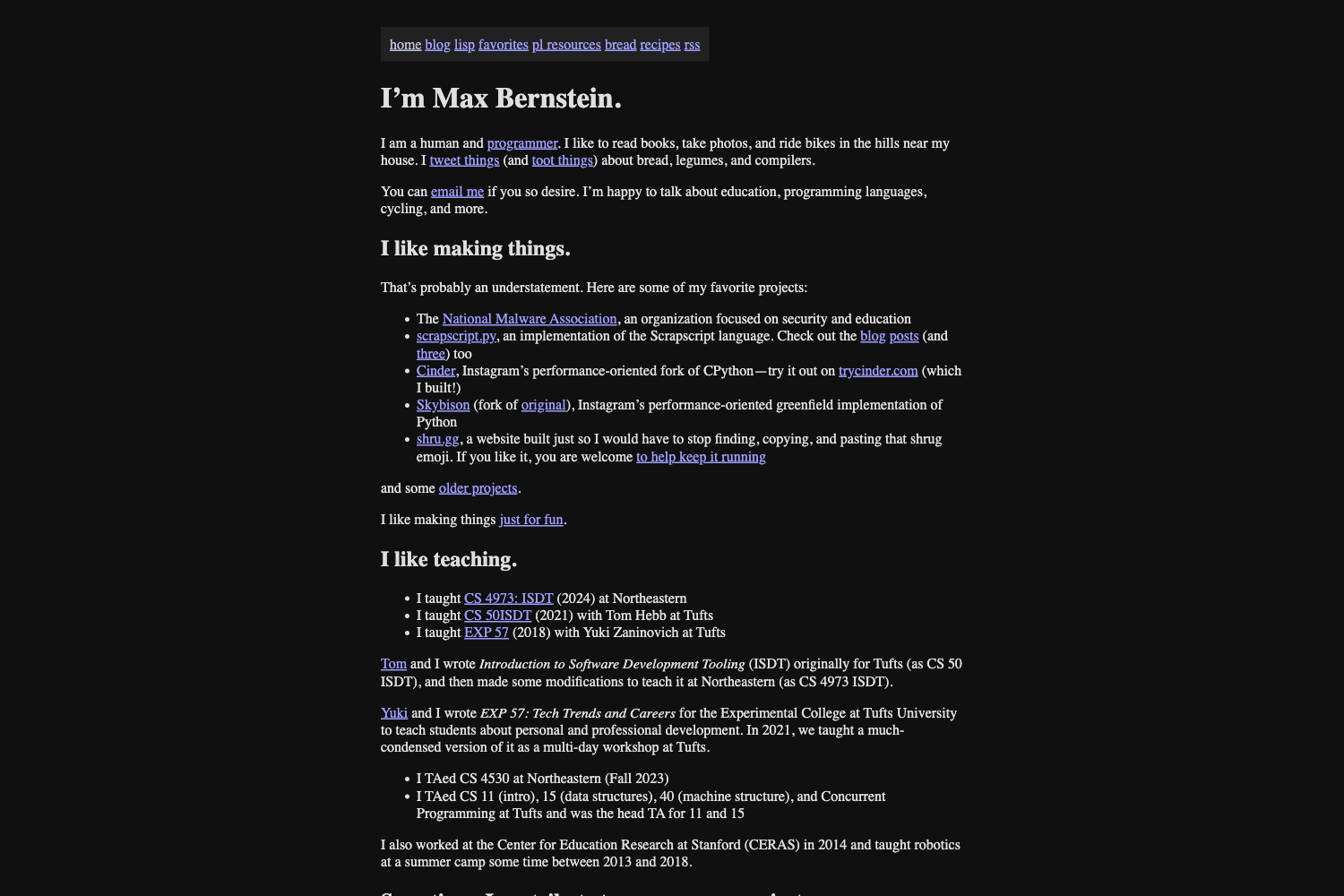
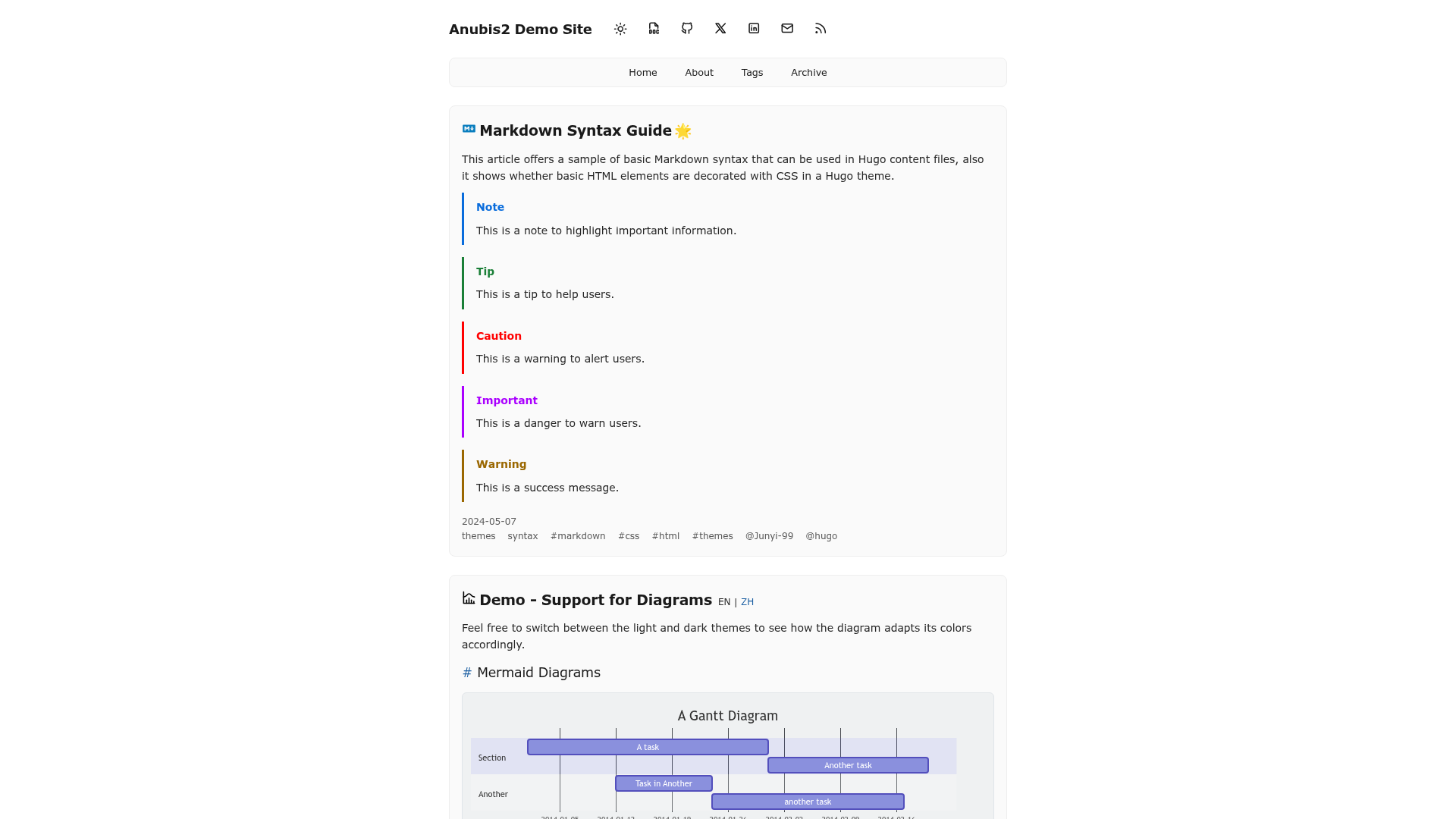
Gesko is a simple and minimalistic jekyll blogging theme.
About this template
Gesko is a minimalist, responsive Jekyll blog theme that generates a static site with built-in search, dark/light mode, and reading-time estimates.
What is Gesko?
Gesko is a simple and minimal Jekyll blogging theme, forked from Asko and built on the Sidey theme by Ronv. It takes standard Jekyll content—Markdown posts and configuration—and produces a static HTML blog with features like tag pages, feeds, and a 404 page. The theme is maintained by DavideBri and is released under the MIT License.
Key Features
- Responsive design — the layout adapts to mobile and desktop screens without additional JavaScript.
- Dark/light theme — a toggle lets readers switch between light and dark color schemes.
- Built-in search bar — a client-side search box for finding posts without an external service.
- Tag pages — automatically generate a page per tag by adding a folder under the tag directory; the theme then lists all posts with that tag.
- Reading time estimation — displays estimated reading time per post, configurable between automatic and manual modes.
- Atom and JSON feeds — subscribable feeds are generated for syndicating blog updates.
- Next/Previous post navigation — links at the bottom of each article let readers move chronologically through the archive.
- Disqus comments (optional) — an optional integration that can be enabled or disabled per site.
- Sass styling — the theme compiles styles with Sass, and it passes PageSpeed and w3Validator tests per the project readme.
- Inline CSS — styles are inlined in the head for faster initial render.
Who is it for?
Gesko is for bloggers and developers who want a no-frills Jekyll theme that loads quickly and ranks well in performance tests. It suits personal blogs, portfolios, or documentation sites where a clean reading experience matters more than visual clutter.
What can you do with Gesko?
- Personal bloggers: publish Markdown posts and automatically get tag archives, search, and feed subscriptions.
- Developers: host the generated static site on GitHub Pages for free, and customize the theme with Sass and Jekyll includes.
- Technical writers: use the built-in reading time and anchor headings to create long-form documentation that is easy to navigate.
How does Gesko work?
Installation follows the standard Jekyll workflow: clone the repository, run bundle install, then build or serve with bundle exec jekyll build or bundle exec jekyll serve. To add a custom tag, create a folder in the tag directory with an index.html file that sets the layout to tag and specifies the tag name; the theme then generates a dedicated listing page for that tag.
Pros and cons
Pros: completely free (MIT), fast and lightweight due to inline CSS, passes PageSpeed and w3Validator checks, and supports dark mode.
Cons: the default layout includes a Google tag (gtag) that must be removed by hand, and you must update the site url and baseurl settings in _config.yml before deploying to GitHub Pages.
Pricing
Gesko is open-source and free to use under the MIT License.
FAQ
Is Gesko free?
Yes, Gesko is released under the MIT License, so you can use, modify, and distribute it for personal or commercial projects without cost.
How do I create a new tag in Gesko?
Create a folder inside the tag directory named after the tag. In that folder, add an index.html file with front matter that sets layout to tag and provides the tag name. Then rebuild the site with Jekyll.
Does Gesko support comments?
Yes, it includes an optional Disqus section that you can enable by configuring your Disqus settings; when not configured, comments do not appear.
Does Gesko work with GitHub Pages?
Yes, after updating the site url and baseurl in _config.yml (or setting them appropriately for your subpath), you can build the site and push it to a GitHub Pages repository.
What performance tests does Gesko pass?
The project readme states that the theme passes Google PageSpeed and w3Validator tests, making it suitable for speed-conscious blogs.