Template details
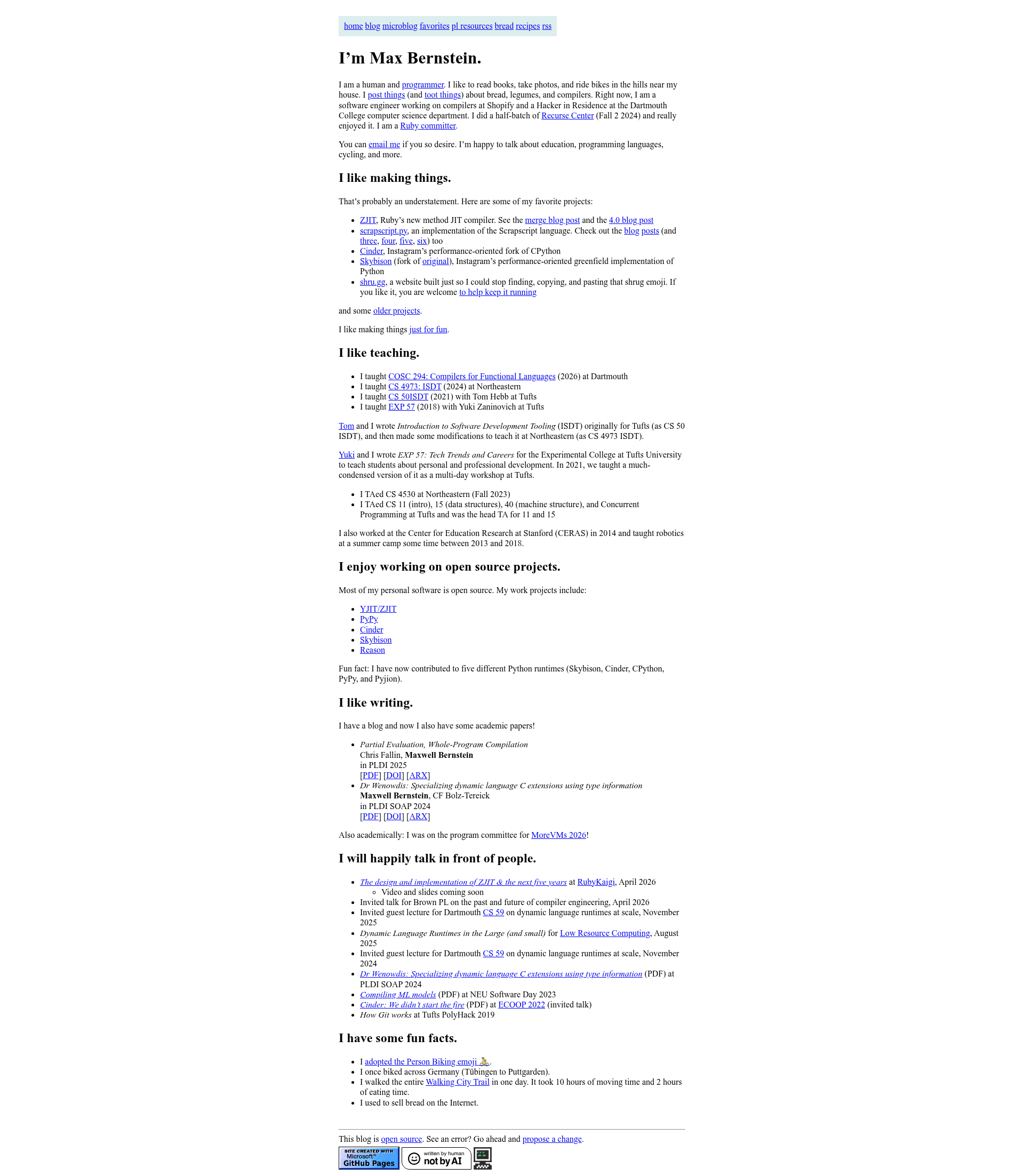
Tekknolagi.github.com
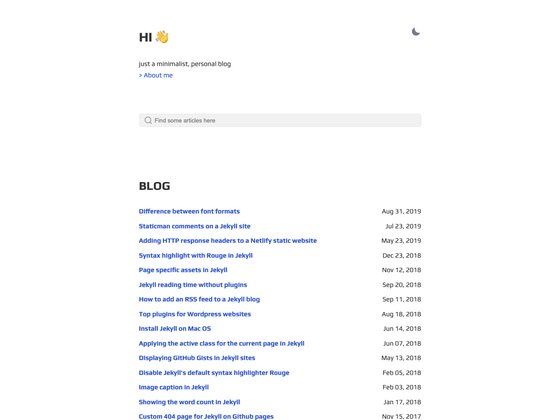
A small Jekyll-powered personal blog with MIT-licensed CSS, ready for reuse after removing personal references.
About this template
My blog is a Jekyll-based personal website template that generates a static blog from Markdown posts and pages, with MIT-licensed CSS ready for reuse.
What is My blog?
My blog is the source code for a small personal website built with the Jekyll static site generator. It takes Markdown content and produces a static HTML site, which can be hosted on GitHub Pages or any static host. The repository contains the author's personal posts, pages, and styling, and the CSS is released under the MIT license so others can reuse it. The author requests that all personal references—name, social links, writing, Google Analytics tag, and GoatCounter tag—be removed before repurposing the code.
Key Features
- Jekyll static site generator — Uses Jekyll to compile Markdown and Liquid templates into plain HTML files, with no server-side runtime required.
- MIT-licensed CSS — The stylesheet is licensed under MIT, allowing free reuse as long as all personal references are stripped from it.
- Built-in analytics hooks — Includes Google Analytics and GoatCounter tags in the templates, ready to be replaced with your own tracking IDs or removed entirely.
- Personal blog structure — Organizes content as posts (likely in a
_postsdirectory) and static pages, following standard Jekyll conventions. - Copy-friendly recommendation — Due to heavy assets in the Git history, the author advises copying the repository fresh rather than forking, preserving a clean history.
Who should use My blog?
- New bloggers — Start a personal blog by replacing the sample posts with your own writing and running Jekyll to generate the site.
- Developers learning Jekyll — Explore a minimal, real-world Jekyll project to understand how posts, pages, and configuration fit together.
- Designers seeking reusable CSS — Extract the MIT-licensed stylesheet for use in other projects, after removing the author's name and links.
What can you do with My blog?
- Publish articles — Write Markdown posts in the appropriate directory and use Jekyll to build a static blog.
- Customize the design — Modify the CSS and layout files to create a unique look without starting from scratch.
- Host on GitHub Pages — Deploy the generated site directly from the repository, since the repository is set up as a GitHub Pages project (based on the domain hint).