Template details
Simple Portfolio with CMS
Full-stack Next.js 13 portfolio template with Supabase CMS, Flowbite UI, and step-by-step tutorial
About this template
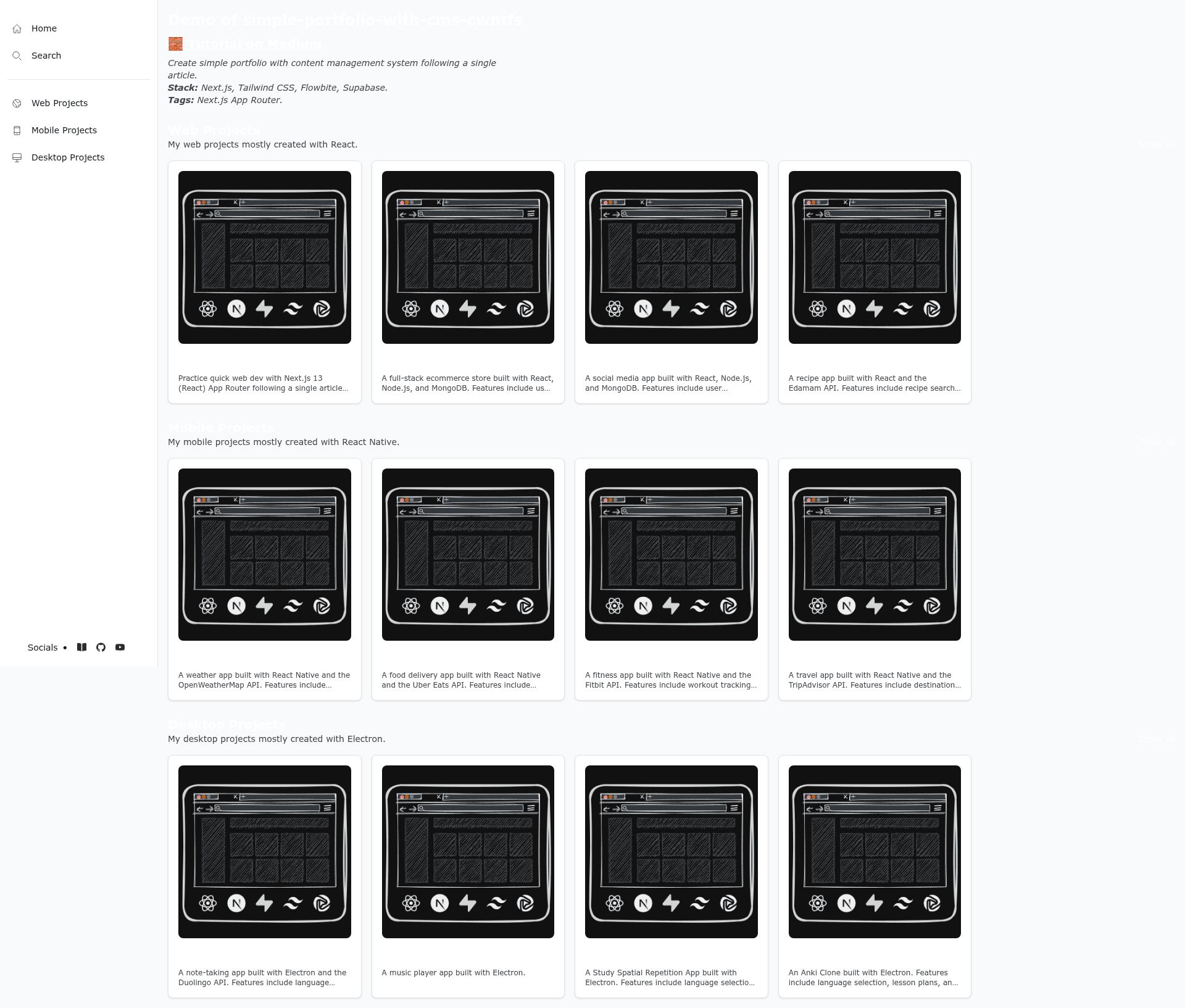
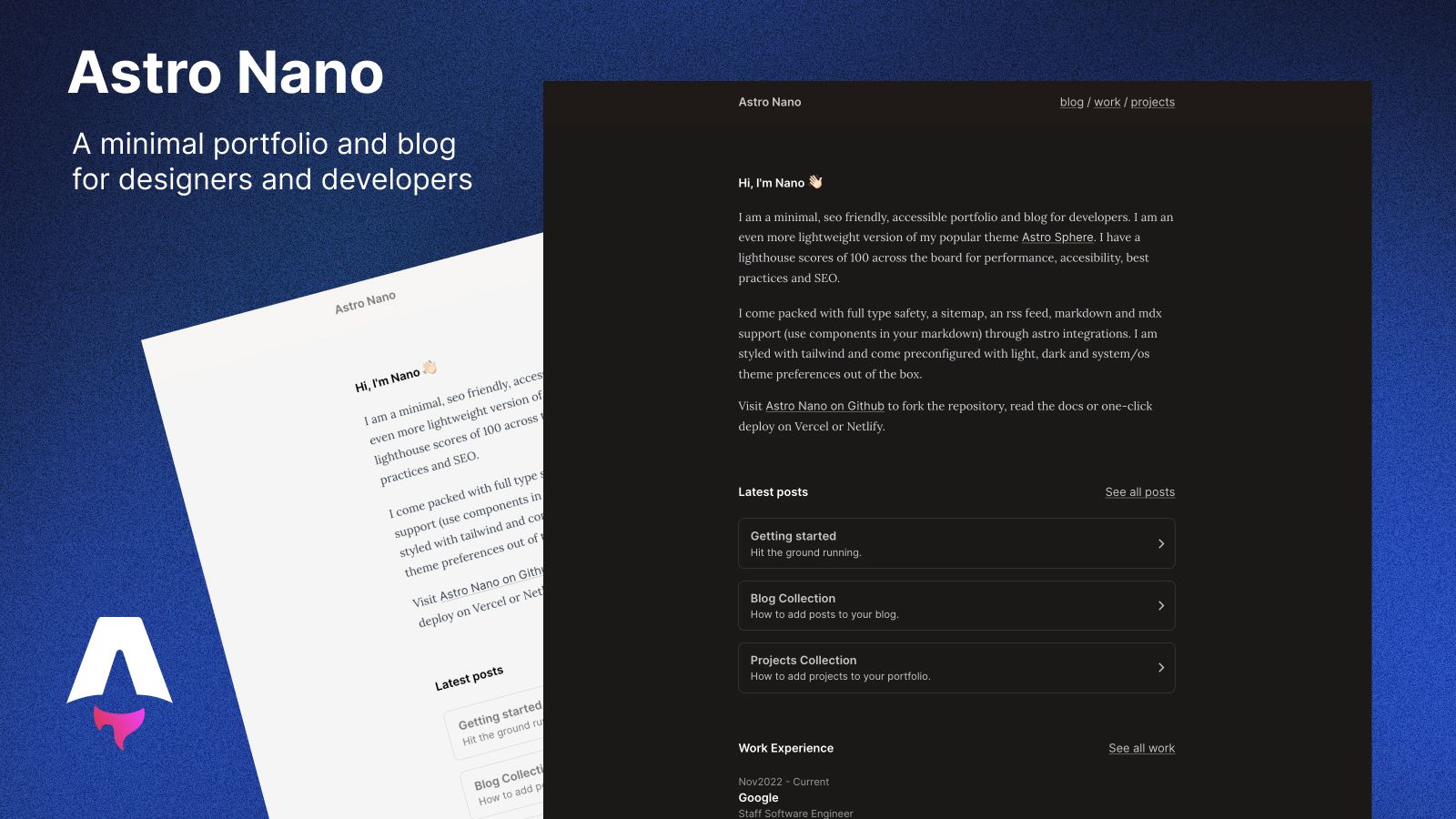
Simple Portfolio with CMS (CWNTFS) is a full-stack Next.js 13 portfolio starter that combines a public portfolio site with a Supabase-powered content management system, delivered as a step-by-step tutorial by saikise.
What is the Simple Portfolio with CMS template?
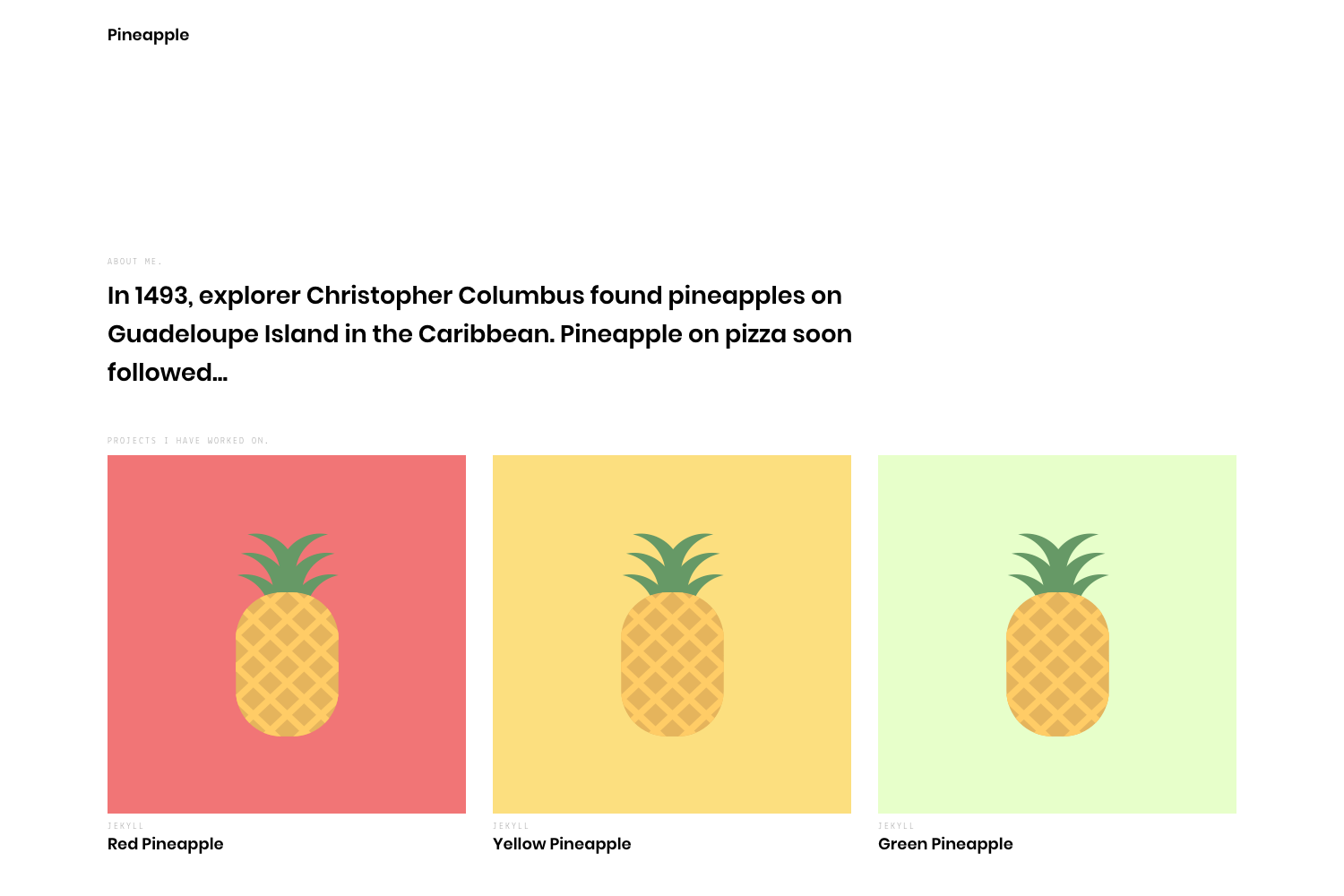
This template is a GitHub repository that demonstrates how to build a portfolio with an integrated CMS using the Next.js App Router, Tailwind CSS, Flowbite UI components, and Supabase for database, storage, and authentication. It takes project records stored in a Supabase PostgreSQL database and renders them as a portfolio; whitelisted admin users can sign in and add or edit projects through the same app. The project runs on Node.js 16.8 or later and is deployable to Vercel, with a live demo linked in the documentation.
Key Features
- Next.js 13 App Router — Uses server and client components for pages such as
/sign-upand/sign-in, plus portfolio views; routing and data fetching follow App Router conventions. - Supabase backend — Includes PostgreSQL database functions, policies, and triggers, plus Supabase database and storage CRUD for managing project content and assets.
- Flowbite UI — All components and icons come from Flowbite, built on Tailwind CSS; the sidebar (
Sidebar.tsx) intentionally omits auth navigation buttons. - Email-whitelist authentication — Sign-up and sign-in are restricted to whitelisted emails, giving admin privileges for adding and editing projects; logic lives in
app/auth/sign-in/route.tsandapp/auth/sign-up/route.ts. - Complete tutorial documentation — A Medium article walks through the build, and the README covers prerequisites, installation, and usage commands.
- Cross-platform development setup — Supports macOS, Windows (including WSL), and Linux; uses Docker Desktop for local Supabase via
npx supabase start. - Dev tooling integrations — Prettier VS Code extension is required, and Tailwind Fold is listed as an optional extension for Tailwind class handling.
Who is it for?
- Developers learning the Next.js App Router — They can follow the tutorial to see server/client components and Supabase integration in a real project.
- Freelancers and designers — They can use the template to create a portfolio where project entries are managed through a custom CMS rather than hard-coded JSX.
- Individual site owners — Since auth is owner-exclusive and email-whitelisted, it suits someone who wants admin control without building a full multi-user dashboard.
What can you do with it?
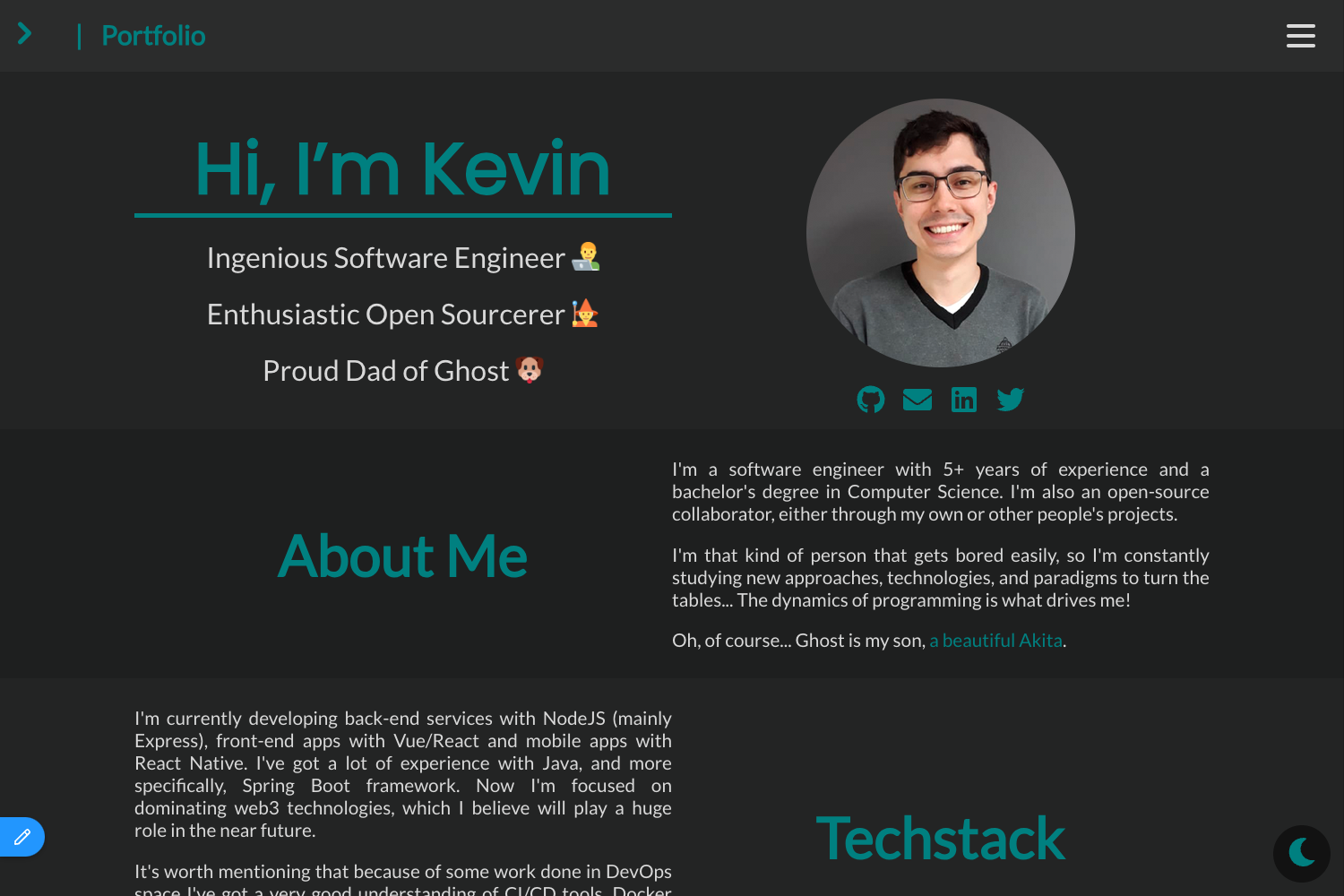
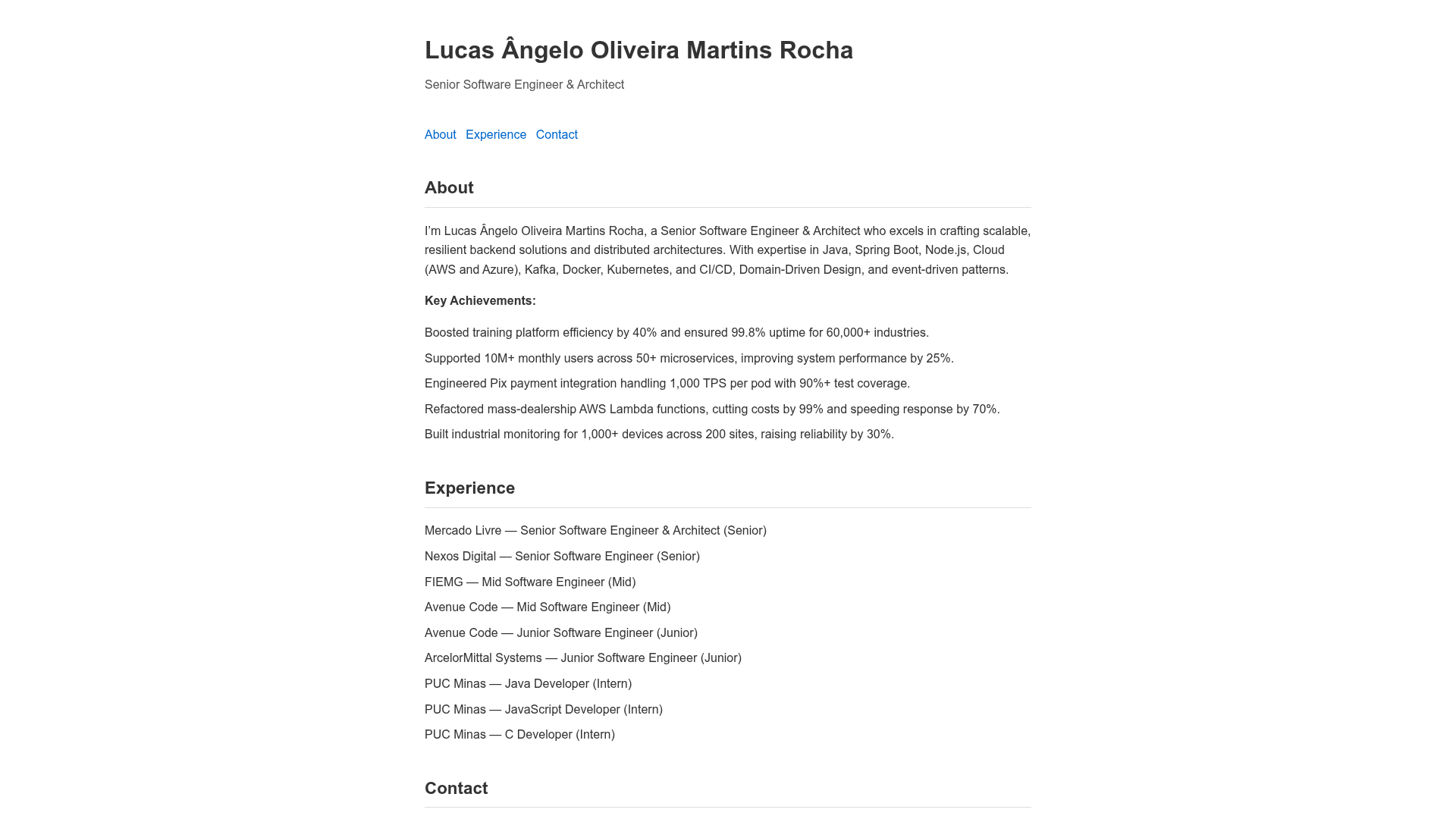
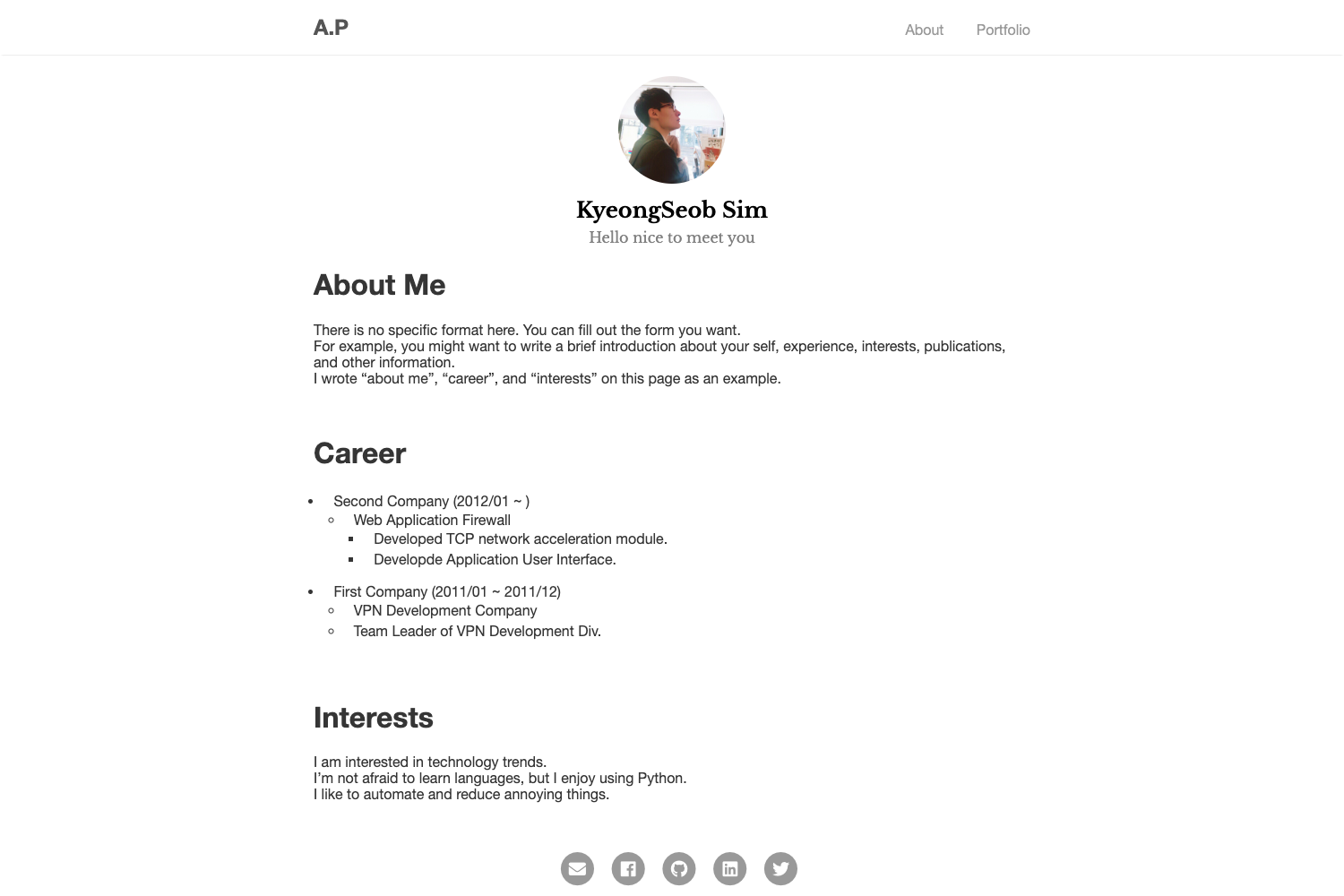
- Build a CMS-driven portfolio — Replace the Supabase data and Flowbite components to showcase your own work, with content edited via the admin auth flow.
- Learn Supabase database and storage CRUD — Explore how PostgreSQL functions, policies, and triggers work in the context of storing portfolio projects.
- Deploy to Vercel — The provided live demo shows the template running on Vercel, so you can deploy your own instance with minimal changes.
How does it work?
- Create a GitHub repo from the template using
gh repo create <repo-name> --public --template=saikise/simple-portfolio-with-cms-cwntfs. - Run
npm ito install dependencies. - Run
npx supabase login, thennpx supabase startto launch local Supabase services (config is already set up). - Run
npm run devto start the development server.
FAQ
Is this template free to use?
Yes, the repository is public on GitHub with no license or payment requirement. You will need your own Supabase project and hosting (such as Vercel) to run it in production.
Do I need Docker to run it locally?
Yes, Docker Desktop is listed as a prerequisite because npx supabase start runs local Supabase services in containers.
Can I change which emails are allowed to sign up?
Yes, the whitelist logic is in app/auth/sign-in/route.ts and app/auth/sign-up/route.ts. Editing those files changes which email addresses can gain admin access.
Why are the sign-in and sign-up links not in the sidebar?
The README states that auth links are intentionally left out of Sidebar.tsx because authentication is exclusive to the portfolio owner. Users must visit /sign-up and /sign-in manually via the address bar.