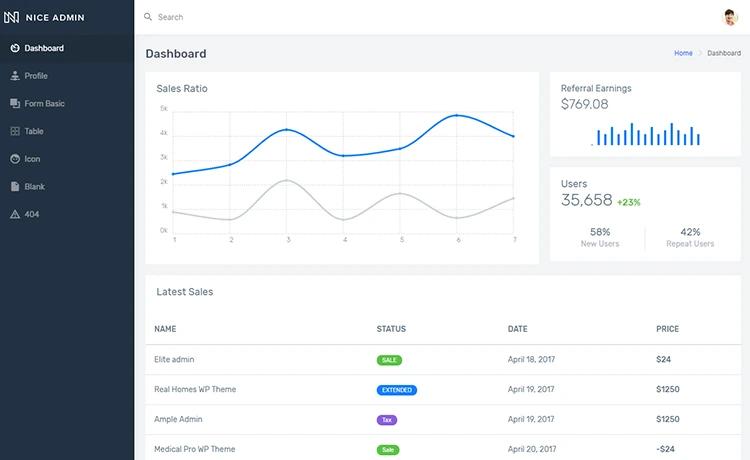
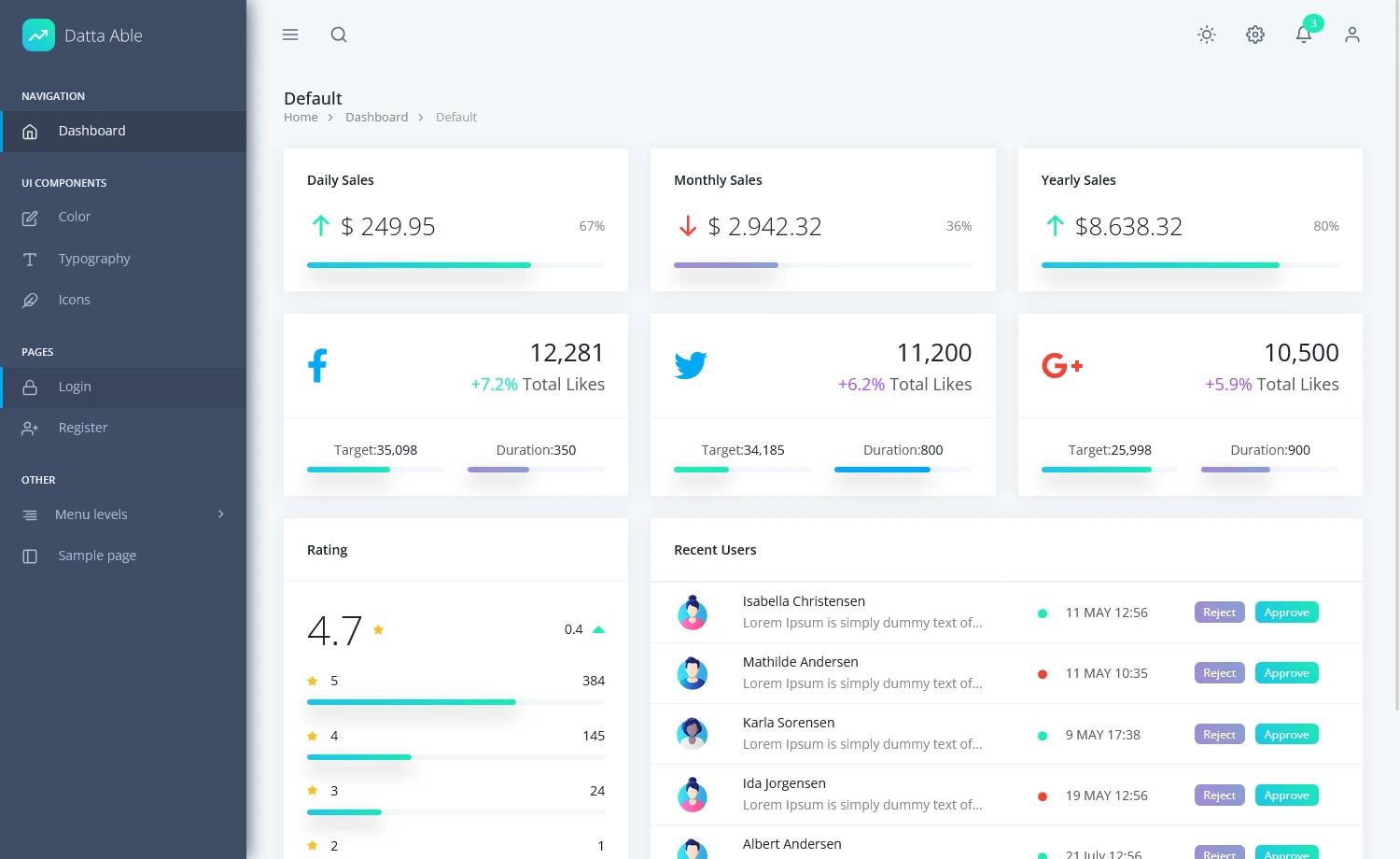
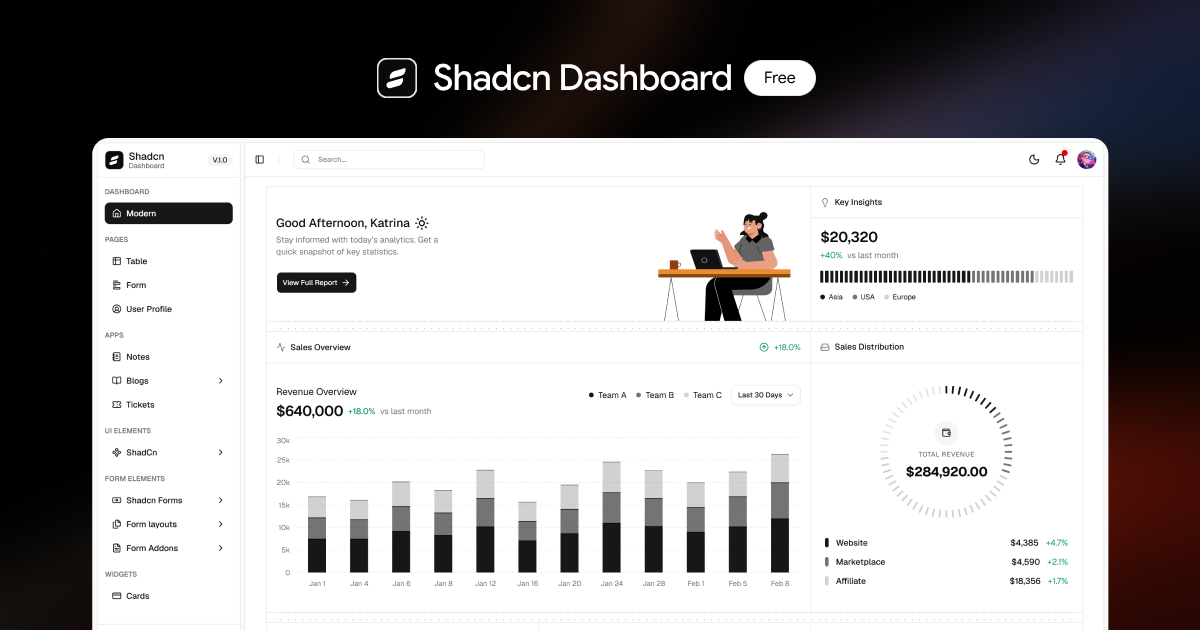
Template details
argon-dashboard-react
Free React admin dashboard built with Bootstrap 4 and Reactstrap, featuring 100+ components and example pages.
About this template
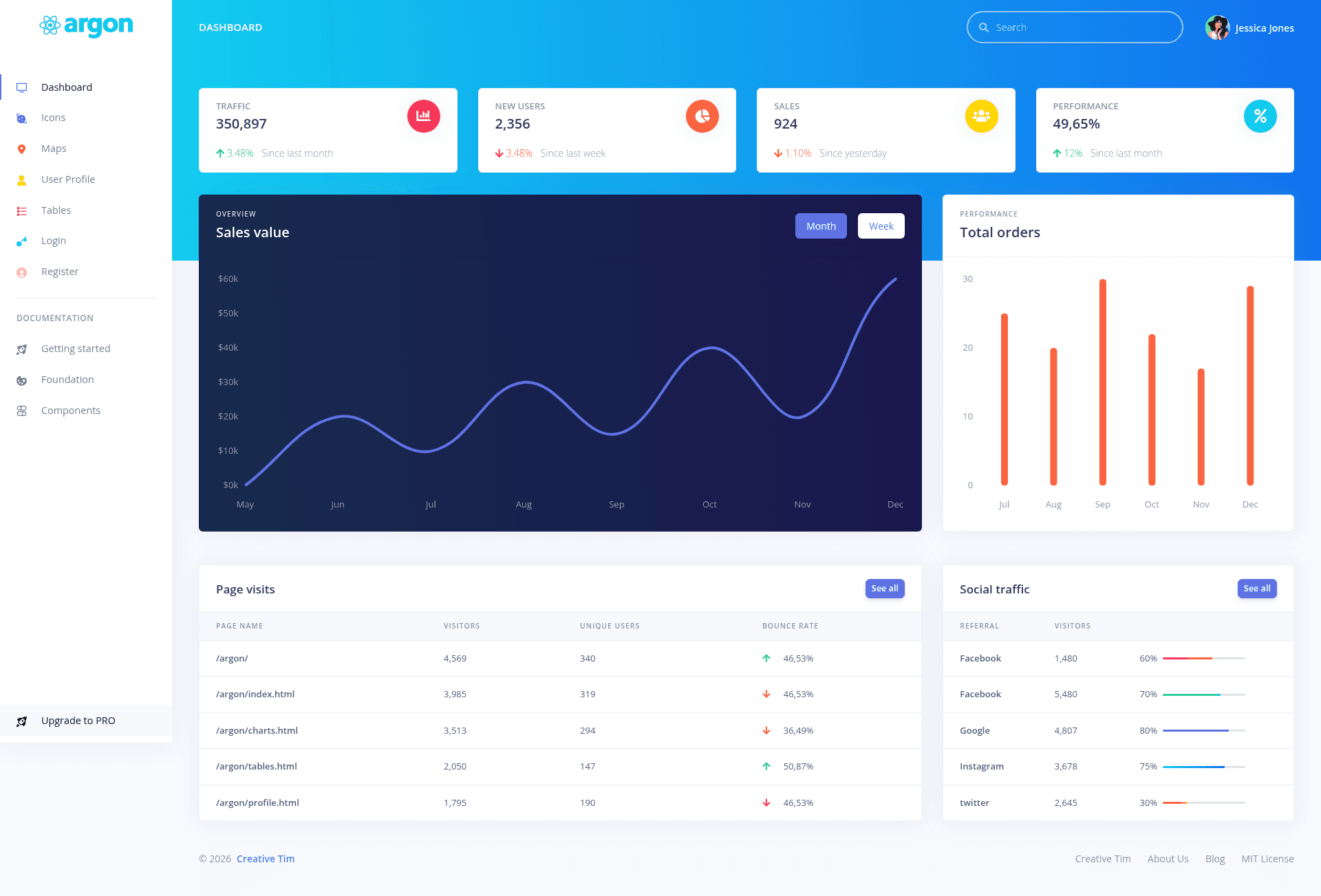
Argon Dashboard React is a free, open-source admin dashboard template for Bootstrap 4, React, and Reactstrap, created by Creative Tim to provide a fully coded set of UI components and example pages for building web applications.
What is Argon Dashboard React?
Argon Dashboard React is a starter admin panel built with React, Reactstrap (React components for Bootstrap 4), and create-react-app. It takes a React project as input and outputs a complete dashboard UI with over 100 individual components — buttons, cards, alerts, modals, navbars, tables, maps, and more — all styled with SASS files. The template is distributed under the MIT license and is maintained by Creative Tim, with a live demo available at demos.creative-tim.com/argon-dashboard-react.
Key Features
- 100+ fully coded components — Includes alerts, avatars, badges, buttons, cards, charts, dropdowns, forms, headers, icons, list groups, maps, modals, navbars, paginations, popovers, progress bars, tables, and more, each with multiple color and state variants.
- Built with React and Reactstrap — Uses create-react-app as the build tool, so the project structure, configuration, and scripts follow the standard React ecosystem.
- SASS source files — The
src/assets/scssdirectory contains modular SCSS partials for every component, letting you customize colors and styles globally by editing a few variables. - Pre-built example pages — Includes Dashboard, Icons, Tables, Maps, Login, Register, and Profile pages under
src/views/examples, plus separate Admin and Auth layouts. - Complex documentation — Each component is documented on the Creative Tim website, covering overview, alerts, colors, and other foundation sections.
- Multiple backend versions — Creative Tim also sells Argon Dashboard in HTML, Angular, NodeJS, and Laravel versions, with the React version linking to the same design system.
- One-click deployment — The README includes a deploy button to Genezio, a serverless platform, so you can publish the dashboard to production without configuring infrastructure.
- MIT license — Free for personal and commercial use, with source code available on GitHub.
Who is it for?
Argon Dashboard React is for front-end developers who need a production-ready admin interface without designing components from scratch. It suits React developers who want a Bootstrap-based UI kit, startup teams that need quick prototypes for internal tools or customer portals, and agencies delivering dashboard features to clients using a consistent design system.
What can you do with Argon Dashboard React?
- Startup founders: scaffold an MVP admin panel for your SaaS product by using the pre-built Dashboard and Tables pages as a starting point.
- Freelance developers: replace the example authentication pages with your own login/register flows, since layout components are isolated in
src/layouts. - UI designers: inspect the SASS variables and component classes to understand how the Argon Design System maps colors, spacing, and typography across the UI.
- React learners: study the file structure —
src/components,src/views,src/layouts,src/routes.js— to see how a real-world dashboard organizes routes and reusable components.
How does Argon Dashboard React work?
The template is a standard create-react-app project. You install dependencies with npm i argon-dashboard-react or clone the GitHub repo, then run npm start to launch the development server. Navigation between admin and auth pages is handled by src/routes.js, and you can add or remove views by editing that file and the corresponding import statements.
Pricing
Argon Dashboard React is free. The source code is released under the MIT license, allowing unrestricted personal and commercial use with no purchase or subscription required.
Alternatives
Material Dashboard React, another Creative Tim product, offers a similar React admin dashboard that instead follows Google's Material Design styling rather than the Argon Design System.
FAQ
Is Argon Dashboard React free?
Yes. It is open source and licensed under the MIT license, meaning you can use it in personal and commercial projects without paying a license fee.
How do I install Argon Dashboard React?
You can install it with npm (npm i argon-dashboard-react), with Bower (bower install argon-dashboard-react), by cloning the GitHub repository, or by downloading the ZIP from Creative Tim.
What tech stack does Argon Dashboard React use?
It is built with React, Reactstrap (Bootstrap 4 components for React), and create-react-app. Styling is handled through SASS, and the project includes Font Awesome 5 and Nucleo icon sets.
Are there other versions of Argon Dashboard?
Yes. Creative Tim provides Argon Dashboard in HTML, Angular, NodeJS, and Laravel versions, all sharing the same visual design but implementing different frameworks.
Where is the documentation?
Documentation is hosted on the Creative Tim website and covers each component, the overview, colors, and other foundation topics. A link is included in the template's demo.