Template details
Next.js 15 Admin Dashboard Template
Admin dashboard starter with Next.js App Router, Tailwind CSS, Postgres, and Auth.js, deployable on Vercel.
About this template
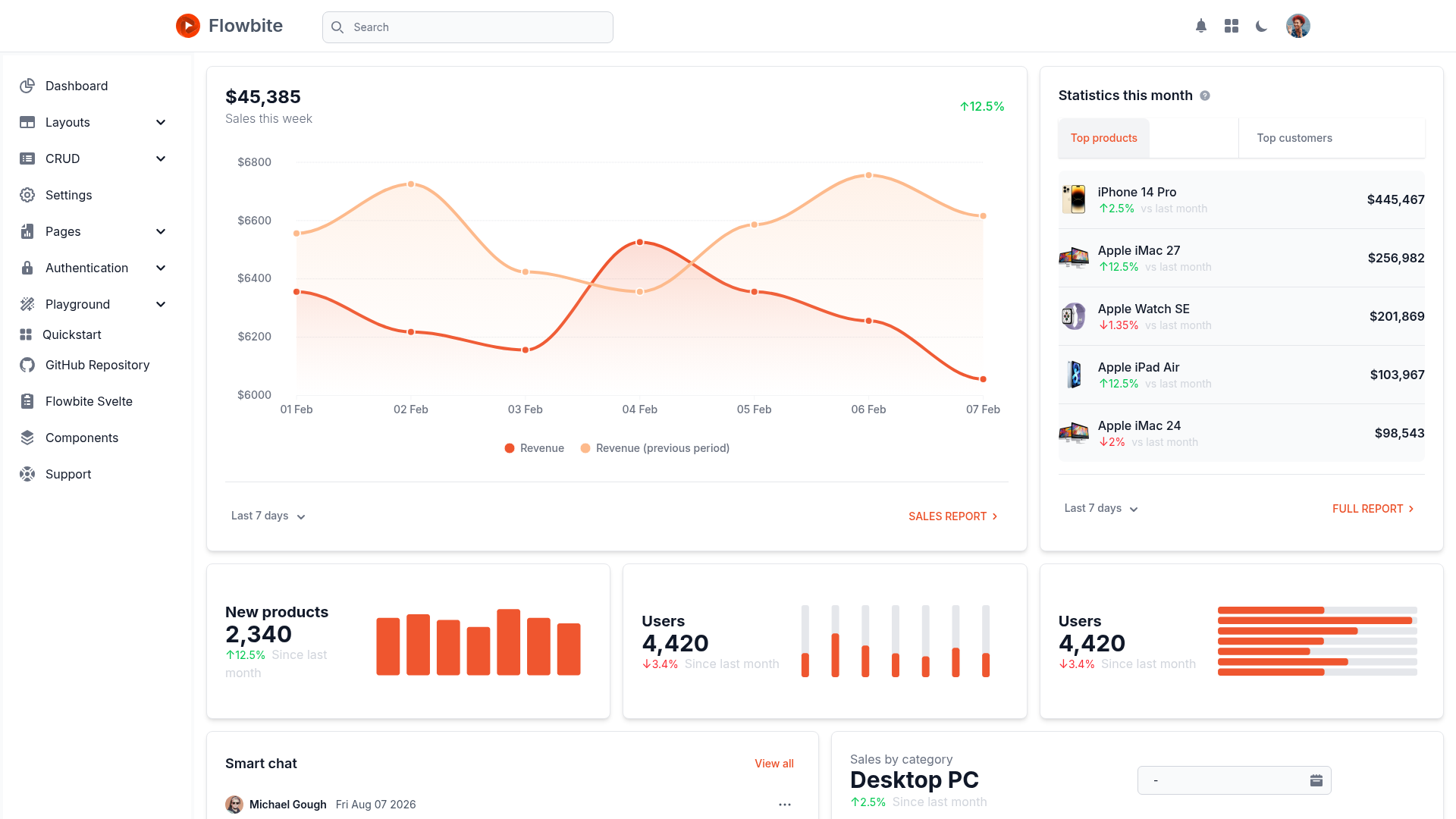
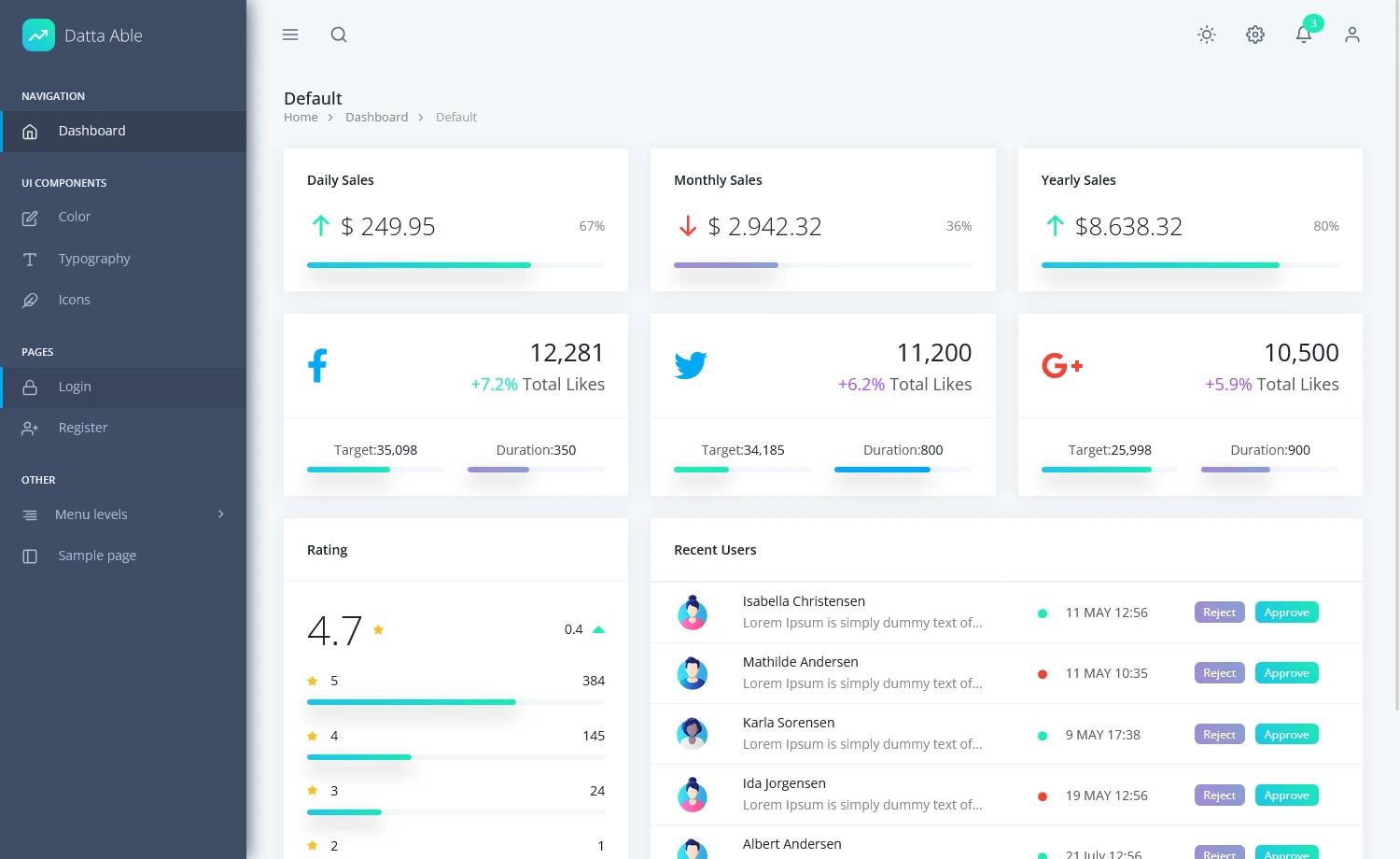
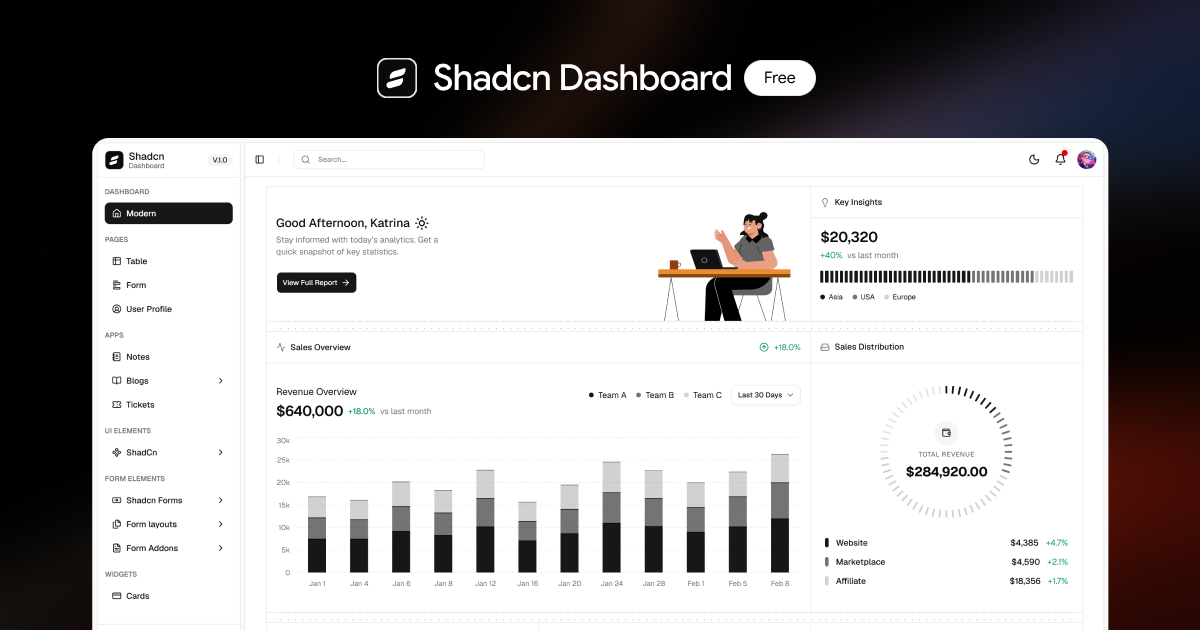
Next.js 15 Admin Dashboard Template is a Vercel-published starter for building admin dashboards on the Next.js App Router with TypeScript, Tailwind CSS, Postgres, and Auth.js. The template offers a one-click Clone & Deploy flow on Vercel and includes a products table schema, a seed API, and GitHub OAuth authentication.
What is the Next.js 15 Admin Dashboard Template?
It is a starter template for admin dashboards that runs on Next.js 15 with the App Router. It takes a Postgres database schema and environment variables as input and produces a working admin dashboard for managing products, complete with authentication. The template is published by Vercel and can be deployed directly from the Vercel template gallery. It includes TypeScript support, Tailwind CSS styling, and Shadcn UI components.
Key Features
This template comes with a full stack already wired together. The main features are:
- Next.js App Router — Uses the new App Router with enhanced layouts, colocation of components, tests, and styles, plus component-level data fetching.
- Auth.js integration — Provides GitHub OAuth authentication; configuration is done by copying
.env.exampleto.envand creating a GitHub OAuth application. - Vercel Postgres database — The template prompts you to create a Postgres database during deployment and includes a products table with columns image_url, name, status, price, stock, and available_at.
- Seed API —
app/api/seed.tspopulates the database with sample products after you create the table and uncomment the file. - Tailwind CSS styling — All styling is handled with Tailwind CSS utility classes.
- Shadcn UI components — Provides accessible, copy-paste-ready React components for the dashboard UI.
- Vercel Analytics — Integrated analytics to track dashboard usage.
- Prettier formatting — Pre-configured Prettier for consistent code style.
Who should use the Next.js Admin Dashboard Template?
Developers who want to bootstrap an admin dashboard with a modern stack should use this template. Teams building internal tools or customer-facing admin panels will find the Auth.js, Postgres, and Tailwind setup a quick starting point. It is also useful for anyone who wants a reference implementation of the Next.js App Router with server-side data fetching and protected routes.
What can you do with it?
- Product managers: manage product inventory with fields like price, stock, status (active/inactive/archived), and available_at through the dashboard.
- Developers: extend the starter into a custom admin panel by modifying the product schema, adding CRUD APIs, or swapping the database for another Postgres provider.
- Startup teams: deploy a dashboard with GitHub OAuth to Vercel in minutes to test internal tools or analytics.
How does the template work?
During Vercel deployment, you are prompted to create a new Postgres database and the necessary environment variables are added automatically. Inside the Vercel Postgres dashboard, create a table based on the schema in the repository using the provided SQL. Then uncomment app/api/seed.ts and call http://localhost:3000/api/seed to seed the database. Copy .env.example to .env, configure GitHub OAuth, install dependencies with pnpm install, and run pnpm dev to start the development server at localhost:3000.
FAQ
Does the template include authentication?
Yes, it uses Auth.js with GitHub OAuth. You need to create a GitHub OAuth application and set the environment variables as described in .env.example.
What database does it use?
It uses Vercel Postgres. The repository includes a SQL schema for a products table, and the seed API populates it with sample data.
Can I use it without Vercel?
The deployment and environment setup are designed for Vercel Postgres, but since it is a Next.js project, you can run it locally with pnpm and configure any Postgres database by setting the appropriate environment variables.
Does it support TypeScript?
Yes, the entire template is written in TypeScript and uses TypeScript throughout the app, including API routes and components.