Template details
flowbite-svelte-admin-dashboard
Free and open-source admin dashboard template built with Flowbite, Svelte, and Tailwind CSS
About this template
flowbite-svelte-admin-dashboard is a free and open-source admin dashboard template that pairs the Flowbite UI component library with Svelte and Tailwind CSS to give developers a pre-built starting point for web application back-ends.
What is flowbite-svelte-admin-dashboard?
flowbite-svelte-admin-dashboard is an admin dashboard template built by the Flowbite team (themesberg on GitHub) that runs on Svelte with Tailwind CSS for styling. As input, it takes a fresh Svelte project; as output, it adds a set of dashboard-oriented UI components and layout patterns. The project is hosted on GitHub, has a live demo deployed on Vercel, and currently has 506 stars.
Key Features
- Svelte-based — The template is built on Svelte, producing compiled components that require no virtual DOM at runtime.
- Tailwind CSS styling — All styles are handled with Tailwind CSS, so you can customize the design by editing your Tailwind config and utility classes.
- Flowbite components — It relies on the open-source Flowbite library for interactive elements such as buttons, dropdowns, and modals.
- Open source — The template is free to use and modify; the full source is available in the GitHub repository.
- Installable via package managers — You can add it to an existing Svelte project with
pnpm i -D flowbite-svelte-admin-dashboard(with npm and Yarn equivalents). - Live demo — A working instance is deployed at flowbite-svelte-admin-dashboard.vercel.app so you can preview the look and behavior before installing.
- SvelteKit compatible — The recommended installation uses
npx sv create, which scaffolds a Svelte project, so the template works with standard Svelte and SvelteKit setups.
Who is it for?
- Svelte developers who need a quick UI foundation for an admin panel without hand-coding every button and form.
- Product teams building internal dashboards or SaaS backends who want a consistent design system based on Flowbite.
- Startups wanting a free, open-source starter that can be customized with Tailwind, reducing initial UI development time.
What can you do with it?
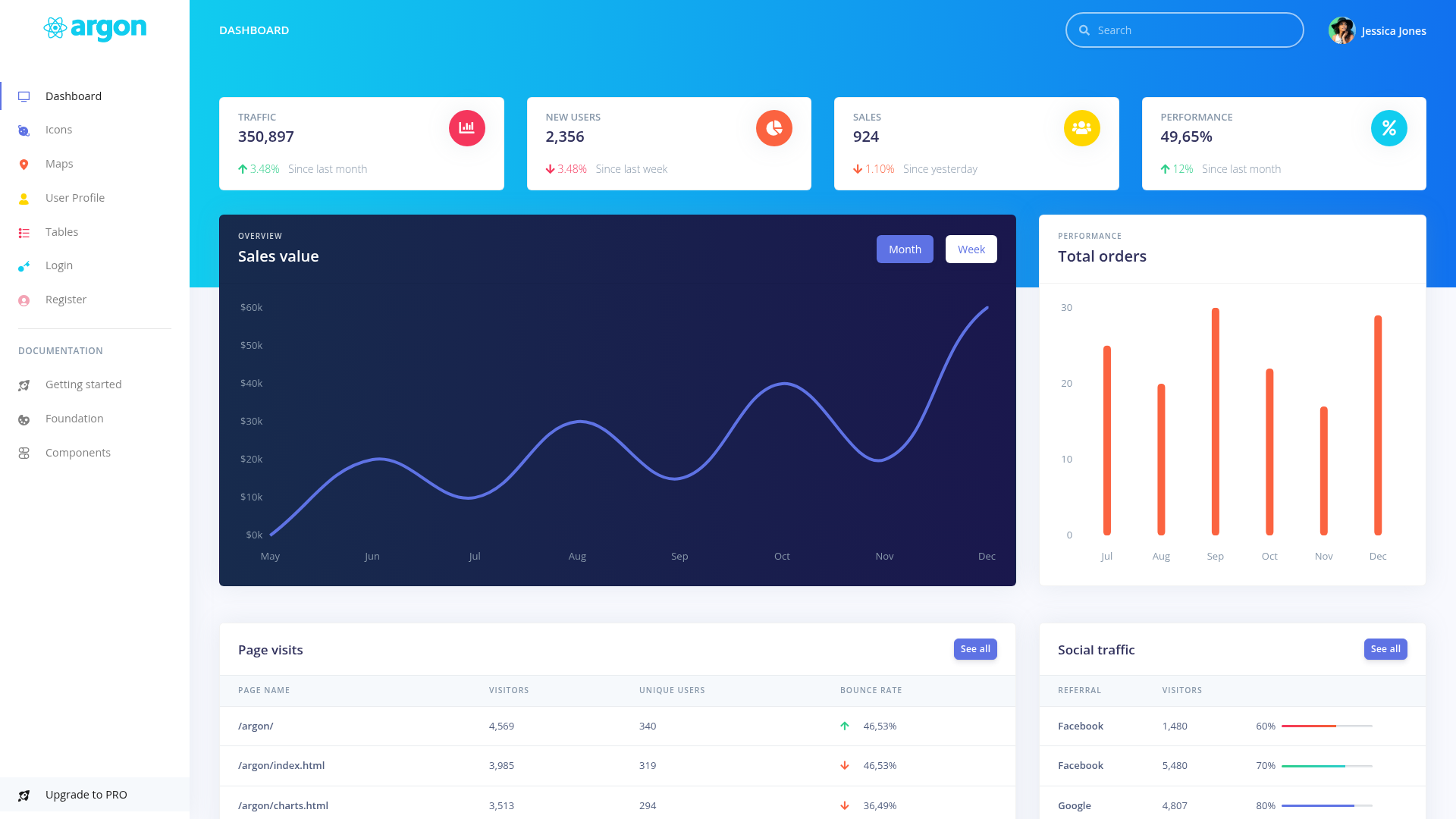
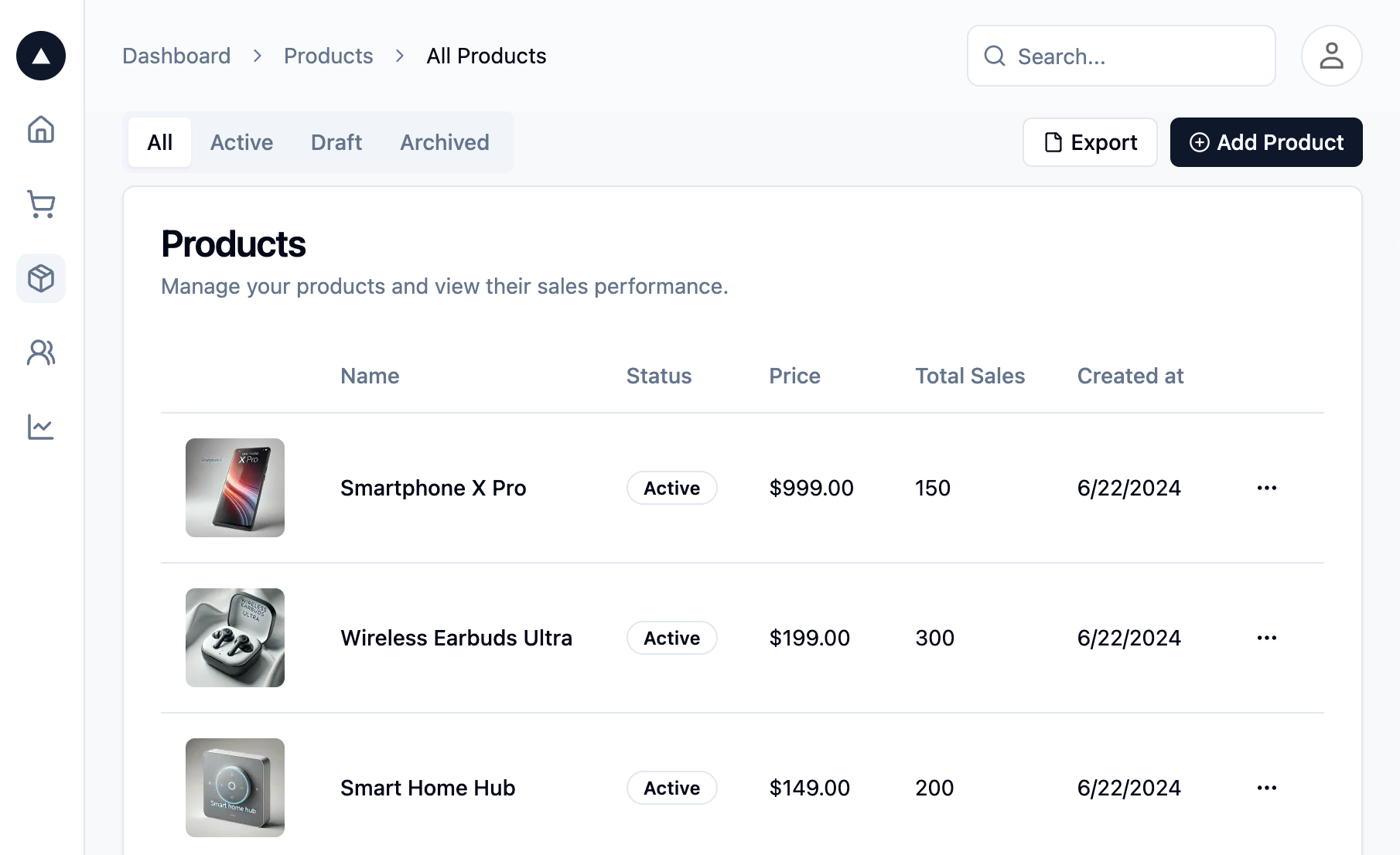
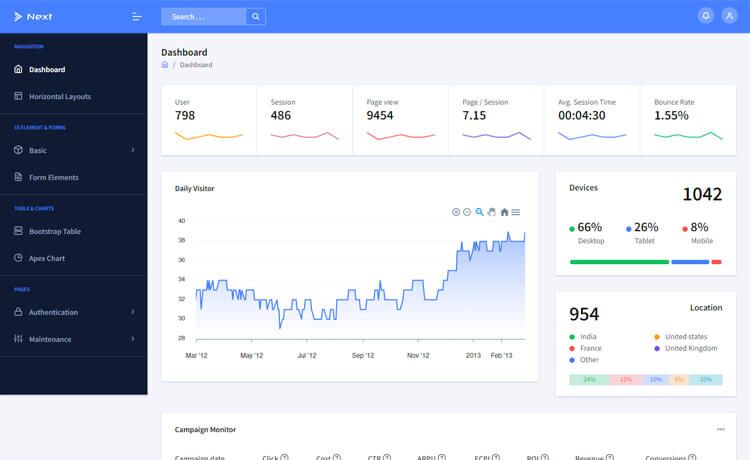
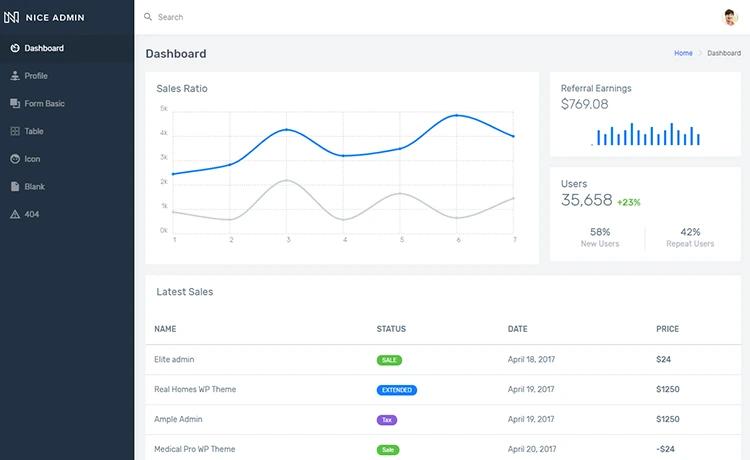
- Build an admin dashboard: Lay out sidebar navigation, stat cards, tables, and forms using the Flowbite components included in the template.
- Create a SaaS backend UI: Use the template as the shell for user management, analytics, or billing pages.
- Prototype an internal tool: Quickly spin up a Svelte app with a professional-looking interface, then replace the demo data with your own.
How does it work?
The installation flow is simple: first create a new Svelte project with npx sv create my-app, then install the template as a dev dependency using your package manager (pnpm i -D flowbite-svelte-admin-dashboard). After adding the package, run pnpm dev to start the development server and see the dashboard.
FAQ
Is flowbite-svelte-admin-dashboard free?
Yes. The template is free and open-source, with its source code published on GitHub. No payment or license key is required to download or use it.
What tech stack does it use?
The template is built with Svelte for the component framework, Tailwind CSS for styling, and Flowbite for the component library. It integrates with SvelteKit projects created via sv create.
How do I install it?
Run npx sv create my-app to create a Svelte project, then pnpm i -D flowbite-svelte-admin-dashboard (or the equivalent npm/Yarn command). Finally, start the server with pnpm dev.
Does it include a demo?
Yes, a live demo is available at flowbite-svelte-admin-dashboard.vercel.app, and the repository is at github.com/themesberg/flowbite-svelte-admin-dashboard.