Template details
Shadcn Dashboard
Free, open source admin dashboard built with React + Vite, shadcn/ui, Tailwind CSS, and TypeScript.
About this template
Shadcn Dashboard is a free, open-source admin dashboard template built with React (Vite), Shadcn UI, Base UI, and Tailwind CSS v4, designed to give developers a production-ready starting point for admin panels and internal tools.
What is Shadcn Dashboard?
Shadcn Dashboard is a free, open-source admin dashboard template built with React (Vite), Shadcn UI, Base UI, and Tailwind CSS v4. It provides a production-ready starter with pre-built pages for dashboards, blog, notes, tickets, authentication, forms, tables, and user profiles. The template runs on Vite with TypeScript and React 19, and the same project is also available in a Next.js version from a separate repository. It is created and maintained by shadcndashboard.dev and backed by WrapPixel.
Key Features
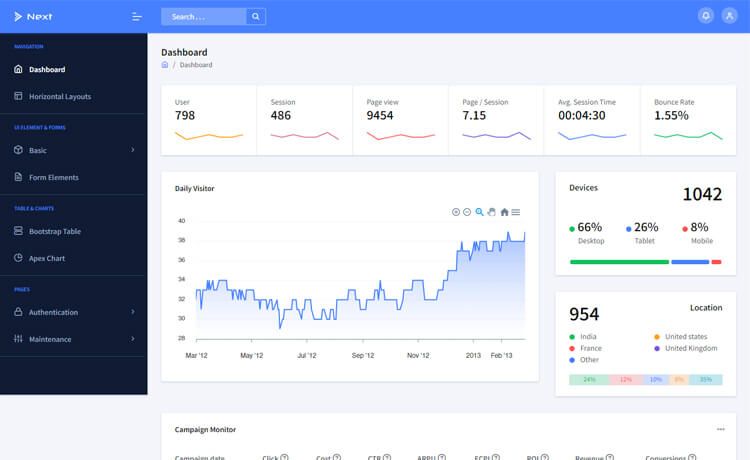
- Modern Dashboard — A ready-to-use dashboard layout with statistics, charts, and widgets, using Recharts for data visualization.
- Built-in Apps — Includes Blog, Notes, and Tickets apps out of the box, each with its own set of management views.
- Authentication Pages — Ships with Login, Register, Forgot Password, OTP Verification, Reset Password, and Two-Factor Authentication pages.
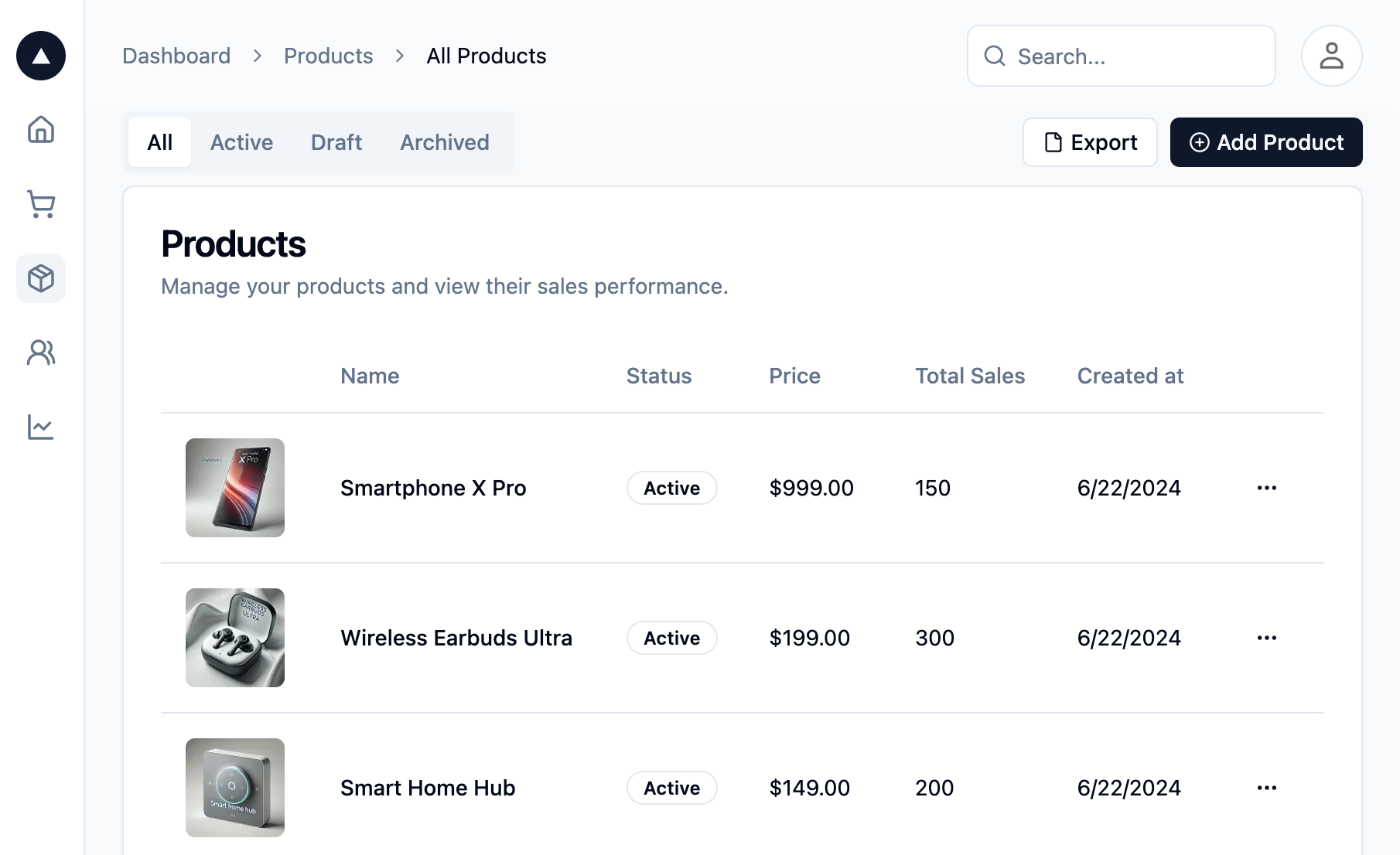
- Forms and Tables — Provides vertical and horizontal form layouts with validation, plus data tables powered by TanStack Table.
- User Profile — A rich profile page with connections and activity views.
- Tailwind CSS v4 and Dark Mode — Styling via Tailwind CSS v4 with a custom ThemeProvider and useTheme context for full light/dark mode toggling.
- Rich Text Editor — TipTap-powered editor integrated into the Blog app.
- Component Library — Includes shadcn/ui primitives, date pickers, calendar, file dropzone, OTP input, and an icons showcase.
Who is it for?
- Developers building admin panels — Use the pre-built pages and components to launch a functional admin interface in minutes instead of starting from scratch.
- Startups and agencies — Use the template as a foundation for client projects or internal dashboards, with the MIT license allowing commercial use (attribution required).
- Developers learning modern React tooling — The codebase demonstrates React 19, Vite, TypeScript, Tailwind CSS v4, Shadcn UI, and Base UI patterns in a real application structure.
What can you do with Shadcn Dashboard?
- Set up a dashboard quickly: Clone the repository, run npm install, and start the Vite dev server to get a working dashboard at localhost:5173.
- Customize the design: Use Tailwind CSS v4 utility classes and the shadcn/ui theming system to adapt colors, spacing, and component styles.
- Add authentication flows: Reuse the included Login, Register, OTP, and two-factor pages to integrate standard account security patterns.
- Manage content with the built-in apps: Use the Blog, Notes, and Tickets apps to showcase or bootstrap CMS-like functionality.
How does it work?
The template requires Node.js 18, 20, or 22+ and npm. After installing dependencies with npm install, you start the development server with npm run dev, which serves the site at http://localhost:5173. For production, run npm run build to generate an optimized build via TypeScript and Vite, then preview it with npm run preview. The project also includes an ESLint lint script for code quality checks.
FAQ
Is Shadcn Dashboard free?
Yes, Shadcn Dashboard is free and open source. It is licensed under the MIT license, so you can use it for personal and commercial projects. The only requirement is attribution: include a link to shadcndashboard.dev in your application's footer.
Does Shadcn Dashboard have a Next.js version?
Yes, a separate Next.js free version is available in its own GitHub repository (next-shadcn-dashboard). The primary template here uses React with Vite, while the Next.js version offers the same features for developers who prefer the Next.js framework.
Which UI libraries are used?
Shadcn Dashboard is built with Shadcn UI and Base UI for primitives, Tailwind CSS v4 for styling, Recharts for charts, TipTap for the rich text editor, and TanStack Table for data tables. These are integrated into a Vite + React 19 + TypeScript setup.
Does Shadcn Dashboard support dark mode?
Yes, the template includes full dark mode support. It provides a custom ThemeProvider and useTheme context that lets users toggle between light and dark themes, and all included pages and components are styled for both.
What Node.js version is required?
The prerequisites are Node.js 18, 20, or 22 or higher. You also need npm to install dependencies and run the development commands.