Template details
Material Dashboard PRO Angular
Premium Material Design admin dashboard template for Angular, built on Bootstrap 4 with charts, tables, maps, and UI components.
About this template
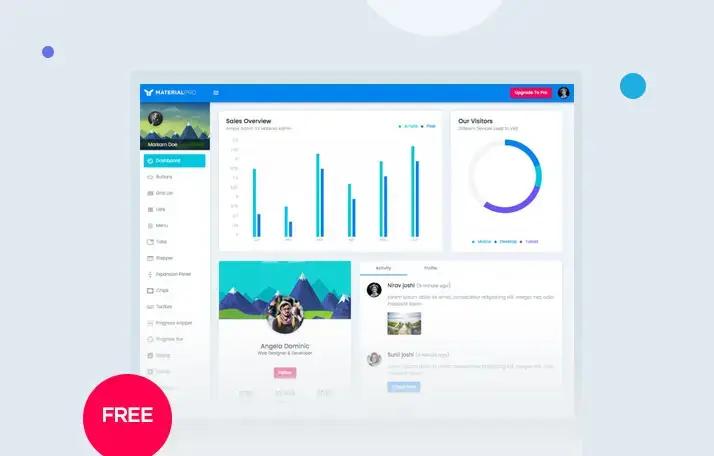
Material Dashboard PRO Angular is a premium admin dashboard template for Angular built on Bootstrap 4 with Google Material Design styling, offering a full set of UI components, example pages, and third-party plugin integrations for building complex back-office products.
What is Material Dashboard PRO Angular?
Material Dashboard PRO Angular is a paid Angular admin dashboard template created by Creative Tim and built on Bootstrap 4, following Google's Material Design language through light, surface, and movement. It is the expanded PRO version of the free Material Dashboard Angular, taking the feedback from demo users and adding more components, pages, and plugins.
The template runs on Angular (via Angular CLI) and outputs a fully functional web application with a project structure containing modular components, routing, modules, SCSS styles, and an assets folder. Creative Tim hosts live demos and documentation on their site, and the product is sold through their website.
Key Features
- Angular and Bootstrap 4 foundation — The project is generated with Angular CLI and uses Bootstrap 4, with a file structure including app modules, routing files, and a
material-dashboard.scsscore stylesheet. - Material Design aesthetic — The interface is inspired by Google Material Design, with a layout that resembles sheets of paper following multiple layers so depth and order are obvious.
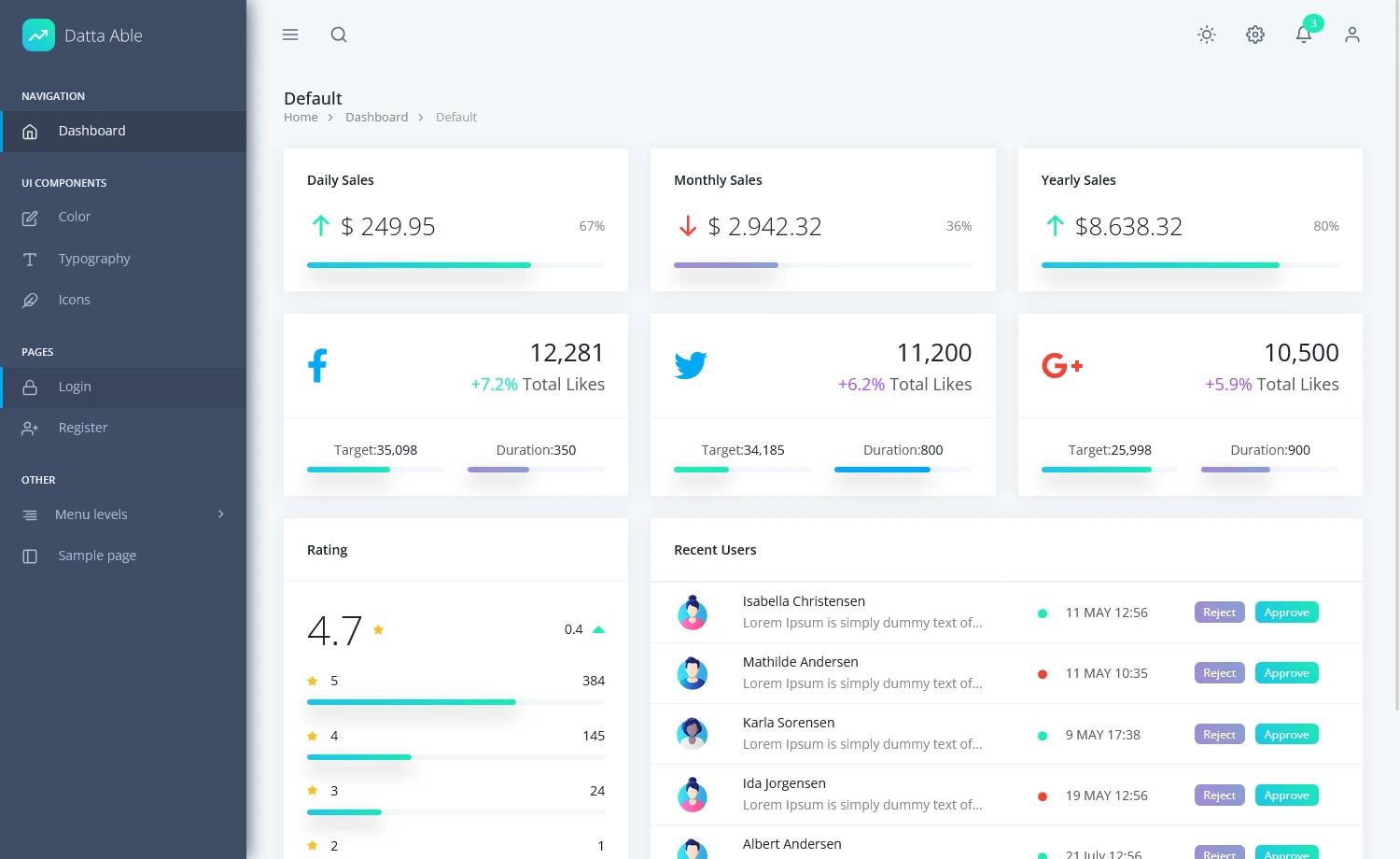
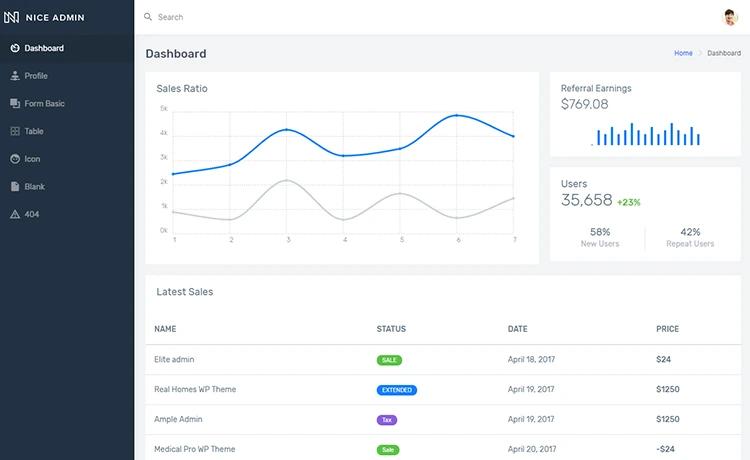
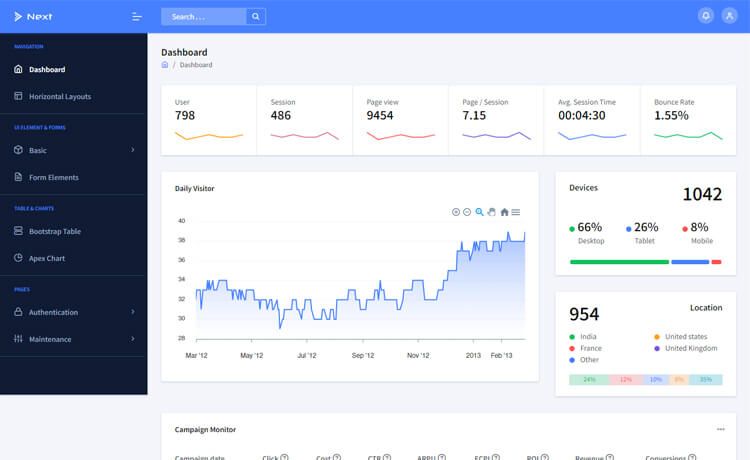
- Example pages — Includes pages for dashboard, user profile, tables (regular, extended, and DataTables.net), Google and vector maps, notifications, calendar, charts, forms, timeline, widgets, pricing, login, register, and lock screens.
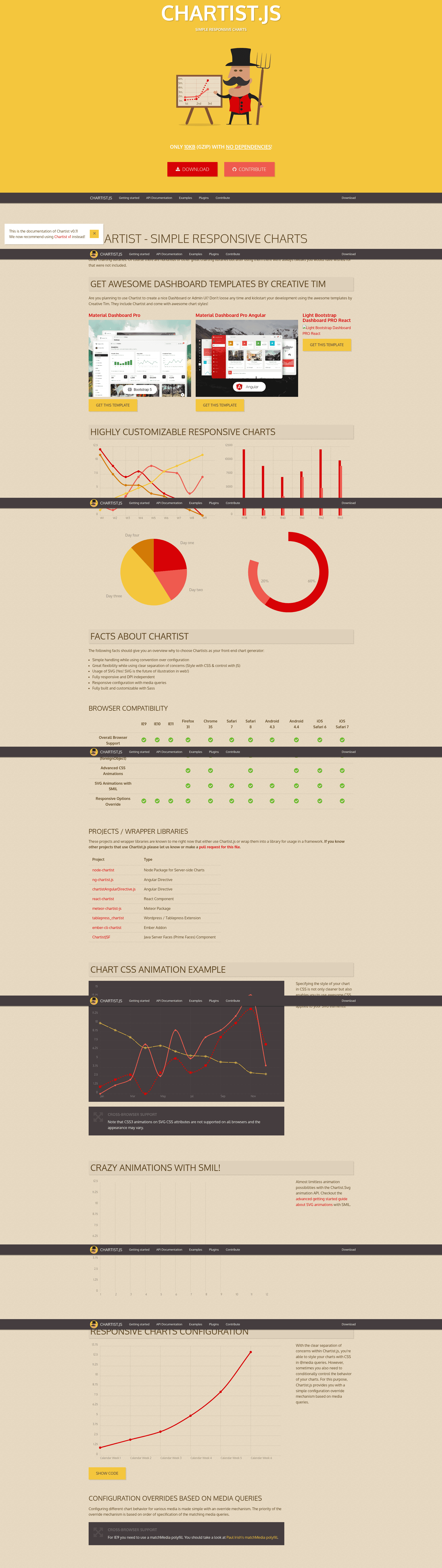
- Third-party plugin integrations — Bundles Chartist for charts, Sweet Alert2 for alert dialogs, Bootstrap Notify for notifications, jVector Maps for vector maps, Bootstrap DateTimPicker for date and time input, and Bootstrap Wizard for multi-step forms.
- Modular component architecture — The source is organized into feature modules such as calendar, charts, components, forms, maps, tables, timeline, userpage, and widgets, each with its own routing.
- Admin and auth layouts — The template ships with separate admin and auth layout components, plus a sidebar, navbar, footer, and a fixed plugin component for configuration.
- Browser support — Officially supports the last two versions of Chrome, Firefox, Edge, Safari, and Opera.
Who is it for?
Material Dashboard PRO Angular is for developers and teams who need a ready-made Material Design admin interface in Angular and want to avoid starting from scratch. Angular developers can use its modular components and routing as a foundation, while product teams building CRMs, CMSs, or admin panels can adapt the included pages.
- Angular developers — Use the Angular CLI project, components, modules, and examples to accelerate building a dashboard.
- Startups and product teams — Ship admin panels, CRMs, or content management systems using the provided dashboard, tables, forms, and maps pages.
- Agencies and freelancers — Reuse the Material Design UI and documented patterns across multiple client projects.
What can you do with Material Dashboard PRO Angular?
- Build a back-office dashboard — Assemble charts, tables, maps, and user analytics on the dashboard page using the Chartist integration and UI components.
- Create user authentication flows — Use the included login, register, and lock pages to structure sign-in and account lock screens.
- Display and manage data tables — Work with regular tables, extended tables, and a DataTables.net example for sorting, pagination, and data presentation.
- Implement forms and wizards — Build regular forms, validation forms with a password validator, and a wizard component for step-by-step data entry.
How does it work?
After purchasing the template, you run a series of terminal commands to start it locally. Install Node.js, open a terminal in the project folder, run npm install -g @angular/cli to get the Angular CLI, then npm install to install dependencies, then npm start to launch the dev server at localhost:4200.
Pricing
Material Dashboard PRO Angular is a paid premium product sold through Creative Tim's website. The README does not state a price, but it is positioned as the PRO upgrade to the free Material Dashboard Angular.
Alternatives
The same Material Design dashboard design is also sold by Creative Tim in other frameworks: Material Dashboard Pro HTML (plain Bootstrap), Material Dashboard Pro React, and Vue Material Dashboard Pro. For a free option, Material Dashboard Angular provides a subset of the PRO features.
FAQ
Is Material Dashboard PRO Angular free?
No, it is a premium paid product. Creative Tim offers a free version called Material Dashboard Angular with fewer features, available for download from their website.
What do I need to run it?
You need Node.js and the Angular CLI. The quick start instructions are: install Node.js, run npm install -g @angular/cli, then npm install, then npm start, and navigate to localhost:4200.
What browsers are supported?
The template officially supports the last two versions of Chrome, Firefox, Edge, Safari, and Opera.
Does it include documentation?
Yes. Documentation is hosted on Creative Tim's demo site under the /documentation/tutorial path, and the download includes a documentation folder with tutorial components.
Can I use it for a CRM or CMS?
The README explicitly states the dashboard can help you build admin panels, CRMs, or content management systems, and it includes pages for user management, tables, maps, forms, and more.