Template details
Argon Dashboard React NodeJS
Free Bootstrap 4 React admin dashboard with a NodeJS REST API, built on Reactstrap and create-react-app.
About this template
Argon Dashboard React NodeJS is a free, open-source admin dashboard template by Creative Tim that pairs a React and Reactstrap front end (built with create-react-app) with a documented NodeJS REST API backend. Version 1.2.0, it is licensed under MIT and supports the last two versions of Chrome, Firefox, Edge, Safari, and Opera.
What is Argon Dashboard React NodeJS?
The template is a full-stack starter: a front-end React app in the front-end folder and a back-end NodeJS server in the back-end folder. The front end uses Bootstrap 4, React, and Reactstrap, styled with SASS via argon-dashboard-react.scss. The back end includes Express routes, Passport.js configuration, MongoDB models (user and activeSession), cron jobs, and a users route. It ships with a password-protected HTTPS certificate pair for local development, plus a config.js for environment keys.
Key Features
- 100+ coded components — all elements have multiple color states and hover/focus styles, modifiable through SASS files.
- NodeJS REST API — a fully functional back end with documented endpoints for managing users, configurable through config/config.js and config/keys.js.
- Authentication flow — Register, Login, ConfirmEmail, ResetPassword, and ResetPasswordSuccess pages wired to API routes.
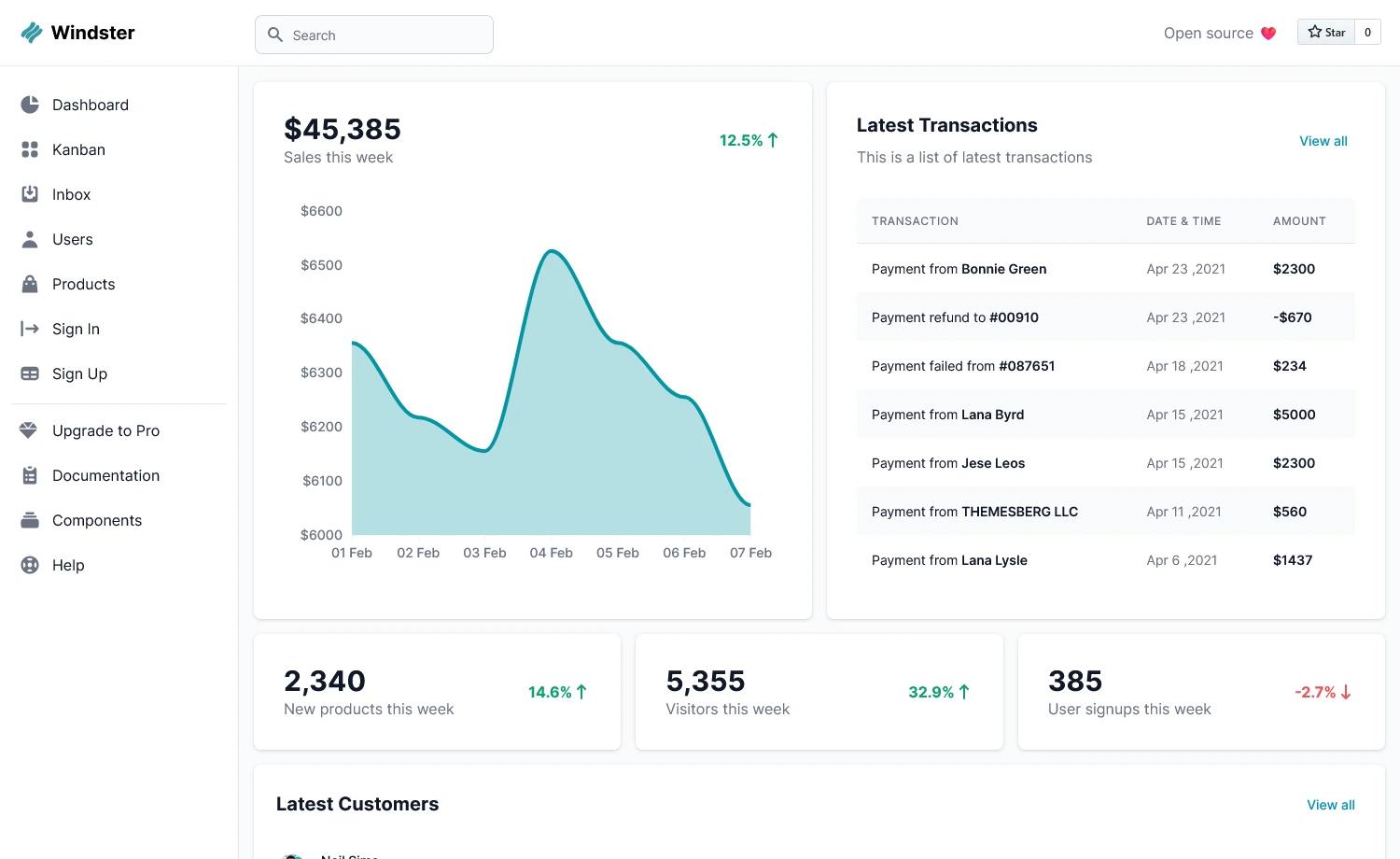
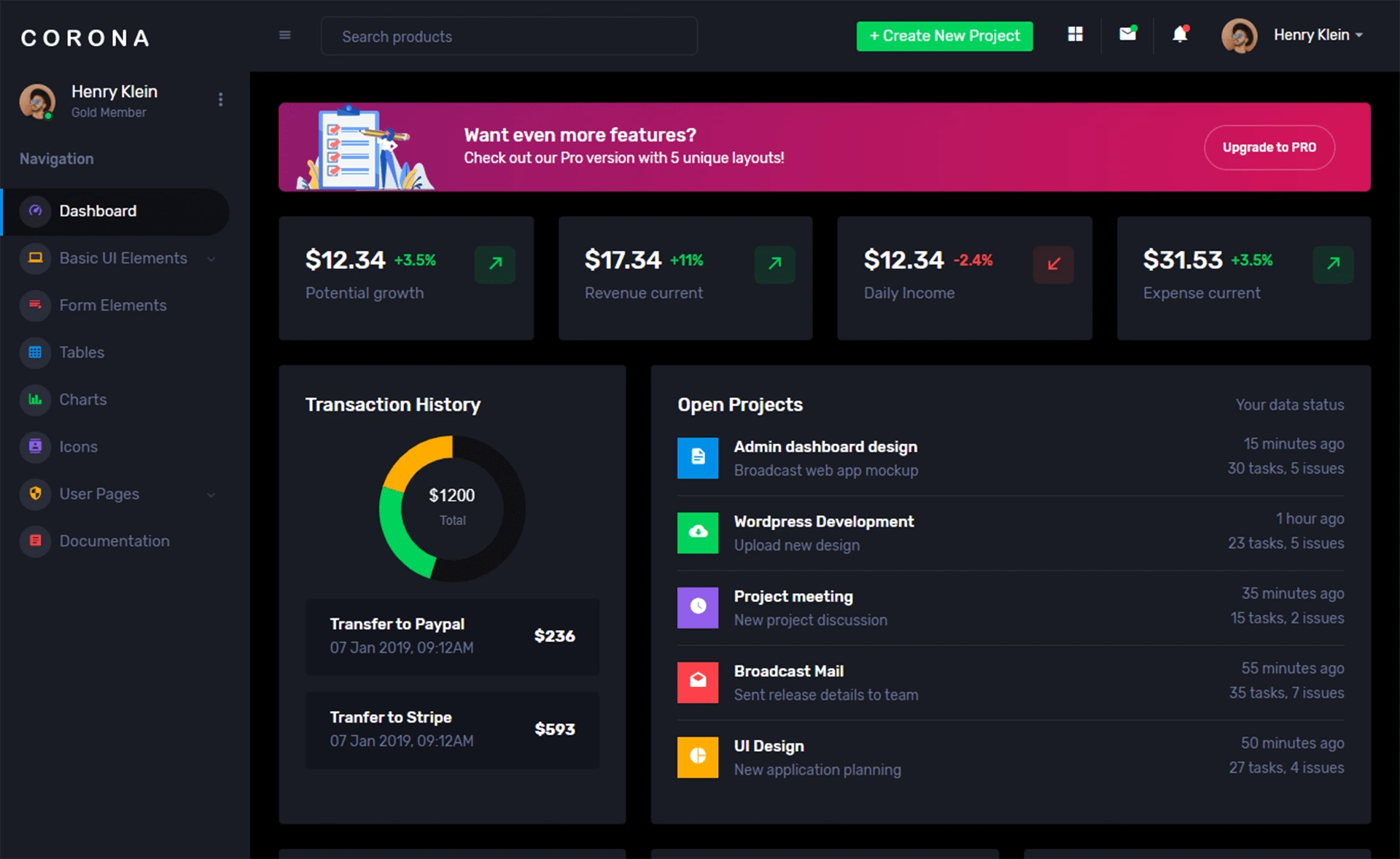
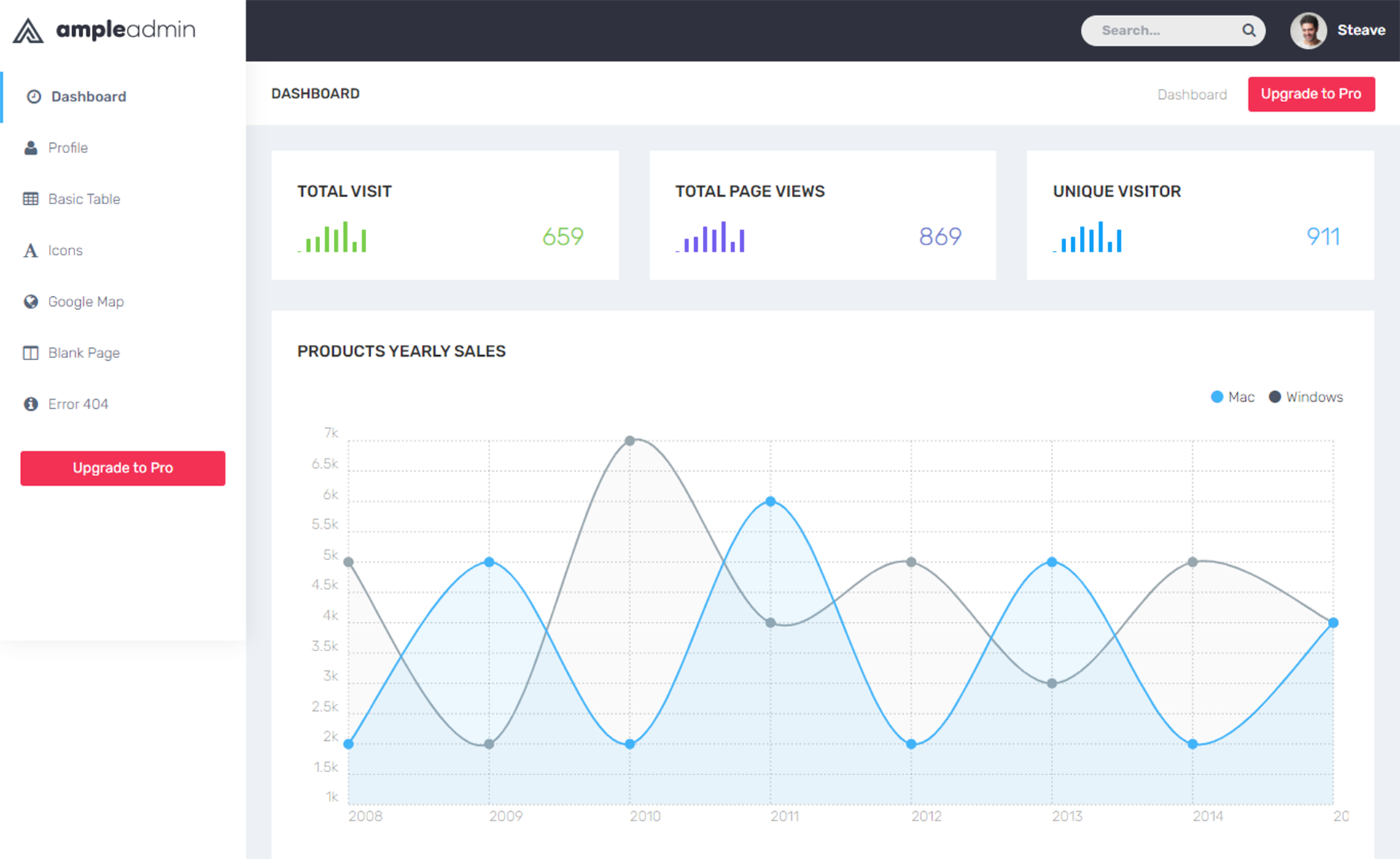
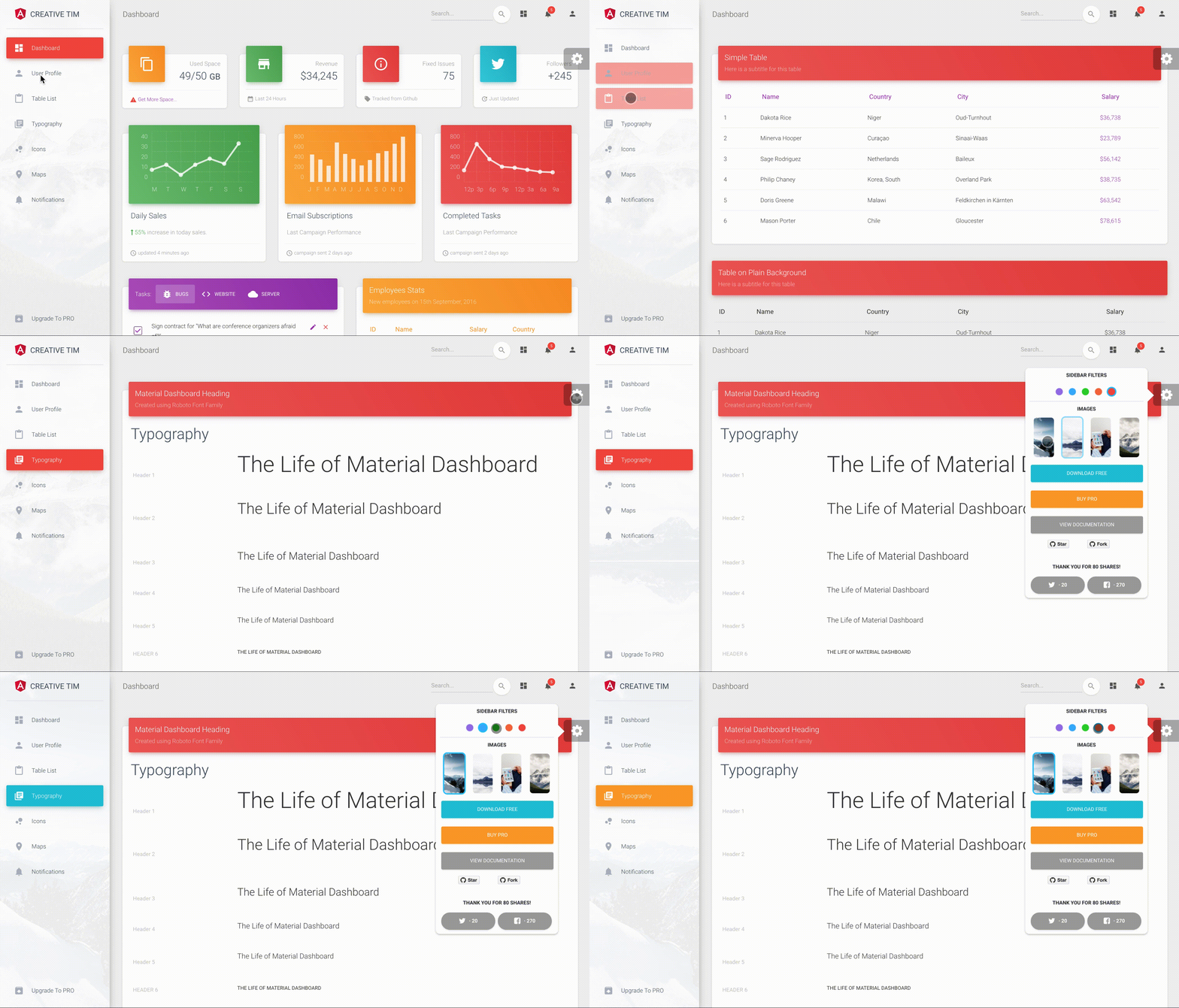
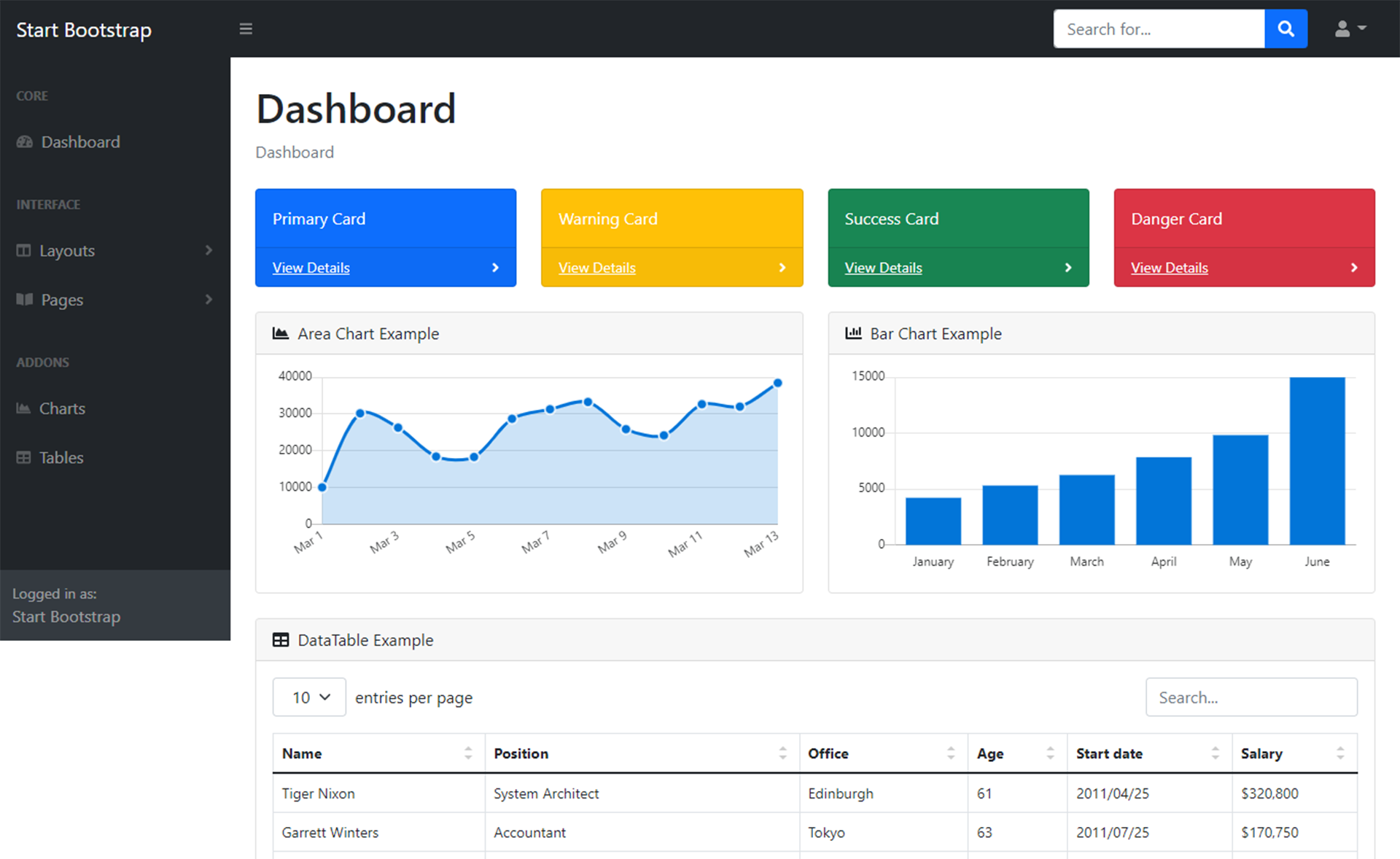
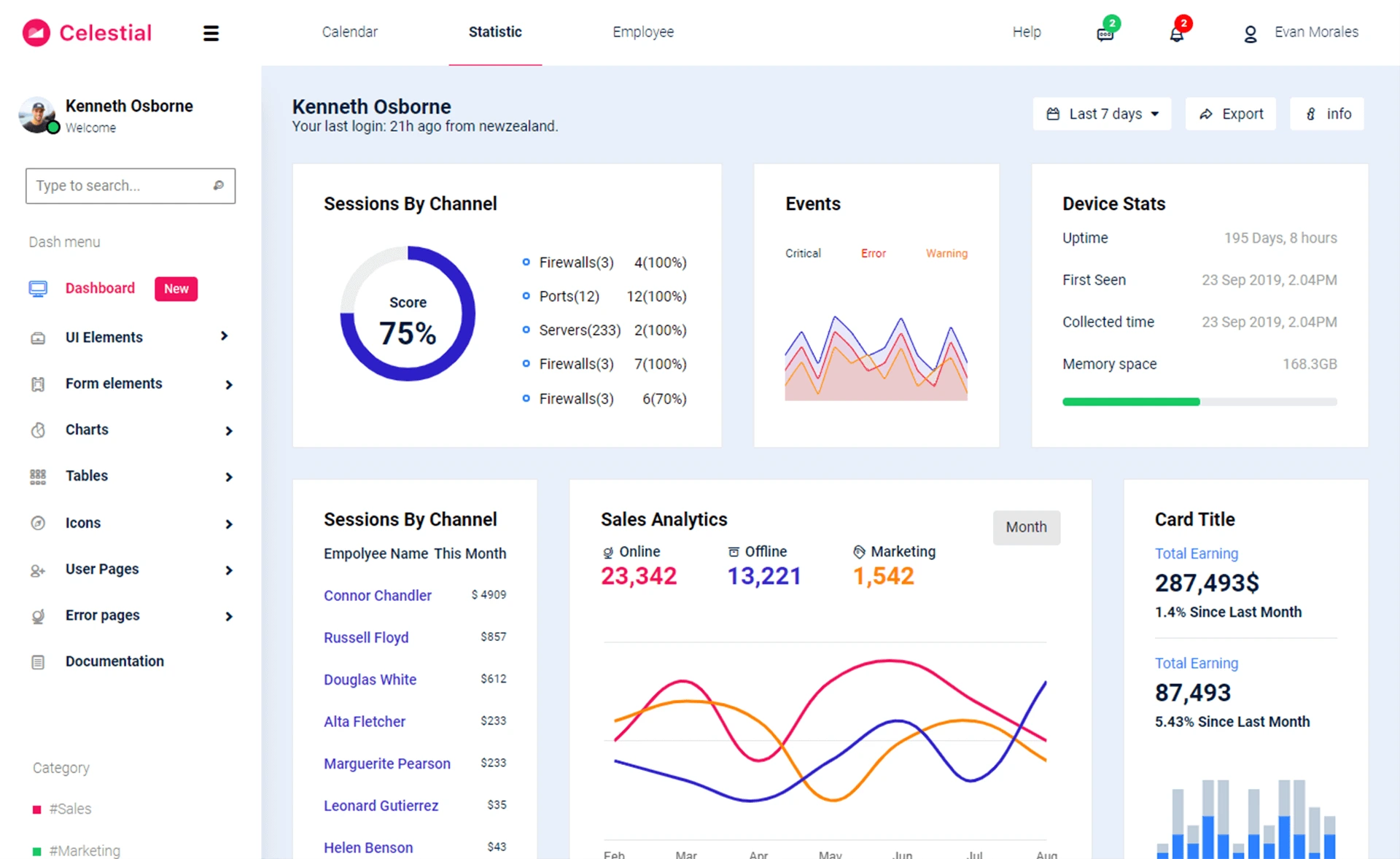
- Example admin pages — Dashboard, Icons, Tables, Maps, Profile, Edit Profile, and UsersTable views are included in src/views.
- SASS theming — core styles live in src/assets/scss/argon-dashboard-react.scss with React-specific overrides in _react-differences.scss.
- Nucleo icon set — both SVG and font versions of Nucleo icons are bundled under src/assets/plugins/nucleo.
- Production build workflow — run npm run build in front-end, move the build folder into back-end, and the Node server serves the static dashboard.
Who is it for?
- Full-stack developers — who want a pre-wired React dashboard and NodeJS API to extend with their own models and routes.
- Startups prototyping admin panels — who need working login, registration, and user management pages from day one.
- Creative Tim users — who like the Argon design language and want a React version paired with a real back end.
What can you do with it?
- Add authentication to a product — deploy the included Passport-based API with register/login/reset endpoints and protected routes.
- Build a custom admin panel — start from the Dashboard, Tables, and UsersTable pages and add your own pages under src/views/examples.
- Prototype a full-stack SaaS — use the MongoDB-backed user model and active-session tracking to stand up a basic membership platform quickly.
How does it work?
Install dependencies with npm install in both front-end and back-end folders. For development, run npm start in front-end and nodemon in back-end together; for production, run npm run build in front-end, move the build output into back-end, and start the Node server with nodemon.
FAQ
Is Argon Dashboard React NodeJS free?
Yes, it is open source under the MIT license, and the full source is available on GitHub and the Creative Tim website.
What is the tech stack?
The front end uses React, Bootstrap 4, Reactstrap, and create-react-app. The back end uses NodeJS, Express, Passport.js for authentication, and MongoDB for data storage.
Does it include user authentication?
Yes, it ships with register, login, email confirmation, password reset, and reset-success pages, plus the API endpoints and Passport strategies to support them.
What browsers are supported?
The official support covers the last two versions of Chrome, Firefox, Edge, Safari, and Opera.
Who maintains the template?
The project is developed by Creative Tim in collaboration with ProjectData, and issues are tracked on the Creative Tim GitHub repository.