Template details
SB Admin - Bootstrap 5 Admin Dashboard Template
Free Bootstrap 5 admin dashboard template with Chart.js charts, dataTables, and four ready pages for authentication and blank layouts.
About this template
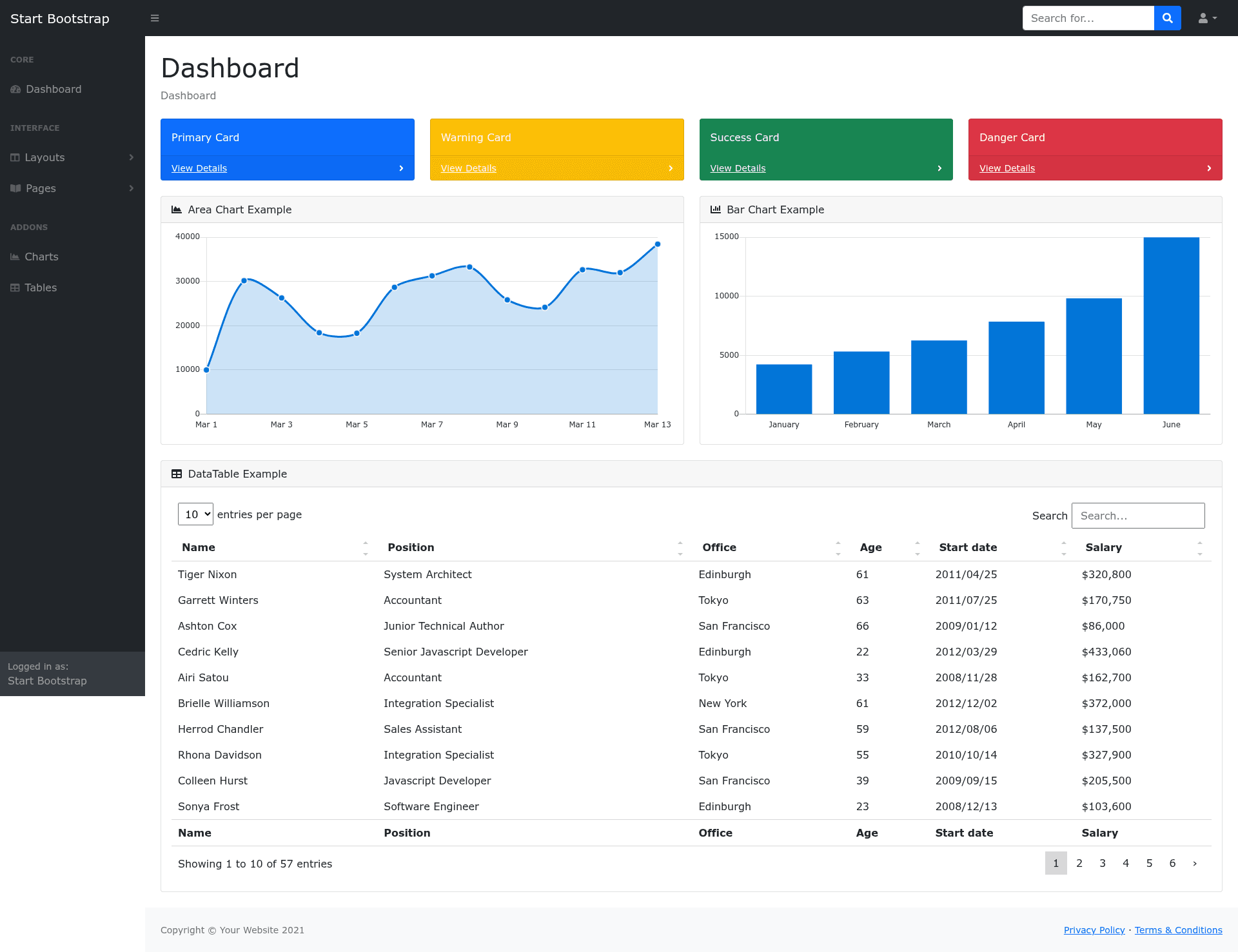
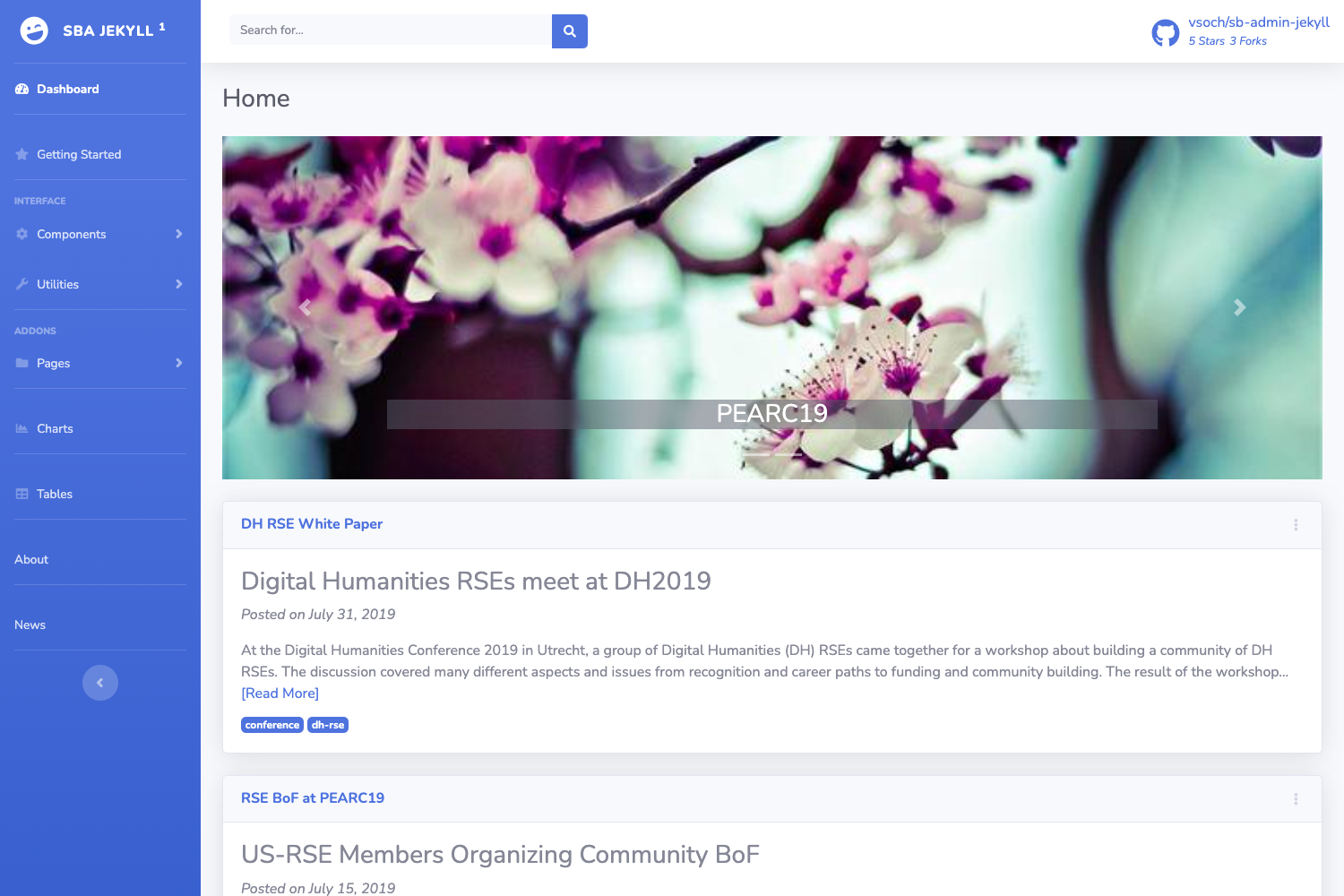
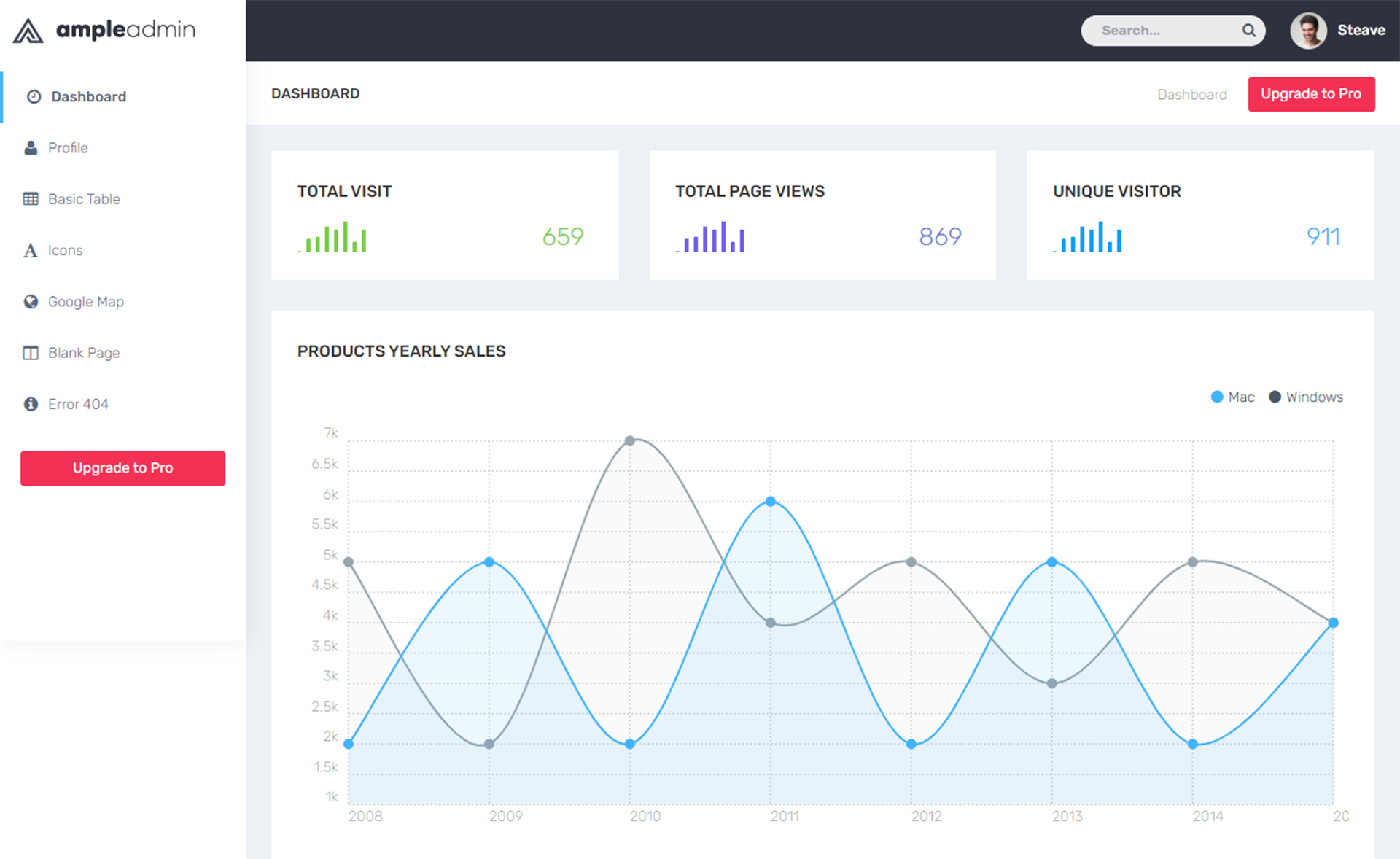
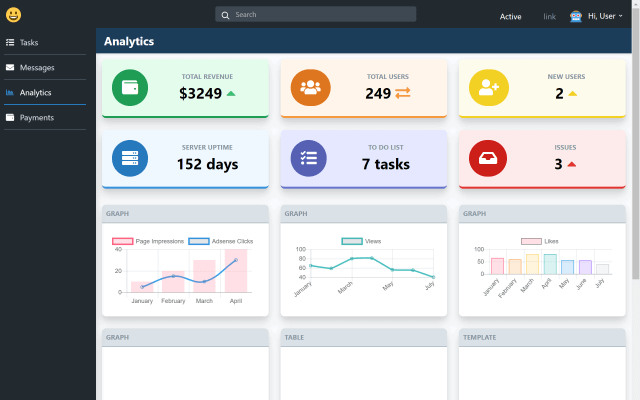
SB Admin is a free, open-source Bootstrap 5 admin dashboard template created by Startbootstrap and distributed by ThemeWagon, providing developers with a ready-made interface for web application back-ends. The template outputs a fully responsive dashboard UI with navigation, charts, tables, and authentication pages, and it runs entirely in the browser as static HTML/CSS/JS. Current version is v7.0.4, with over 20,000 downloads on ThemeWagon.
What is SB Admin?
SB Admin is an admin dashboard template built on Bootstrap 5 that gives developers a pre-styled foundation for building back-office interfaces, internal tools, or web app dashboards. It takes plain HTML and SCSS source files as input and produces a complete dashboard layout featuring a collapsible sidebar, fixed or static navbar, three Chart.js chart types, and a dataTable-powered table. The template is authored by Startbootstrap, supports light and dark schemes through Bootstrap 5 classes, and is compatible with Chrome, Edge, Firefox, Safari, Opera, and mobile browsers.
Key Features
- Bootstrap 5 framework — Uses Bootstrap 5 with light and dark scheme classes, a collapsible navbar, and fixed or static navigation options.
- Chart.js charts — Includes three interactive chart types (area, bar, and pie) for visualizing data in the dashboard.
- dataTables integration — A basic data table powered by the dataTables plugin for organizing and sorting information.
- Four ready HTML pages — Login, Registration, Forgot Password, and Blank Page are pre-built for authentication flows and custom starters.
- SASS/SCSS source files — Preprocessor files allow deep customization while keeping styles organized and maintainable.
- Three-level dropdown menus — The side menu supports nested items up to three levels for complex navigation structures.
- Additional UI elements — Colorful cards, a top search bar, and hover effects are bundled in the dashboard layout.
- Browser compatibility — Works across major desktop browsers and mobile devices, verified for Chrome, Edge, Firefox, Safari, and Opera.
Who should use SB Admin?
- Web developers who need a fast, clean starting point for admin panels or internal tools; they get a responsive layout with auth pages, charts, and tables already wired up.
- Startup teams building a customer-facing dashboard or back-office application can reuse the login/registration pages and blank template to launch new modules quickly.
- Front-end learners who want to study a real Bootstrap 5 codebase with SCSS organization, Chart.js, and dataTables integration can read and modify the source files directly.
What can you do with SB Admin?
- Assemble an admin panel skeleton: Place your own content into the Blank Page and use the collapsible sidebar with three-level dropdowns to structure your application's navigation.
- Ship authentication screens: Drop in the Login, Registration, and Forgot Password pages as-is or restyle them to match your brand, saving time on common auth flows.
- Show metrics and records: Replace the sample area, bar, and pie chart data via Chart.js configuration, and use the dataTable to list and sort rows of information.
FAQ
Is SB Admin free?
Yes, SB Admin is an open-source template listed as free on ThemeWagon. The license allows use in commercial projects and includes lifetime free updates.
Which Bootstrap version does SB Admin use?
SB Admin v7.0.4 is built on Bootstrap 5, leveraging its utility classes for responsive layouts and light/dark scheme support.
What pages come with SB Admin?
The template includes four pre-built pages: Login, Registration, Forgot Password, and a Blank Page for starting new screens.
Does SB Admin include charts and tables?
Yes, it includes Chart.js-based area, bar, and pie charts, plus a data table powered by the dataTables plugin.
What browsers are supported?
SB Admin is compatible with Chrome, Edge, Firefox, Safari, Opera, and mobile browsers.