Template details
Dash UI
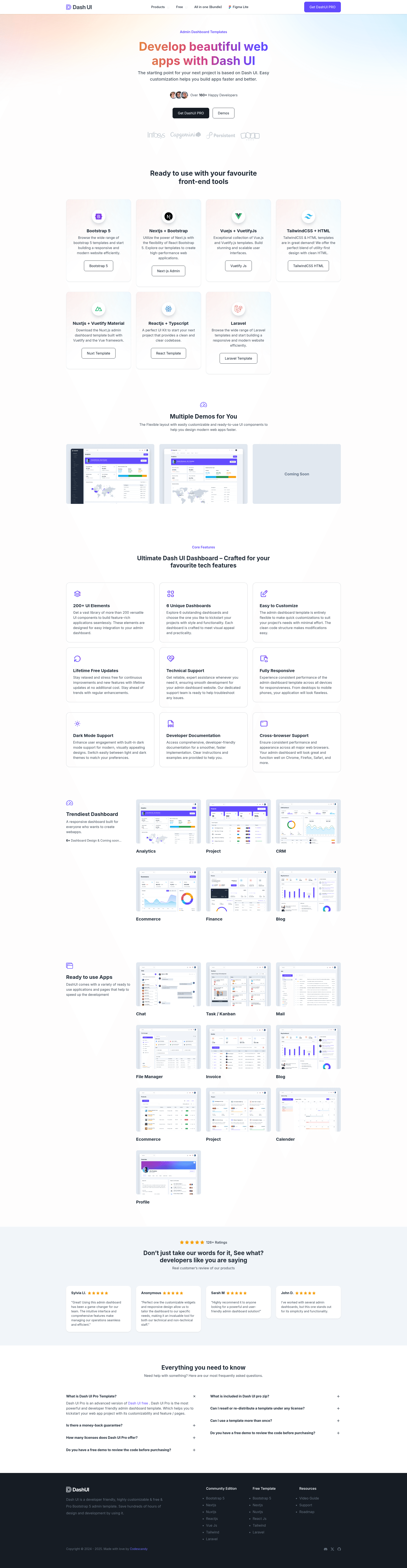
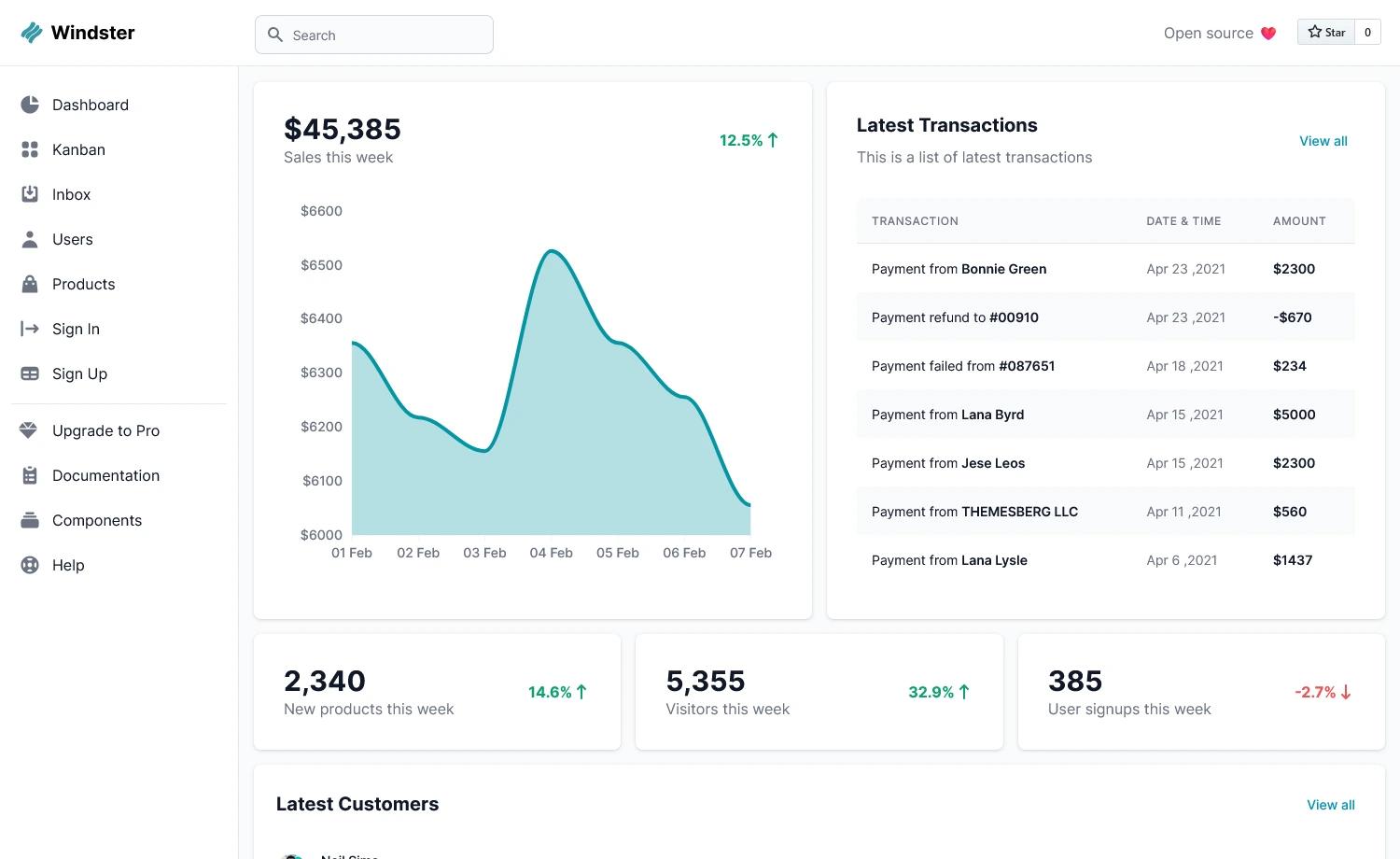
Free and open-source Bootstrap 5 admin & dashboard template with 11 HTML pages, Gulp workflow, and Sass.
About this template
Dash UI is a free and open-source Bootstrap 5 admin and dashboard template by CodeCandy that ships with 11 HTML pages, a Gulp build system, Sass source files, and a Figma design file.
What is Dash UI?
Dash UI is an open-source admin and dashboard theme built entirely with Bootstrap 5 by the CodeCandy team. It consists of HTML pages for authentication, billing, pricing, profile, settings, tables, error handling, and a dashboard layout, along with reusable partials such as a vertical navbar, header, head, and scripts. The project includes Sass source files and a gulpfile.js so developers can compile custom styles and generate a production-ready static site.
Key Features
- Bootstrap 5 — the template is fully coded with the popular Bootstrap 5 framework, giving you responsive layout utilities, components, and JavaScript plugins out of the box.
- Gulp workflow — the repository provides a gulpfile.js that compiles Sass, serves the project with BrowserSync, and creates a /dist folder with production files when you run
gulp build. - Sass source files — styling lives in
src/assets/scss, organized in a theme folder and a maintheme.scssfile, so colors, spacing, and component styles can be changed via variables. - 11 HTML pages — the free version includes index plus 10 additional pages: sign-in, sign-up, forget-password, billing, pricing, profile, settings, tables, layout, and a 404-error page.
- Reusable partials — pages share partials for head metadata, header, vertical navbar, scripts, and documentation sidebar, which keeps markup DRY when maintaining a large admin site.
- Free and open source — the free tier is available on GitHub with 4 plugins and source files; a commercial PRO edition adds 6 dashboards, 60+ pages, dark mode, and priority support.
- Browser support — the theme aims to support the last two versions of Chrome, Firefox, Edge, Safari, and Opera.
- Figma design file — CodeCandy publishes a free Figma community file for Dash UI, allowing designers to prototype before development.
Who is it for?
Dash UI is aimed at front-end developers who need a ready-made Bootstrap 5 admin interface and want to customize it with Gulp and Sass rather than hand-coding every page. It is also suitable for full-stack developers building admin panels for web apps, and for startups that need an attractive, functional dashboard for a SaaS MVP without paying for the PRO tier initially.
What can you do with Dash UI?
- Front-end developers: clone the repository, install dependencies with npm, and run
gulpto spin up a local server with hot reload while editing the Sass files. - Designers: open the shared Figma file to create new page or component mockups that match the exact Bootstrap class names used in the template.
- Startup teams: use the free license for an internal admin panel or customer dashboard, replacing the demo content and adding their own API endpoints.
- Agency projects: deliver a client dashboard quickly by customizing the theme variables, partials, and pages to match a brand and then building a static dist folder for deployment.
How does Dash UI work?
Dash UI runs on Node.js. You first install the Gulp CLI globally with npm install gulp-cli -g, then run npm install in the project folder to fetch dependencies. Typing gulp compiles the theme and opens index.html in the browser through BrowserSync, while gulp build outputs an optimized /dist directory for hosting.
Pricing
Dash UI is free and open source. The free version includes a single dashboard, 11 HTML pages, documentation, 4 plugins, and source files. The paid Dash UI PRO version adds 6 dashboards, over 60 HTML pages, 10+ plugins, dark mode, layout variations, priority support, and free updates, and is sold on the CodeCandy website.
FAQ
Is Dash UI free?
Yes, the base Dash UI theme is free and open source. It includes one dashboard, 11 HTML pages, four plugins, documentation, and the full Sass source files. CodeCandy offers a separate PRO version with more pages, dark mode, and priority support for a fee.
What pages come with Dash UI?
The free package contains index, 404-error, billing, forget-password, layout, pricing, profile, settings, sign-in, sign-up, and tables. These cover common admin app areas like login, password reset, user profile, billing, price plans, and data tables.
Does the free version include dark mode?
No, dark mode is only available in the PRO version. The free version does not include dark mode or layout options. If dark mode is a requirement, you would need to purchase Dash UI PRO or add it manually to the Sass.
What browser support is provided?
Dash UI officially supports the last two versions of Chrome, Firefox, Edge, Safari, and Opera. The template is built on Bootstrap 5, which uses CSS flexbox and modern APIs, so older browser versions may not render all components correctly.
How do I build the project for production?
After running npm install, execute gulp build in the dash-ui folder. This generates a /dist directory containing the compiled and minified CSS, JavaScript, and HTML files ready to upload to any static host or content delivery network.