Template details
Material Dashboard Angular
Free Angular 4 admin dashboard template by Creative Tim with Material Design styling, sidebar layout, charts, and five color filters.
About this template
Material Dashboard Angular is a free admin dashboard template from Creative Tim that blends Google Material Design styling with the Bootstrap framework and Angular 4, providing a left-sidebar layout for building admin panels, CRMs, and content management systems.
What is Material Dashboard Angular?
Material Dashboard Angular is a free admin dashboard template powered by Angular 4 and Bootstrap, built on the Bootstrap Material Design framework by Federico. It takes the Angular source code as input and produces a responsive single-page admin application with a sidebar navigation and a main content panel. The template is distributed by Creative Tim on both GitHub and the Creative Tim website under an MIT license.
Key Features
- Material Design visual language — Uses light, surface, and movement concepts to create a layered "sheets of paper" effect across components, with ripples, animations, and transitions handled by the Bootstrap Material Design framework.
- Five sidebar and card color filters — Switch the sidebar and card headers between blue, green, orange, red, and purple, and optionally add a background image to the sidebar.
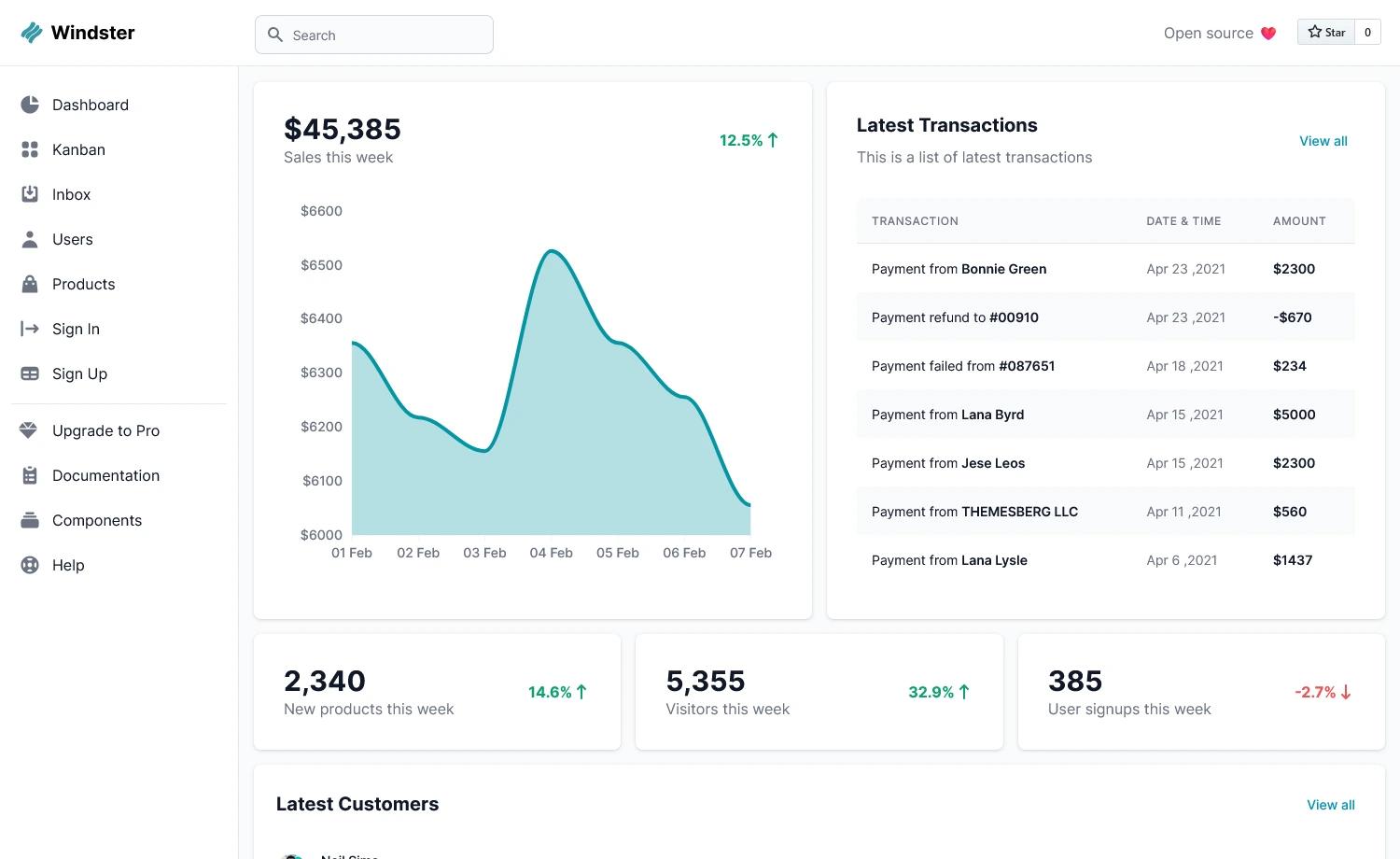
- Pre-built pages — Includes dashboard, user profile, tables, icons, maps, notifications, typography, and upgrade pages, each implemented as a separate Angular component with routing.
- Chartist charts integration — The dashboard page uses Chartist.js to render responsive charts.
- Bootstrap notify notifications — Notifications are powered by the bootstrap-notify plugin, integrated into the notifications page.
- Angular CLI project structure — Generated with Angular CLI 1.0.0, providing components for the navbar, sidebar, footer, and an admin layout module.
- Responsive and cross-browser — Officially supports the last two versions of Chrome, Firefox, Edge, Safari, and Opera.
- Version 2.8.0 — The current release, with a changelog included in the download.
Who is it for?
- Angular developers — who want an existing dashboard structure with components and routing to adapt for their own backend interfaces.
- Startups and internal tool teams — who need an admin panel, CRM, or CMS backend appearance without designing and building all UI elements from scratch.
- Freelance developers — who can use the MIT-licensed template as a foundation for client admin projects and deploy it with a one-click Genezio integration.
What can you do with it?
- Launch an admin dashboard quickly — Start from the provided dashboard page, add your own charts, tables, and card data, then run the Angular dev server.
- Create a user management interface — Use the user-profile, table-list, and notification pages to build CRUD screens for customer data.
- Deploy to Genezio in one click — The repository includes a deploy button that pushes the template to Genezio without manual server setup.
How does it work?
To get started, install Node.js and Angular CLI, run npm install in the project folder, then run ng serve to start a development server at http://localhost:4200/ with automatic reload. The project is organized into an admin layout module, feature components, and a SCSS styling system under src/assets/scss.
Pricing
Material Dashboard Angular is free to download from both Creative Tim and GitHub, and is released under the MIT license.
FAQ
Is Material Dashboard Angular free?
Yes, Material Dashboard Angular is free to download and use. It is licensed under the MIT license, which permits commercial use with attribution.
What Angular version does it use?
The project was generated with Angular CLI 1.0.0 and uses Angular 4.x. It also has versions available for HTML, Vue, and React.
Does it include a responsive layout?
Yes, the template supports the last two versions of Chrome, Firefox, Edge, Safari, and Opera, and uses a responsive sidebar and main content area.
Can I deploy it easily?
Yes, there is a one-click deploy button for Genezio, and the standard Angular CLI workflow works for other hosting services.