Template details
Astro Blur
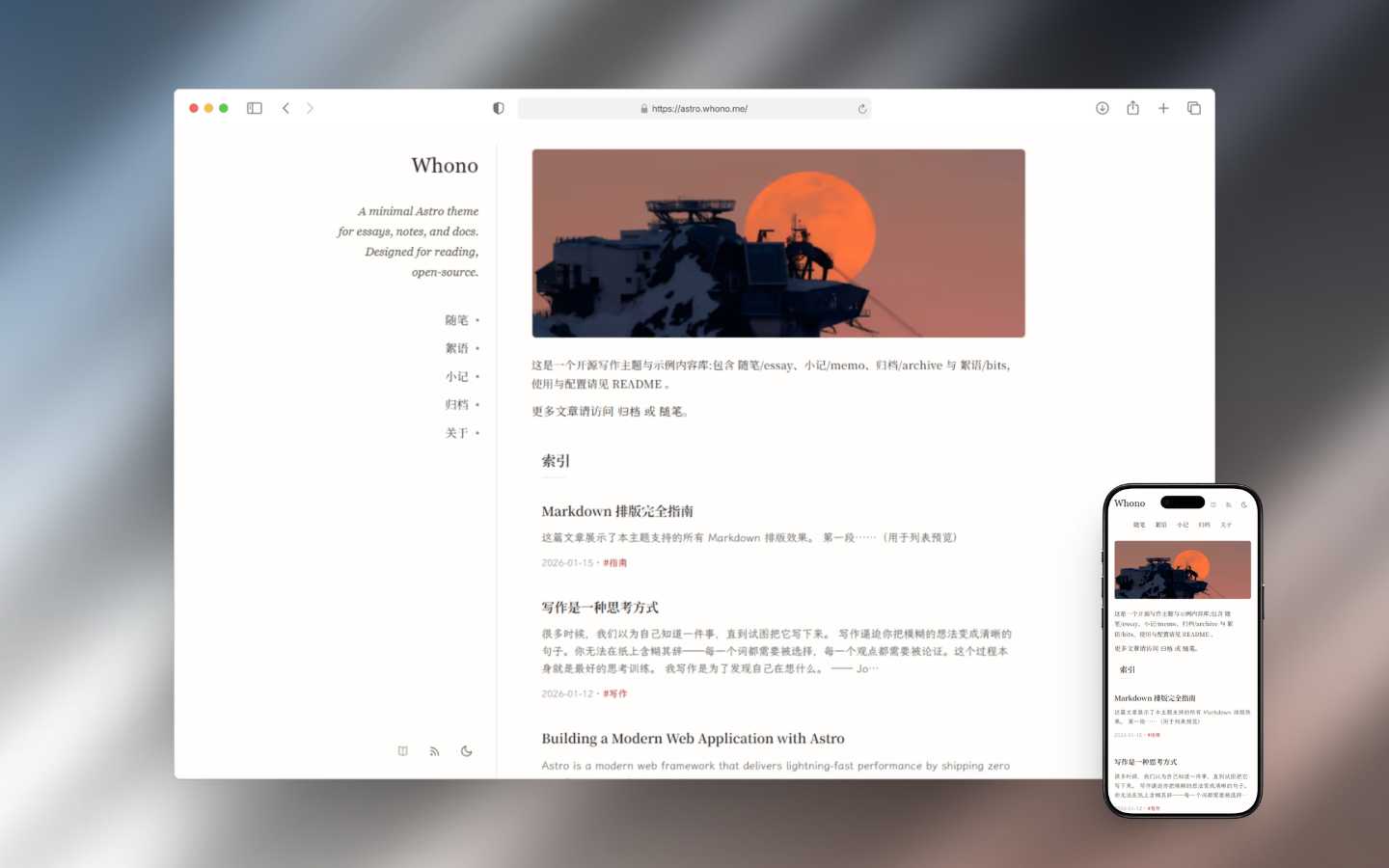
A static blog theme built with Astro, featuring Twikoo comments, SEO support, and responsive design.
About this template
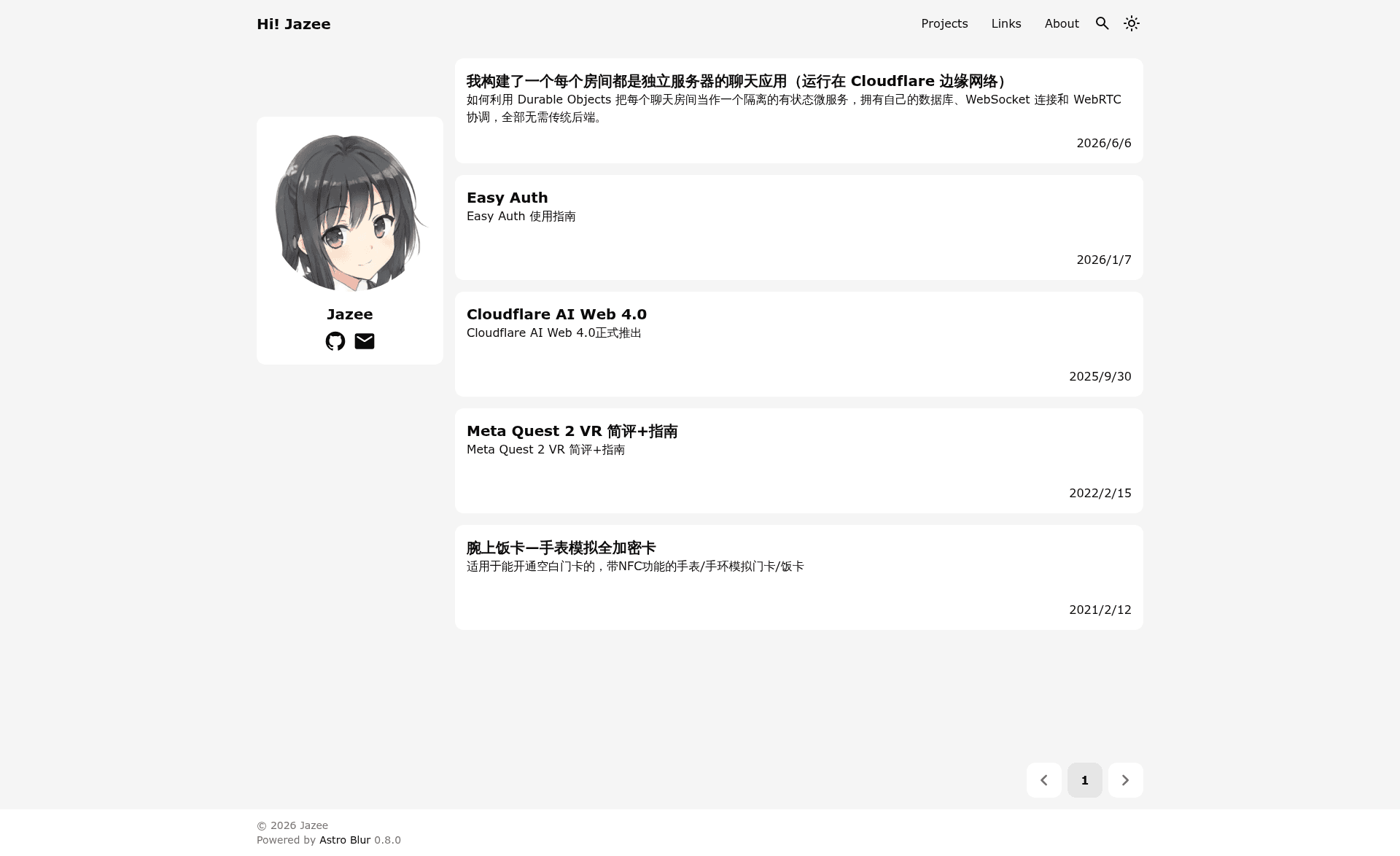
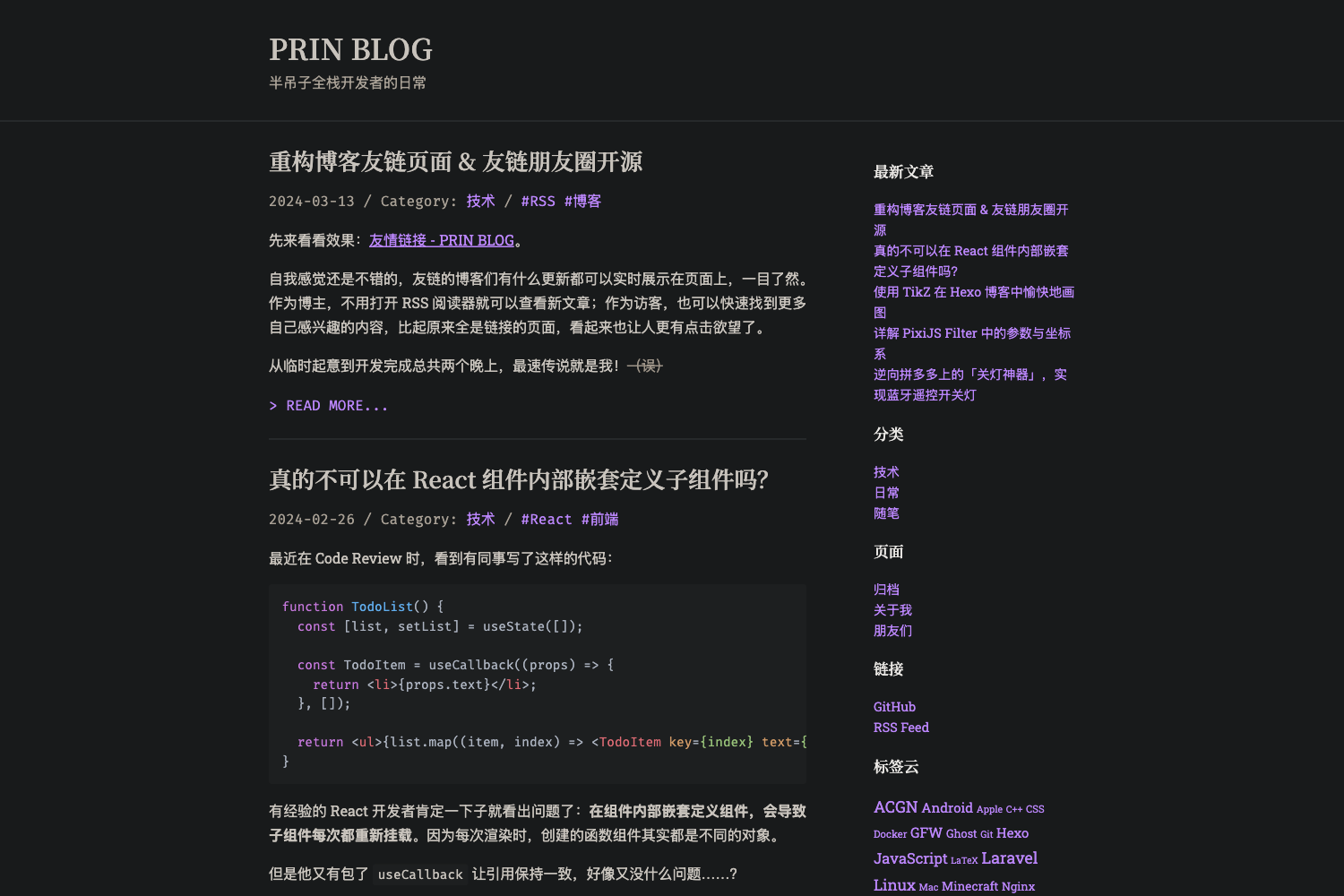
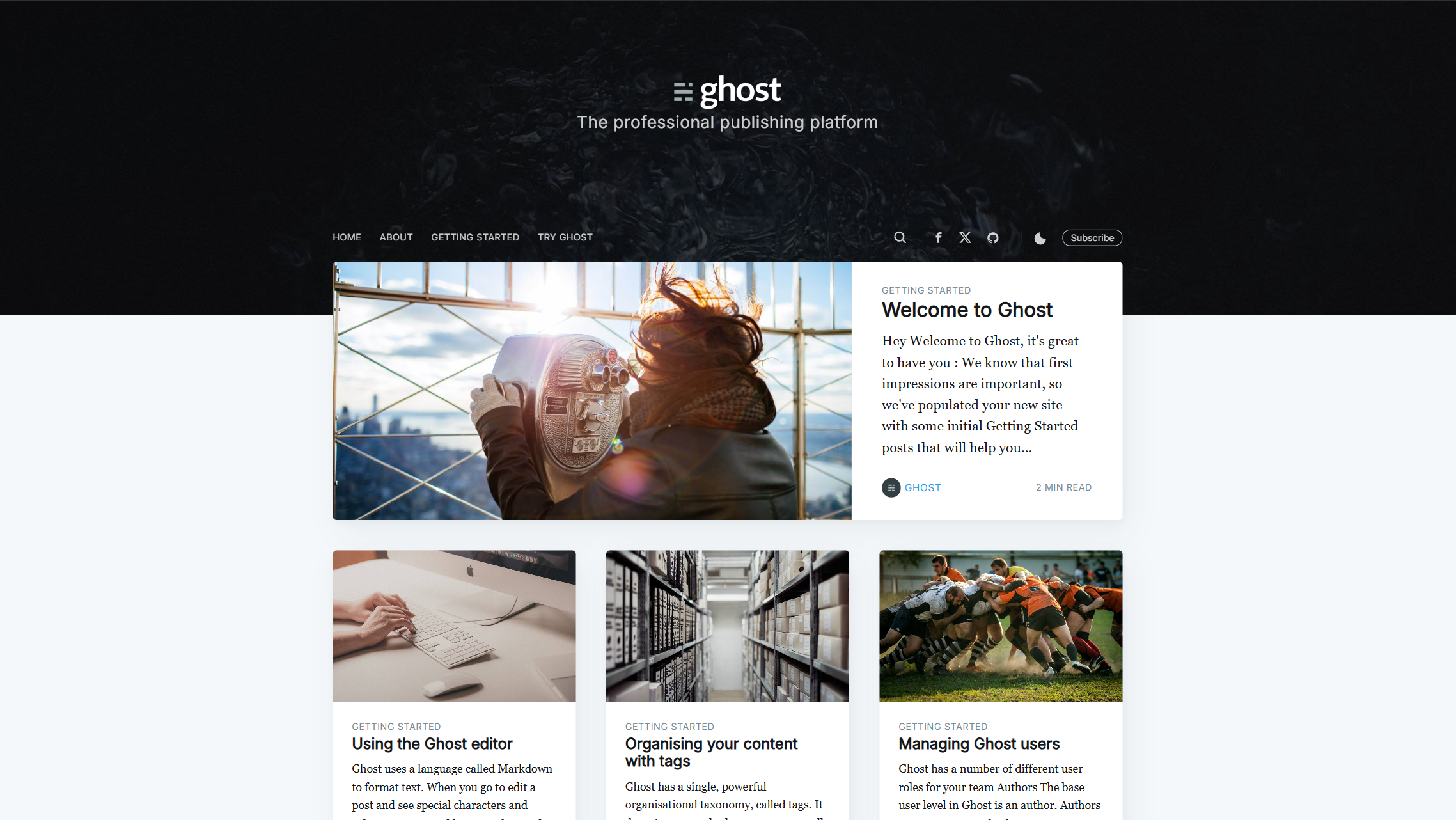
Astro Blur is a static blog theme built on Astro, using 100% Astro components for pure static generation. It takes Markdown blog posts as input and outputs a fully static website with built-in Twikoo comments, OpenGraph tags, sitemap, RSS, responsive design, code highlighting, and theme switching.
What is Astro Blur?
Astro Blur is a minimalistic, static blog theme designed for Astro. It is developed by Jazee6 and is showcased on jaze.top. The theme is entirely composed of Astro components, meaning it does not rely on any client-side JavaScript framework. It processes Markdown content and publishes a static website that can be hosted anywhere. Configuration is centralized in a single file at src/config.ts, and new posts are created with the pnpm new command.
Key Features
- 100% Astro components — The theme is built entirely with native Astro components, yielding a purely static site with no need for a server runtime.
- Twikoo comment system — Integrated Twikoo for reader comments, so comment functionality is available out of the box.
- SEO friendly — Comes with OpenGraph tags, sitemap generation, and RSS feed support to help search engines and social media index content.
- Responsive layout — The design adapts to phone, tablet, and desktop screens.
- Code highlighting — Syntax highlighting is included for code blocks embedded in blog posts.
- Theme switching — Users can toggle between light and dark modes.
- Quick setup — Scaffold a new site with
npx degit Jazee6/astro-blur#main my-blogand manage dependencies with pnpm. - Centralized config — All site settings are edited in a single file,
src/config.ts.
Who is it for?
- Developers starting a blog — They can scaffold an Astro blog in minutes using the degit command and customize it via a single config file.
- Bloggers who want comments — Twikoo is integrated, so readers can leave comments without additional setup.
- SEO-conscious writers — The theme automatically generates OpenGraph metadata, sitemaps, and RSS feeds for each post.
What can you do with Astro Blur?
- Publish Markdown posts — Write content in Markdown and use
pnpm newto scaffold a new post file. - Customize site metadata — Edit
src/config.tsto set site name, description, and other global options. - Host anywhere static — Because the output is pure static files, you can deploy it to any static hosting service.
How does Astro Blur work?
Follow the README steps:
- Download the template with
npx degit Jazee6/astro-blur#main my-blog. - Enter the project folder and install dependencies using
pnpm i. - Start the development server with
pnpm dev. - Create a new article using
pnpm new. - Adjust site settings in
src/config.ts.
FAQ
Does Astro Blur include a comment system?
Yes, Astro Blur integrates Twikoo, a comment system, so you can add commenting capabilities to your blog without building a backend from scratch. Twikoo is a self-hosted service, meaning you will need to deploy and configure your own Twikoo instance before enabling comments.
How do I create a new blog post?
Run the command pnpm new in your project directory. This will generate a new post file for you to edit. After writing the content, start the dev server with pnpm dev to preview it.
Where do I configure my blog's settings?
Open src/config.ts in the root of the project. This file holds global configuration like site title, description, and other metadata. All changes you make here are reflected across the entire site.
Does Astro Blur support SEO?
Yes. The theme includes OpenGraph tags for social sharing, generates a sitemap automatically, and provides an RSS feed. These features help search engines discover and index your content.
Is Astro Blur free to use?
The theme is hosted on GitHub as a public repository, so you can download and use it for personal or commercial projects. However, the README does not specify a license, so check the repository for licensing details.