Template details
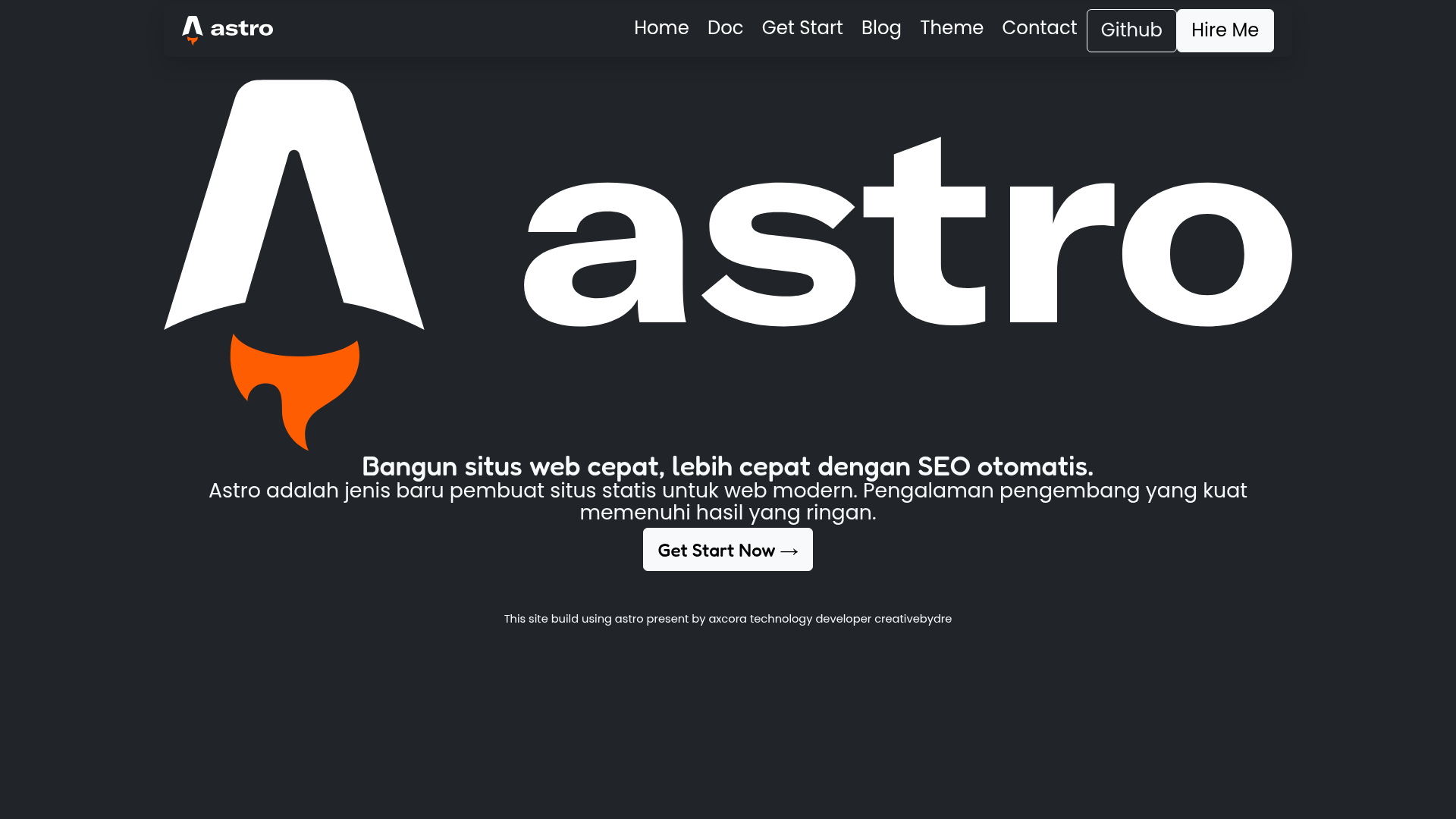
Astro Boy
A free starter blog template built with Astro, featuring Markdown support, SEO-ready setup, RSS and sitemap generation, and a modern animated design.
About this template
Astro Boy is a free, open-source starter blog template built with the Astro static site generator, designed to produce a modern, SEO-friendly blog with Markdown-based posts. The template was created by the axcora / hockeycomputindo team and is distributed through GitHub under the repository mesinkasir/astroweb. It ships with pre-configured SEO features, RSS 2.0 feed generation, sitemap.xml creation, and a project structure that follows Astro's conventions.
What is Astro Boy?
Astro Boy is a starter blog template for the Astro static site generator. It takes Markdown content placed in the src/pages/ directory and outputs a fully static website with an RSS 2.0 feed and sitemap.xml file. The template is available as a free download, can be opened directly in StackBlitz, and supports one-command deployment to platforms such as Netlify and Vercel. Two live demos are provided: https://astroboyweb.netlify.app/ and https://astroman.vercel.app/.
Key Features
- SEO-friendly setup — includes canonical URLs and OpenGraph data so every page is ready for search engines and social sharing.
- Full Markdown support — write blog posts in Markdown; Astro automatically converts them into standalone routes based on file names.
- RSS 2.0 generation — an RSS feed is built for your blog without additional plugins.
- Sitemap.xml generation — a sitemap is produced to help search engines index your site.
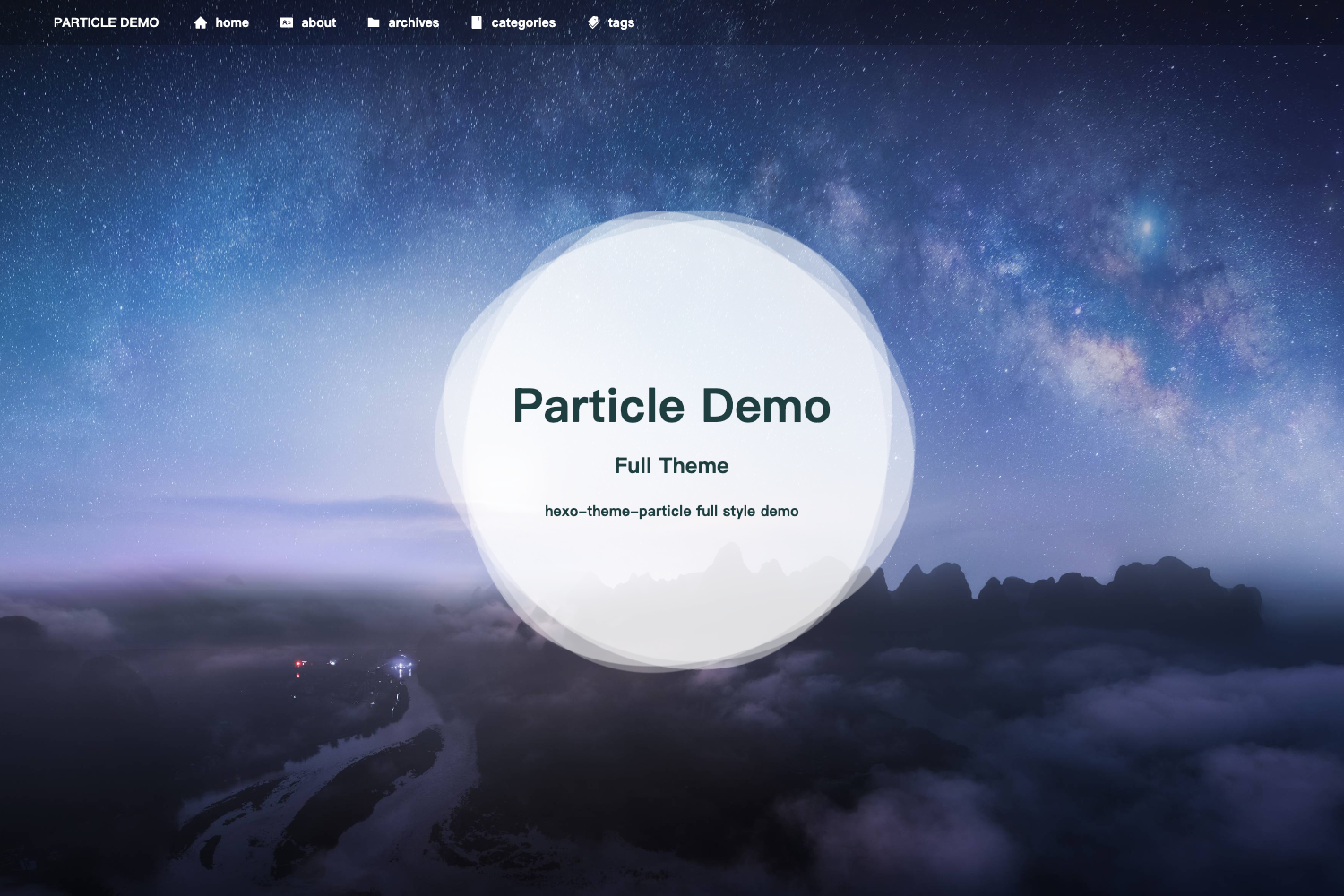
- Splash screen — an animated splash screen was added in the template update.
- Full animation — the template includes animation effects through the included "animate" recipe.
- Bootstrap styling — uses Bootstrap (the "bootstrap new" recipe) for the layout, so you get a responsive grid and reusable components.
- Netlify-ready — the repository includes a Netlify status badge and can be deployed to Netlify with a single click; the local build also works on Vercel.
Who is it for?
- Bloggers who want a fast, static blog with minimal configuration and no database.
- Developers who need a clean Astro starter to customize into a portfolio, documentation site, or company blog.
- Designers who want a modern, animated blog layout without building the front-end from scratch.
What can you do with it?
- Launch a personal blog — clone the repository, add Markdown files under
src/pages/, and deploy the generateddist/folder to Netlify or Vercel. - Build a fast documentation site — the Markdown support and sitemap generation make it easy to structure and publish technical articles.
- Create a portfolio — replace the sample components and use SEO metadata to showcase projects with clean URLs and OpenGraph previews.
How does it work?
The template follows Astro's standard workflow. Start by cloning the repository with git clone https://github.com/mesinkasir/astroweb.git, then install dependencies with npm install. Run npm run dev to start a local development server at localhost:3000, npm run build to generate a production site into ./dist/, and npm run preview to test the built site locally before deploying.
FAQ
Is Astro Boy free?
Yes, the template is free to download, modify, and use for personal or commercial projects. The author also provides a "Buy me a coffee" link for those who want to support development voluntarily.
Does Astro Boy support Markdown?
Yes. Astro looks for .astro or .md files in src/pages/, and every Markdown file becomes a route automatically. This makes writing posts as simple as adding a new .md file to the pages folder.
How do I deploy Astro Boy?
You can deploy the built dist/ folder to any static hosting service. The repository includes a Netlify status badge for one-click Netlify deployment, and the demo site is also hosted on Vercel, so both platforms work.
What is included in the project structure?
The project contains a public/ directory for assets like robots.txt and favicon.ico, a src/pages/ directory for routes, and a src/components/ directory with an example Tour.astro component. The only configuration file is package.json.