Template details
Astro Ink
Minimal markdown-based blog theme for Astro with Tailwind CSS, dark mode, Netlify CMS, and search.
About this template
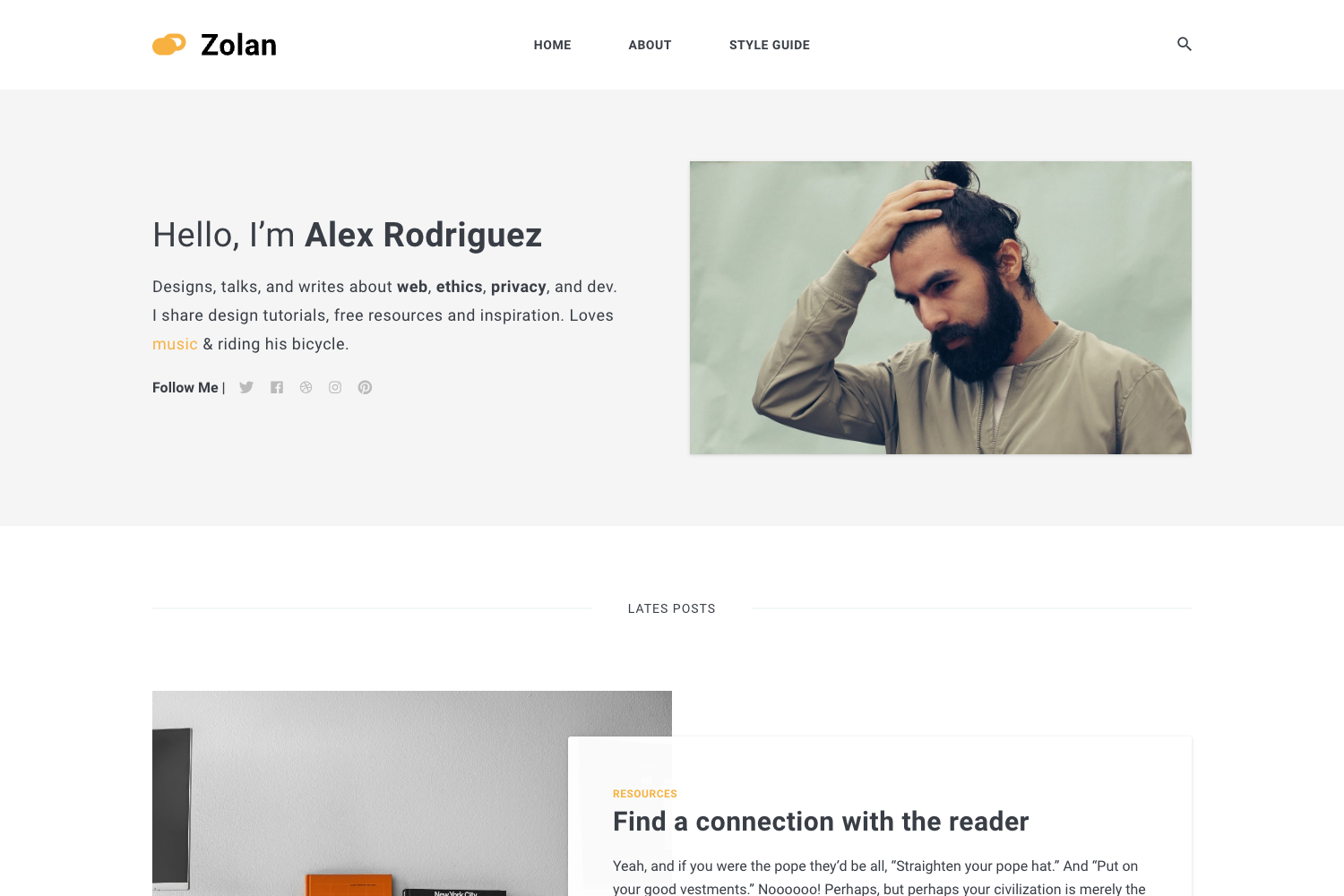
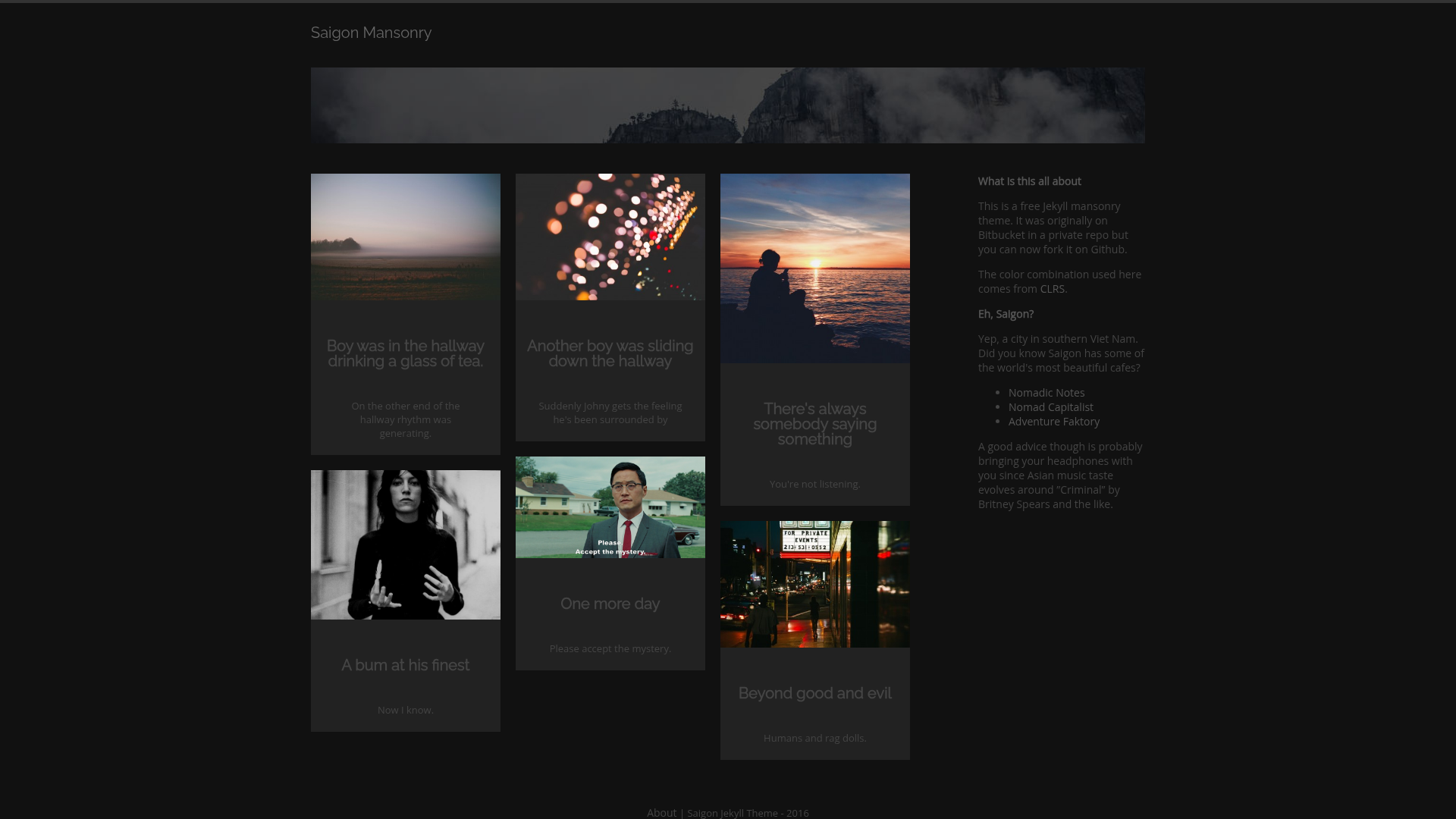
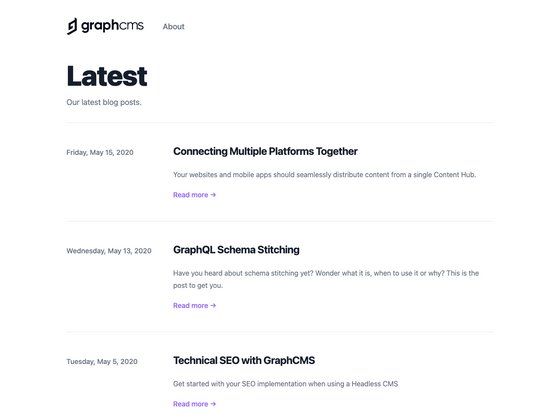
Astro Ink is a minimal, markdown-based personal blog theme built on Astro that provides a lightweight, fast starting point for blogs that ship less JavaScript by default. This open-source GitHub template, created by Aftab Alam (one-aalam), is inspired by the Hugo Ink theme and currently tracks Astro's 2.x release. It produces either static or SSR-ready output depending on your astro.config.mjs settings, and it integrates Tailwind CSS, Svelte, Netlify CMS, Lunr.js client-side search, and an optional Redis-backed view counter.
What is Astro Ink?
Astro Ink is a minimal blog theme for the Astro framework, built for markdown-based content. It takes markdown files from a blog directory as input and outputs a responsive blog site with tag-based dynamic pages, pagination, dark mode, and optional author cards. The theme is developed by Aftab Alam and is available as a GitHub template; it is currently aligned with Astro 2.x and uses Tailwind CSS for styling, with Svelte powering interactive components such as the theme switcher. You can clone it with npx degit one-aalam/astro-ink to start without git history.
Key Features
- Minimal markdown-blog ready — Always updated to Astro's latest 2.x release under the hood, with a crisp, minimal design focused on readable content.
- Svelte ready — Uses Svelte for interactive components like the theme switcher, keeping the site lightweight and fast.
- Modular structure — Components are split so each one does a single job, making the theme easy to customize and extend.
- Astro 2.0 content collections + dynamic pages — Includes dynamic pages for tag-based classification with paginated results, all configurable.
- Dark mode and color codes — Supports dark mode and 6+ color themes selected via tailwind.config.js; change themes by passing a THEME_KEY value to the dev or build command, for example
THEME_KEY=purpleheart astro build. - Netlify CMS integration — Edit and publish posts in the /blog directory by visiting your-site.netlify.com/admin with Netlify Identity and Git Gateway enabled.
- Future posts with GitHub Actions — Place draft posts in /src/drafts with a future date and a GitHub Action auto-publishes them on the specified date.
- Client-side search — Includes Lunr.js search so users can quickly find blog posts without a server-side search service.
- View counter with Redis/Upstash — Optionally configure a Redis connection URL and un-comment the views API to power a dynamic post view counter.
- Media page with YouTube channel support — Set your YouTube channel ID in the config.ts file to display channel videos on the media page.
Who should use Astro Ink?
- Developers starting a personal blog — Set up a minimal, fast blog with markdown files and a clean design without writing layout code from scratch.
- Writers who prefer markdown — Use the built-in Netlify CMS or your preferred markdown editor to manage posts in a Git-based workflow.
- Astro learners — The author published a tutorial series that walks through building this theme step-by-step, so it doubles as a learning resource.
- Developers who want an SSR-ready blog — The theme generates server output by default with a Vercel adapter, and you can switch to static builds by changing the output value in astro.config.mjs.
What can you do with Astro Ink?
- Personal bloggers: Publish markdown posts with tags and pagination, and enable dark mode plus 6+ color themes to match your brand.
- Developers with a YouTube channel: Populate the media page with your channel's videos by setting the ytChannelId value in the config.ts file.
- Content teams on Netlify: Manage blog posts through the Netlify CMS admin interface at your-site.netlify.com/admin, with authentication via Netlify Identity and Git Gateway.
- Developers who want analytics: Turn on the built-in views counter by connecting a Redis host, or use the client-side search to improve discoverability.
How does Astro Ink work?
To get started, clone the template with npx degit one-aalam/astro-ink, then set up a .env file with your SITE_URI, and run npm run dev. The theme reads posts from the /blog directory, applies tag-based dynamic pages via content collections, and offers configuration switches in src/config.ts for features like author cards and image overlays. Deployment to Netlify or Vercel is supported through adapters, and optional features like the views counter require a Redis connection URL.
FAQ
Is Astro Ink free?
Yes, Astro Ink is an open-source theme released on GitHub under a license badge on the repository. You can clone it, modify it, and use it for personal or commercial projects without cost.
How do I change the color theme of Astro Ink?
You can select from 6+ color themes by passing a THEME_KEY value to your dev or build commands, such as THEME_KEY=purpleheart astro build. The available themes are defined in tailwind.theme.config.js, and you can customize the blog's prose colors by adding Tailwind Typography's prose-{color} classes in the Prose component.
How do I enable the view counter?
Un-comment the connection code in the views API file at src/pages/api/blog/views/[slug].ts, configure a Redis host, and put the connection URL in your hosting provider's environment or a .env file. Also set USE_VIEW_STATS to true in the config.ts file.
Can I build a static site with Astro Ink?
Yes. By default the template generates server (SSR-ready) output with a Vercel adapter. To produce a static build, change the output value from 'server' to 'static' in astro.config.mjs, remove the Vercel adapter, delete the views counter API endpoint, and set USE_VIEW_STATS to false in the config.
Does Astro Ink support Netlify CMS?
Yes. After deploying to Netlify, you can access the CMS at your-site.netlify.com/admin with Netlify Identity and Git Gateway enabled. This lets you add, edit, and update all posts in the /blog directory through a web-based editor.