Template details
Gatsby Starter Tyra
A feminine, SEO-optimized Gatsby starter for plug-and-play blogging with markdown support.
About this template
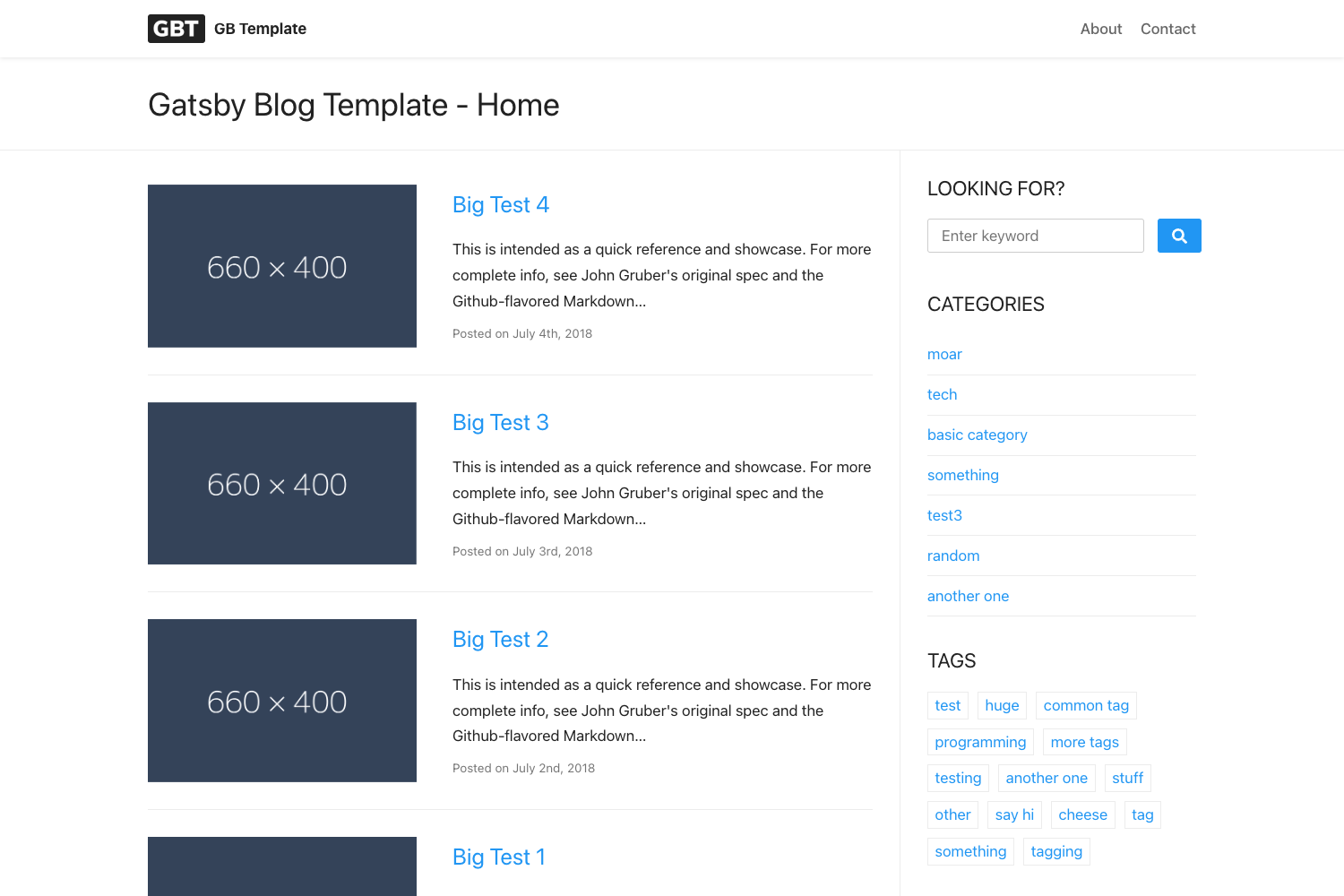
Tyra is a Gatsby starter that builds a feminine, legible blog with SEO, tooling, and integrations preconfigured. It is a static-site template for Gatsby, written with React, and can be deployed to Netlify with a single click through the repository's Deploy to Netlify button.
What is Tyra?
Tyra is a Gatsby starter designed for bloggers who want a clean, feminine aesthetic with 2010s-era influences. It takes your markdown files and metadata as input and produces a static blog site with optimized pages. The template is maintained by Madelyn Eriksen on GitHub and is licensed under the MIT License.
Key Features
- SEO-ready configuration — The siteMetadata object in gatsby-config.js accepts title, description, siteUrl, and metaDescription fields that feed into search result snippets.
- Customizable navbar — navbarLinks in siteMetadata let you set named links and URLs for pages like Makeup, Lifestyle, or Blog.
- Social media integration — Fields for Pinterest, Facebook, and Twitter profiles are included in the config, with links added across the site.
- Mailchimp integration — The mailChimpUrl and mailChimpToken fields connect a newsletter signup campaign from Mailchimp's embedded form maker.
- Markdown blog posts — Write posts as markdown files in content/posts with frontmatter for title, author, category, date, slug, postImage, and metaDescription.
- Automatic thumbnails — The postImage frontmatter field is used as the article thumbnail and appears in search results.
- One-click Netlify deploy — The repository includes a Deploy to Netlify button that spins up the starter on Netlify's static hosting.
- Yarn scripts — Use yarn develop to run a development server and yarn build to produce the production site.
Who is it for?
- Lifestyle and beauty bloggers — Get a feminine template that emphasizes legibility and supports categories such as Makeup and Lifestyle in the navbar.
- Writers who want SEO — Use the built-in metaDescription and siteUrl configuration to control how posts appear in search engines.
- Gatsby developers — Use Tyra as a starting point for a blog project, since it includes a React-based Gatsby structure and markdown pipeline.
- Netlify users — Deploy directly through the Netlify button and go live without manual server configuration.
What can you do with Tyra?
- Personal bloggers: Publish styled markdown posts with thumbnails and social sharing links out of the box.
- Niche content creators: Create separate navbar categories for topics like makeup and lifestyle, then organize posts under those slugs.
- Newsletter builders: Connect a Mailchimp campaign through the configured URL and token fields to collect subscribers.
How does Tyra work?
Start by cloning the repository or using gatsby new with the GitHub URL, then run yarn install. Edit the siteMetadata fields in gatsby-config.js to set your blog title, description, siteUrl, and social links. Add posts as markdown files in content/posts with the defined frontmatter fields, then commit and deploy to Netlify using the provided deploy button.
FAQ
Is Tyra free?
Yes, Tyra is open source under the MIT License, so you can use it for personal or commercial projects without paying a license fee.
How do I change the blog title and navigation?
Edit the siteMetadata object in gatsby-config.js. You'll find fields for the blog title, description, site URL, navbarLinks, and social profiles. Changes take effect when you rebuild the site.
How do I write a new blog post?
Create a new markdown file in content/posts and include frontmatter with type, title, author, category, date, slug, postImage, and metaDescription. Write the body in markdown below the frontmatter.
What is the deploy process?
You can deploy directly to Netlify by clicking the Deploy to Netlify button on the GitHub README, which connects the repository and builds the Gatsby site automatically. Alternatively, run yarn build and upload the public directory.