Template details
Zolan
A minimal, responsive Jekyll blog theme with Disqus comments, Instagram feed, and clean design.
About this template
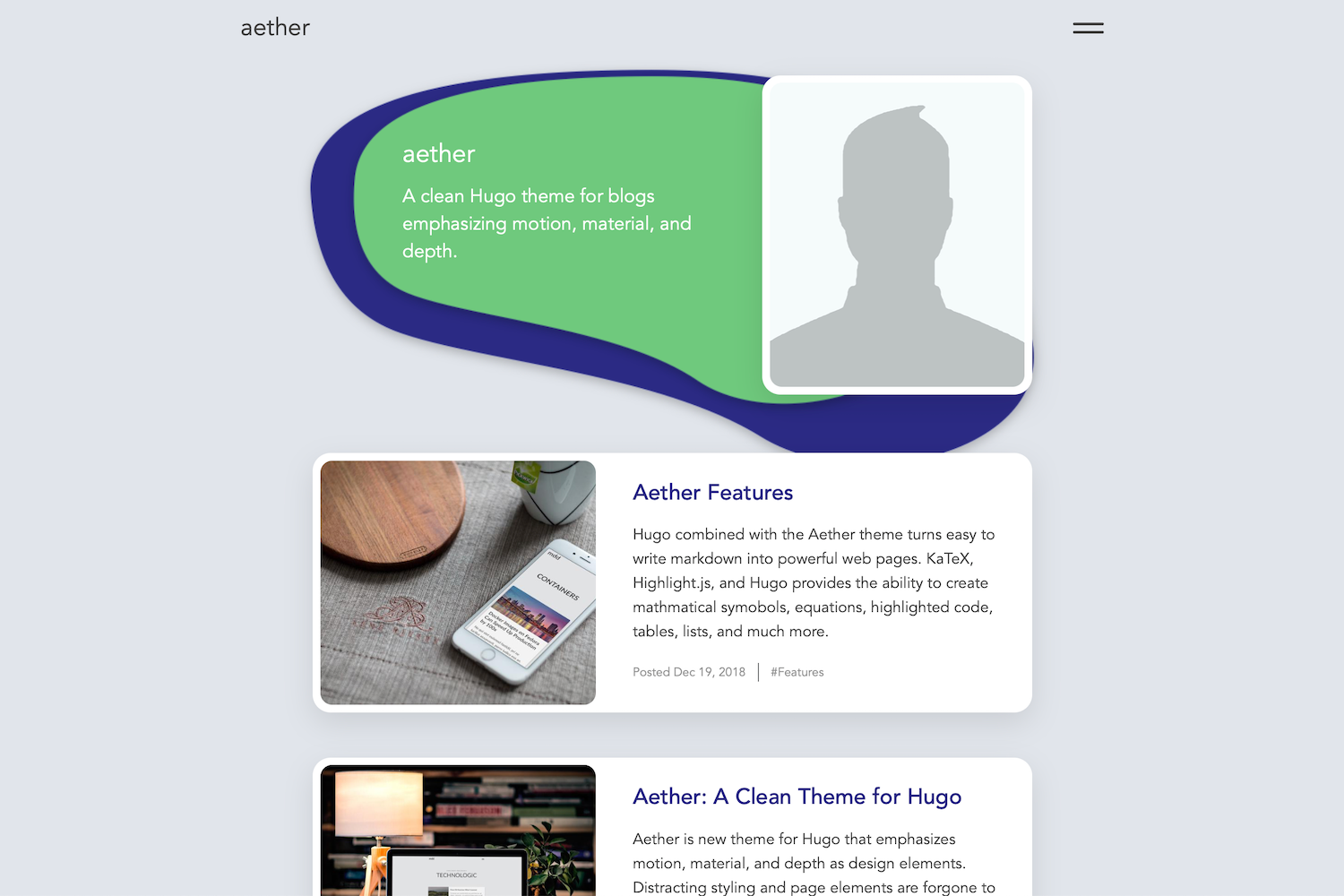
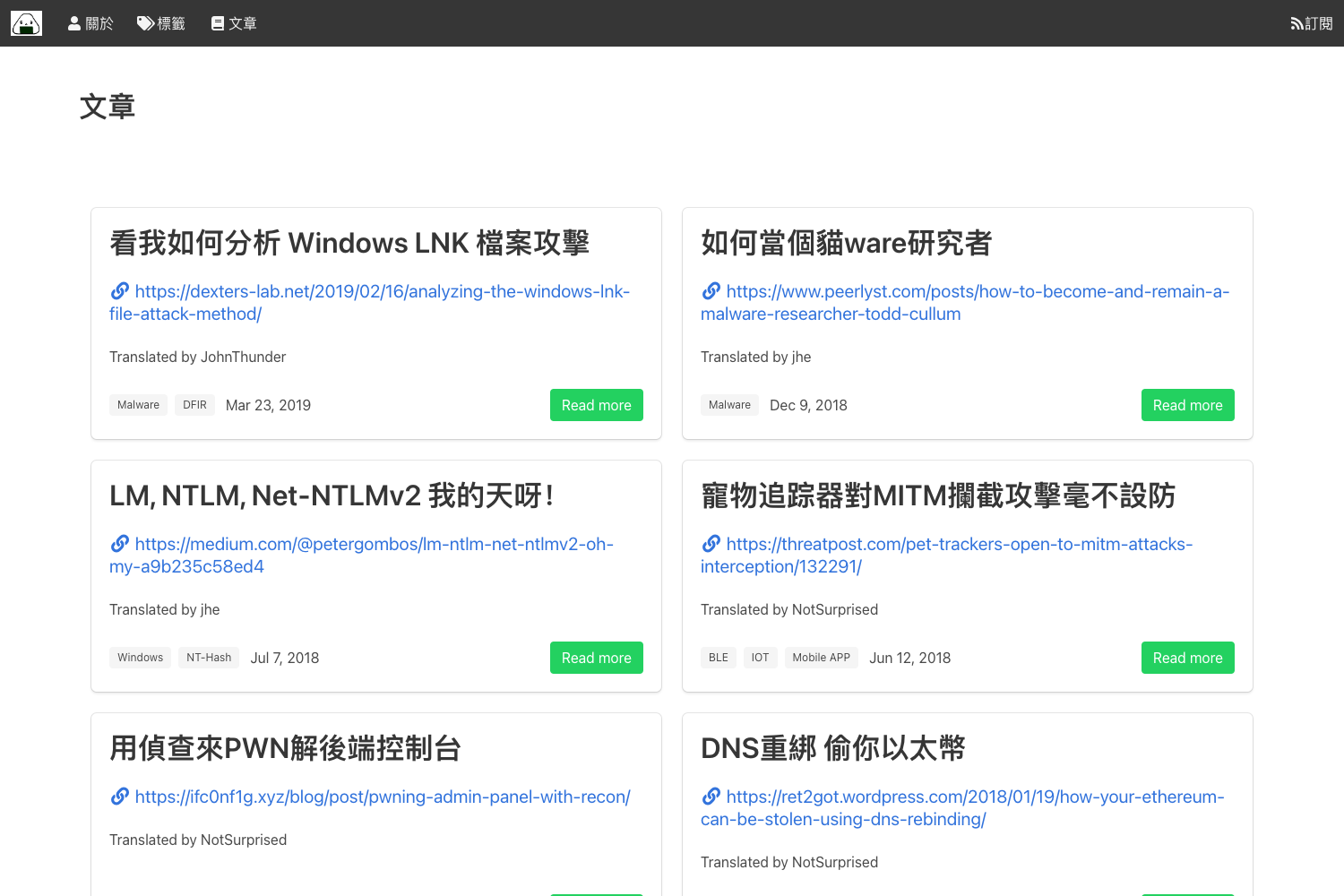
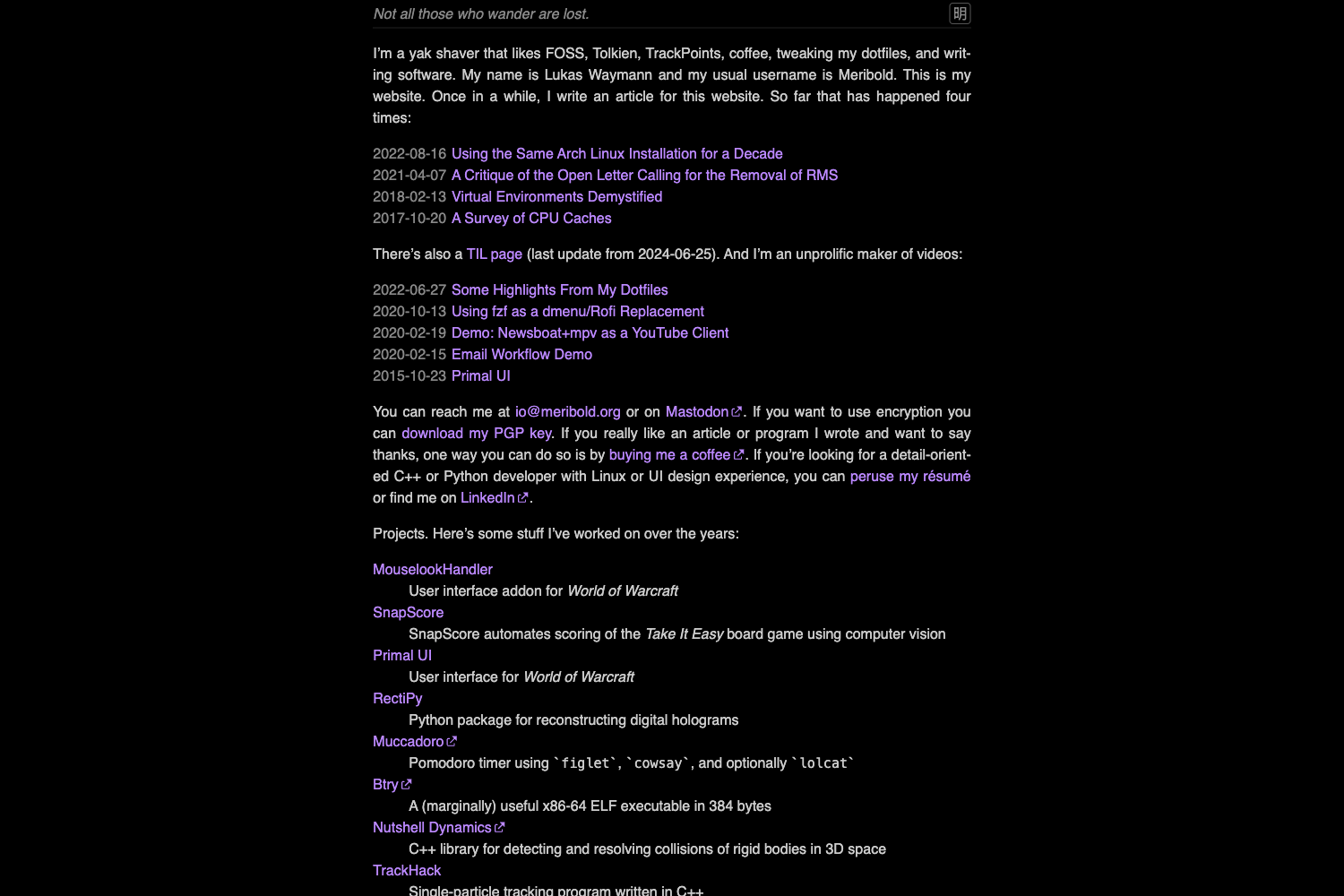
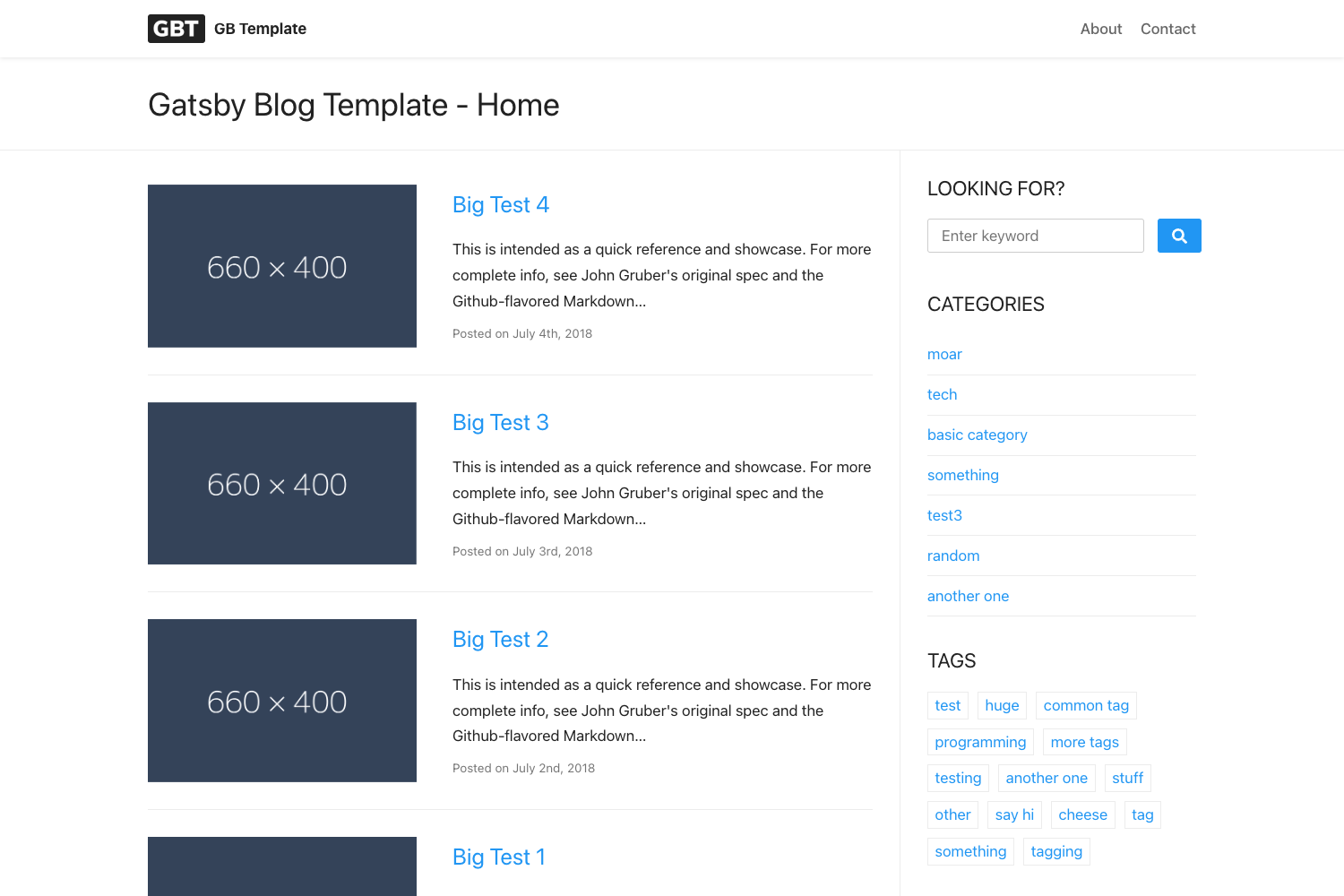
Zolan is a minimal blog theme for Jekyll, crafted by Artem Sheludko, that builds a fast, responsive static blog from markdown posts.
What is Zolan?
Zolan is a Jekyll theme focused on blogging. It takes markdown files with YAML front matter as input and outputs a static HTML5 site that is fully responsive and optimized for mobile devices. The theme is distributed under the MIT license and has 229 stars on GitHub, and is designed by Artem Sheludko, who also sells premium Jekyll themes.
Key Features
- Fully responsive design — The layout adapts to any screen size and is optimized for mobile browsing.
- Minimal aesthetic — A clean, uncluttered design that puts the content first.
- Valid HTML5 — The generated pages adhere to HTML5 standards.
- Post sharing — Built-in sharing buttons for published posts.
- Subscription form — A form to capture email addresses for newsletters.
- Disqus comments — Set your Disqus shortname in
_data/settings.ymlto enable comments on posts. - Instagram feed — Shows up to six recent photos using Instafeed.js; configure your userId and accessToken in
js/common.js. - Ionicons — Uses the Ionicons icon set for UI elements.
- Google Fonts — Loads typography from Google Fonts.
- Additional libraries — Includes FitVids.js for fluid video embeds, Medium's image zoom, and jQuery.
Who is it for?
- Personal bloggers — Write and publish posts in Markdown with a clean layout that works on any device.
- Developers — Familiar with Jekyll, they can customize the SCSS styles and configure integrations via
_data/settings.yml. - Writers — Want a no-frills publication platform with support for comments and email subscriptions.
- Designers — Need a minimal canvas to present their writing without visual distractions.
What can you do with Zolan?
- Launch a blog quickly — Create a post by adding a markdown file to
_postswith YAML front matter for title, date, image, and tags. - Enable Disqus — Add your Disqus shortname to activate threaded comments.
- Display Instagram photos — Connect your Instafeed token to show your latest images.
- Track analytics — Insert your Google Analytics identifier in
_data/settings.yml. - Change the favicon — Replace
favicon.icoin the theme root.
How does Zolan work?
Zolan follows Jekyll's standard workflow. Posts are written in Markdown and placed in the _posts directory with front matter; running bundle install and then bundle exec jekyll serve starts a local server. Site-wide settings for Disqus, Instagram, and analytics are edited in _data/settings.yml. The demo is deployed on Netlify.
FAQ
Is Zolan free?
Yes, Zolan is released under the MIT License, so you can use it for personal or commercial projects without paying a license fee.
How do I install Zolan?
Clone or download the theme repository, navigate to the theme directory, run bundle install to install dependencies, and then bundle exec jekyll serve to start the development server.
How do I enable Disqus comments?
Open _data/settings.yml and replace the disqus-identifier value with your Disqus shortname. Ensure your website is registered with Disqus first.
How do I set up the Instagram feed?
Obtain your Instagram userId and accessToken, update the values in js/common.js, then set instafeed: true in _data/settings.yml to activate the feed.
Can I change the fonts and icons?
Yes, the theme imports Google Fonts and uses Ionicons. You can modify the font links in the source files or replace Ionicons with another icon set.