Template details
Astro Nano
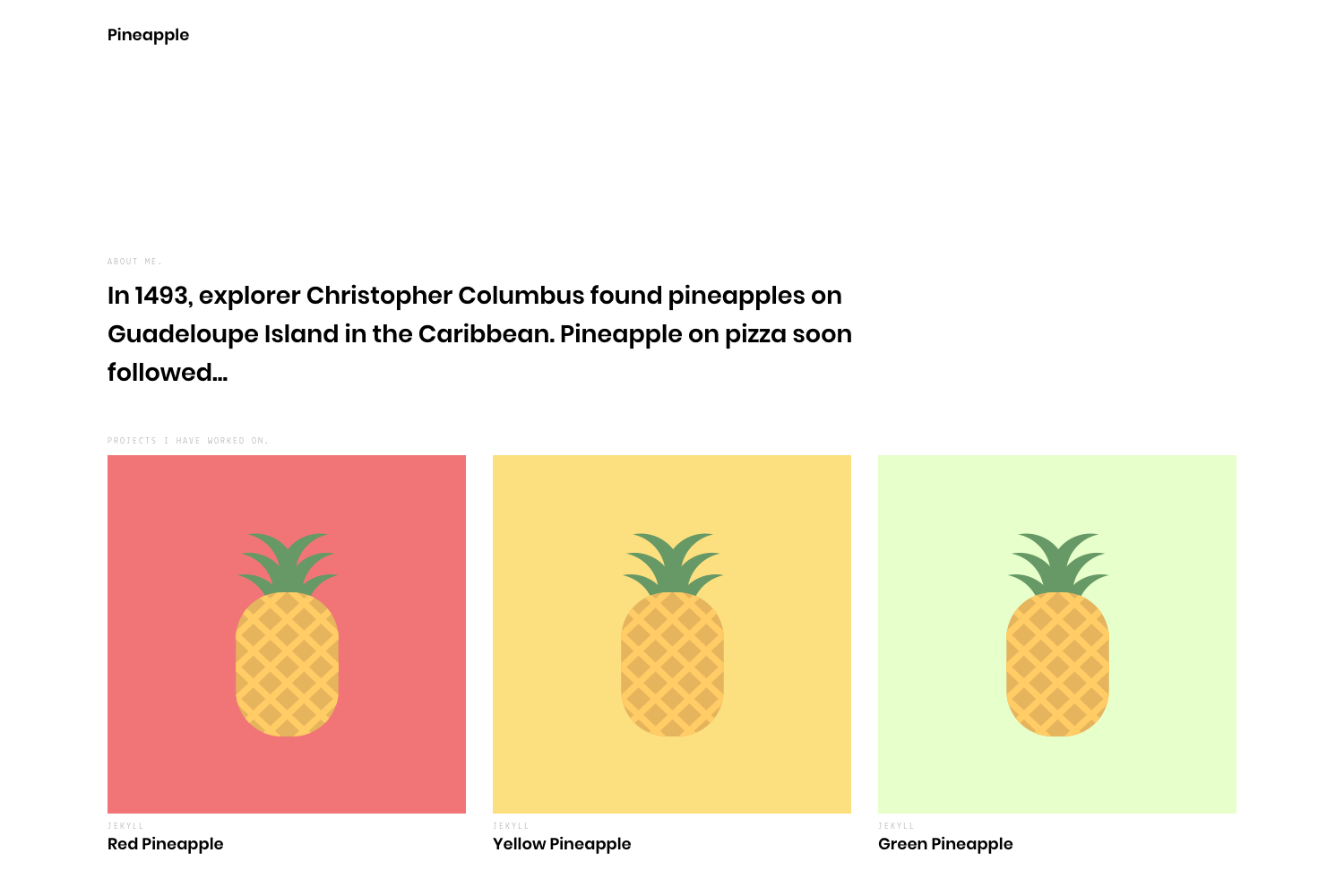
Minimal animated portfolio and blog theme built with Astro, Tailwind, and TypeScript.
About this template
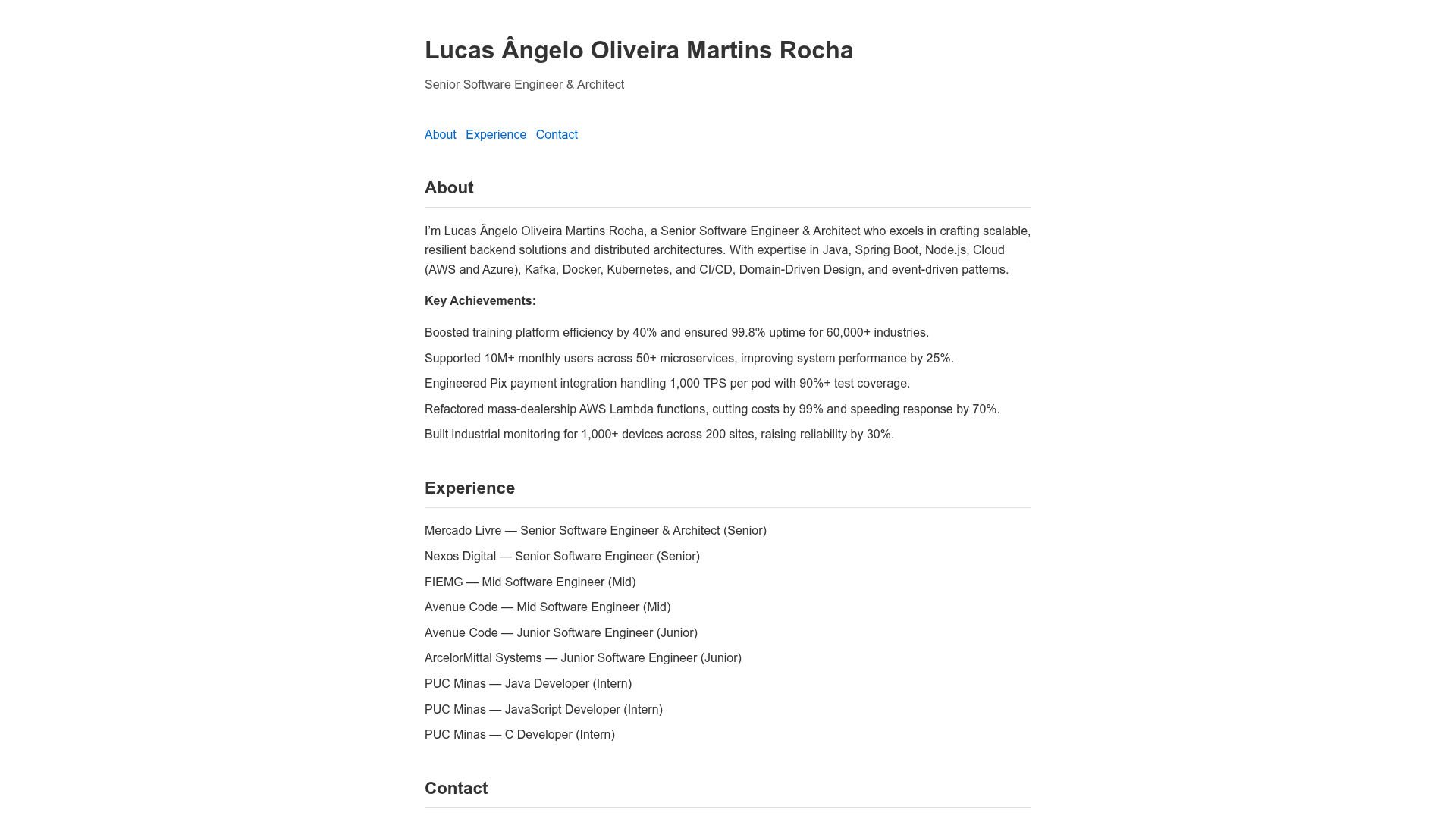
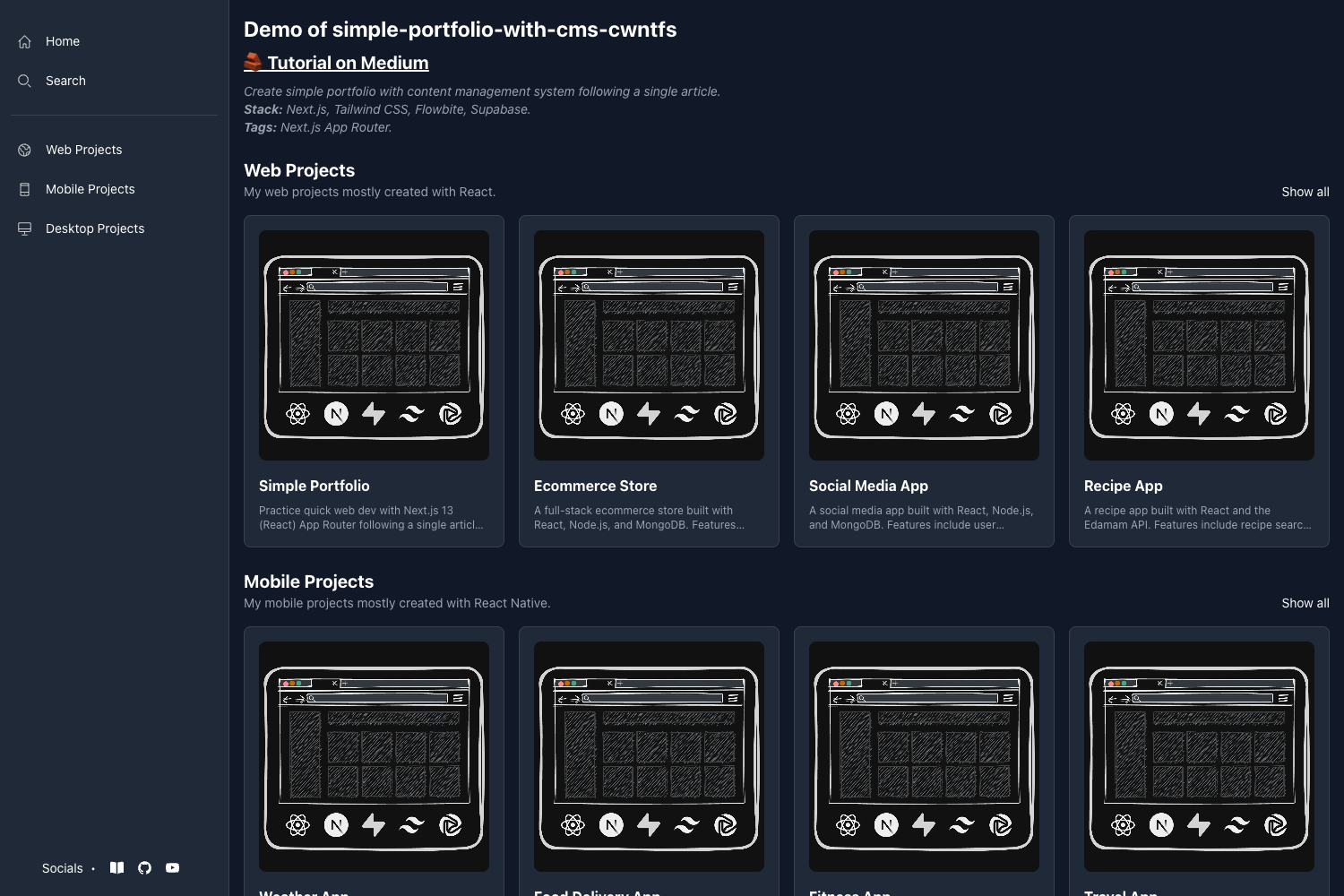
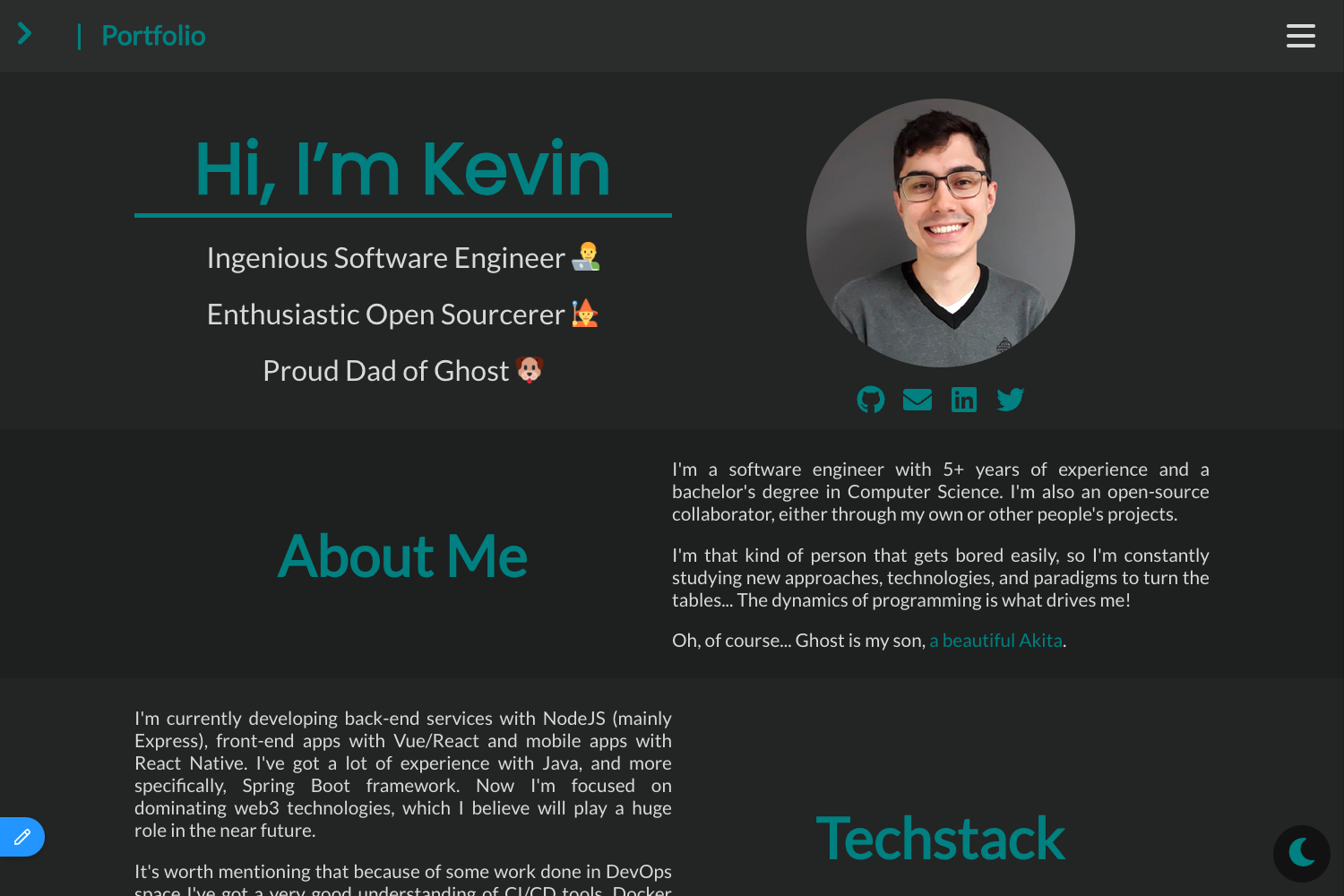
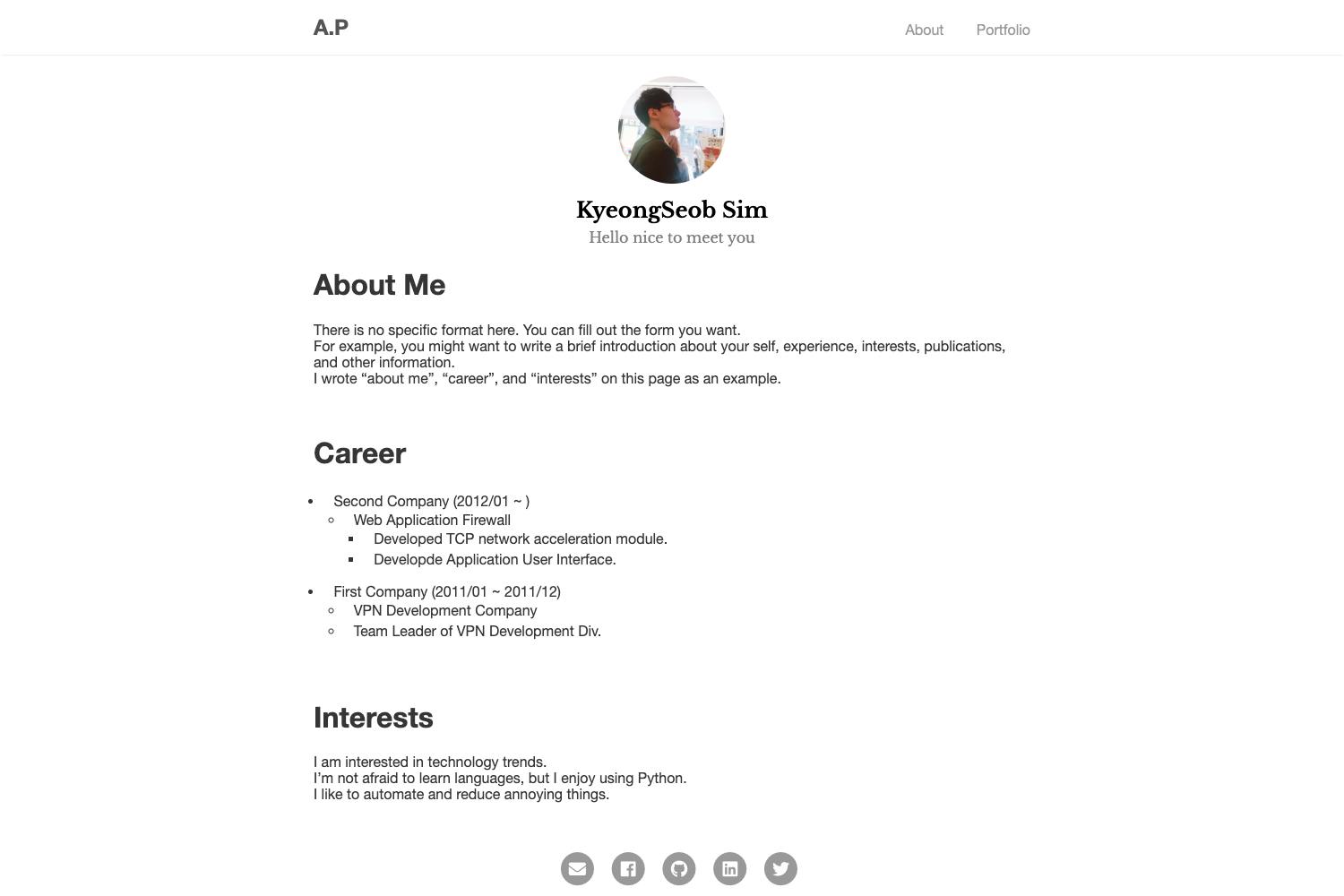
Astro Nano is a minimalist, static portfolio and blog theme built with Astro, Tailwind CSS, and TypeScript that ships with no client-side frameworks.
What is Astro Nano?
Astro Nano is a static, minimalist portfolio and blog theme built on the Astro framework. It takes Markdown and MDX content as input and produces a fully static, SEO-friendly website with an auto-generated sitemap and RSS feed. The theme is created by markhorn (Mark Horn) as a more minimal alternative to his popular Astro Sphere theme.
Key Features
- 100/100 Lighthouse performance — The theme scores perfect on all Lighthouse audits out of the box.
- Lightweight with no frameworks — No client-side JavaScript frameworks; only Astro, Tailwind CSS, and TypeScript.
- Responsive and accessible — Layout adapts to all screen sizes and meets accessibility standards.
- Auto-generated sitemap and RSS feed — Build output includes a sitemap.xml and RSS feed without extra configuration.
- Markdown and MDX support — Write posts in Markdown and use MDX to embed components inside your content.
- Light/Dark theme with animated UI — Toggle between color schemes and enjoy subtle UI animations.
- Deploy-ready for Vercel and Netlify — One-click deploy buttons for both platforms are included in the repository.
Who is it for?
- Portfolio owners — Showcase projects and skills with a minimal, fast personal site.
- Bloggers — Publish articles in Markdown or MDX with built-in RSS and SEO features.
- Developers — Use it as a lightweight starting point for a static site, customizing via Tailwind and Astro.
- Designers — Present a clean, typography-focused portfolio without heavy frameworks.
What can you do with Astro Nano?
- Create a personal portfolio — Display your work and bio using the included pages and layouts.
- Start a blog — Write and publish posts in Markdown or MDX, with automatic sitemap and RSS generation.
- Deploy quickly — Launch a live site in minutes via the Vercel or Netlify deploy buttons.
How does Astro Nano work?
Deploy by clicking the Vercel or Netlify button in the repository, or clone the repo locally. Run npm install to install dependencies, then npm run dev to start the development server at localhost:4321. Build the production site with npm run build, outputting static files to ./dist/. Configuration is documented via blog posts on the demo site.
Alternatives
- Astro Sphere — the same author's more feature-rich Astro theme, with more modules and social integrations.
FAQ
Is Astro Nano free?
Yes, Astro Nano is licensed under the MIT license, so you can use it freely for personal or commercial projects.
What frameworks does Astro Nano use?
It is built with Astro, Tailwind CSS, and TypeScript. It deliberately includes no client-side frameworks, keeping the site lightweight and fast.
How do I deploy Astro Nano?
You can deploy to Vercel or Netlify via the one-click deploy buttons in the repository, or build the static site locally with npm run build and host the dist folder anywhere.
Does Astro Nano support Markdown and MDX?
Yes, the theme supports both Markdown and MDX. MDX lets you embed interactive components directly inside your content files.
How fast is Astro Nano?
The theme renders in approximately 40ms on localhost during development, and its static output earns a 100/100 Lighthouse performance score.