Template details
Astro Resume Theme
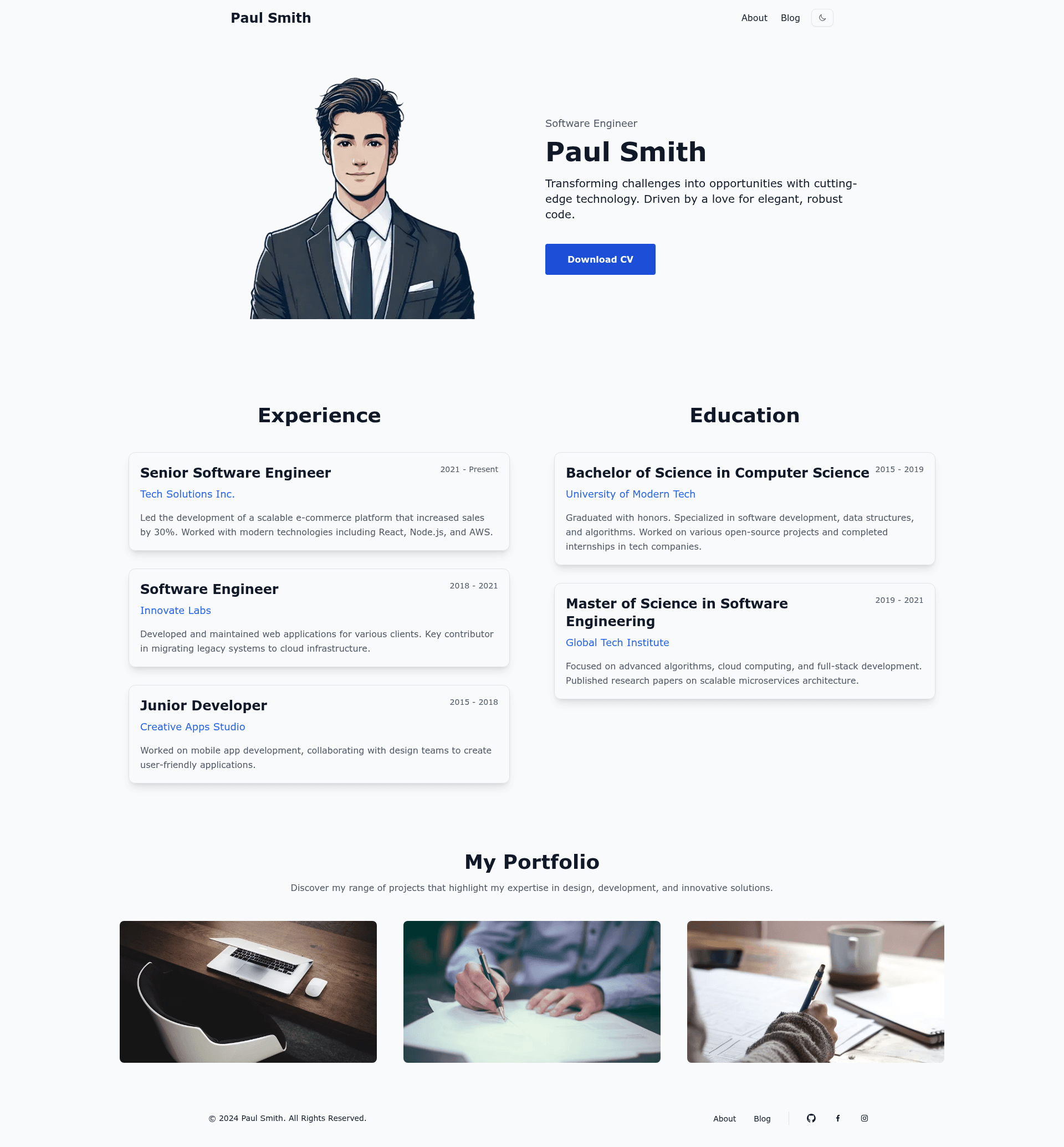
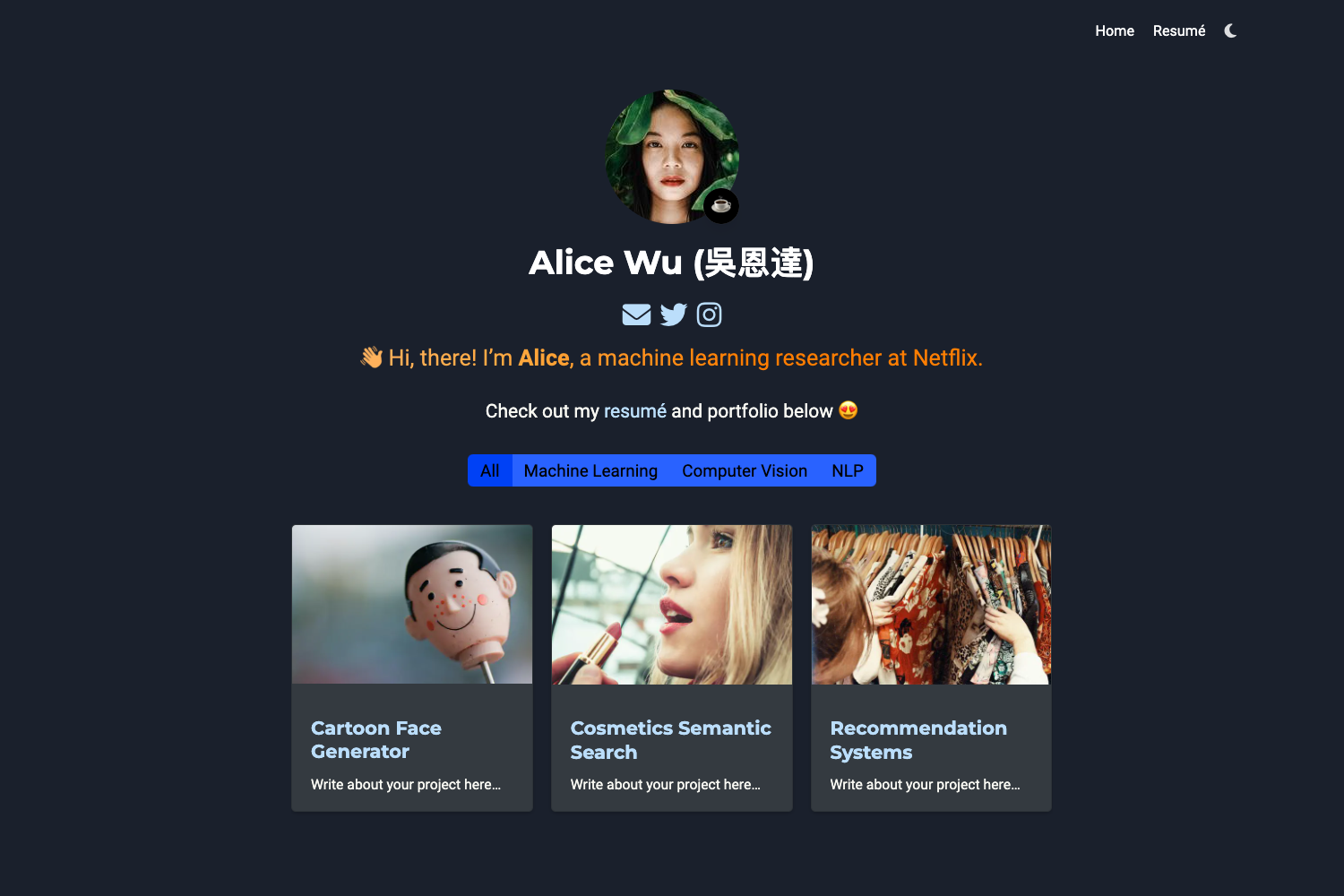
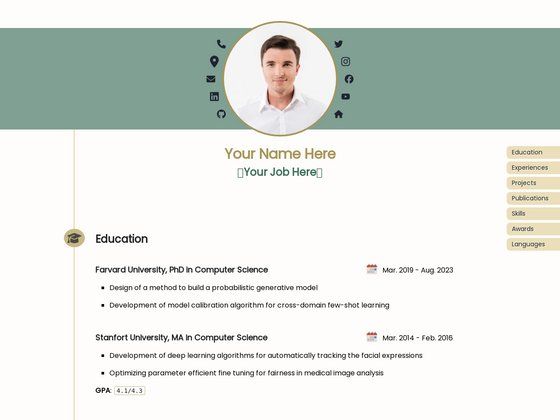
Astro Resume Theme is a customizable and responsive template for building an online resume or portfolio, powered by Astro and Tailwind CSS.
About this template
Astro Resume Theme is a portfolio template built on Astro and Tailwind CSS that turns a JSON resume file into a static, SEO-friendly website.
What is Astro Resume Theme?
Astro Resume Theme is a customizable and responsive open-source template for building an online resume or portfolio. It takes resume data from a JSON file at src/config/cv.json and an optional PDF CV stored in src/public/cv, then outputs a static site via Astro's build process. The project is authored by Wasut Panyawiphat and released under the MIT License.
Key Features
Astro Resume Theme ships with Tailwind CSS styling, a built-in dark mode toggle, and MDX support for blog-style content.
- Tailwind CSS — Utility-first styling for rapid UI development; the color palette is defined in
src/styles/theme.css. - Dark Mode — A built-in toggle lets visitors switch between light and dark themes.
- Theme Customization — Edit
src/styles/theme.tsto change colors and match your personal branding. - Responsive Design — The layout is optimized for mobile, tablet, and desktop devices.
- MDX Support — Write blog posts in Markdown while embedding JSX components.
- SEO-friendly — Static HTML generation helps search engines index your resume content.
- Fast PageSpeed — The page reports excellent Lighthouse/PageSpeed scores.
Who should use Astro Resume Theme?
The template suits anyone who wants a fast, static resume site without managing a content management system.
- Job seekers — Publish a clean, always-updated online resume that mirrors their PDF CV.
- Developers and designers — Quickly spin up a portfolio with a familiar Astro + Tailwind stack and the option to extend it with MDX.
- Freelancers — Showcase past projects and skills in a responsive layout that works on any device.
Use cases
- Personal resume website — Import your work history and education into
cv.json, and get a static site ready for deployment. - Portfolio with blog — Use the MDX support to add project case studies or technical articles alongside your resume.
How does it work?
- Bootstrap a new project with one of the create-astro commands, e.g.
bun create astro@latest --template wasutz/astro-resume-theme. - Edit your resume data in
src/config/cv.json. - Change theme colors in
src/styles/theme.ts. - Place a CV file in
src/public/cvand update the file name reference incv.json. - Run
bun run devto preview atlocalhost:4321, orbun run buildto output a production site to./dist.
FAQ
Is Astro Resume Theme free?
Yes, the template is open source under the MIT License, meaning you can use it for personal and commercial projects without paying licensing fees.
How do I customize the resume content?
Open src/config/cv.json and replace the sample data with your own work experience, education, and skills. The site loads its content from that file.
Can I add a blog to my resume site?
Yes, the template supports MDX, so you can write posts in Markdown and embed JSX components as needed.
Does the template include dark mode?
Yes, there is a built-in dark mode toggle, and you can customize the light and dark color palettes in src/styles/theme.ts.
What Astro commands are available?
You can use bun install to install dependencies, bun run dev for a local server, bun run build for production build, and bun run preview to preview the build.