Template details
Astro Sanity Starter
A minimal Astro and Sanity CMS starter template for building modern, content-driven websites.
About this template
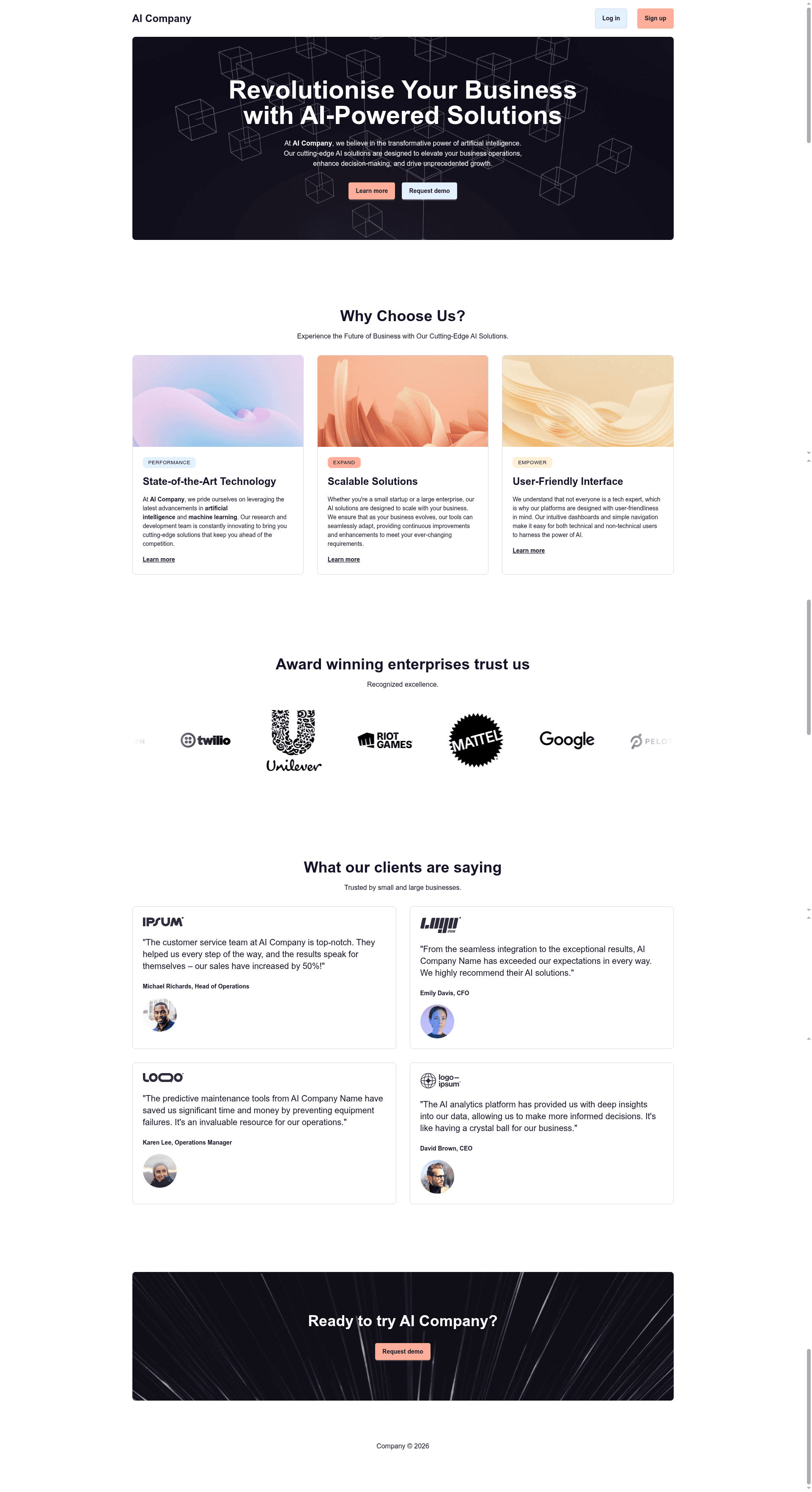
Astro Sanity Starter is a minimal boilerplate for building fast, content-driven landing pages with the Astro static site generator and Sanity CMS as the editing backend.
What is Astro Sanity Starter?
Astro Sanity Starter is a minimal starter template that pairs the Astro static site generator with the Sanity CMS headless content platform. It takes a Sanity project containing structured content and produces a static, content-driven website served through Astro's build pipeline. The template runs on Node.js v20 or newer and includes a dedicated studio directory containing Sanity Studio code for editing content. The repository describes itself as "a minimal template created for quick landing pages."
Key Features
- Astro framework — Uses Astro.js as the static site generator, which outputs pre-rendered HTML for fast loading.
- Sanity CMS integration — Includes Sanity Studio in a
studiofolder, plus npm scripts to create a Sanity project and import starter content. - Tailwind CSS v4 styling — The project uses Tailwind CSS v4 for utility-first styling, as listed in the repository topics.
- DaisyUI component classes — DaisyUI is included as a component library on top of Tailwind CSS, providing ready-made UI elements.
- Environment-based configuration — Sanity project ID, dataset, and token are stored in a
.envfile with variables such asSANITY_PROJECT_ID,SANITY_DATASET, andSANITY_TOKEN. - Local development workflow — Run
npm run devto start the Astro dev server on localhost:3000, andsanity devin thestudiofolder to run Sanity Studio on localhost:3333. - Live demo — A Netlify-hosted demo is linked from the repository for previewing the template output.
Who is it for?
- Frontend developers who want a pre-assembled Astro and Sanity setup instead of wiring the two together manually, so they can start building a landing page immediately.
- Sanity CMS users who need a frontend starter that already includes Sanity Studio code and content-import scripts, making it easy to spin up a new project.
- Freelancers and small agencies building marketing or landing pages for clients, because the template provides a minimal foundation that can be customized quickly.
What can you do with Astro Sanity Starter?
- Launch a landing page: Stand up a content-driven landing page with Astro's static rendering and manage its copy and images through Sanity Studio.
- Import starter content: After creating a Sanity project with
npm run create-project, runnpm run importwith your project ID to load the template's sample content into the dataset. - Edit content locally: Run Sanity Studio from the
studiodirectory withsanity devto write and structure content before publishing.
How does Astro Sanity Starter work?
The setup flow is described in the repository's Getting Started guide: install dependencies with npm install, authenticate with Sanity using sanity login, create a Sanity project with npm run create-project, and import content with npm run import. After storing Sanity credentials in a .env file and configuring the studio directory, you run sanity dev for the CMS and npm run dev for the Astro site, then open localhost:3000 in your browser.
FAQ
What Node.js version does Astro Sanity Starter require?
Node.js v20 or newer is required to run the template. The repository also lists nvm as an optional tool for managing Node versions.
How do I connect the template to my Sanity project?
You need to create a Sanity project via npm run create-project, then set three environment variables in a .env file: SANITY_PROJECT_ID, SANITY_DATASET, and SANITY_TOKEN. The studio directory requires its own .env with SANITY_STUDIO_PROJECT_ID and SANITY_STUDIO_DATASET.
Where can I get help if I get stuck?
The repository points users to Netlify's support forums at https://answers.netlify.com/ for assistance.
Is there a live demo?
Yes, the repository includes a live demo hosted on Netlify at https://astro-sanity-starter-demo.netlify.app/.
What styling stack does the template use?
The repository topics list Tailwind CSS v4 and DaisyUI. Tailwind provides utility classes for layout and components, and DaisyUI adds pre-built component classes on top of it.