Template details
Puppeteer on Vercel
Demonstrates running Puppeteer on Vercel with a Next.js web app that screenshots any URL.
About this template
Puppeteer on Vercel is a boilerplate Next.js application that demonstrates how to run Puppeteer headless browser screenshots inside Vercel serverless functions, with a web UI for capturing any URL.
What is Puppeteer on Vercel?
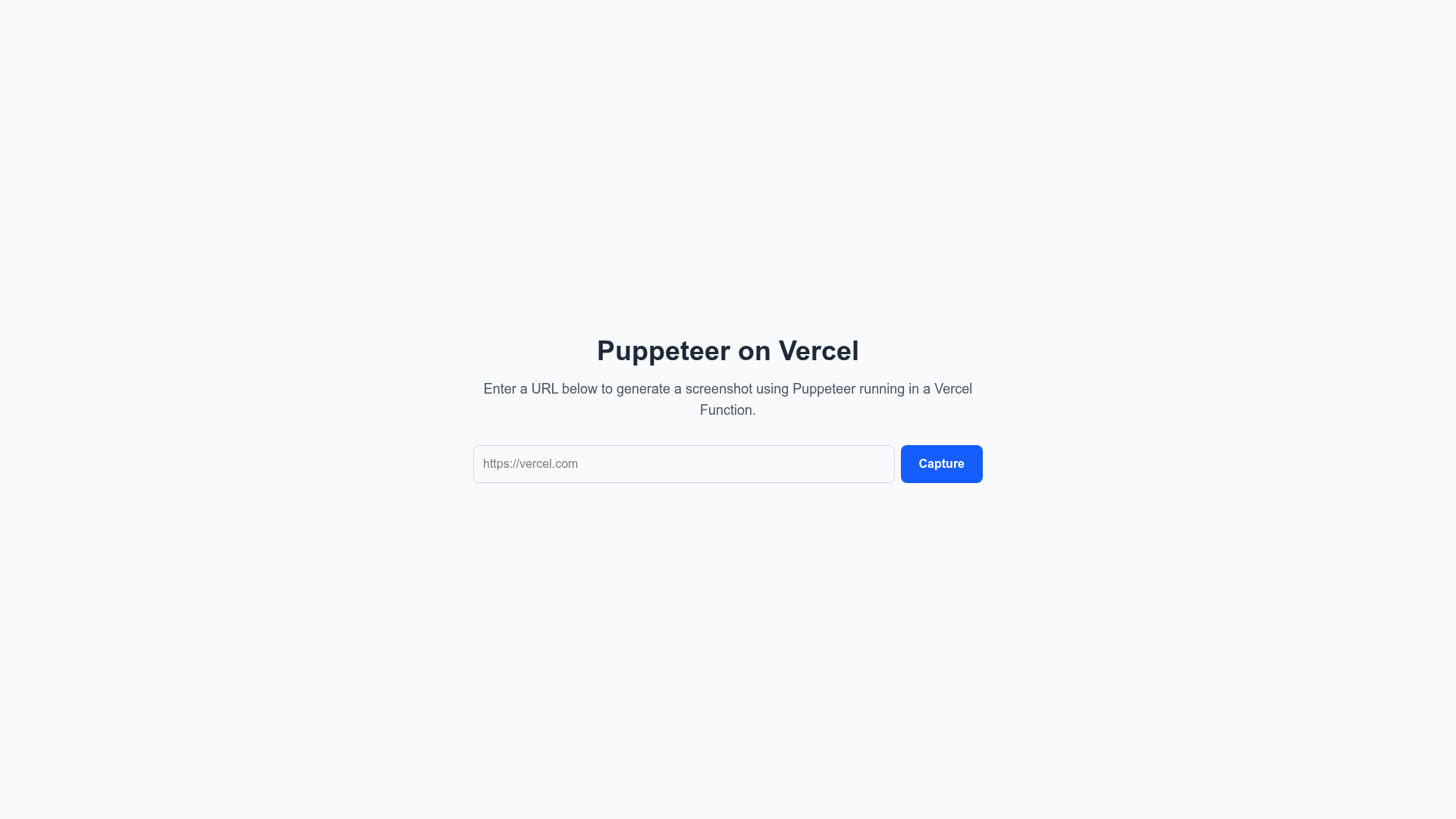
Puppeteer on Vercel is an open-source demonstration repository published at gabenunez/puppeteer-on-vercel. It accepts a URL as input through a simple web form, calls a serverless API route, and returns a screenshot of that page. The project runs on Next.js and is designed specifically to solve the challenge of bundling Chromium for Vercel's function size limits. It provides a one-click Deploy with Vercel button that clones the repository and starts a deployment.
Key Features
- One-click Vercel deployment — a Deploy with Vercel button clones the repository and starts the deployment without manual configuration.
- Dual Puppeteer setup — uses the standard
puppeteerpackage with its bundled Chromium for local development, and@sparticuz/chromium-minwith a pre-packaged Chromium binary for Vercel production. - Automatic Chromium caching — the executable path is cached in memory so subsequent requests skip re-downloading the browser binary, improving cold start performance.
- Simple screenshot web UI — enter any URL (such as https://vercel.com), click "Capture", and the API route returns a screenshot instantly.
- Build-time Chromium packaging — a
postinstallscript extracts Chromium binaries from@sparticuz/chromiumand packages them intopublic/chromium-pack.tarfor runtime download. - Offline fallback mode — defaults to the provided example Chromium tar file if no production deployment is found, so the app works without a publicly hosted tar.
- URL validation and error handling — validates input URLs and manages errors that occur during screenshot capture.
- Timeout awareness — the README documents that Vercel Hobby plan functions have a 10-second timeout.
Who is it for?
- Developers deploying Puppeteer on Vercel — use this as a reference implementation to understand how to bundle and run Chromium in Vercel functions.
- Teams building screenshot or preview tools — extend the API route to generate screenshots, PDFs, or run automated tests at scale.
- Next.js developers — learn how to combine a Next.js frontend with a Puppeteer-powered API route and handle serverless size constraints.
What can you do with it?
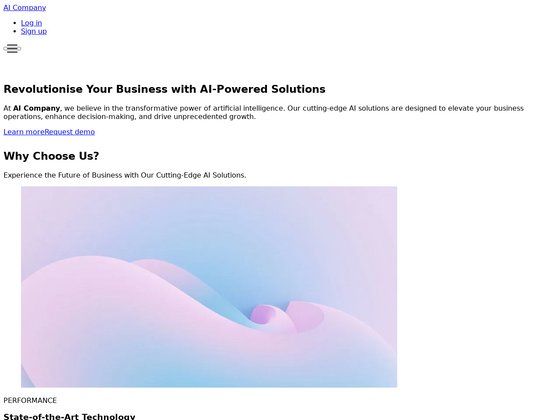
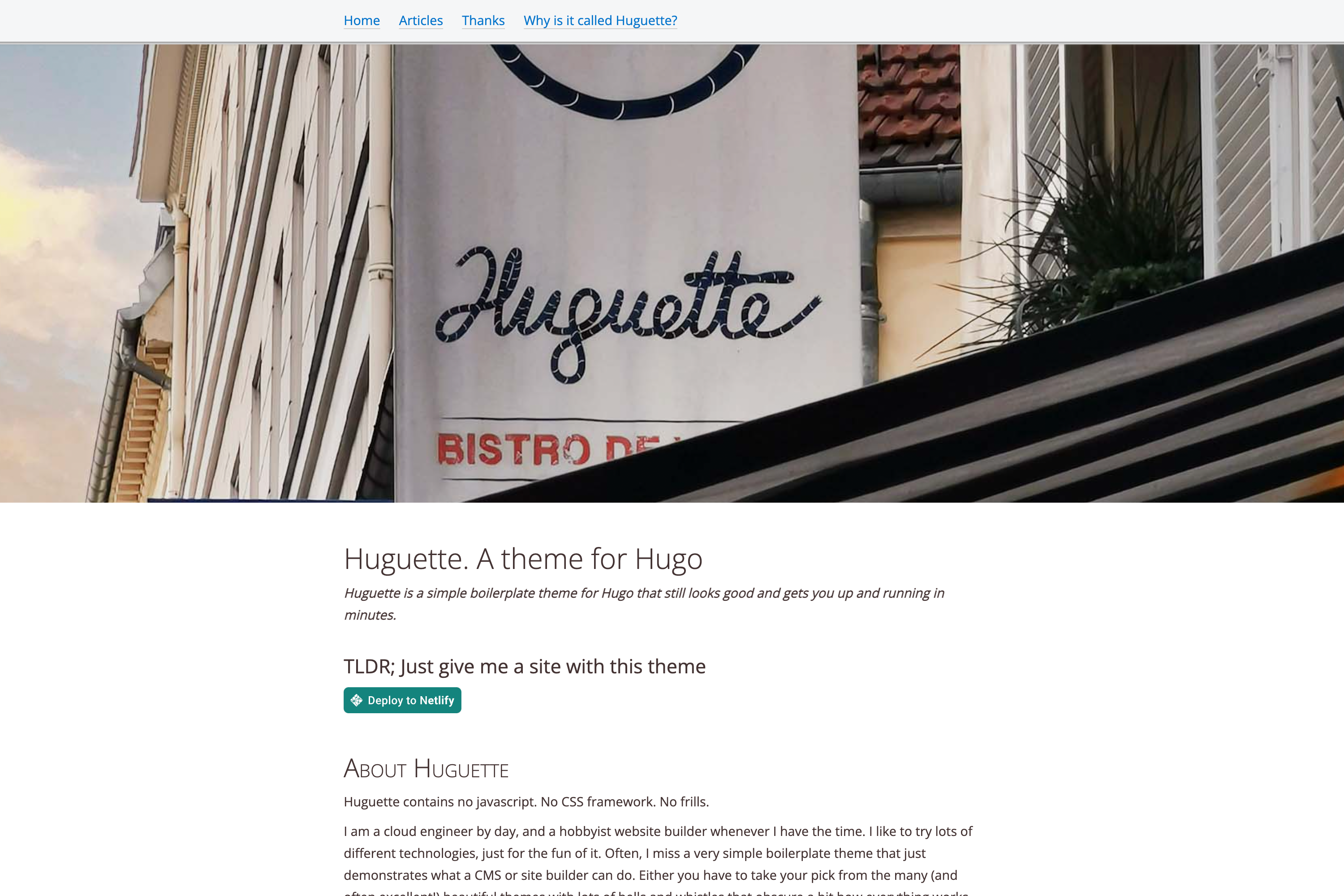
- Screenshot services: the built-in UI captures any URL and returns a screenshot, ready for use as preview images or thumbnails.
- PDF generation: the Puppeteer setup is positioned for
page.pdf()workflows, though the template ships with screenshot capture only. - Automated testing: deploy browser-based tests on Vercel by reusing the Chromium-bundling steps shown here.
- Performance testing: run Lighthouse or similar browser workloads inside Vercel functions by extending the same API route.
How does it work?
The app uses a standard Puppeteer setup locally. For Vercel deployment, the postinstall script extracts Chromium binaries from @sparticuz/chromium and packages a tar file; at runtime, the API route uses @sparticuz/chromium-min to download and extract that binary, then caches the executable path. When you click Capture, the serverless function launches headless Chrome, visits the URL, and returns a screenshot.
Pros and cons
- Pro: local development works out of the box with no special configuration.
- Pro: the one-click Vercel deployment handles Chromium packaging automatically.
- Con: Vercel's Hobby plan has a 10-second function timeout, which may be too short for pages that take longer to render.
FAQ
How do I deploy this to Vercel?
Use the "Deploy with Vercel" button in the README, which clones the repository and creates a new project; the postinstall script packages Chromium automatically during build.
Does this work with the Vercel Hobby plan?
Yes, but Hobby plan functions time out after 10 seconds; for slow pages, the README recommends upgrading to Pro for higher timeouts.
Why is Puppeteer difficult on Vercel?
Because the Chromium binary is large and functions have size limits; this template solves it by packaging Chromium into a tar file at build time and downloading it at runtime via @sparticuz/chromium-min.
Can I use this for PDF generation?
The template demonstrates screenshot capture, but because it runs Puppeteer you can extend the API route to use Puppeteer's page.pdf() method; no extra Chromium configuration is needed.
What does the app default to in development?
If no production deployment is found, the app defaults to the provided example Chromium tar file so you can run it locally without hosting your own binary.