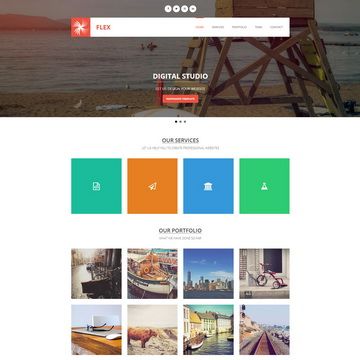
Template details
Astro Simple Portfolio
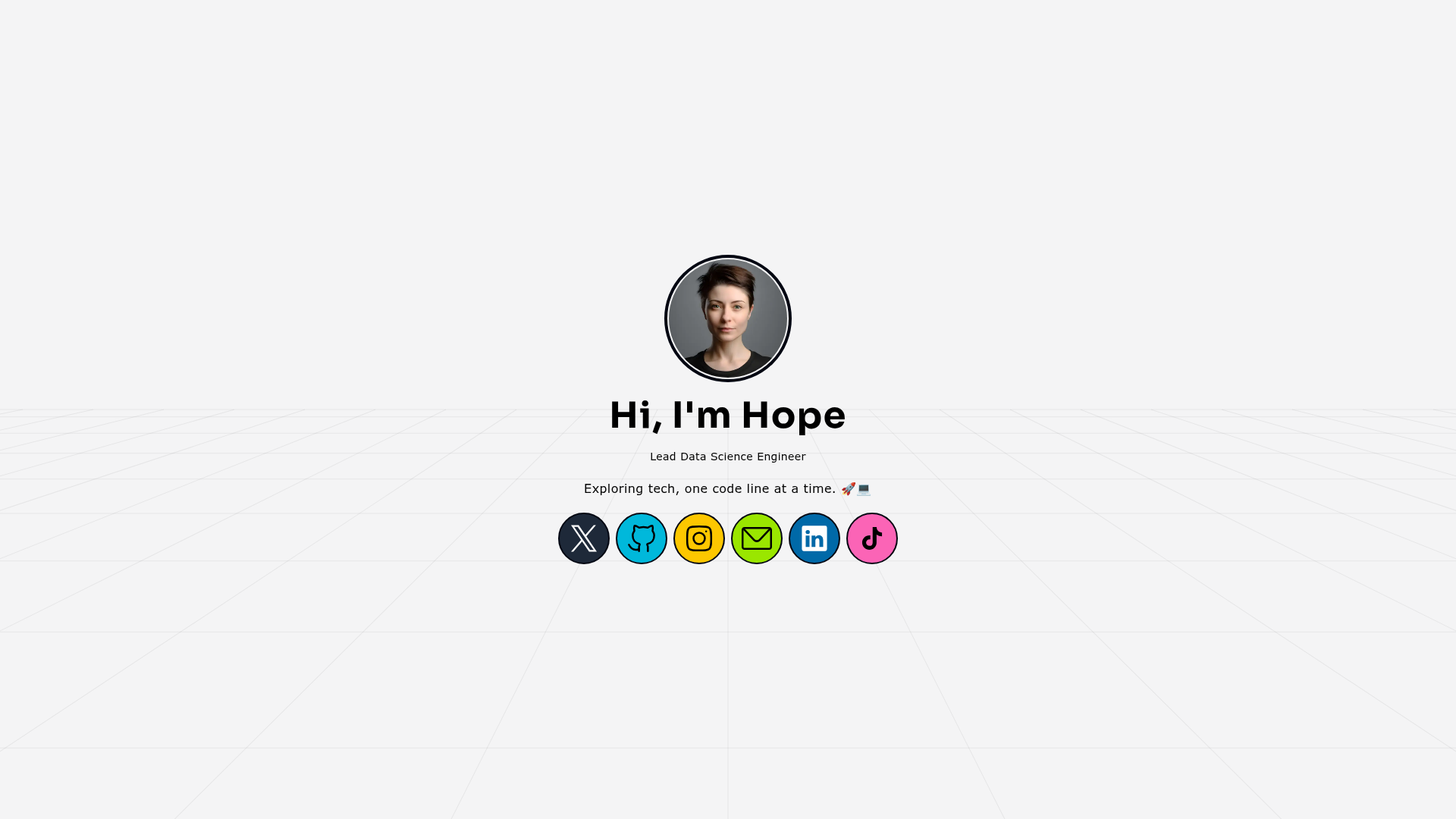
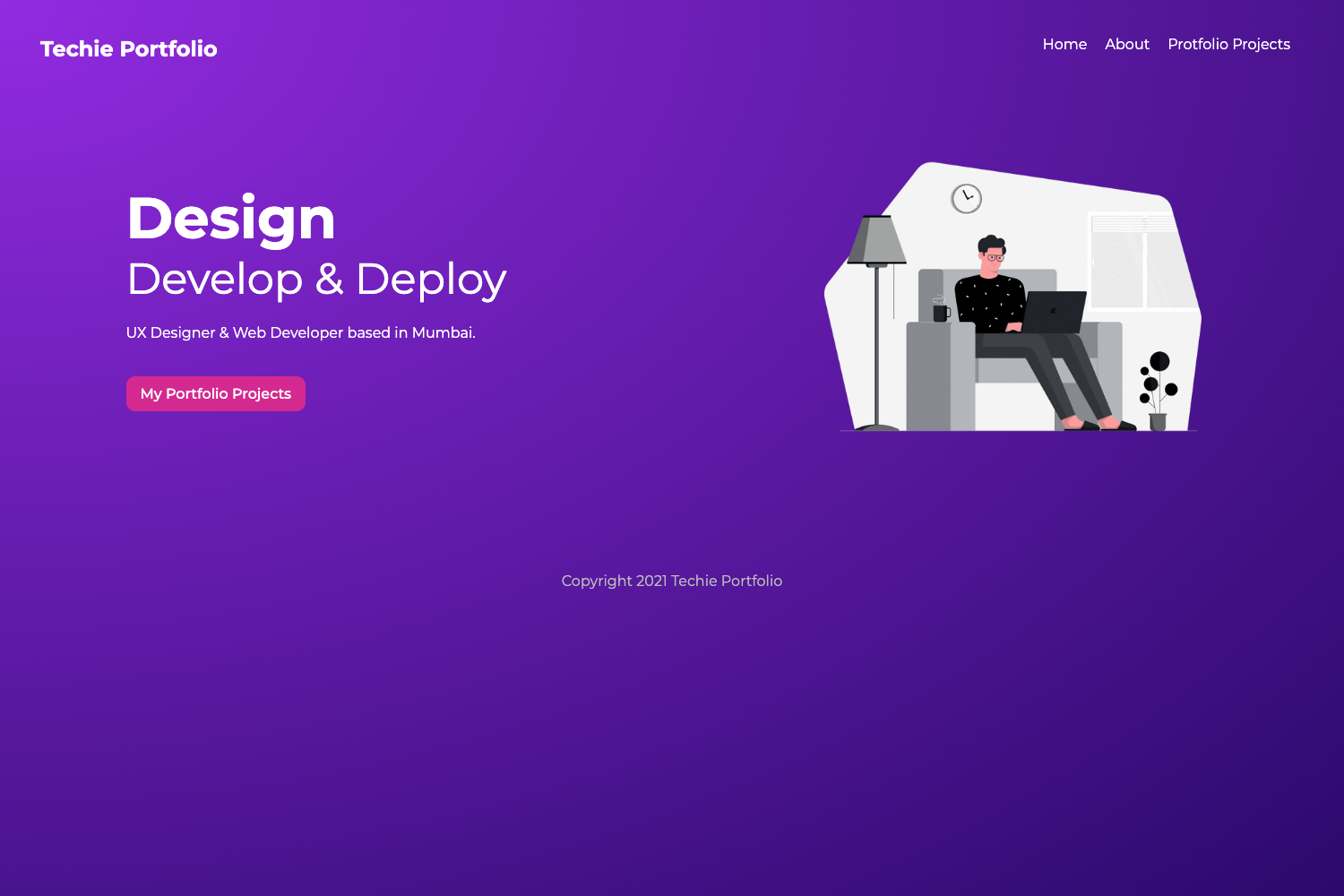
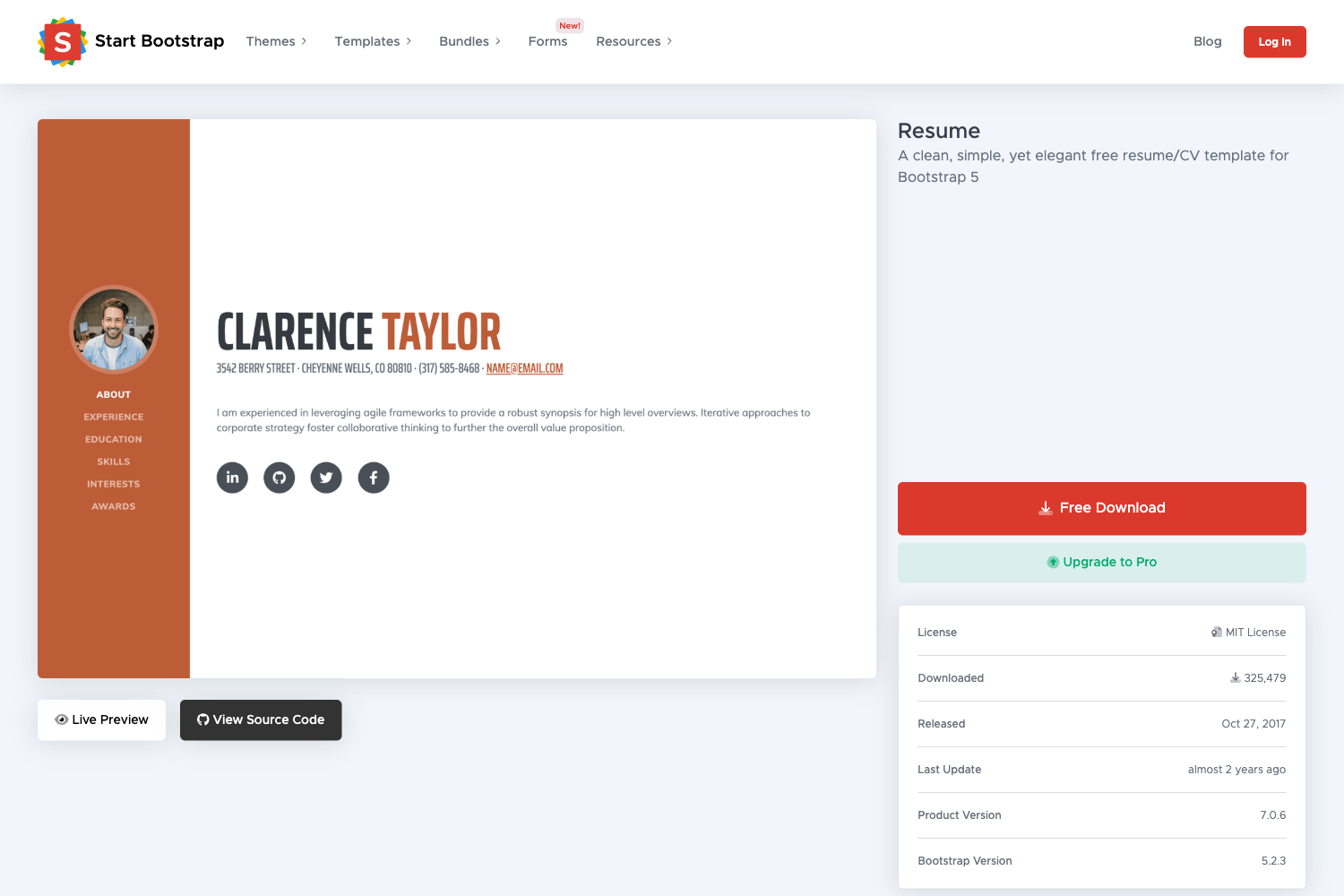
A simple, high-performing portfolio template built with Astro and Tailwind CSS.
About this template
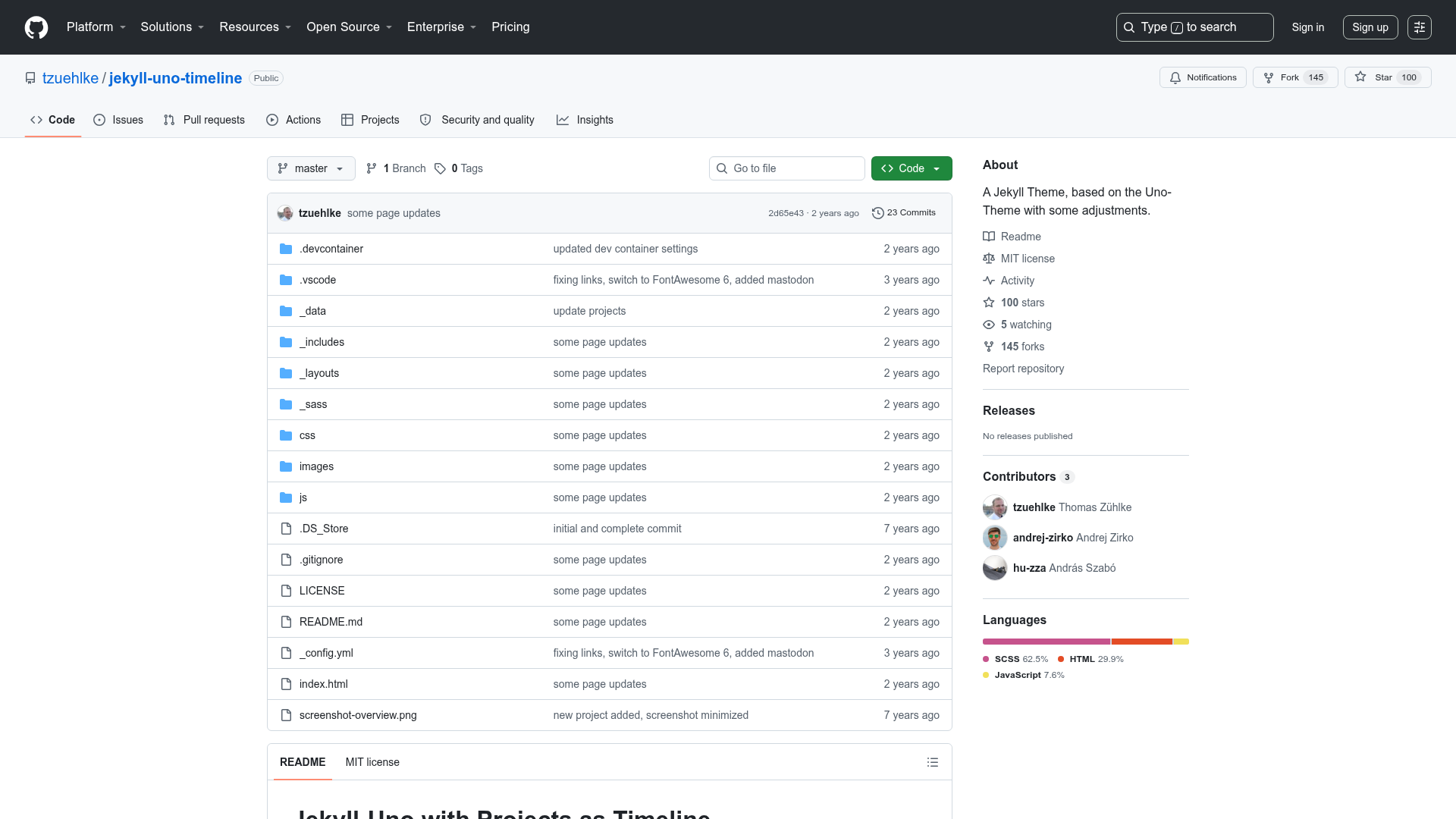
Astro Simple Portfolio is a free, open-source portfolio template built with the Astro static site generator and Tailwind CSS that produces a high-performance, SEO-ready personal portfolio website.
What is Astro Simple Portfolio?
Astro Simple Portfolio is a ready-to-use template for creating a personal portfolio site. It takes your custom colors, fonts, and background choices as input and generates a fully static website output to the dist/ folder after running the build command. The project is authored by saminnet and released under the MIT License, and the demo runs on Cloudflare Pages at astro-simple-portfolio.pages.dev.
Key Features
- Perfect PageSpeed score — The template achieves a 100 Google PageSpeed Insights score on desktop, reflecting its fast-loading design.
- Customizable design tokens — Colors, fonts, and other style values are configurable so you can match your personal brand without touching component logic.
- Static or animated backgrounds — You can select between a static background image and an animated background to change the visual feel of the portfolio.
- astro-fonts integration — Google Fonts are loaded through the
astro-fontspackage, which automatically optimizes font delivery for better performance. - Tailwind CSS styling — The user interface is built with the utility-first Tailwind CSS framework, making responsive styling straightforward.
- Fully responsive layout — The site adapts to desktop, tablet, and smartphone screens, so your portfolio looks good on any device.
- SEO optimized — The template includes metadata and semantic HTML structure to help search engines understand and rank your content.
- Prettier-formatted code — Source files are formatted with Prettier, which keeps the codebase consistent and easier to contribute to.
Who should use Astro Simple Portfolio?
- Freelancers and independent developers — Launch a professional-looking portfolio quickly and focus on writing project descriptions instead of building site infrastructure.
- Designers who want a pre-built foundation — Customize the template's colors, fonts, and background behavior to present case studies and contact information.
- Astro beginners — Learn how an Astro project is organized, including the use of Tailwind, astro-fonts, and package scripts, by reading and modifying this codebase.
What can you do with Astro Simple Portfolio?
- Deploy a personal portfolio: Build the project locally and host the static files on any web server or CDN, such as Cloudflare Pages, Netlify, or GitHub Pages.
- Tailor the visual identity: Adjust color palettes and font choices through the template's configuration options, and switch between static and animated backgrounds to match your style.
- Improve performance and SEO: Start with a site that already scores 100 on PageSpeed and includes SEO best practices, reducing the optimization work you need to do yourself.
FAQ
Is Astro Simple Portfolio free?
Yes, the template is open-source and licensed under the MIT License, so you can use, modify, and distribute it freely with attribution.
How do I run Astro Simple Portfolio locally?
After cloning the repository, install dependencies with pnpm install, then start the development server with pnpm run dev. The site runs at localhost:4321 in your browser.
How do I build the production version?
Use pnpm run build from the project root. The command compiles the site into a static bundle in the dist/ directory, which you can then preview with pnpm run preview or deploy to a host.
Does it support animated backgrounds?
Yes, the template supports both static and animated backgrounds. You can configure which type to use, giving your portfolio a more dynamic presentation.