Template details
Jekyll-Uno-Timeline
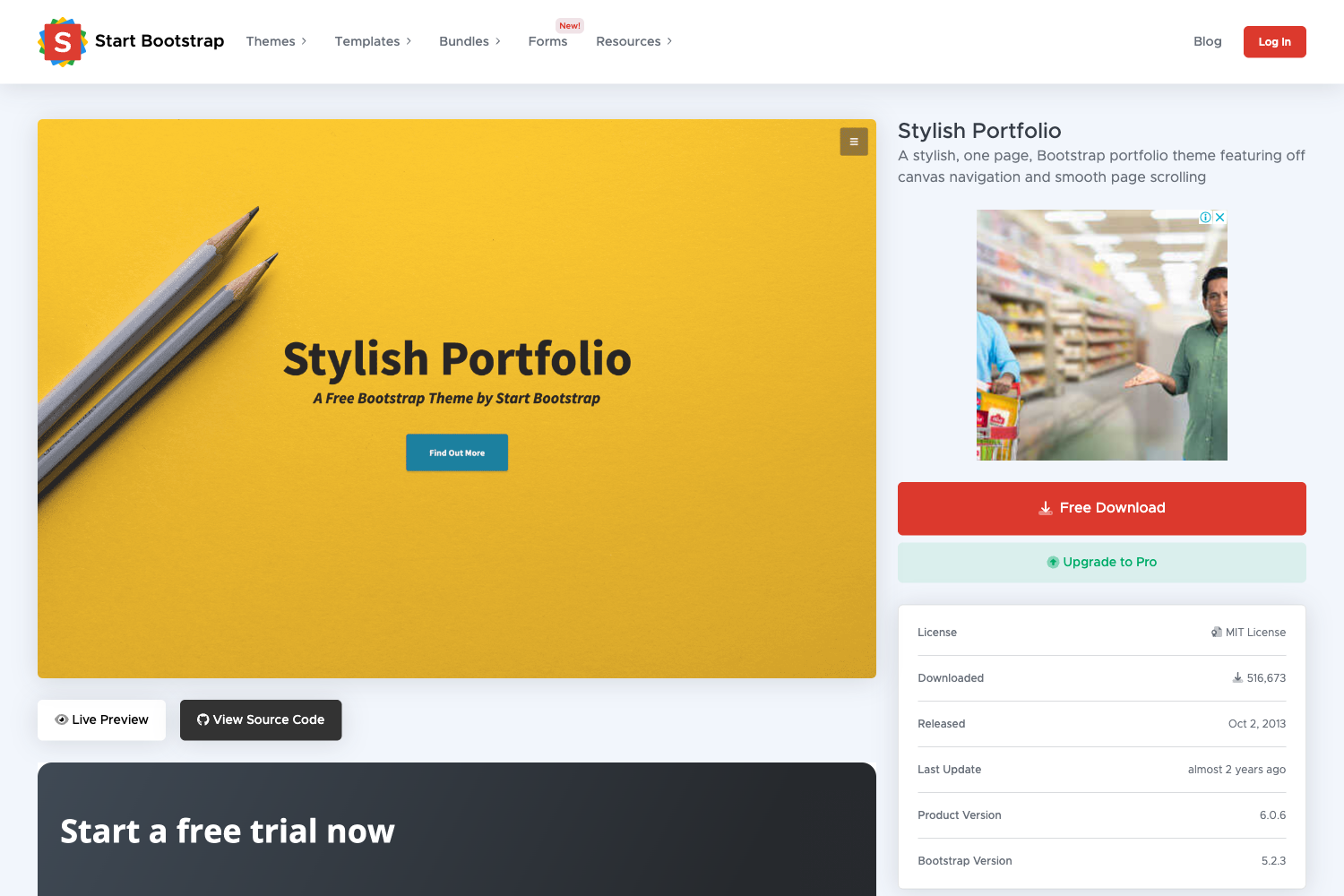
A Jekyll theme based on Uno-Theme that displays projects as a responsive timeline with GitHub integration.
About this template
Jekyll-Uno-Timeline is a Jekyll theme that replaces the traditional blog post list with a data-driven projects timeline, built as a fork of the Uno-Theme and optimized for portfolio sites.
What is Jekyll-Uno-Timeline?
Jekyll-Uno-Timeline is a Jekyll theme based on the Uno-Theme by joshgerdes, modified to remove all blog-post functionality and instead display a list of projects in a vertical timeline. It takes project data from _data/projects.yaml and renders it with three responsive layouts, using Font-Awesome icons and a GitHub API integration. The theme is developed by tzuehlke and is available on GitHub.
Key Features
- Timeline project list — Replaces the standard post loop with a vertical timeline; each project is an entry, and the layout adapts across three screen widths, with images hidden on small screens.
- Data-driven projects — Projects are defined in
_data/projects.yaml, so adding or editing a project only requires editing one YAML file; no HTML changes are needed. - GitHub API integration — Uses
github_api.js(adapted from the Jalpc theme) to pull repository information from GitHub, showing watchers counts and supporting both personal and organisation accounts. - Font-Awesome icons — All icons are provided by Font-Awesome; the theme requires either setting
font_awesomein_config.ymlor downloading and adding the font tohead.html. - Meetup link support — A dedicated Meetup link was added for event promotion; RSS and Disqus were removed in the rewrite.
- Timeline-inverted layout — Project text always appears on the right side of images using the
timeline-invertedclass from the { Personal } Jekyll Theme by le4ker. - Jekyll static site — Built on Jekyll, it generates plain HTML/CSS/JS with no database or server-side runtime; run locally with
jekyll buildandjekyll serve.
Who should use Jekyll-Uno-Timeline?
- Developers creating a project portfolio — They can showcase open-source work as a timeline instead of maintaining a blog, keeping the site focused on projects.
- Freelancers and consultants — They can present client projects and GitHub contributions on a single page, with icons and links to relevant platforms.
- GitHub-heavy users — People who want to automatically display repositories with watcher counts via the GitHub API integration, without manual updates.
- Jekyll users who prefer a minimal, no-blog setup — Since posts, pagination, RSS, and Disqus are removed, the theme is solely a project showcase.
What can you do with Jekyll-Uno-Timeline?
- Showcase personal projects: List projects in
_data/projects.yamland have them rendered as a clean, inverted timeline with images and descriptions. - Display GitHub repositories: Use the GitHub API integration to embed actual repo data (including watchers) on your page, for both personal and organisation accounts.
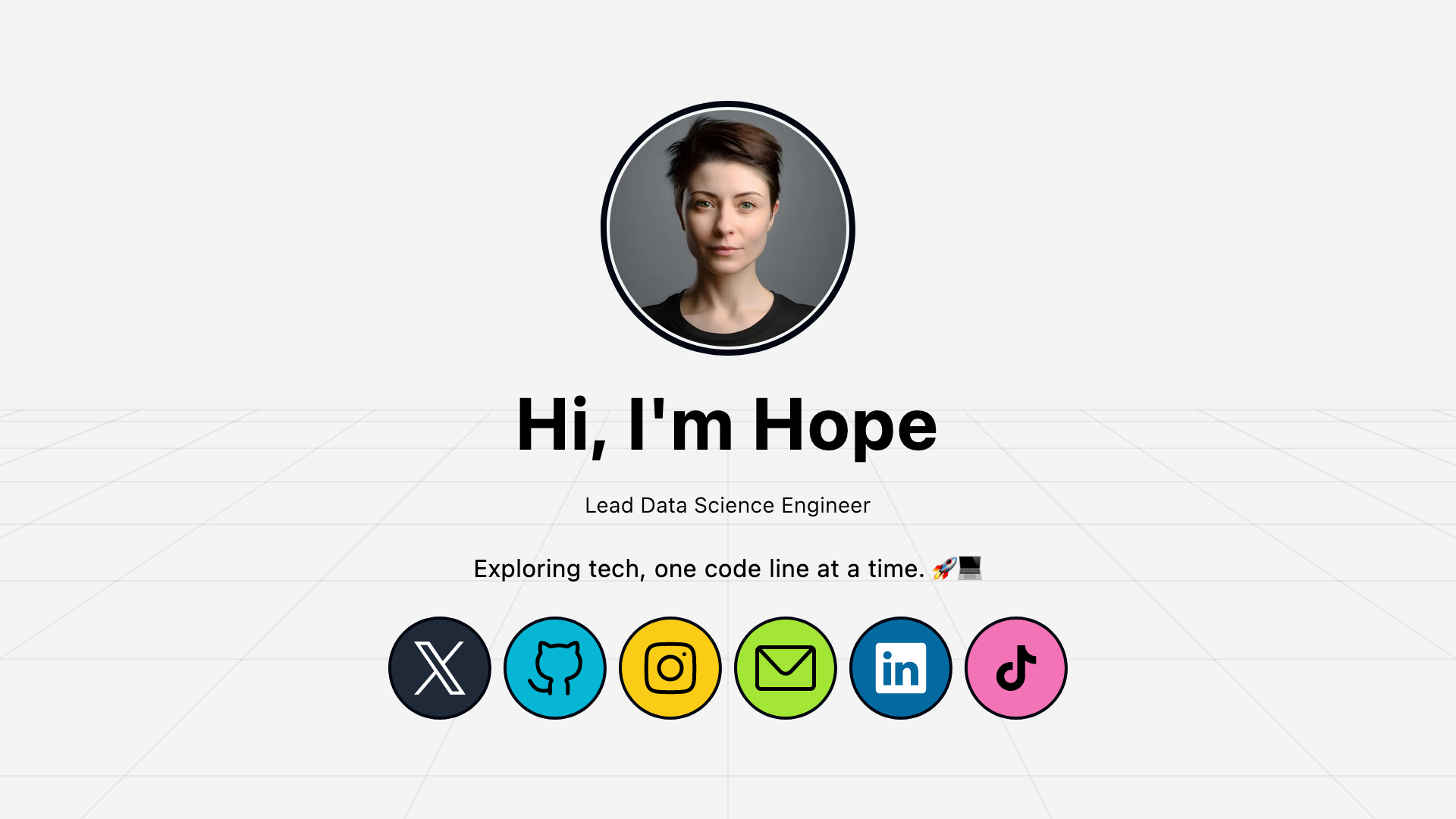
- Create a personal link page: With the Meetup link support and social icons, it can serve as a compact online presence with your projects and events.
How does Jekyll-Uno-Timeline work?
Installation follows standard Jekyll steps: clone the repository from GitHub, enter the folder, run jekyll build, then jekyll serve to view the site locally at http://localhost:4000/. After that, edit _config.yml — at minimum set font_awesome or add the Font-Awesome font to head.html. The timeline HTML and CSS come from the { Personal } Jekyll Theme with modifications: project data is read from _data/projects.yaml and the timeline-inverted class is always applied so text sits on the right.