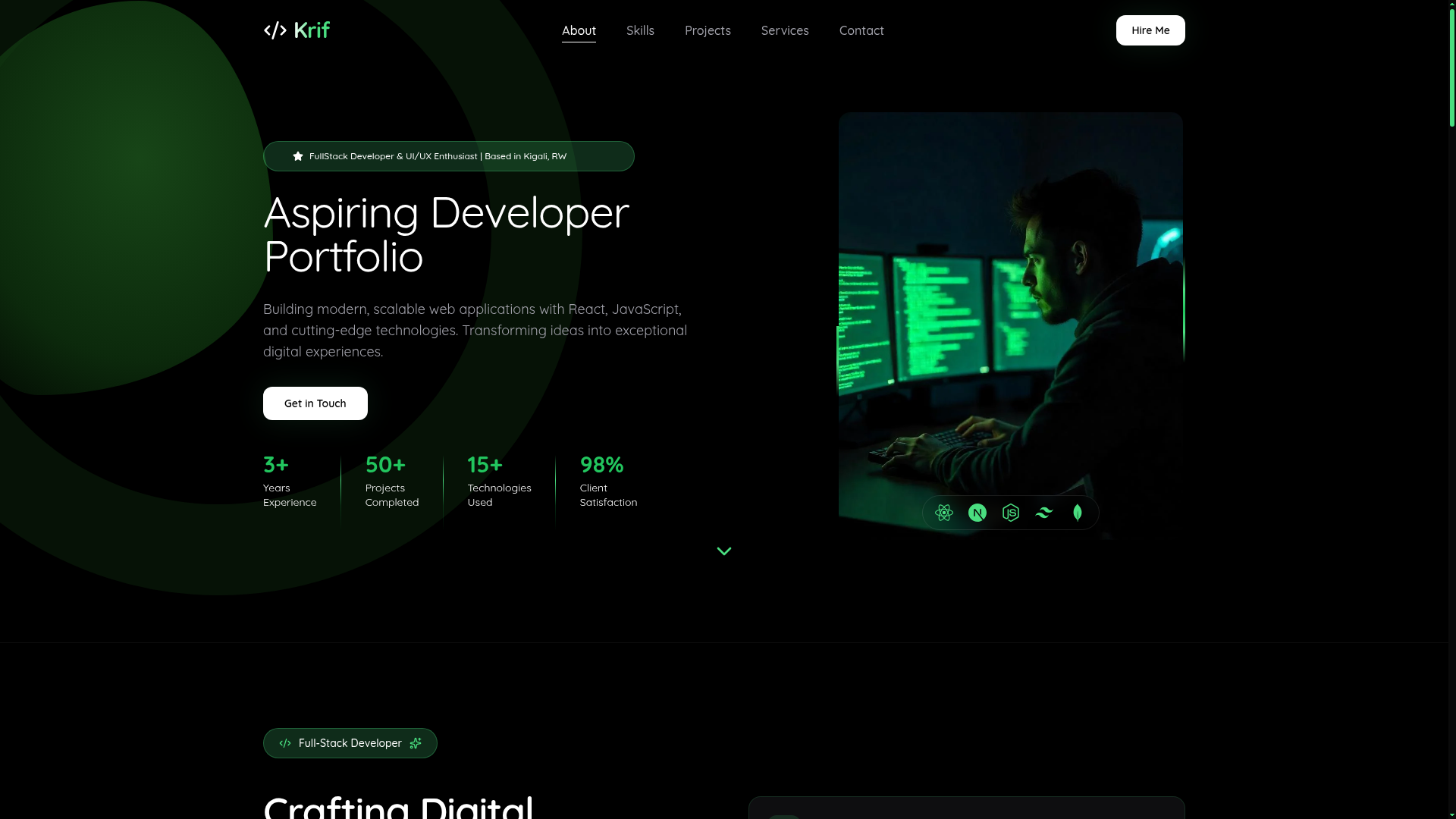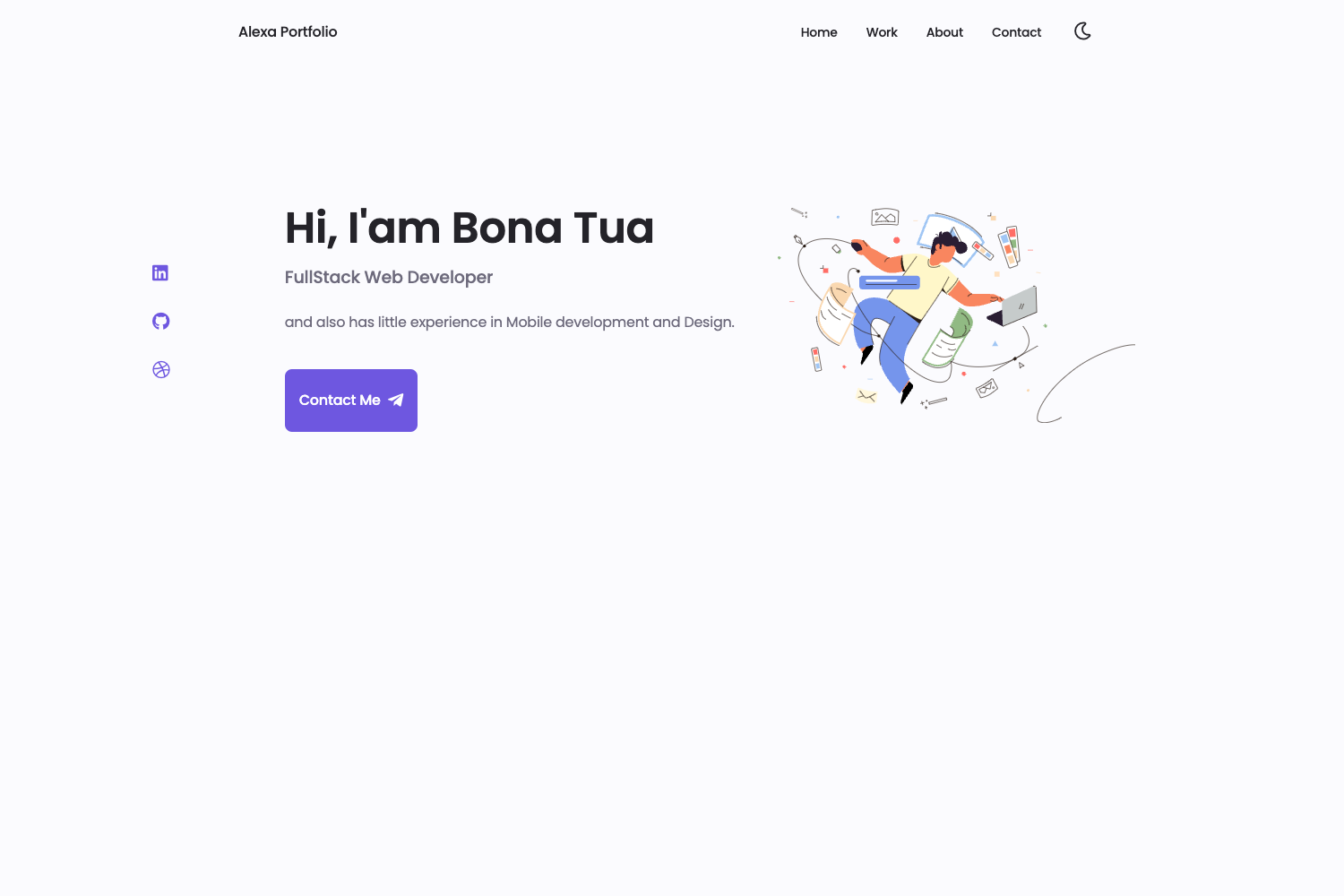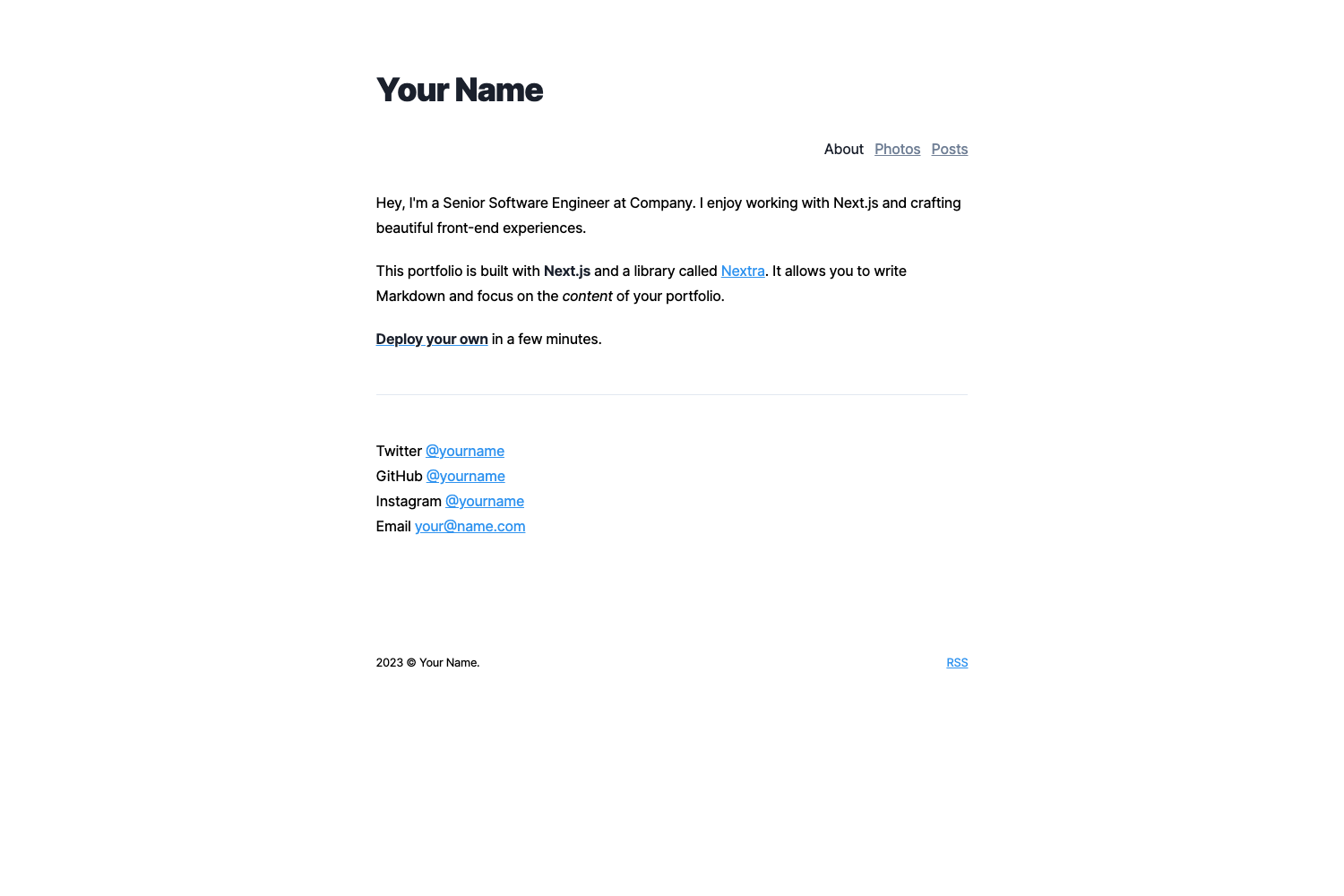
Template details
Academic Responsive Template
A Responsive HTML5/CSS3 template for setting up an academic website.
About this template
The Academic Responsive (AR) Template is a free, Bootstrap-based HTML5/CSS3 website template that provides a mobile-first layout for building an academic personal website.
What is the Academic Responsive (AR) Template?
The AR template is a single-page academic website skeleton built with Bootstrap that makes a researcher's profile readable on smartphones. It takes simple HTML files and a BibTeX publication list as input, and outputs a responsive personal site with pages for biography, CV, publications, and talks. The template was created by Demetris Zeinalipour at the University of Cyprus and is released under a CC BY 4.0 licence.
It is implemented in Bootstrap (an HTML, CSS, and JS framework) and has been tested on iOS, Windows Phone, Android, Chrome, Safari and other browsers. Some features depend on free external components: Google Custom Search for site search, a Twitter widget for news, and Smartbib for publication indexing. Having a CV in LaTeX format helps automate the generation of material and streamline consistency between your CV and your website.
Key Features
- Mobile-first responsive layout — Built on Bootstrap so the site adapts to iOS, Android, Windows Phone, and desktop browsers without separate templates.
- Single-page structure —
index.htmlcontains most of the site content; additional pages includebio.htmlfor a short biography andcv.htmlfor a detailed CV. - BibTeX publication and talk integration — Add entries to
publications/demo.bibandtalks/presentations/demo.bib; if PHP is available on the server, the entries render as neat, formatted lists. - Google Custom Search integration — A search box can be wired to a Google Custom Search engine by replacing the JavaScript in the HTML files, giving site visitors full-text search.
- Twitter widget support — The template accommodates a Twitter widget for displaying news or updates through the free embedding code Twitter provides.
- CC BY 4.0 licensing — The template is free for any use, including commercial, as long as the original creation is credited in the footer of the site.
- CV automation from LaTeX — The included
CV-latexsources and thelatex2htmlcommand convert a LaTeX CV into the content ofcv.html, keeping the website CV in sync with the PDF CV.
Who is the template for?
The AR template is aimed at academics and researchers who need a low-maintenance personal website. It suits PhD students, postdocs, faculty, and research labs that want a clean online presence without learning a CMS.
- PhD students and postdocs — Set up a personal page with bio, publications, and talk list by editing HTML files and a BibTeX file.
- Faculty members — Maintain an up-to-date CV page by regenerating it from LaTeX with
latex2htmland pasting the output intocv.html. - Research groups and labs — Use the template as a base for lab member pages; the adopter list includes labs such as the Embedded Artificial Intelligence Lab at Beijing and the Centre for Philosophy of Memory in France.
What can you do with it?
- Create a mobile-friendly academic homepage — Publish a single-page profile with sections for news, publications, and contact info that reads well on phones.
- Display publications from BibTeX — Drop references into a
.bibfile and let the PHP script format them into a neat list on the publications page. - Automate a CV from LaTeX — Run the
latex2htmlcommand shown in the README to generate HTML from a LaTeX CV, then copy that output intocv.html. - Add site search without a CMS — Configure the Google Custom Search snippet in the HTML to give visitors a search box for the site.
How does the template work?
You edit the HTML files directly with a text editor or WYSIWYG editor, then upload the folder to any static web server. The main content is in index.html; bio.html and cv.html hold the biography and CV. For publications, you add BibTeX entries to the .bib files — if the server runs PHP, those entries are rendered automatically into formatted lists. The README also provides a latex2html command to convert a LaTeX CV into the HTML that goes into cv.html.
Pros and cons
- Pros: Free and open source under CC BY 4.0; mobile-first Bootstrap design; works on plain static hosting; integrates BibTeX and LaTeX workflows.
- Cons: Some features rely on external services (Google Custom Search, Twitter widget, Smartbib); BibTeX rendering requires PHP; editing requires directly modifying HTML files rather than using a visual builder.
Pricing
The template is free. It is distributed under a Creative Commons CC BY 4.0 licence, meaning you can use, remix, and even build on it commercially as long as you credit the original creation in the footer of your site.
Alternatives
Other academic website templates include al-folio, a Jekyll-based academic portfolio theme, and academicpages, a GitHub Pages template designed for academic personal sites.
FAQ
Is the AR template free?
Yes, the template is free to use and is released under a Creative Commons CC BY 4.0 licence. You can reuse, modify, and even use it commercially, provided you credit the original creation in the footer of your site.
Does the template require PHP to show publications?
Adding publications to publications/demo.bib and talks to talks/presentations/demo.bib is the input; the BibTeX entries are rendered neatly only if PHP is available on your web server. Without PHP, the raw BibTeX text will be shown instead of a formatted list.
What browsers and devices are supported?
The template has been tested on iOS, Windows Phone, Android, Chrome, and Safari. Because it is built on Bootstrap, it is responsive and should work on most modern browsers and mobile devices.
What do I need to edit to personalize the site?
You edit the HTML files directly with a text editor or WYSIWYG editor. The main content lives in index.html; bio.html and cv.html hold the biography and CV. The CV page can be generated from a LaTeX file using the latex2html command provided in the README.
Can I use the template for a research group or lab?
Yes, the template has been used by individual researchers and by labs such as the Embedded Artificial Intelligence Lab in Beijing. You can adapt the single-page layout to show multiple members by reusing the HTML structure.